-
Solo Business Courses
-
 Others
-
Overseas Tutorials
-
Photography & Editing
-
Community & Private Domain
-
Self-Media Writing & Copywriting
-
Side Income Projects
-
E-commerce
-
Short Video & Live Streaming
-
Artificial Intelligence (AI)
-
Software & Tools
-
Operating Systems
-
Plugins & Scripts
-
MacOS Software
-
Android Software
-
Windows Software

2026 Latest WeChat Official Account Article Downloader, Batch Export with Images/Videos/Comments, Save Collections
-
Game Gold-Farming Money-Making Plan: Earn 1k+ Daily, a Stable 3-Year Project Anyone Can Do in Spare Time [Revealed]
Study material — included with membership Get Membership -
Hot-game fully-automated earning: 500+ a day, no experience, simple operation - the steadiest long-term game-earning side hustle (revealed)
Study material — included with membership Get Membership -
FlyingMouse earns merit this time! Don't panic at Windows format problems — the open-source FlyingMouse format conversion tool helps, a popular GitHub gem
Study material — included with membership Get Membership -
Douyin Product-Selling Coaching Bootcamp: No On-Camera Appearance Needed, Newbies Can Produce Selling Short Videos by Following the Steps
Study material — included with membership Get Membership -
First-release game gold-farming money plan: 1K+ a day, ordinary people in spare time
Study material — included with membership Get Membership






-
FlyingMouse earns merit this time! Don't panic at Windows format problems — the open-source FlyingMouse format conversion tool helps, a popular GitHub gem
Study material — included with membership Get Membership -
LuDaShi v6.1024.4105.1121 Slim Single File
Study material — included with membership Get Membership -
2D Cartoon Animation Software Moho Pro v14.3
Study material — included with membership Get Membership -
Video Editor Aiseesoft Filmai v1.0.18
Study material — included with membership Get Membership -
To-Do Microsoft To Do v2.147 Free
Study material — included with membership Get Membership -
PR/AE/DaVinci/FCPX video Plugin Nobe OmniScope Win1.11.15 / Mac1.10.138
Study material — included with membership Get Membership





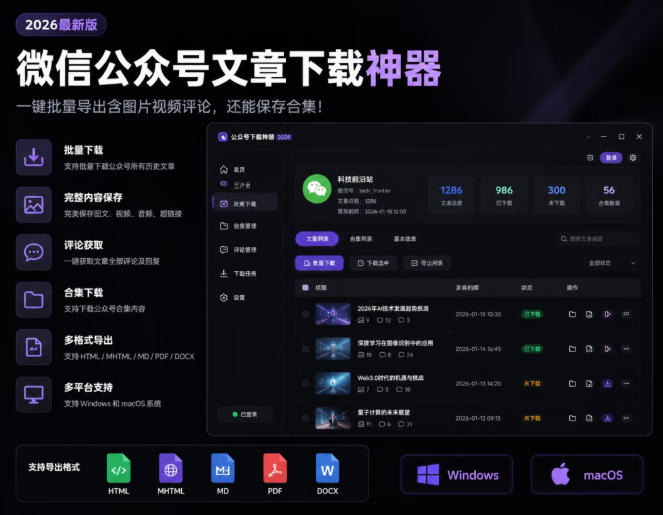
Software Introduction
A small tool for batch downloading WeChat Official Account articles. Supports Windows and macOS. Can download historical messages of an official account; save articles as html/mhtml/md/pdf/docx; supports comments and collection downloads; saves images, videos, and audio inside articles.
Features
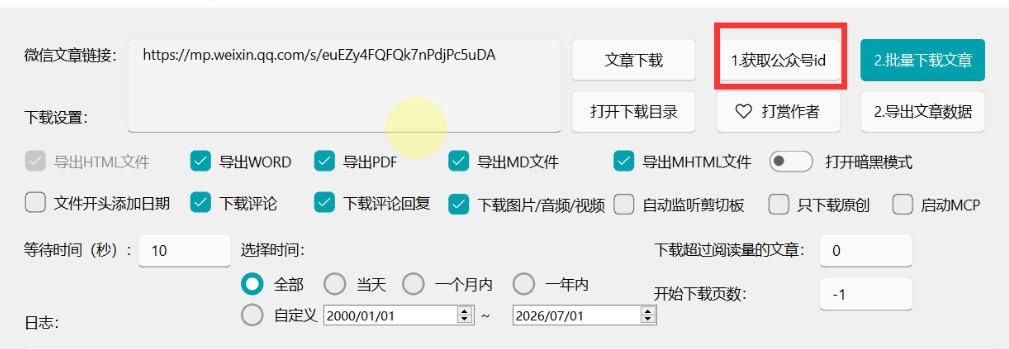
Open-source free & cross-platform: Windows/macOS dual-platform. Batch download historical messages: paste any article link -> get official account ID -> get a temporary key via WeChat -> batch download by time/page range. Multi-format export: HTML/MHTML/Markdown/PDF/DOCX; also export article data (views/likes/shares) as CSV/Excel. All-media saving: auto-download images, covers, videos, audio inside articles, organized by article. Comments & collections: download article comments and replies; one-click download official account collections/columns.
Usage
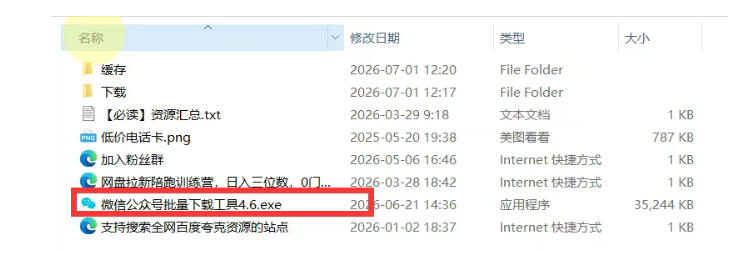
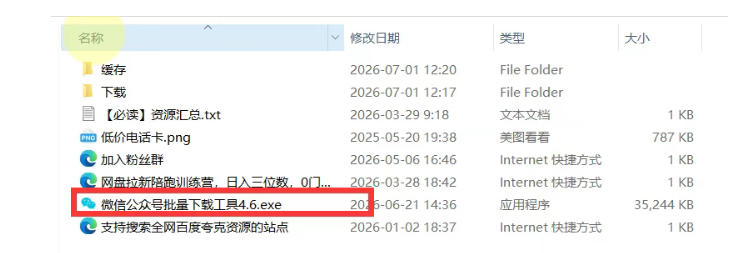
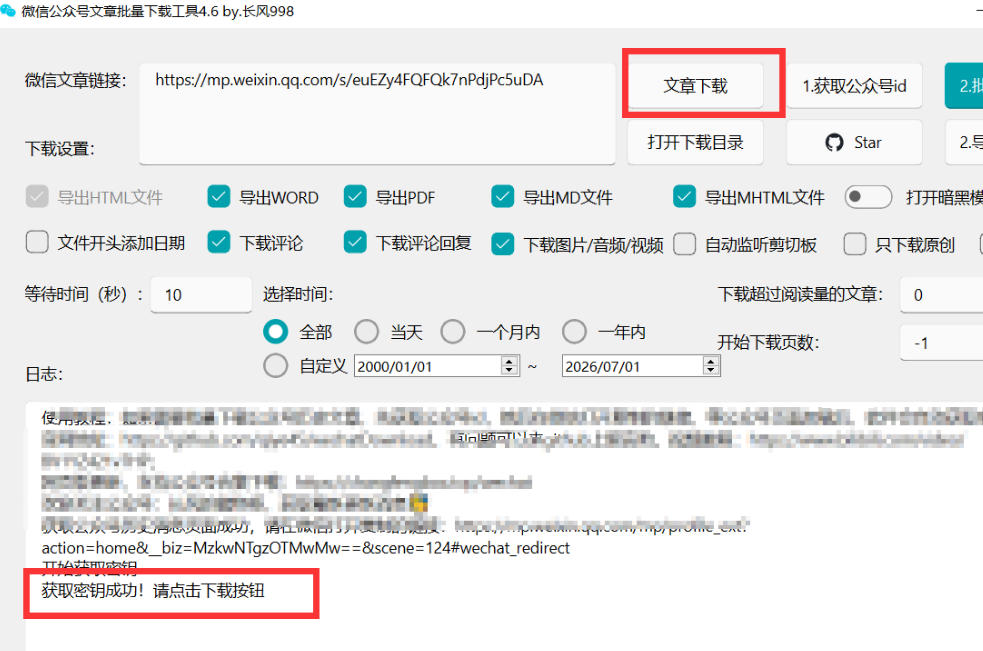
Download, unzip, double-click to run.
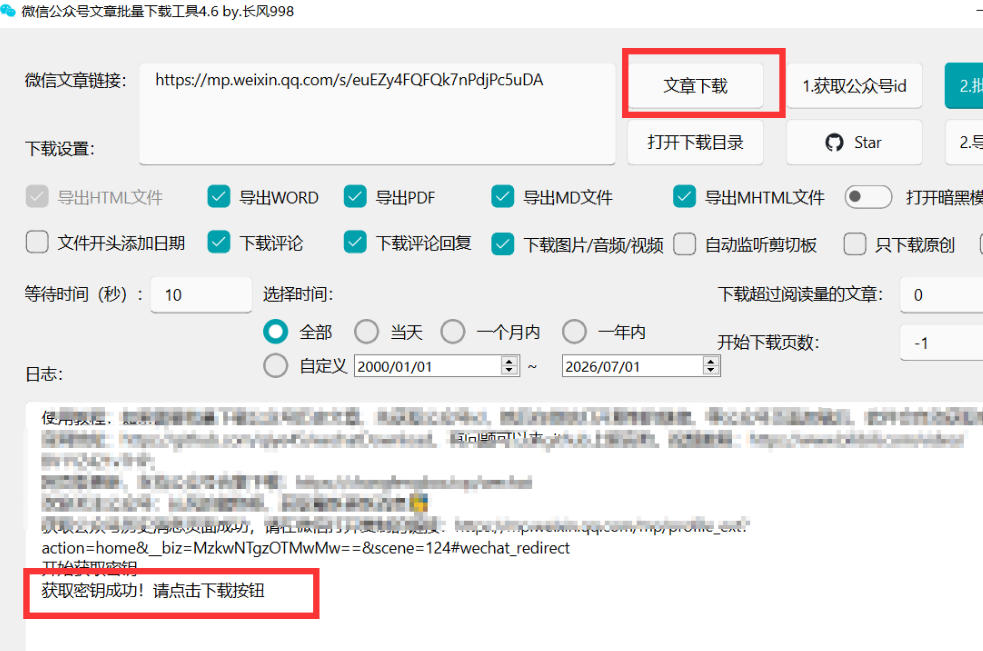
Copy an official-account article link into the software, click "Get Official Account ID".
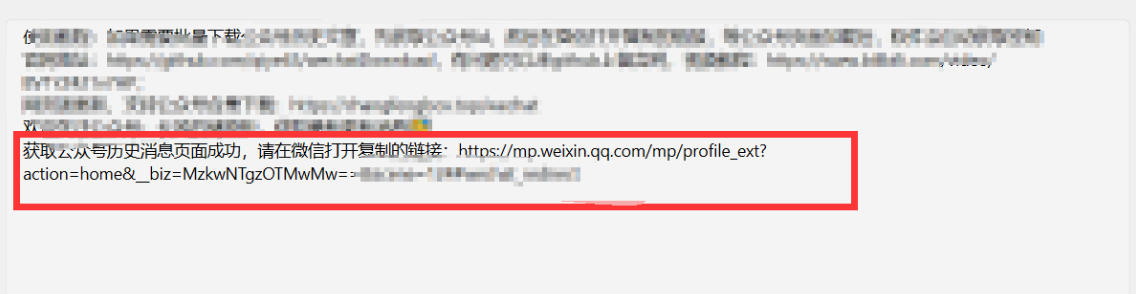
Open the resulting link in WeChat.
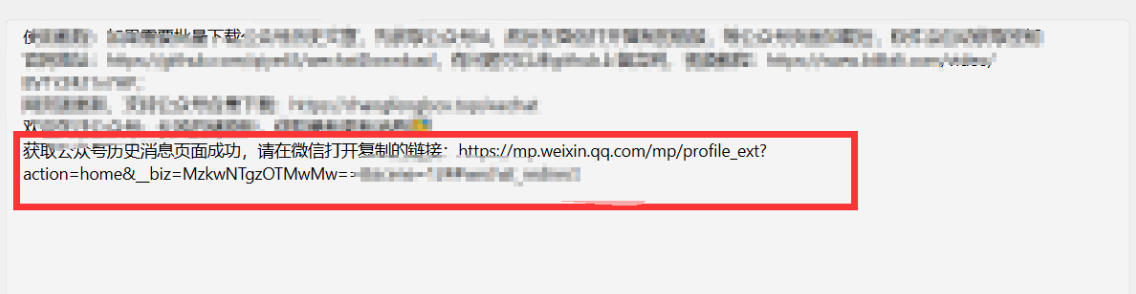
After opening, it shows "key obtained successfully", then you can download.
*Note: this is only an introduction, no income promise. Results vary; strictly follow platform rules and laws.*
Supporting Study Materials
This course comes with a materials pack. Members receive the access link by email after requesting the course.
Related Courses

WeChat Official-Account Traffic-Monetizer Beginner Practical Course: Step by Step—Find Benchmarks, Add Article Images, Write Copy, Withdraw Ad Revenue

Commercial social-IP practice bootcamp: positioning planning in the post-traffic era, track case teardowns, and a full tool/methodology set

Meitu practical-tools tutorial bundle: collage, color grading, retouching and effects, fun photo processing, zero-basics novel-post voiceover teaching

High-value advanced copywriting bootcamp: from underlying copy layout to personal-brand shaping - one system for follower growth, trust and sales




WeChat Official Account traffic-owner niche track — 1652 in 10 days, replicable for beginners, detailed breakdown

Viral-content principles course: hit the essence of self-media, break traffic ceilings, build a differentiated IP