


-
Solo Business Courses
-
 Others
-
Overseas Tutorials
-
Photography & Editing
-
Community & Private Domain
-
Self-Media Writing & Copywriting
-
Side Income Projects
-
E-commerce
-
Short Video & Live Streaming
-
Artificial Intelligence (AI)
-
Software & Tools
-
Operating Systems
-
Plugins & Scripts
-
MacOS Software
-
Android Software
-
Windows Software
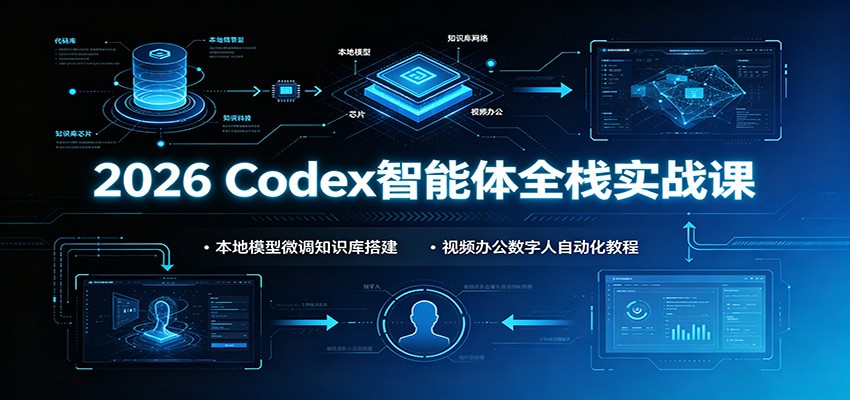
2026 Codex Agent Full-Stack Practical Course: Local Model Fine-tuning, Knowledge Base, Video & Office Digital-Human Automation
-
Game Gold-Farming Money-Making Plan: Earn 1k+ Daily, a Stable 3-Year Project Anyone Can Do in Spare Time [Revealed]
Study material — included with membership Get Membership -
Hot-game fully-automated earning: 500+ a day, no experience, simple operation - the steadiest long-term game-earning side hustle (revealed)
Study material — included with membership Get Membership -
FlyingMouse earns merit this time! Don't panic at Windows format problems — the open-source FlyingMouse format conversion tool helps, a popular GitHub gem
Study material — included with membership Get Membership -
Douyin Product-Selling Coaching Bootcamp: No On-Camera Appearance Needed, Newbies Can Produce Selling Short Videos by Following the Steps
Study material — included with membership Get Membership -
First-release game gold-farming money plan: 1K+ a day, ordinary people in spare time
Study material — included with membership Get Membership






-
FlyingMouse earns merit this time! Don't panic at Windows format problems — the open-source FlyingMouse format conversion tool helps, a popular GitHub gem
Study material — included with membership Get Membership -
LuDaShi v6.1024.4105.1121 Slim Single File
Study material — included with membership Get Membership -
2D Cartoon Animation Software Moho Pro v14.3
Study material — included with membership Get Membership -
Video Editor Aiseesoft Filmai v1.0.18
Study material — included with membership Get Membership -
To-Do Microsoft To Do v2.147 Free
Study material — included with membership Get Membership -
PR/AE/DaVinci/FCPX video Plugin Nobe OmniScope Win1.11.15 / Mac1.10.138
Study material — included with membership Get Membership





Course Introduction
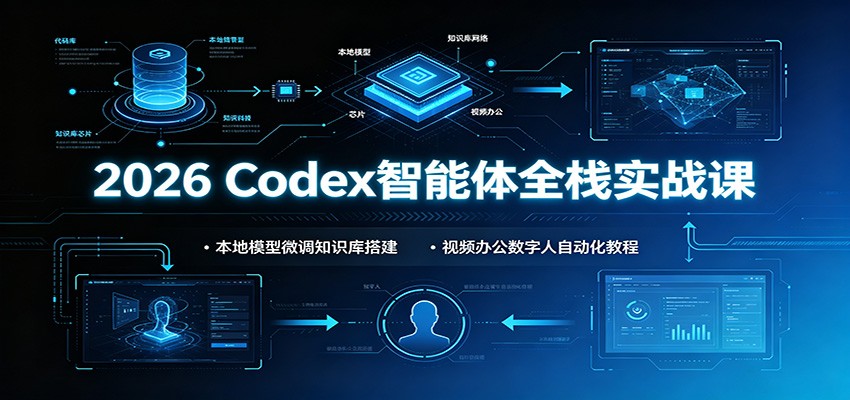
The brand-new 2026 Codex agent practical course starts from software installation and setup, and layer by layer breaks down the underlying principles of agents and how to build Skills, covering video creation, office automation, design & image generation, and mini-program development. The course combines HyperFrames for effects editing, and builds a localized digital-human talking-head system; it hand-in-hand deploys an open-source digital-human project based on Docker; it connects Feishu multi-dimensional tables and an Obsidian local knowledge base to automate document and image-text output. It also covers Llama-factory model fine-tuning, RAGFLOW local knowledge base, and Yingdao RPA data collection, paired with Git project management and an in-depth analysis of the Stanford Agent Village architecture, plus practical Skills for research, editing and office work. All are deployable hands-on cases; even beginners can build their own local AI automation workflow, with accompanying Feishu document materials for review after class.
Course Catalog
1.[1.1]– Course notices (teaching assistant in lesson 5, notes in lesson 6, watch on computer)
2.[1.2]–1-CODEX installation and configuration
3.[1.3]–2-CODEX basic interface usage
4.[1.4]– Supplementary notes on Chinese settings
5.[2.1]–1 – Agent basics (CLI and API)
6.[2.2]–2 – Planning – Memory – the role of large models in agents
7.[2.3]–3 – Build your first skill with CODEX
8.[2.4]–4 – Deconstructing what a skill is made of
9.[3.1]–1 – Overall business flow and demo
10.[3.2]–2 – Complete automated scriptwriting
11.[3.3]–3 – Configure an image skill and automate parallel generation
12.[3.4]–4 – Configure automated video generation
13.[3.5]–5 – Test the video API and analyze it
14.[3.6]–6 – Configure the auto-editing plugin and test it
15.[3.7]–7 – Configure the Jianying assistant plugin to get a draft
16.[3.8]–8 – Complete a test example (no editing – can fast-forward)
17.[4.1]–1-Excel table processing and data analysis
18.[4.2]–2 – First step of auto-making PPT: understand the business logic
19.[4.3]–3 – Define templates and outline editing
20.[4.4]–4 – Get a complete image-based PPT
21.[4.5]–5 – Editable version and turn it into a skill
22.[5.1]–1 – General logic analysis for design images
23.[5.2]–2 – Choose the right API to finish the task
24.[5.3]–3 – Complete the design-image production flow
25.[5.4]–4 – Turn it into a skill and test it
26.[6.1]–1 – Overall business logic analysis for video replication
27.[6.2]–2 – Build a nine-grid video creation chart
28.[6.3]–3 – Get camera-movement logic, voiceover and other materials
29.[6.4]–4 – Output the video replication result
30.[7.1]–1 – Logic analysis for storyboard video
31.[7.2]–2 – Get the decomposed white-background materials
32.[7.3]–3 – Merge model outfit effect images
33.[7.4]–4 – Complete camera movement and video production
34.[8.1]–1 – Logic analysis for storyboard video
35.[8.2]–2 – How to design and fill the storyboard
36.[8.3]–3 – Complete video production based on the story
37.[9.1]–1 – Preparation (tools to configure)
38.[9.2]–2 – Complete the requirements document
39.[9.3]–3 – Build the UI interface and preview it
40.[9.4]–4 – Debug mini-program code functions (can fast-forward)
41.[9.5]–5 – Test and upload for release
42.[10.1]–1 – Introduction and analysis of the auto-editing plugin
43.[10.2]–2-Codex configuring open-source models and how to apply them
44.[10.3]–3 – Configure voice and timeline localization tools
45.[10.4]–4 – Make a storyboard for editing animation
46.[10.5]–5 – Complete effects with HyperFrames
47.[11.1]–1 – Overall flow and open-source project analysis
48.[11.2]–2 – Auto-configure the open-source digital-human project with Docker
49.[11.3]–3 – Modify the open-source project to add your own voice
50.[11.4]–4 – Add automated editing to talking-head videos with HyperFrames
51.[12.1]–1 – Project demo and flow analysis
52.[12.2]–2 – Digital-human talking-head video API configuration
53.[12.3]–3 – Record your own voice and configure the API
54.[12.4]–4 – Short-video copywriting API configuration
55.[12.5]–5 – Software development flow and configuration method
56.[13.1]–1-GIT and GITHUB introduction
57.[13.2]–2-GITHUB feature introduction
58.[13.3]–3-Basic GIT command operations
59.[13.4]–4 – Migrate the project to the GITHUB server
60.[14.1]–1 – Logic analysis combined with Feishu
61.[14.2]–2 – Connect the Feishu skill to finish multi-dimensional table tasks
62.[14.3]–3 – Connect your own agent in Feishu (usable on phone)
63.[15.1]–1-Analyze problems Obsidian can solve
64.[15.2]–2-Configure and use CODEX in Obsidian
65.[15.3]–3 – Use Obsidian plugins to fetch data
66.[15.4]–4 – Connect an open-source project for industry analysis summaries
67.[15.5]–5 – Make Xiaohongshu image-text with knowledge-base templates and retrieval
68.[16.1]–1-Nature-Skill to complete research-related work
69.[17.1]–1 – Environment configuration method
70.[17.2]–2 – Multimodal dataset configuration
71.[17.3]–3 – Fine-tuning, quantization and inference prediction
72.[18.1]–1-RAGFLOW introduction and features
73.[18.2]–2-RAGFLOW connects to local models
74.[18.3]–3-Chat and Embedding model connection
75.[18.4]–4 – Knowledge base build example
76.[18.5]–5 – Package it as an API call
77.[19.1]–1 – Yingdao RPA analysis
78.[19.2]–2 – How to install Yingdao
79.[19.3]–3 – Example of Yingdao flow configuration
80.[19.4]–4 – Execute loop operations
81.[19.5]–5 – Complete all copywriting collection functions
82.[20.1]–1 – Overall story interpretation
83.[20.2]–2 – Problems to solve and overall framework analysis
84.[20.3]–3 – Basic paper framework analysis
85.[20.4]–4-Agent memory information
86.[20.5]–5 – Perception and reflection module build flow
87.[20.6]–6 – Planning module implementation details
88.[20.7]–7 – Overall flow framework diagram
89.[20.8]–8 – Perception module interpretation
90.[20.9]–9 – Thinking module interpretation
91.[20.10]–10 – Project environment configuration interpretation
92. Feishu document materials.txt
Supporting Study Materials
This course comes with a materials pack. Members receive the access link by email after requesting the course.
Related Courses

Family Comedy Short-Drama Creation Course: Benchmark Hot Accounts, AI-Assisted, Fast Start for Total Beginners, Grow Followers and Drive Product Sales

Amazon AI Automation Practical Course: AI Operating Mindset, Setting Up the Codex Environment, Risk-Control Checks and Automated Listing Copy

AI E-Commerce Data Tool Development Course: Learn Codex+BI From Zero, Build a Multi-Store Integrated Visualization Dashboard


Advanced AI Prompt Application: 15 Lessons | Universal Instruction Thinking + Multiple Output Modes + Full Industry Commercial Cases

AI Video Creation Crash Course: From Great-Case Breakdown to Five Core Modules, Fast-Track AI Video Skills for Total Beginners

AI Commercial Practice System Course: In-Depth SD Mastery + Advanced Flux Hands-On + Comfyui Workflow Building, Full Commercial Design Project Training

[National-Day Pick] AI Automation Game, 1k+ RMB a Day, Simple to Operate, Stable for Three Years! [Revealed]



