


-
Solo Business Courses
-
 Others
-
Overseas Tutorials
-
Photography & Editing
-
Community & Private Domain
-
Self-Media Writing & Copywriting
-
Side Income Projects
-
E-commerce
-
Short Video & Live Streaming
-
Artificial Intelligence (AI)
-
Software & Tools
-
Operating Systems
-
Plugins & Scripts
-
MacOS Software
-
Android Software
-
Windows Software
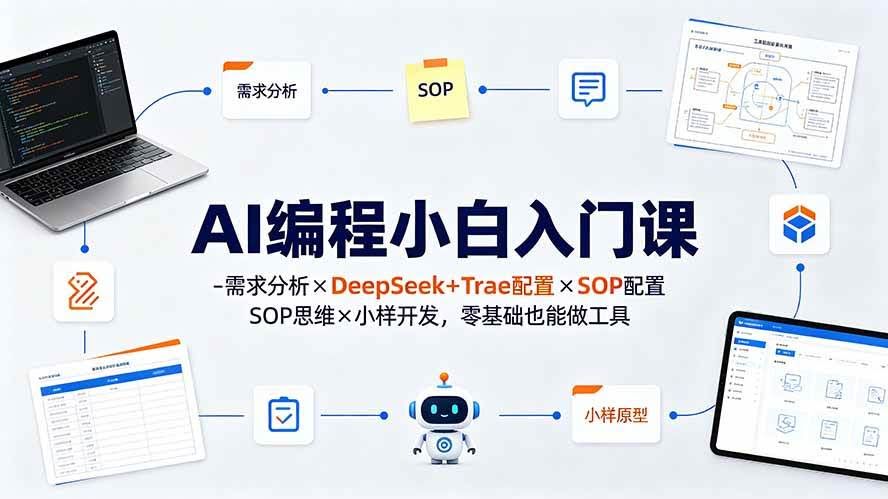
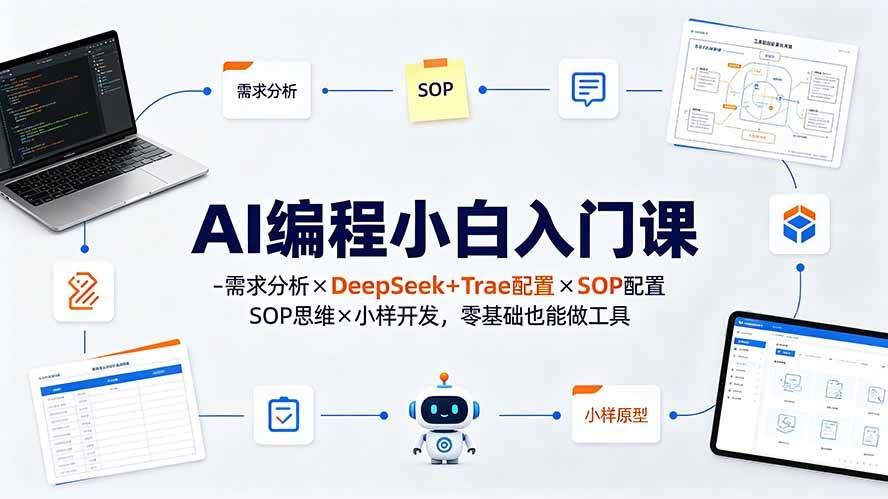
AI Programming Beginner Course: Requirement Analysis × DeepSeek + Trae Setup × SOP Mindset × Prototype Development, Build Tools from Zero
-
Game Gold-Farming Money-Making Plan: Earn 1k+ Daily, a Stable 3-Year Project Anyone Can Do in Spare Time [Revealed]
Study material — included with membership Get Membership -
Hot-game fully-automated earning: 500+ a day, no experience, simple operation - the steadiest long-term game-earning side hustle (revealed)
Study material — included with membership Get Membership -
FlyingMouse earns merit this time! Don't panic at Windows format problems — the open-source FlyingMouse format conversion tool helps, a popular GitHub gem
Study material — included with membership Get Membership -
Douyin Product-Selling Coaching Bootcamp: No On-Camera Appearance Needed, Newbies Can Produce Selling Short Videos by Following the Steps
Study material — included with membership Get Membership -
First-release game gold-farming money plan: 1K+ a day, ordinary people in spare time
Study material — included with membership Get Membership






-
FlyingMouse earns merit this time! Don't panic at Windows format problems — the open-source FlyingMouse format conversion tool helps, a popular GitHub gem
Study material — included with membership Get Membership -
LuDaShi v6.1024.4105.1121 Slim Single File
Study material — included with membership Get Membership -
2D Cartoon Animation Software Moho Pro v14.3
Study material — included with membership Get Membership -
Video Editor Aiseesoft Filmai v1.0.18
Study material — included with membership Get Membership -
To-Do Microsoft To Do v2.147 Free
Study material — included with membership Get Membership -
PR/AE/DaVinci/FCPX video Plugin Nobe OmniScope Win1.11.15 / Mac1.10.138
Study material — included with membership Get Membership





Course Introduction
This course is built for total beginners. It systematically teaches AI programming from requirement analysis, tool selection, programming mindset building to monetization practice. It covers understanding requirements (self-use efficiency / paid order monetization), configuring the AI tool DeepSeek V4 PRO, using the IDE tool Trae, programming mindset (SOP-driven AI development), monetization models (selling tools on e-commerce / paid development / going overseas), and hands-on walkthrough (API config → IDE config → requirement gathering → dev & test → prototype iteration). The course emphasizes letting AI implement tool development by clearly stating your needs; make a prototype first for validation, then iterate deeper.

1. Understand Your Requirements
You must be clear: what do you want the tool made by AI programming to do? Is it to boost efficiency on your own projects, or to monetize by developing tools for clients (basically hard without mature programming experience), or something else?
In my own case, I build efficiency tools to help projects, and take paid orders for monetization.
2. Tool Introduction
AI tool: DeepSeek V4 PRO via API (low development cost)
IDE tool: Trae (developed by ByteDance)
These two are very suitable for beginners.
3. Programming Mindset
Simply put, when doing a project and hitting hard problems, can we use tools to raise efficiency? If yes, can we organize a complete SOP flow and have AI programming implement the tool via that SOP flow?
Put more comprehensively: give your requirement to AI, and AI helps you implement it.
4. Monetization Models
Develop some tools, sell them on e-commerce platforms, do paid development for clients, or go overseas, etc.
If you do not want to monetize, just build efficiency tools yourself to copy how you run projects.
5. Hands-on Walkthrough
First configure the DS API
sk-8a5a051320ee4091af385746b8fdd48f
Then configure the IDE tool
Then organize the idea or the complete SOP flow for the tool you want to build
Finally, use AI programming to develop and test the tool
In the early phase, make a prototype first. If it fits, go deeper; if not, rebuild the prototype.
Your own requirement must be clear, like this:
For example: I want to use root-word analysis to see which product notes appear on the Xiaohongshu homepage, but Xiaohongshu blocks long screenshots; I tried many tools and none can do this.
I want to build an auto-scroll long-screenshot tool on the web, screenshotting in batches rather than all at once. Then export JPG or PNG images, finally pack and download the screenshots. It can be built as an EDGE browser extension or as a desktop tool. Is this feasible? Analyze first, then decide.
Because the Xiaohongshu homepage is very long as you scroll down, I need to make multiple long screenshots in batches.
After the prototype is done, use real project experience to continuously enrich the tool.
Supporting Study Materials
This course comes with a materials pack. Members receive the access link by email after requesting the course.
Related Courses

Family Comedy Short-Drama Creation Course: Benchmark Hot Accounts, AI-Assisted, Fast Start for Total Beginners, Grow Followers and Drive Product Sales

Amazon AI Automation Practical Course: AI Operating Mindset, Setting Up the Codex Environment, Risk-Control Checks and Automated Listing Copy

AI E-Commerce Data Tool Development Course: Learn Codex+BI From Zero, Build a Multi-Store Integrated Visualization Dashboard


Advanced AI Prompt Application: 15 Lessons | Universal Instruction Thinking + Multiple Output Modes + Full Industry Commercial Cases

AI Video Creation Crash Course: From Great-Case Breakdown to Five Core Modules, Fast-Track AI Video Skills for Total Beginners

AI Commercial Practice System Course: In-Depth SD Mastery + Advanced Flux Hands-On + Comfyui Workflow Building, Full Commercial Design Project Training

[National-Day Pick] AI Automation Game, 1k+ RMB a Day, Simple to Operate, Stable for Three Years! [Revealed]



