-
Khóa học khởi nghiệp
-
 Khác
-
Hướng dẫn từ nước ngoài
-
Chụp ảnh & Chỉnh sửa
-
Vận hành cộng đồng & Kênh riêng
-
Viết self-media & viết quảng cáo
-
Dự án thu nhập phụ
-
Thương mại điện tử
-
Video ngắn & Livestream
-
Trí tuệ nhân tạo (AI)
-
Phần mềm & Công cụ
-
Hệ điều hành
-
Plugin & Script
-
Phần mềm MacOS
-
Phần mềm Android
-
Phần mềm Windows

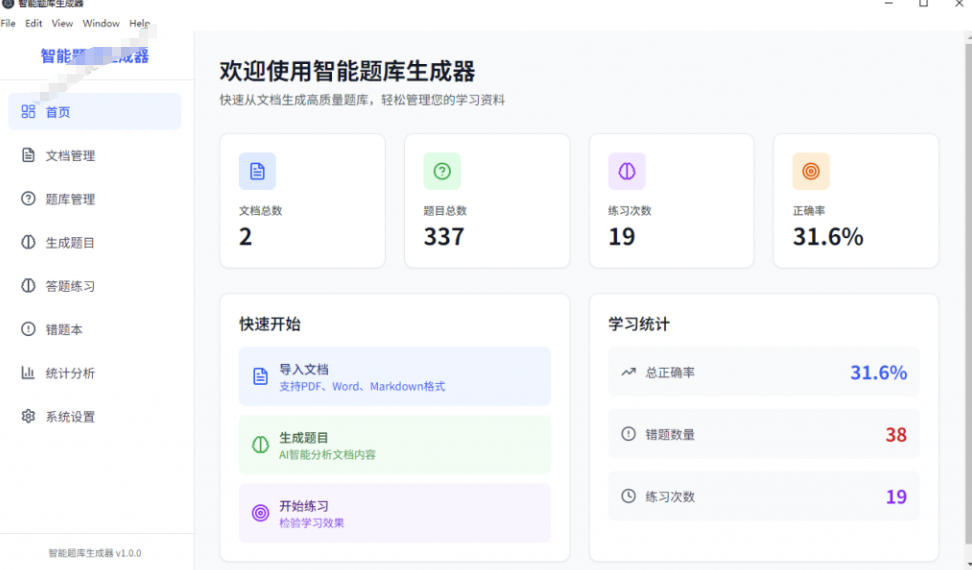
A Windows smart question-bank generator! Import documents to one-click generate a question bank and answers, with practice mode - a must-have teacher/student tool (original)
-
Kế hoạch kiếm tiền farm vàng game, thu 1k+/ngày, dự án ổn định ba năm, người bình thường tận dụng thời gian rảnh là làm được!【Bật mí】
Tài liệu học tham khảo — bao gồm trong hội viên Trở thành hội viên -
Kiếm tiền tự động hoàn toàn từ game hot: 500+ một ngày, không cần kinh nghiệm, thao tác đơn giản - nghề tay trái kiếm tiền từ game ổn định lâu dài nhất (tiết lộ)
Tài liệu học tham khảo — bao gồm trong hội viên Trở thành hội viên -
Chuột con lần này lập công rồi! Đừng hoảng khi gặp vấn đề định dạng Windows - công cụ chuyển đổi định dạng chuột con mã nguồn mở giúp bạn, công cụ hot trên GitHub
Tài liệu học tham khảo — bao gồm trong hội viên Trở thành hội viên -
Trại huấn luyện dự án bán hàng Douyin có kèm coaching: không cần lên hình, người mới làm theo bước là ra video bán hàng
Tài liệu học tham khảo — bao gồm trong hội viên Trở thành hội viên -
Kế hoạch kiếm tiền cày game phát hành đầu tiên: 1k+ mỗi ngày, người thường tận dụng thời gian rảnh là làm được!【Tiết lộ】
Tài liệu học tham khảo — bao gồm trong hội viên Trở thành hội viên






-
Chuột con lần này lập công rồi! Đừng hoảng khi gặp vấn đề định dạng Windows - công cụ chuyển đổi định dạng chuột con mã nguồn mở giúp bạn, công cụ hot trên GitHub
Tài liệu học tham khảo — bao gồm trong hội viên Trở thành hội viên -
鲁大师 v6.1024.4105.1121 bản tinh gọn một tệp
Tài liệu học tham khảo — bao gồm trong hội viên Trở thành hội viên -
Phần mềm làm hoạt hình cartoon 2D Moho Pro v14.3
Tài liệu học tham khảo — bao gồm trong hội viên Trở thành hội viên -
Phần mềm chỉnh sửa và xử lý video trên máy tính Aiseesoft Filmai v1.0.18
Tài liệu học tham khảo — bao gồm trong hội viên Trở thành hội viên -
Microsoft To Do v2.147 phiên bản chính thức miễn phí【Software Ge Chuizi·R2618】
Tài liệu học tham khảo — bao gồm trong hội viên Trở thành hội viên -
Plugin máy hiện sóng chỉnh màu video PR/AE/DaVinci/FCPX Nobe OmniScope Win1.11.15 / Mac1.10.138【Phần mềm cái búa·R2748】
Tài liệu học tham khảo — bao gồm trong hội viên Trở thành hội viên





Công cụ tạo ngân hàng câu hỏi thông minh trên Windows! Nhập tài liệu để tạo ngân hàng câu hỏi và đáp án chỉ với một cú nhấp, hỗ trợ chế độ luyện tập - công cụ thiết yếu cho giáo viên và học sinh (nguyên bản)

Because my memory is poor but my work requires reading literature and guidelines, and I couldn't find similar software online, I wrote this. The software supports importing PDF, Word and Markdown to generate questions, custom difficulty, a built-in question bank, practicing in it, showing wrong questions, and exporting the bank and wrong questions to Word for memorization. The feature is that generated answers point out which page and line of your imported document the knowledge point is on - convenient for memorizing content, for teachers setting questions, and for students mastering knowledge.
Features: question generation - smart extraction from Word/PDF documents, auto-recognizing multiple question types (multiple-choice, true/false, fill-in-blank, short-answer), custom question count and type ratio; practice mode - Windows practice with multiple-choice/true-false/fill/short-answer, explanations below; linked original-doc content - your explanations match your imported doc's table of contents, e.g. this ...
Tài liệu học tập kèm theo
Khóa học này đi kèm bộ tài liệu. Hội viên nhận liên kết truy cập qua email sau khi yêu cầu khóa học.
Khóa học liên quan

WorkBuddy đào tạo thực chiến từ con số 0: người không biết lập trình cũng làm được, bám theo từng bước trong cẩm nang, học có hệ thống qua thực hành, nắm vững agent
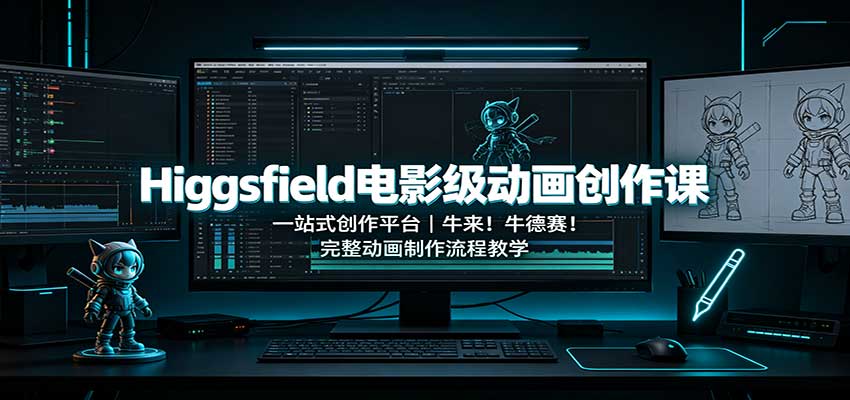
Khóa hoạt ảnh điện ảnh Higgsfield: nền tảng sáng tạo một cửa, dạy trọn quy trình làm hoạt ảnh hoàn chỉnh

Cùng một điệu nhảy, 6 bộ trang phục chuyển theo thứ tự: tôi đã làm video thay trang phục thành một Skill
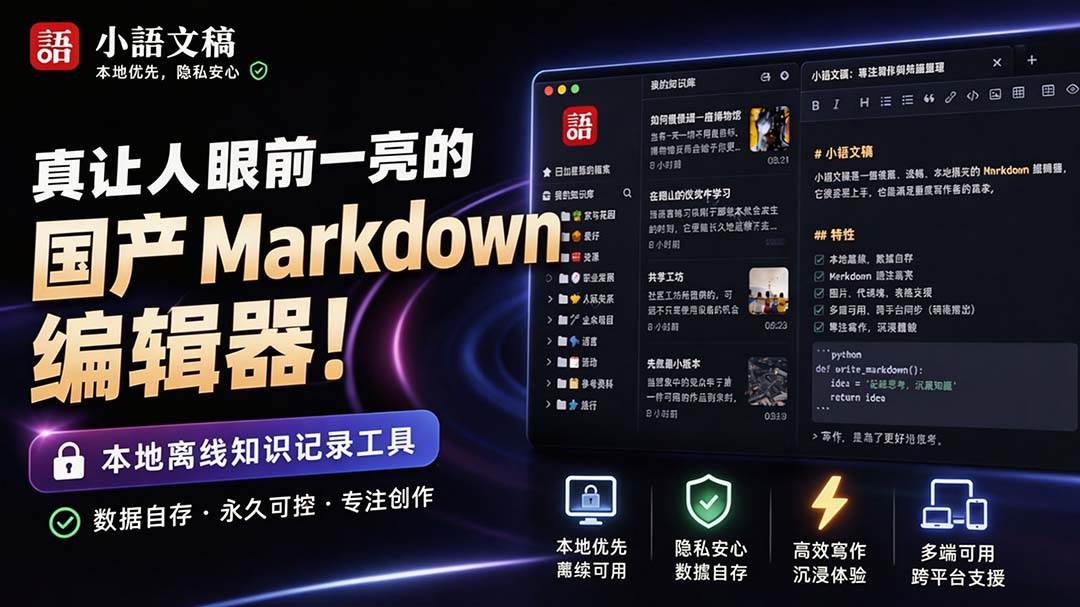
Editor Markdown nội địa khiến người ta phải trầm trồ! Công cụ ghi chú kiến thức offline cục bộ hiệu suất cao, miễn phí không cần đăng nhập 小语文稿

Trình chỉnh sửa Markdown nội địa! Công cụ ghi chú tri thức offline cục bộ hiệu suất cao, miễn phí không cần đăng nhập

Sách xanh thực chiến WorkBuddy: cẩm nang sử dụng và hướng dẫn thực chiến, bản hợp nhất văn bản và hình ảnh hoàn chỉnh

Jimeng thách thức video dài 180 giây: một chạm ra phim 3 phút? Chia sẻ chi tiết quy trình làm trọn vẹn

Siêu tiện! Tải video Douyin, hỗ trợ tải hàng loạt tác phẩm / danh sách yêu thích và đã thích, mã nguồn mở miễn phí Better-douyin-R
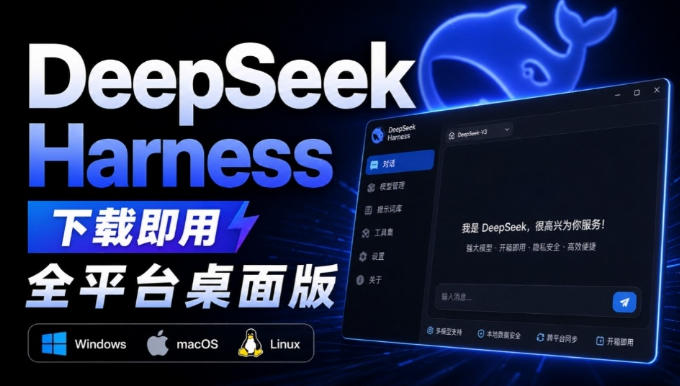
Nearly 200K stars on GitHub - Harness now runs by double-click: the Harness full-platform desktop edition

Gần 200K sao trên GitHub - Harness giờ chạy bằng cú nhấp đúp: phiên bản desktop đa nền tảng của Harness là DSH Desktop