


-
Solo Business Courses
-
 Others
-
Overseas Tutorials
-
Photography & Editing
-
Community & Private Domain
-
Self-Media Writing & Copywriting
-
Side Income Projects
-
E-commerce
-
Short Video & Live Streaming
-
Artificial Intelligence (AI)
-
Software & Tools
-
Operating Systems
-
Plugins & Scripts
-
MacOS Software
-
Android Software
-
Windows Software
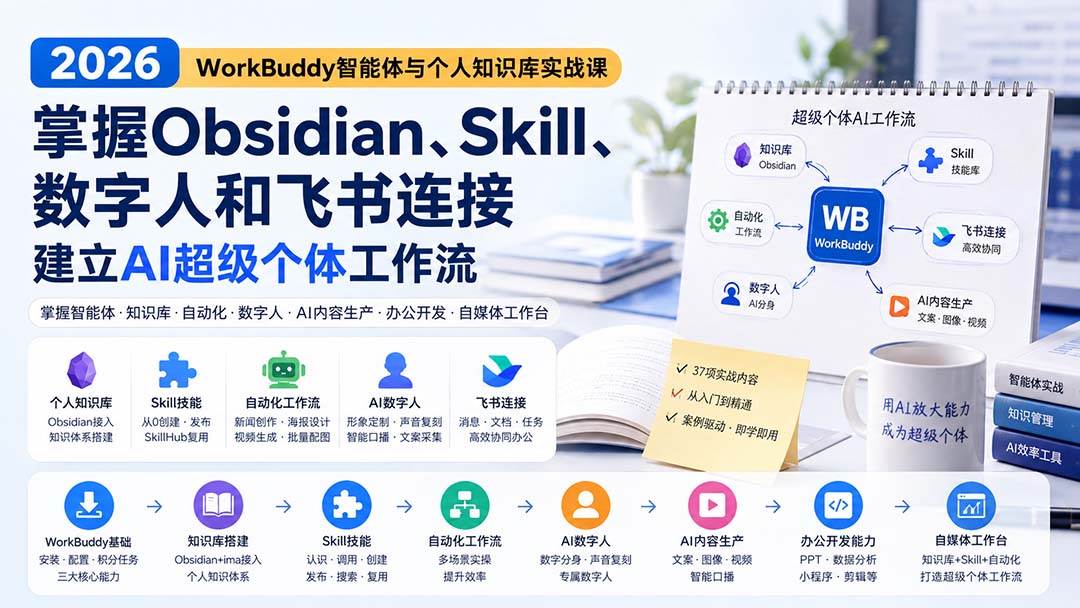
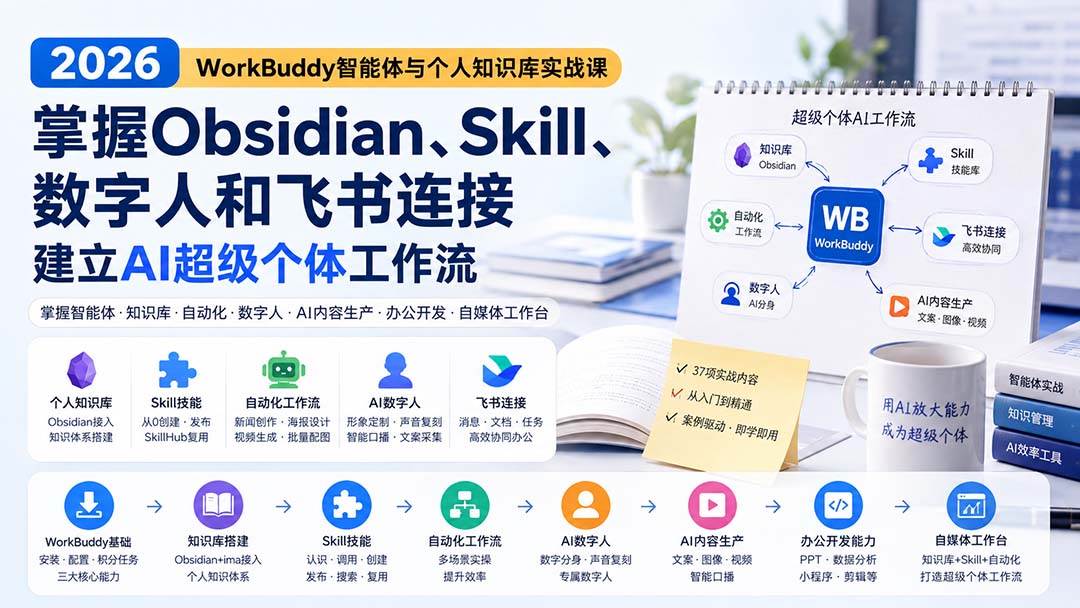
2026 WorkBuddy Agent and Personal Knowledge Base Hands-on Course: Master Obsidian, Skill, Digital Human and Feishu Connection; Build a Super-Individual AI Workflow
-
Game Gold-Farming Money-Making Plan: Earn 1k+ Daily, a Stable 3-Year Project Anyone Can Do in Spare Time [Revealed]
Study material — included with membership Get Membership -
Hot-game fully-automated earning: 500+ a day, no experience, simple operation - the steadiest long-term game-earning side hustle (revealed)
Study material — included with membership Get Membership -
FlyingMouse earns merit this time! Don't panic at Windows format problems — the open-source FlyingMouse format conversion tool helps, a popular GitHub gem
Study material — included with membership Get Membership -
Douyin Product-Selling Coaching Bootcamp: No On-Camera Appearance Needed, Newbies Can Produce Selling Short Videos by Following the Steps
Study material — included with membership Get Membership -
First-release game gold-farming money plan: 1K+ a day, ordinary people in spare time
Study material — included with membership Get Membership






-
FlyingMouse earns merit this time! Don't panic at Windows format problems — the open-source FlyingMouse format conversion tool helps, a popular GitHub gem
Study material — included with membership Get Membership -
LuDaShi v6.1024.4105.1121 Slim Single File
Study material — included with membership Get Membership -
2D Cartoon Animation Software Moho Pro v14.3
Study material — included with membership Get Membership -
Video Editor Aiseesoft Filmai v1.0.18
Study material — included with membership Get Membership -
To-Do Microsoft To Do v2.147 Free
Study material — included with membership Get Membership -
PR/AE/DaVinci/FCPX video Plugin Nobe OmniScope Win1.11.15 / Mac1.10.138
Study material — included with membership Get Membership







Course Introduction
The "Super Individual · WorkBuddy Agent Hands-on AI Tutorial 2026" is a systematic hands-on course built around **WorkBuddy agents, Skill capabilities, automation workflows, personal knowledge bases, AI digital humans and self-media content production**, covering 37 learning items. It starts from WorkBuddy download and installation, moves to basic configuration, points tasks and the three core capabilities, then progressively covers ima knowledge-base integration, saving and reading official-account articles, and getting to know, calling, creating from 0, publishing to SkillHub, and searching/reusing Skills. The automation part further covers hands-on **news search and article writing, poster image generation, 3D models, AI video, and a batch Xiaohongshu image-pair Skill**. On knowledge management, it pairs with Obsidian to finish installation and configuration, WorkBuddy integration, plugin use and personal knowledge-system building; the advanced part teaches **AI digital twins, dedicated digital-human avatars, voice cloning, viral-copy collection, AI video generation, and a smart talking-head generator**. The course also covers WeChat mini-program development, PPT production, data analysis, meeting minutes and weekly reports, automated editing, Feishu connection and other office/development scenarios, and finally builds a **self-media creation workbench** that integrates knowledge base, Skills, agents and automation tasks into a super-individual AI workflow: "WorkBuddy basics → knowledge base → Skill → automation → digital human → AI content production → office/development → self-media workbench".
Who It's For
- Zero-foundation beginners in WorkBuddy
- AI-agent learners
- Self-media content creators
- Office workers who want to raise efficiency
- People who want to build a super individual
What You'll Gain
- Master WorkBuddy core operations
- Learn to create and publish Skills
- Build a personal AI knowledge base
- Master digital humans and content automation
- Build a super-individual AI workflow
Course Catalog
- Pre-class note: add TA on WeChat Drunktd
- WorkBuddy Beginner Intro: Installation
- WorkBuddy Basic Configuration and Hands-on Cases
- WorkBuddy Points Redemption and Task Guide
- Meet WorkBuddy's Three Core Capabilities
- WorkBuddy Connects to ima Knowledge Base
- Knowledge Base Application: Saving and Reading Official-Account Articles
- Skill Basics: Meet and Understand Skill
- Use Skill inside WorkBuddy
- Create Your First Skill from 0
- Publish Skill to SkillHub
- Practical Tip: Quickly Search the Skill You Need
- Automation Task: Search News and Write an Article
- WorkBuddy Poster Design and Image Making
- WorkBuddy Build 3D Models
- One-sentence Skill Call to Generate Video
- Create a Skill for Batch Xiaohongshu Image Pairs
- Obsidian Download and Basic Setup
- Obsidian Connects to WorkBuddy
- Personal Knowledge Base: Build Your Own Knowledge System
- On Windows: WorkBuddy Plugin Configuration
- How to Install External Obsidian Plugins
- Intro: How to Customize Your AI Digital Avatar
- Customize Your Own Digital-Human Avatar
- Custom Voice Cloning Hands-on
- Viral-Copy Collection and AI Video Generation
- Build a Smart Talking-Head Video Generator
- Supplement to the Digital-Human Course; Using the Digital-Human Skill
- WorkBuddy Hands-on: WeChat Mini-Program Development
- PPT Making: From Organizing Materials to Final Draft
- Data Analysis: From Spreadsheet to Analysis Report
- Office Writing: Minutes, Summaries and Weekly Reports
- Automated Editing Hands-on (Part 1)
- Automated Editing Hands-on (Part 2)
- WorkBuddy Connects to Feishu: Basic Connection Tutorial
- Case Breakdown: Creation Workbench Effect Demo and Build Thinking
- Hands-on: Build a Self-Media Creation Workbench
Supporting Study Materials
This course comes with a materials pack. Members receive the access link by email after requesting the course.
Related Courses
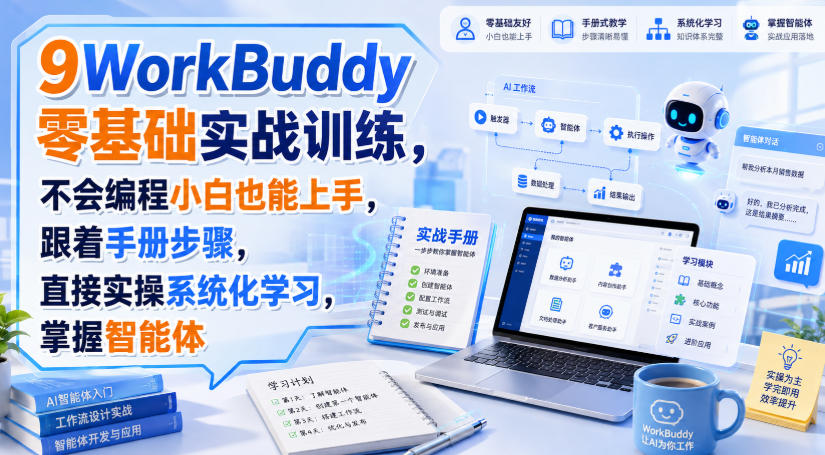
WorkBuddy zero-basics hands-on training: even non-programmers can follow the manual steps, learn agents systematically by doing
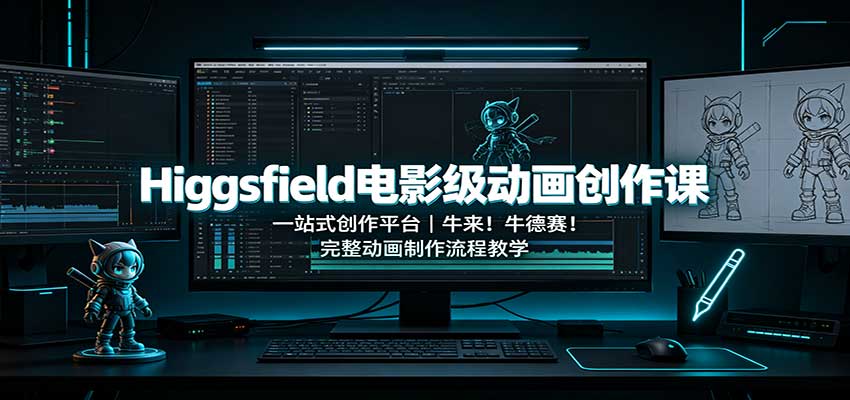
Higgsfield cinematic animation course: one-stop creation platform, complete animation production-flow teaching

The same dance with 6 outfits switching in order: I turned an outfit-change video into a Skill
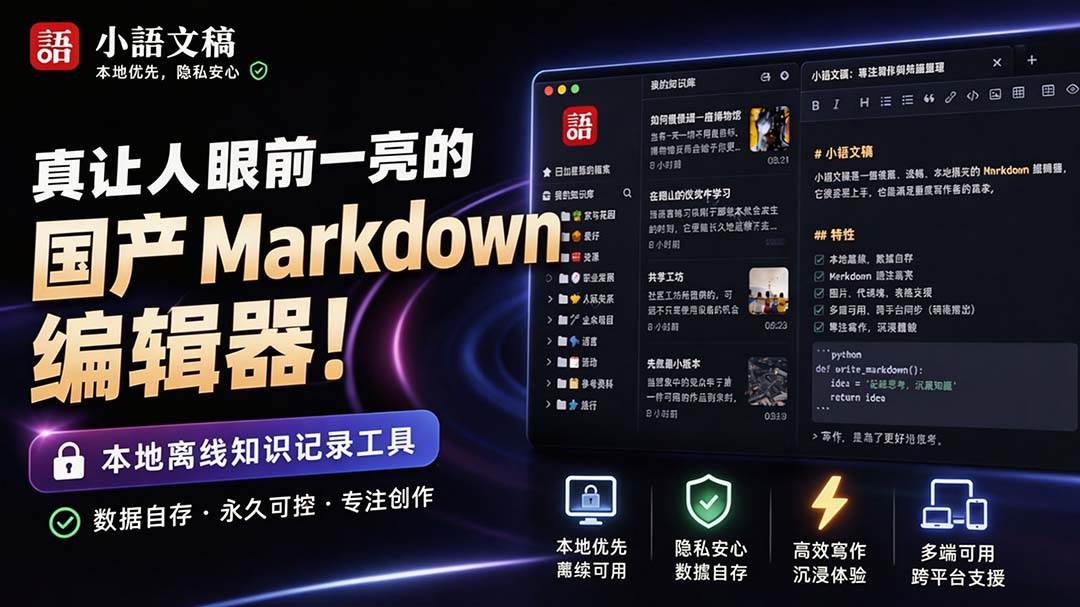
An eye-catching domestic Markdown editor: local offline high-performance note tool, free and no login required
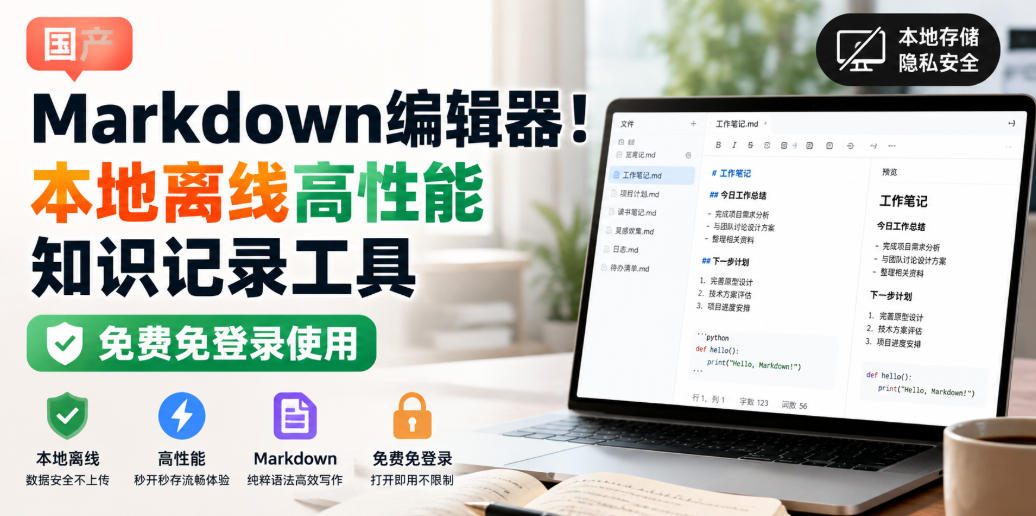
Domestic Markdown editor: local offline high-performance knowledge-note tool, free and no login required
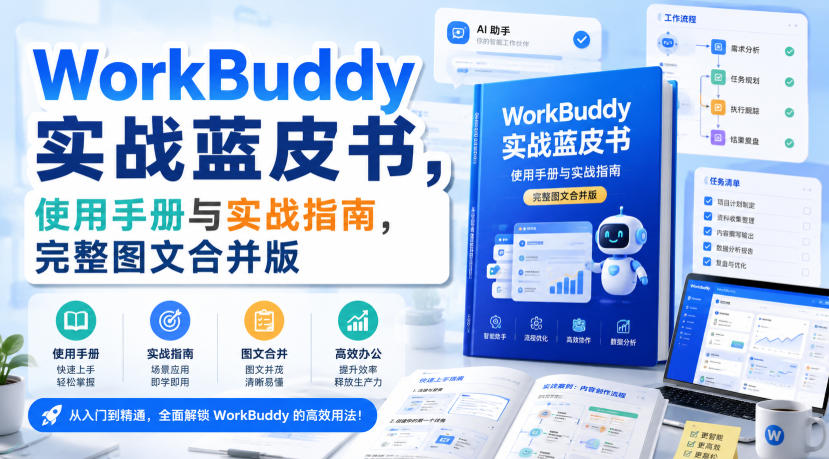
WorkBuddy practical blue paper: user manual and practice guide, complete combined image-text edition

Jimeng challenges a 180-second long video: one-click a 3-minute movie? Full production flow shared in detail

Super handy! Douyin video downloader, supports batch download of user works, favorites and likes lists, open-source free Better-douyin-R
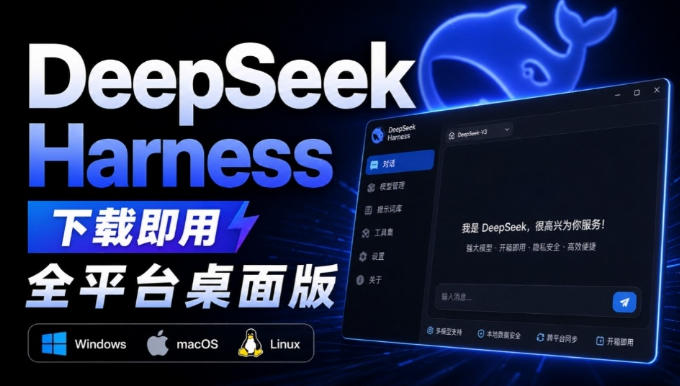
Nearly 200K stars on GitHub - Harness now runs by double-click: the Harness full-platform desktop edition
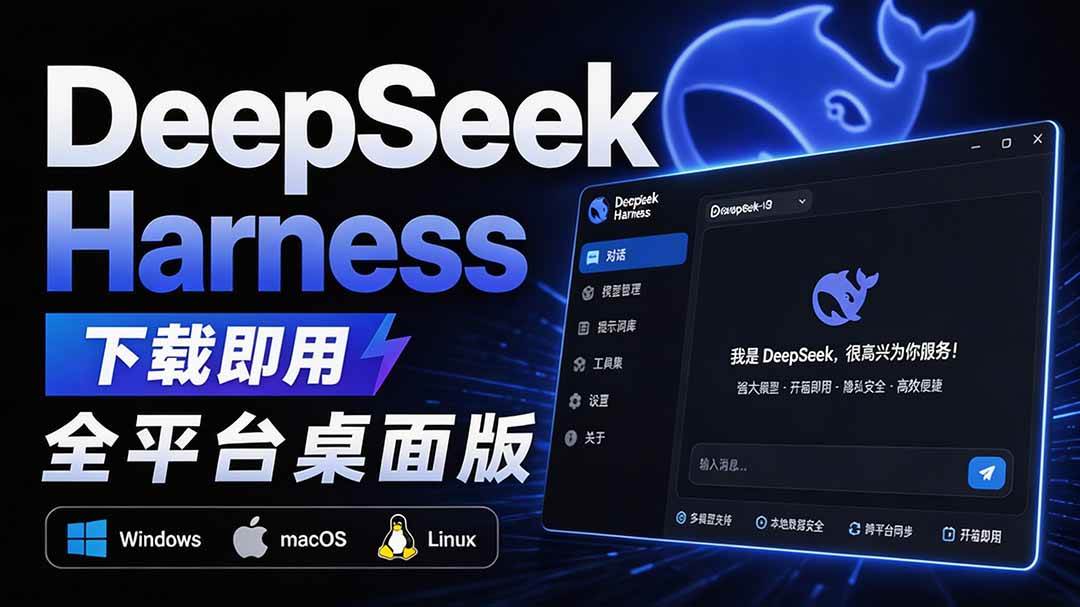
Nearly 200K stars on GitHub - Harness now runs by double-click: the Harness full-platform desktop edition DSH Desktop

