


-
Solo Business Courses
-
 Others
-
Overseas Tutorials
-
Photography & Editing
-
Community & Private Domain
-
Self-Media Writing & Copywriting
-
Side Income Projects
-
E-commerce
-
Short Video & Live Streaming
-
Artificial Intelligence (AI)
-
Software & Tools
-
Operating Systems
-
Plugins & Scripts
-
MacOS Software
-
Android Software
-
Windows Software


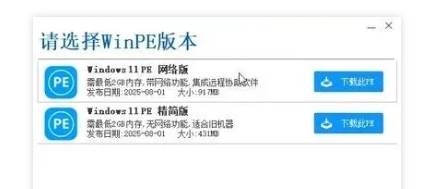
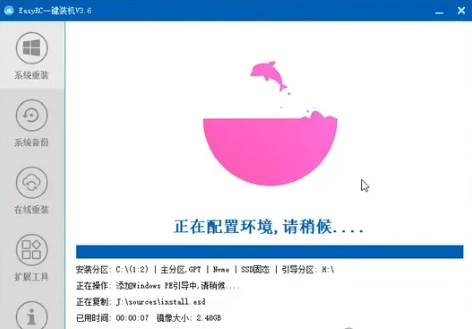
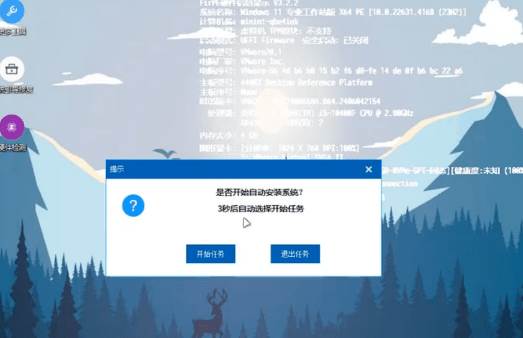

EasyRC: one-click Windows reinstall without USB, backup and restore included
-
Game Gold-Farming Money-Making Plan: Earn 1k+ Daily, a Stable 3-Year Project Anyone Can Do in Spare Time [Revealed]
Study material — included with membership Get Membership -
Hot-game fully-automated earning: 500+ a day, no experience, simple operation - the steadiest long-term game-earning side hustle (revealed)
Study material — included with membership Get Membership -
FlyingMouse earns merit this time! Don't panic at Windows format problems — the open-source FlyingMouse format conversion tool helps, a popular GitHub gem
Study material — included with membership Get Membership -
Douyin Product-Selling Coaching Bootcamp: No On-Camera Appearance Needed, Newbies Can Produce Selling Short Videos by Following the Steps
Study material — included with membership Get Membership -
First-release game gold-farming money plan: 1K+ a day, ordinary people in spare time
Study material — included with membership Get Membership






-
FlyingMouse earns merit this time! Don't panic at Windows format problems — the open-source FlyingMouse format conversion tool helps, a popular GitHub gem
Study material — included with membership Get Membership -
LuDaShi v6.1024.4105.1121 Slim Single File
Study material — included with membership Get Membership -
2D Cartoon Animation Software Moho Pro v14.3
Study material — included with membership Get Membership -
Video Editor Aiseesoft Filmai v1.0.18
Study material — included with membership Get Membership -
To-Do Microsoft To Do v2.147 Free
Study material — included with membership Get Membership -
PR/AE/DaVinci/FCPX video Plugin Nobe OmniScope Win1.11.15 / Mac1.10.138
Study material — included with membership Get Membership






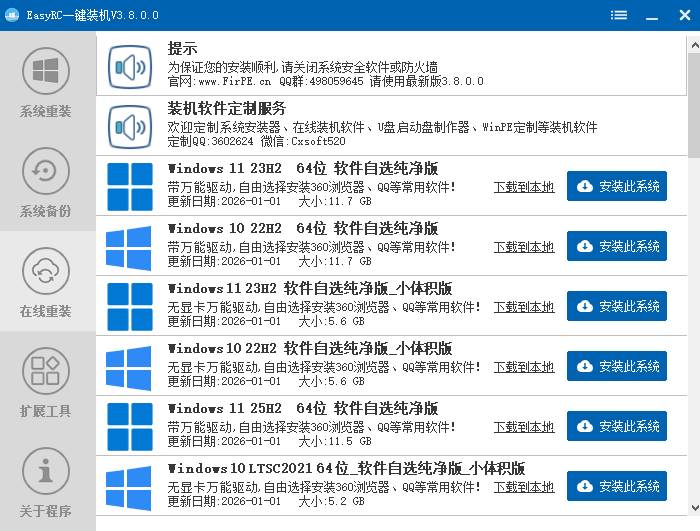
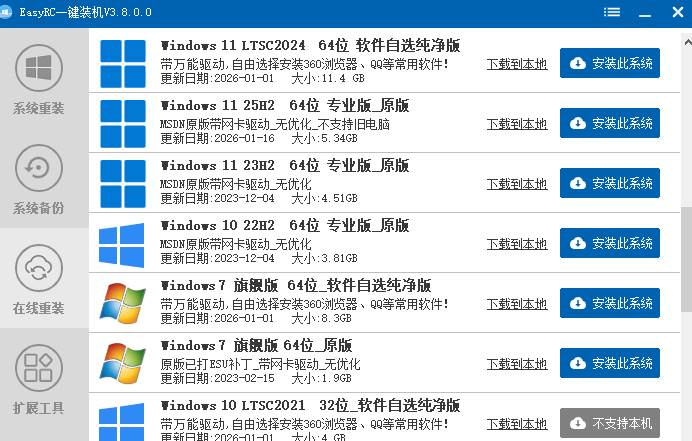
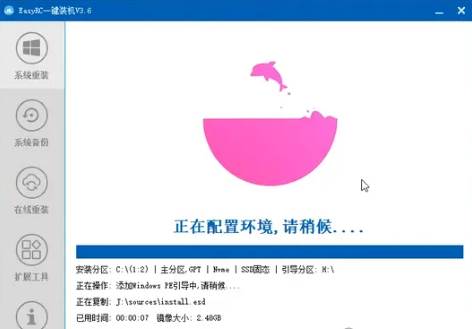
EasyRC is a Windows system-reinstall tool. It one-click reinstalls the current system on any Windows, simple, efficient and fast with little intervention. No need for CD or USB media; the operator needs no technical background and can reinstall anytime, anywhere.

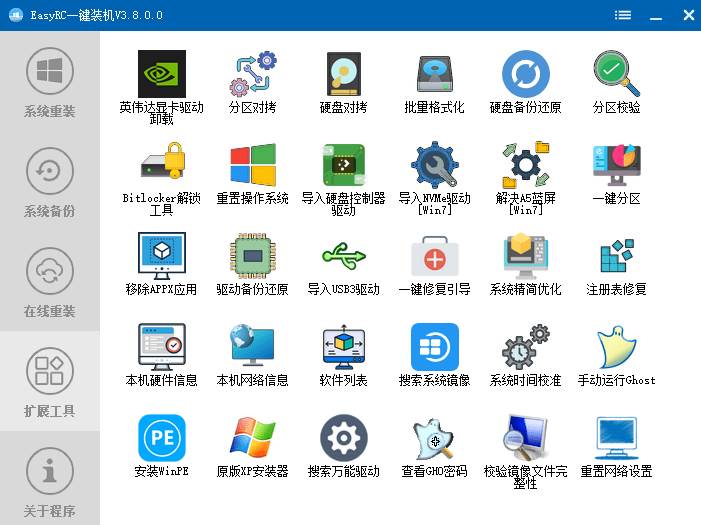
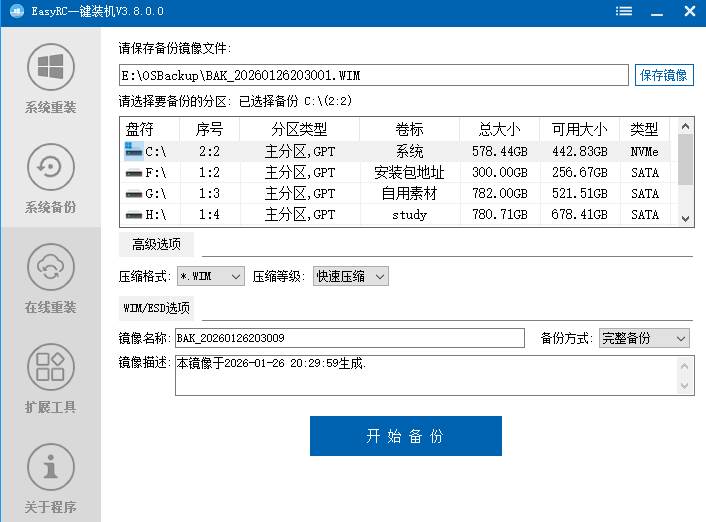
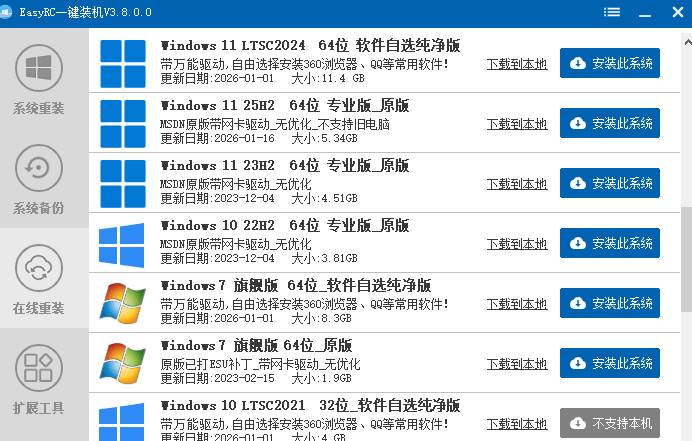
Features: no optical drive or USB; no technical base needed; one-click online reinstall of clean systems with rich built-in extension tools; no install required, portable, unzip and run; supports system backup and restore; completely free.
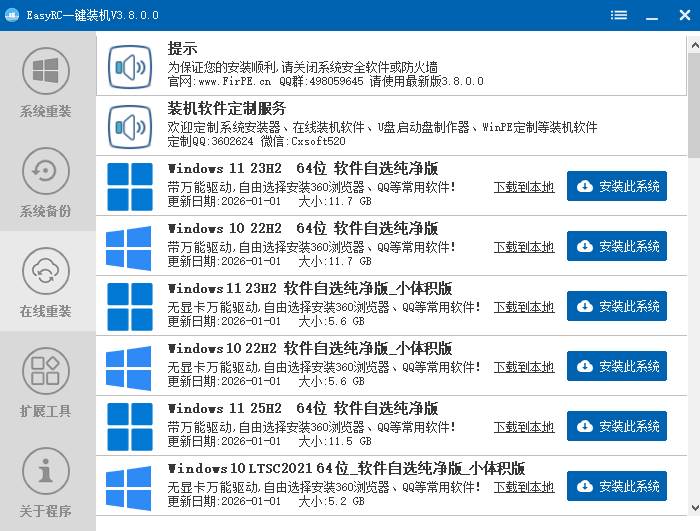
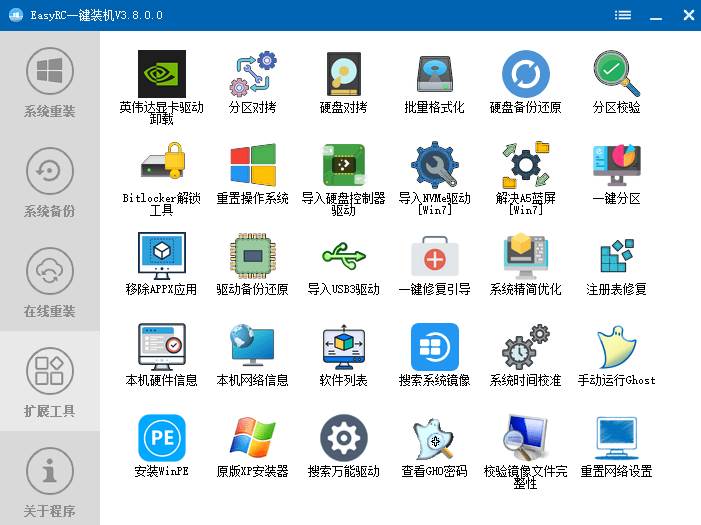
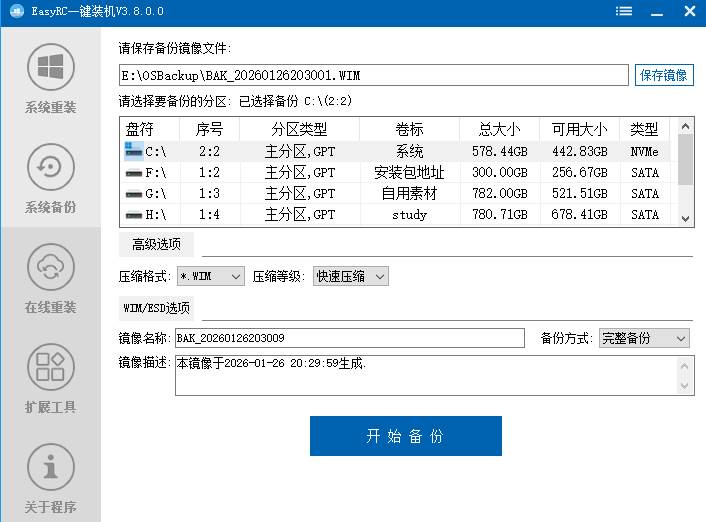
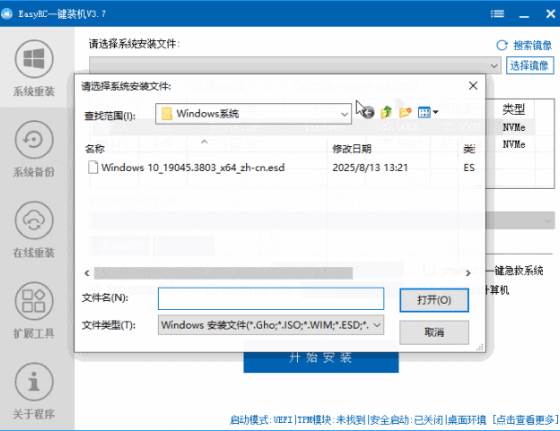
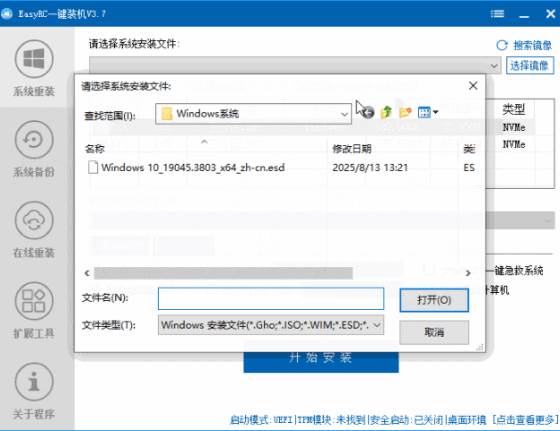
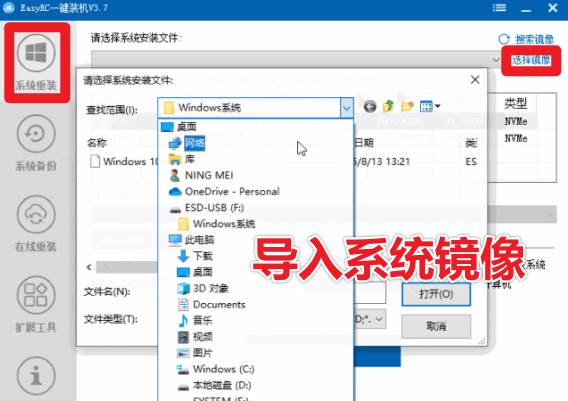
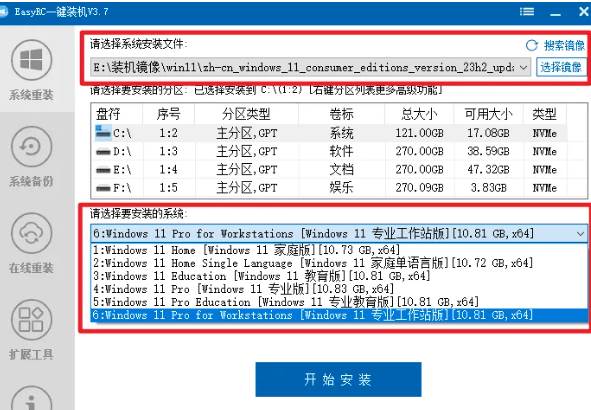
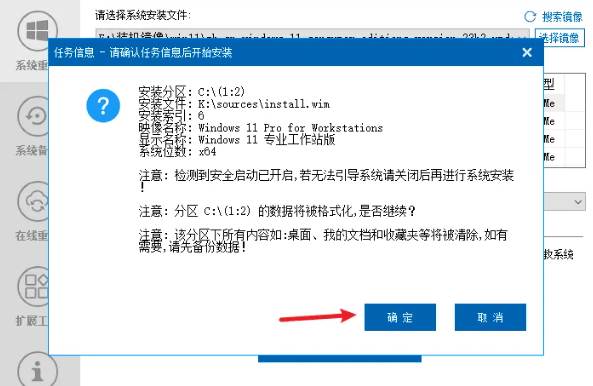
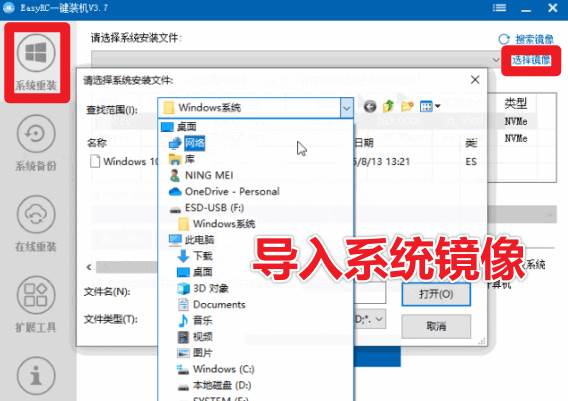
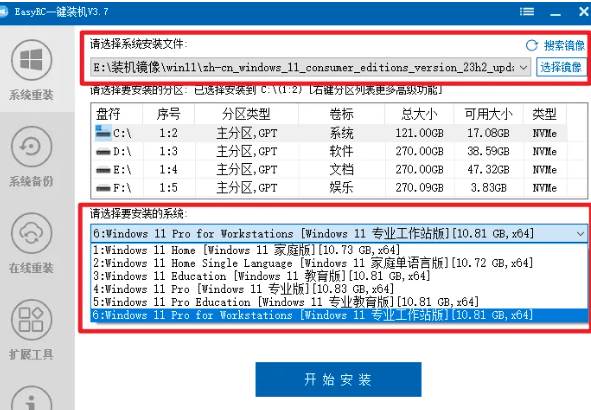
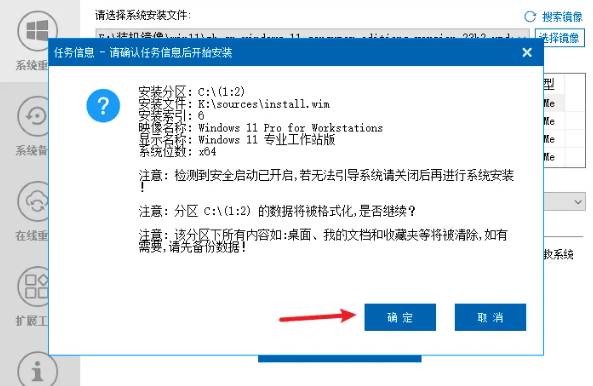
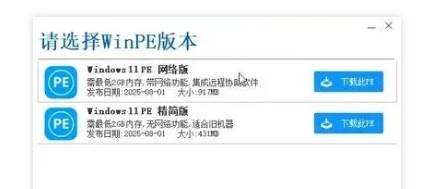
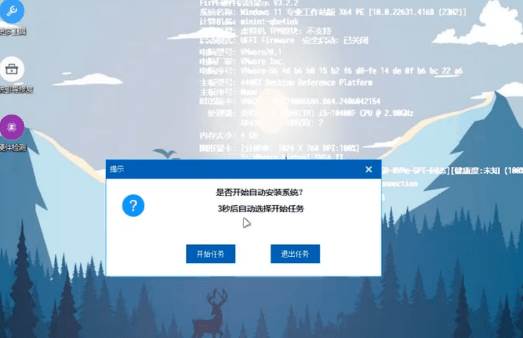
No-USB walkthrough: 1. Download a clean Windows ISO first; back up important C-drive files since reinstall wipes C. 2. Open the tool, click System Reinstall, choose image top-right, pick your downloaded Windows ISO. 3. Choose the image (usually on a non-C drive), install partition C, and pick the edition. 4. Click Start Install; re-confirm the C-drive backup. 5. Let it download the PE environment, choose the slim edition. 6. Fully automatic setup, wait. 7. It reboots into PE and continues; click Next/Start by default. 8. Wait until done; if the online install prompts bundled software, click Cancel.

Supporting Study Materials
This course comes with a materials pack. Members receive the access link by email after requesting the course.
Related Courses
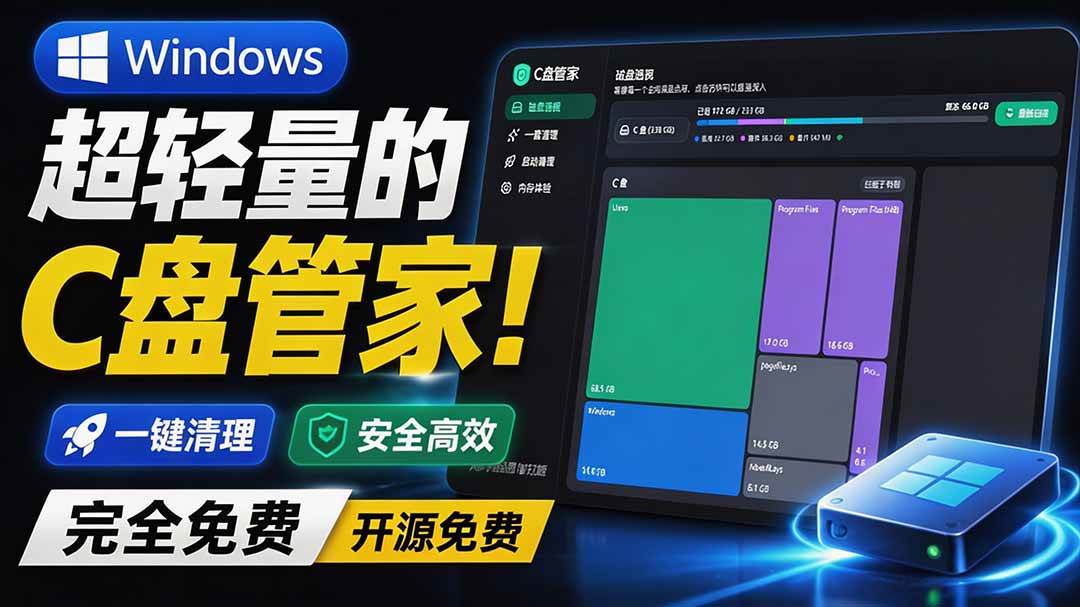
Super-lightweight C-Drive Manager for Windows! Very distinctive: disk analysis and cleanup reminders, 2MB size, completely free
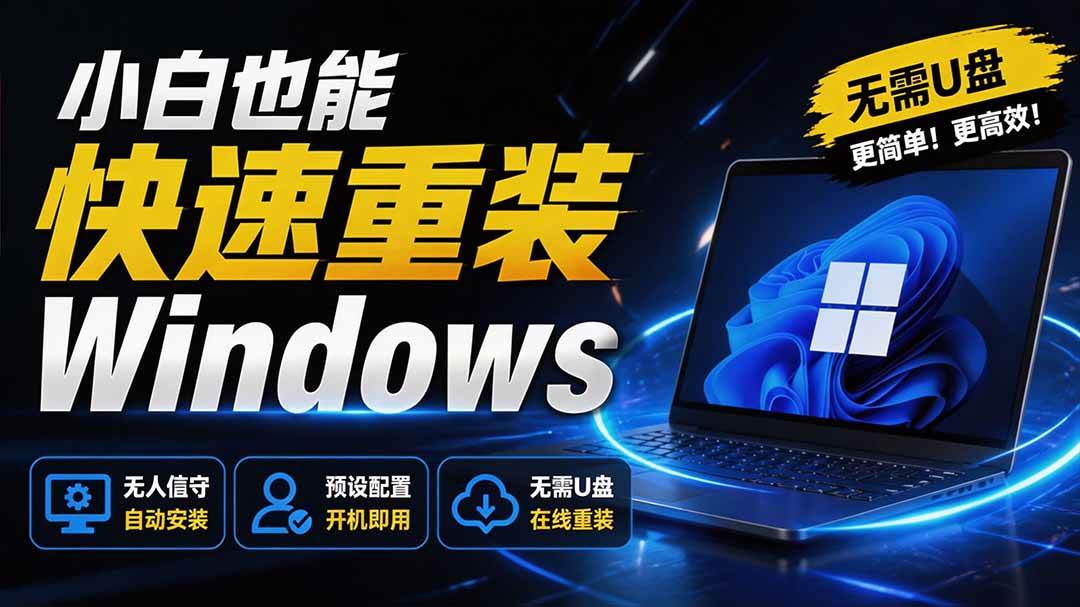
Reinstall Without a USB Drive! This Tool Lets Newbies Quickly Reinstall Windows, Supports Unattended Setup, Data-Safe—CmzPrep_Rev2

A GitHub speed-up tool! Open GitHub faster, auto-responding to the fastest node - a lightweight open-source tool: Ghips

Permanently Block Windows 10/11 Updates: Huawei Tool, Avoid Frequent Win Update Problems
Windows 7/10/11 System Update Blocker Is Here! Only 400KB, One-Click Disable System Updates and Restore Updates, Compact and Easy to Use

Stop Deleting Files Randomly! C Drive Red Alert Savior: Deep Cleanup + System Optimization, Works on Windows/macOS!

Office Fully-Automatic One-Click Deployment Installer, up to 2024, Customizable Components, Built-in Activation, All Free - Mocreak

Windows System Reinstall Tool, Supports Local Image File Install and Backup, Simple to Use, Safe and Stable, Supports All Scenarios

PC Acting Up? Newbie-Essential Driver Repair Tool—One-Click Update & Fix Driver Issues, It’s That Simple
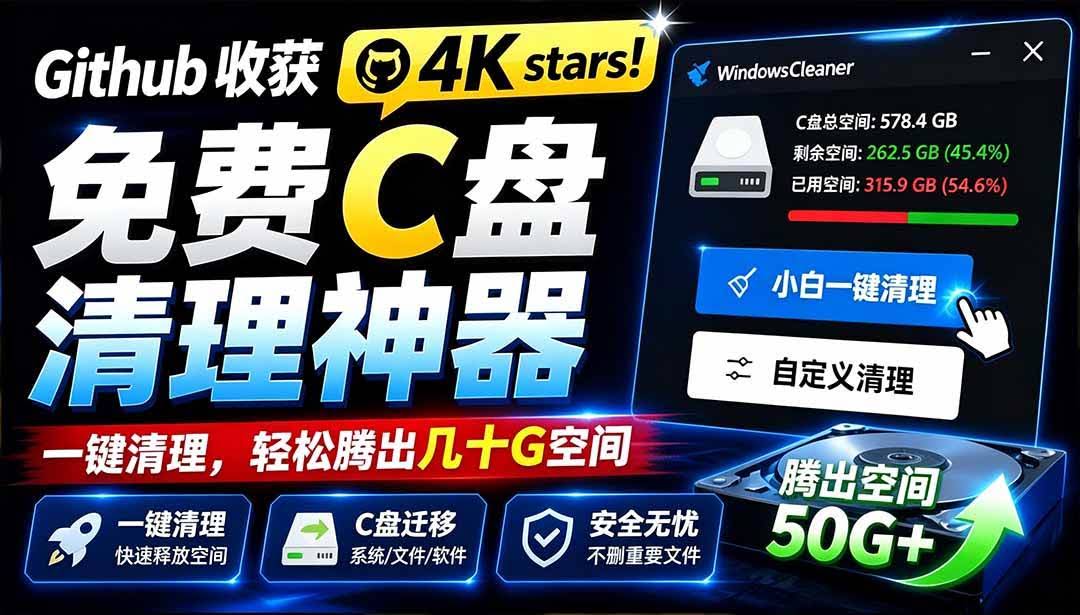
GitHub 4K Stars: Free C-Drive Cleaner—Easily Free Tens of GB, Supports C-Drive Migration (Windows Cleaner)

