


-
Solo Business Courses
-
 Others
-
Overseas Tutorials
-
Photography & Editing
-
Community & Private Domain
-
Self-Media Writing & Copywriting
-
Side Income Projects
-
E-commerce
-
Short Video & Live Streaming
-
Artificial Intelligence (AI)
-
Software & Tools
-
Operating Systems
-
Plugins & Scripts
-
MacOS Software
-
Android Software
-
Windows Software

Codex + Infinite Canvas: Turn a Single Product Image into an Executable Amazon Listing Video
-
Game Gold-Farming Money-Making Plan: Earn 1k+ Daily, a Stable 3-Year Project Anyone Can Do in Spare Time [Revealed]
Study material — included with membership Get Membership -
Hot-game fully-automated earning: 500+ a day, no experience, simple operation - the steadiest long-term game-earning side hustle (revealed)
Study material — included with membership Get Membership -
FlyingMouse earns merit this time! Don't panic at Windows format problems — the open-source FlyingMouse format conversion tool helps, a popular GitHub gem
Study material — included with membership Get Membership -
Douyin Product-Selling Coaching Bootcamp: No On-Camera Appearance Needed, Newbies Can Produce Selling Short Videos by Following the Steps
Study material — included with membership Get Membership -
First-release game gold-farming money plan: 1K+ a day, ordinary people in spare time
Study material — included with membership Get Membership






-
FlyingMouse earns merit this time! Don't panic at Windows format problems — the open-source FlyingMouse format conversion tool helps, a popular GitHub gem
Study material — included with membership Get Membership -
LuDaShi v6.1024.4105.1121 Slim Single File
Study material — included with membership Get Membership -
2D Cartoon Animation Software Moho Pro v14.3
Study material — included with membership Get Membership -
Video Editor Aiseesoft Filmai v1.0.18
Study material — included with membership Get Membership -
To-Do Microsoft To Do v2.147 Free
Study material — included with membership Get Membership -
PR/AE/DaVinci/FCPX video Plugin Nobe OmniScope Win1.11.15 / Mac1.10.138
Study material — included with membership Get Membership






From a portable lamp product image to a 15-second Amazon Listing video
1. What This Skill Does
This Skill converts a product image of a portable lamp, ambient light, or camping lantern into an executable Amazon US Listing video production package. It locks the product appearance, builds an outdoor camping scene, generates a nine-grid storyboard, then organizes a 15-second shot list, English subtitles, dynamic prompts, negative prompts, and final video handoff parameters.
It specifically solves problems such as fabricating parameters when product facts are insufficient, inconsistency between scene images and product appearance, disconnect between the nine-grid storyboard and the final video, and misaligned image slots at video nodes.
2. What to Prepare Before Use
- Prepare at least one clear product reference image to lock the handle, outer frame, light emitter, base, and other visible structures.
- If brand, model, ASIN, Amazon Listing, packaging image, dimension drawing, or functional proof is available, provide it together; if missing, it will automatically search public information and only adopt verifiable facts.
- If there are brand-prohibited expressions, appearance details that must be preserved, English subtitle requirements, or platform compliance requirements, state them before starting.
3. How It Works
1. Verify product identity, visible structure, and usable real selling points; first confirm input mapping.
2. Lock appearance with the product image; among three preset scene directions, fix on the outdoor camping dining table scene to generate product scene images.
3. After confirming product consistency and scene reasonableness, generate exactly nine continuous frames with clear shot sizes and camera movements.
4. Based on the nine-grid, generate a 15-second Amazon execution plan; confirm shot order, English subtitles, thumbnail, and ending freeze frame.
5. Fixed usage: Image 1 = nine-grid storyboard, Image 2 = product reference image; deliver dynamic prompts, negative prompts, and generation parameters.
6. After the video plan is confirmed, provide the APEX platform entry; after the user generates and returns the real video, conduct product consistency and Amazon delivery acceptance.
4. Two Usage Modes
Quick auto-match mode. Just provide one clear product image to start. The Skill automatically searches and matches verifiable brand, model, and platform information; when product identity cannot be uniquely confirmed, it safely executes according to portable ambient light appearance without adding unverified functional parameters.
Complete data precise execution mode. After providing brand, model, ASIN, Listing, packaging, dimensions, functional evidence, and brand guidelines, the Skill uses these as execution basis to complete more precise selling point order, English subtitles, shot actions, and Amazon delivery checklist.
5. Boundaries That Must Be Emphasized
- Do not start formal generation without a product image; when key structures are unclear, additional viewing angles are needed and cannot be completed out of thin air.
- Do not fabricate phone wireless charging, battery life, brightness, color temperature, waterproofing, battery capacity, materials, certifications, ratings, discounts, or other unverified product claims.
- Product scene images, nine-grid storyboard, and 15-second video plan must be confirmed level by level; if product drift or structural changes occur at any stage, rework first before continuing.
- APEX login, verification code, agreement checkbox, recharge, material upload, and click generate are completed by the user; the Skill does not take over accounts or read any sensitive information.
- Does not automatically upload to Seller Central, associate ASINs, or publish videos; before formal upload, the current requirements displayed in Seller Central shall prevail.
Supporting Study Materials
This course comes with a materials pack. Members receive the access link by email after requesting the course.
Related Courses

WorkBuddy zero-basics hands-on training: even non-programmers can follow the manual steps, learn agents systematically by doing
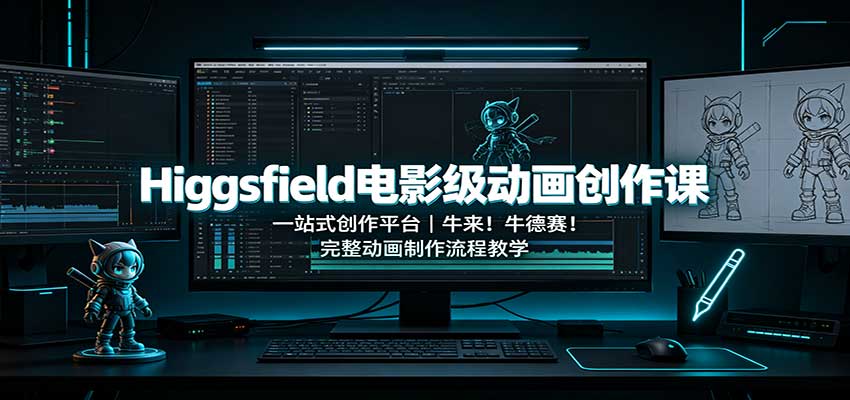
Higgsfield cinematic animation course: one-stop creation platform, complete animation production-flow teaching

The same dance with 6 outfits switching in order: I turned an outfit-change video into a Skill
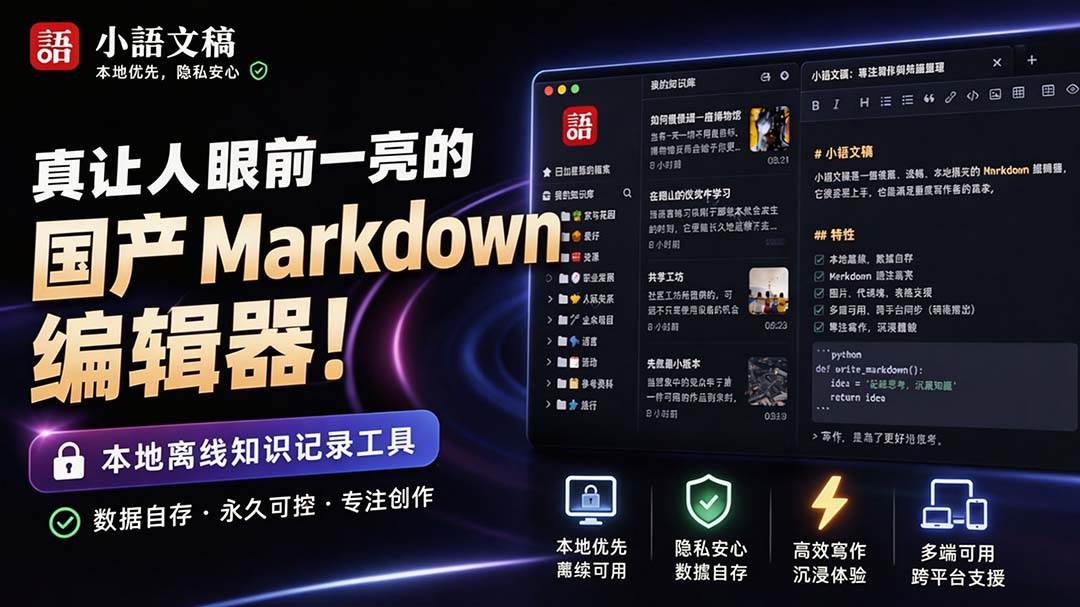
An eye-catching domestic Markdown editor: local offline high-performance note tool, free and no login required

Domestic Markdown editor: local offline high-performance knowledge-note tool, free and no login required

WorkBuddy practical blue paper: user manual and practice guide, complete combined image-text edition

Jimeng challenges a 180-second long video: one-click a 3-minute movie? Full production flow shared in detail

Super handy! Douyin video downloader, supports batch download of user works, favorites and likes lists, open-source free Better-douyin-R
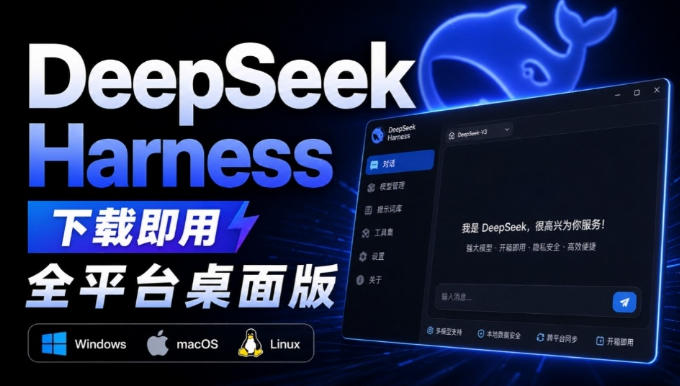
Nearly 200K stars on GitHub - Harness now runs by double-click: the Harness full-platform desktop edition
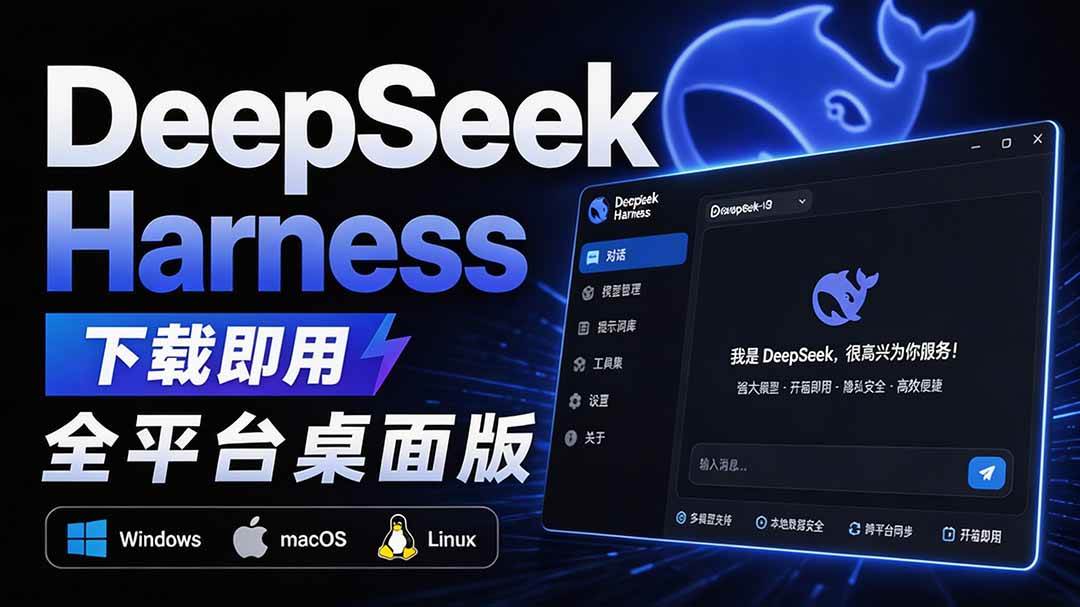
Nearly 200K stars on GitHub - Harness now runs by double-click: the Harness full-platform desktop edition DSH Desktop

