


-
Solo Business Courses
-
 Others
-
Overseas Tutorials
-
Photography & Editing
-
Community & Private Domain
-
Self-Media Writing & Copywriting
-
Side Income Projects
-
E-commerce
-
Short Video & Live Streaming
-
Artificial Intelligence (AI)
-
Software & Tools
-
Operating Systems
-
Plugins & Scripts
-
MacOS Software
-
Android Software
-
Windows Software


2026 AI Agent From 0 to 1 Hands-on Course: LLM + Prompts + Node Plugins + Variables JSON + Automated Workflows + RAG Knowledge Base
-
Game Gold-Farming Money-Making Plan: Earn 1k+ Daily, a Stable 3-Year Project Anyone Can Do in Spare Time [Revealed]
Study material — included with membership Get Membership -
Hot-game fully-automated earning: 500+ a day, no experience, simple operation - the steadiest long-term game-earning side hustle (revealed)
Study material — included with membership Get Membership -
FlyingMouse earns merit this time! Don't panic at Windows format problems — the open-source FlyingMouse format conversion tool helps, a popular GitHub gem
Study material — included with membership Get Membership -
Douyin Product-Selling Coaching Bootcamp: No On-Camera Appearance Needed, Newbies Can Produce Selling Short Videos by Following the Steps
Study material — included with membership Get Membership -
First-release game gold-farming money plan: 1K+ a day, ordinary people in spare time
Study material — included with membership Get Membership






-
FlyingMouse earns merit this time! Don't panic at Windows format problems — the open-source FlyingMouse format conversion tool helps, a popular GitHub gem
Study material — included with membership Get Membership -
LuDaShi v6.1024.4105.1121 Slim Single File
Study material — included with membership Get Membership -
2D Cartoon Animation Software Moho Pro v14.3
Study material — included with membership Get Membership -
Video Editor Aiseesoft Filmai v1.0.18
Study material — included with membership Get Membership -
To-Do Microsoft To Do v2.147 Free
Study material — included with membership Get Membership -
PR/AE/DaVinci/FCPX video Plugin Nobe OmniScope Win1.11.15 / Mac1.10.138
Study material — included with membership Get Membership







Course Introduction
"2026 AI Agent From 0 to 1" is a hands-on course for zero-basics users on agents and automated workflows. Starting from account registration, platform interface, and smart editing assistant configuration, it gradually covers LLM, prompts, nodes, plugins, variables, tokens, then dives into JSON, arrays, selectors, loops, batch processing, and variable aggregation. It further covers multimodal applications: TTS, AI image generation, AI video generation, text processing, visual understanding, and model/skill configuration. Through complete cases like old photo restoration, smart editing, and historical figure life, it trains automated workflow building. Finally, RAG knowledge base principles and creation/usage, helping students advance from "using AI tools" to independently building agents, automated flows, and knowledge base applications.
Who This Is For
- Zero-basics beginners wanting to systematically learn agents
- Creators wanting to build AI automated workflows
- Self-media people wanting to improve content production efficiency
- People wanting to learn AI text-image-audio-video applications
- Professionals wanting to master RAG knowledge base building
What You'll Gain
- Master agent building from 0 to 1
- Learn prompts, nodes, plugins, and variable application
- Master loops, batch processing, and JSON workflows
- Run through AI image, video, and voice automation flows
- Learn RAG knowledge base creation and agent application
Course Catalog:
001_1.1 Smart Editing Plugin Addition Guide
002_1.2 Smart Editing Assistant Configuration Guide
003_1.3 Smart Editing: Principle Breakdown and Practice Cases
004_2.1 Account Registration and Interface Introduction
005_2.2 Old Photo Restoration Workflow
006_3.1 LLM: The Super Brain of the Intelligent Era
007_3.2 Prompts: Instructing Agents Like a Boss
008_3.3 Nodes: Building Blocks of Automated Flows
009_3.4 Plugins: Infinite Expansion of Agent Superpowers
010_3.5 Variables: Giving Agents "Memory"
011_3.6 Tokens: Understanding Model "Word Count" and Cost
012_3.7 Credits: Efficient Use of Platform Resources
013_4.1 Variable Types: Text, Numbers, Booleans
014_4.2 JSON: Universal Language of the Intelligent World
015_4.3 JSON Arrays: Batch Processing Multiple Data Groups
016_4.4 Practice: Standardizing I/O with JSON
017_5.1 Selectors: Intelligent Branching Intersections
018_5.2 Loops: Let Agents Do Your Repetitive Work
019_5.3 Batch Processing: Tool for Large-Scale Concurrency
020_5.4 Difference Between Loops and Batch Processing
021_5.5 Variable Aggregation: Convergence of Multiple Data Streams
022_5.6 TTS: Adding Smart Narration to Videos
023_5.7 Image Generation: Custom Covers and Illustrations
024_5.8 Video Generation: Magic from Text to Video
025_5.9 Text Processing: Data Cleaning and Formatting
026_6.1 LLM Plugin Feature Introduction
027_6.2 Model Configuration: Choosing the Right "Brain" by Scenario
028_6.3 Skill Configuration: Adding Dedicated Capabilities to Models
029_6.4 Visual Understanding: Letting Agents Understand Images and Videos
030_6.5 Advanced Prompts: Optimizing LLM Output
031_7.1 Workflow Operation Tips
032_7.2 Life of a Historical Figure - Part 1
033_7.3 Life of a Historical Figure - Part 2
034_7.4 Life of a Historical Figure - Part 3
035_8.1 RAG Knowledge Base Principles
036_8.2 Creating and Using Knowledge Bases
Supporting Study Materials
This course comes with a materials pack. Members receive the access link by email after requesting the course.
Related Courses

WorkBuddy zero-basics hands-on training: even non-programmers can follow the manual steps, learn agents systematically by doing

Higgsfield cinematic animation course: one-stop creation platform, complete animation production-flow teaching

The same dance with 6 outfits switching in order: I turned an outfit-change video into a Skill
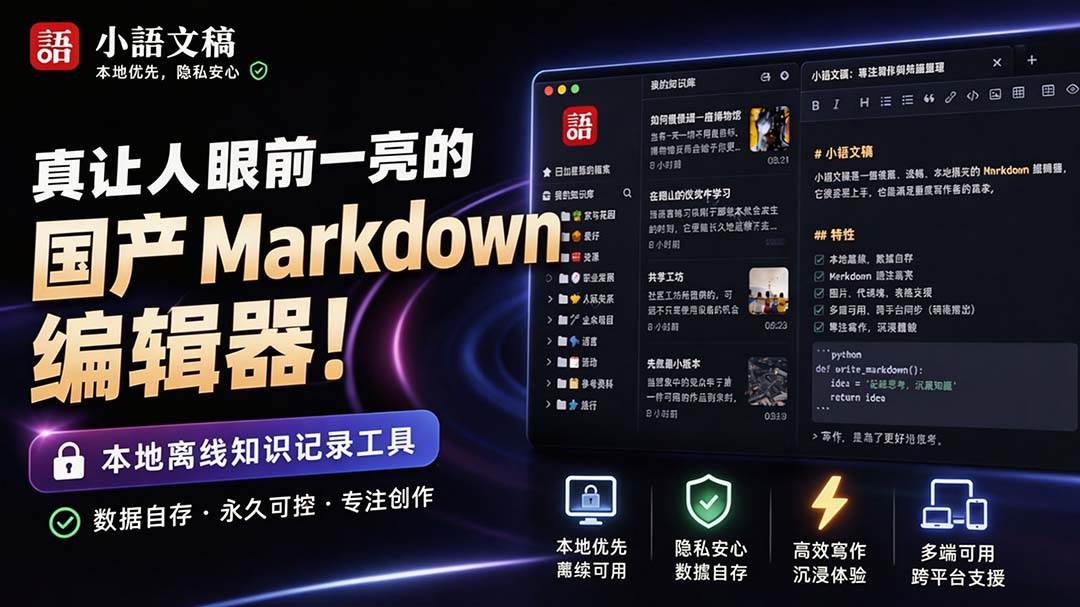
An eye-catching domestic Markdown editor: local offline high-performance note tool, free and no login required

Domestic Markdown editor: local offline high-performance knowledge-note tool, free and no login required

WorkBuddy practical blue paper: user manual and practice guide, complete combined image-text edition

Jimeng challenges a 180-second long video: one-click a 3-minute movie? Full production flow shared in detail

Super handy! Douyin video downloader, supports batch download of user works, favorites and likes lists, open-source free Better-douyin-R
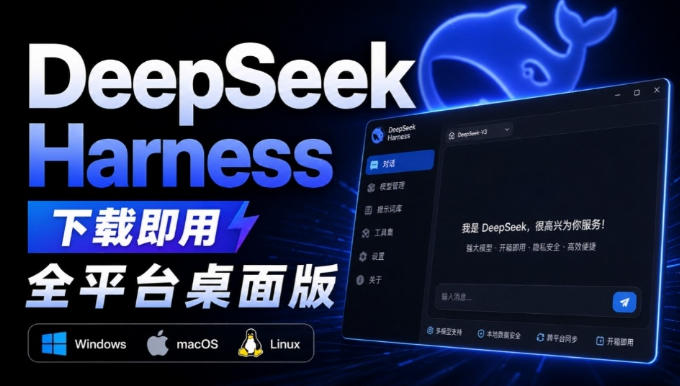
Nearly 200K stars on GitHub - Harness now runs by double-click: the Harness full-platform desktop edition
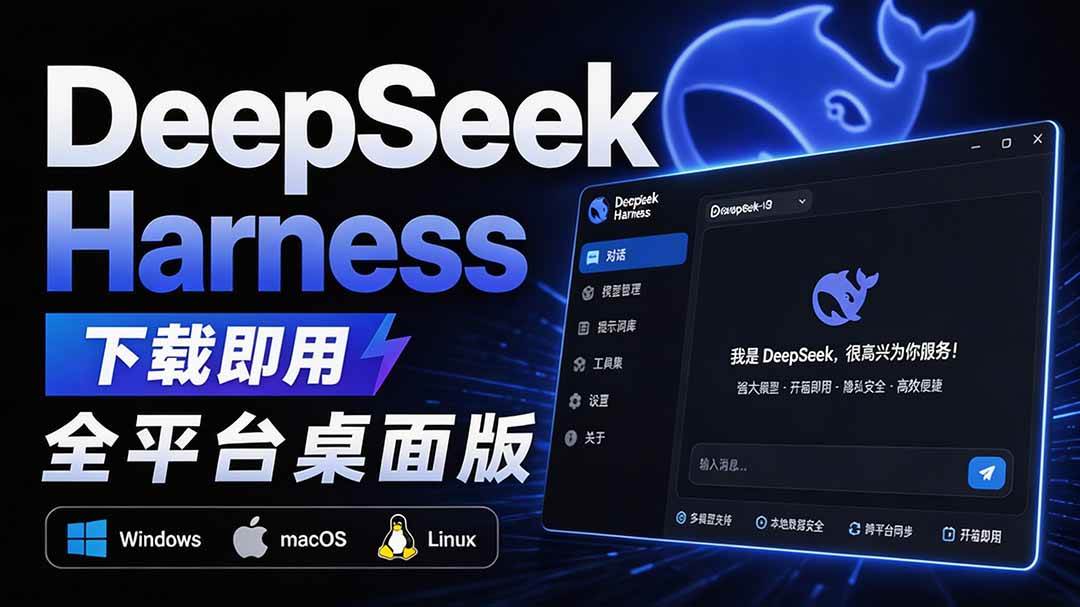
Nearly 200K stars on GitHub - Harness now runs by double-click: the Harness full-platform desktop edition DSH Desktop

