


-
Solo Business Courses
-
 Others
-
Overseas Tutorials
-
Photography & Editing
-
Community & Private Domain
-
Self-Media Writing & Copywriting
-
Side Income Projects
-
E-commerce
-
Short Video & Live Streaming
-
Artificial Intelligence (AI)
-
Software & Tools
-
Operating Systems
-
Plugins & Scripts
-
MacOS Software
-
Android Software
-
Windows Software
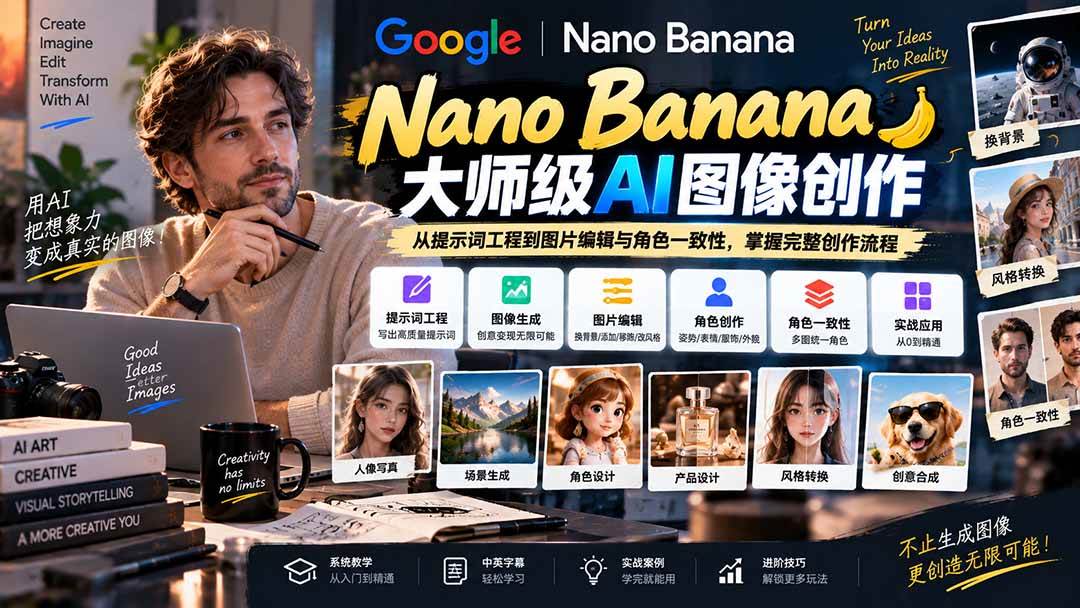
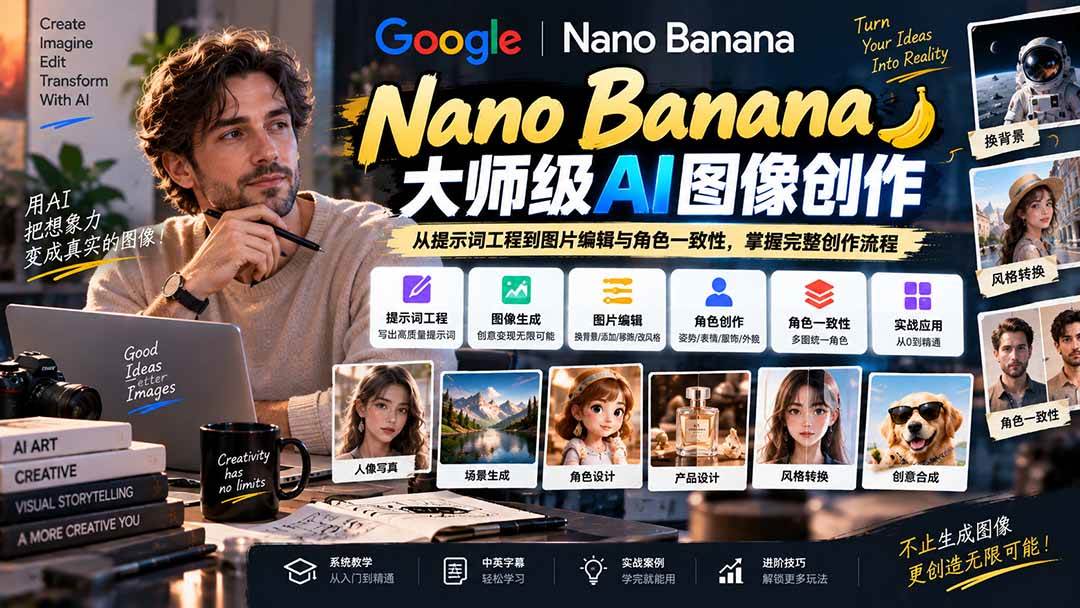
[No Watermark] Nano Banana Master-Level AI Image Practical Course: From Prompt Engineering to Image Editing and Character Consistency, Master the Full Creation Flow
-
Game Gold-Farming Money-Making Plan: Earn 1k+ Daily, a Stable 3-Year Project Anyone Can Do in Spare Time [Revealed]
Study material — included with membership Get Membership -
Hot-game fully-automated earning: 500+ a day, no experience, simple operation - the steadiest long-term game-earning side hustle (revealed)
Study material — included with membership Get Membership -
FlyingMouse earns merit this time! Don't panic at Windows format problems — the open-source FlyingMouse format conversion tool helps, a popular GitHub gem
Study material — included with membership Get Membership -
Douyin Product-Selling Coaching Bootcamp: No On-Camera Appearance Needed, Newbies Can Produce Selling Short Videos by Following the Steps
Study material — included with membership Get Membership -
First-release game gold-farming money plan: 1K+ a day, ordinary people in spare time
Study material — included with membership Get Membership






-
FlyingMouse earns merit this time! Don't panic at Windows format problems — the open-source FlyingMouse format conversion tool helps, a popular GitHub gem
Study material — included with membership Get Membership -
LuDaShi v6.1024.4105.1121 Slim Single File
Study material — included with membership Get Membership -
2D Cartoon Animation Software Moho Pro v14.3
Study material — included with membership Get Membership -
Video Editor Aiseesoft Filmai v1.0.18
Study material — included with membership Get Membership -
To-Do Microsoft To Do v2.147 Free
Study material — included with membership Get Membership -
PR/AE/DaVinci/FCPX video Plugin Nobe OmniScope Win1.11.15 / Mac1.10.138
Study material — included with membership Get Membership







Course Introduction:
This Nano Banana course takes you from zero to confident. You'll start from the basics - what Nano Banana is, how it works, and how to access Google Nano Banana through different platforms. Then you move into prompt writing, learning the specific structure of a good image prompt: subject, environment, style, and more. From here, things get very practical. You'll learn how to turn a selfie into a photo with a celebrity, change backgrounds, turn people into fictional characters, blend two images, remove or add objects, change the art style of a photo, remove tattoos or adjust skin tone.
You will learn
Access and use Google Nano Banana for image generation
Write image prompts using subject, environment and style elements
Generate images using different methods on the platform
Edit photos: change backgrounds, remove objects, add objects
Turn anyone into a fictional or 3D character
Blend two or more images into one final image
Change the art style of any photo
Remove tattoos and adjust skin tone in photos
Create consistent characters across multiple images
Build a story timeline with the same character
Convert images back to text prompts
Place text behind subjects in images
Use Nano Banana 2 for updated advanced effects
Course Outline:
1 - Introduction to Nano Banana
2 - Multiple ways to call the Nano Banana AI model
3 - Nano Banana prompt engineering
4 - Image prompt optimization tips
5 - Image editing with Nano Banana
6 - Character creation workshop - poses, expressions, clothing and appearance
7 - Nano Banana character consistency drawing
8 - Nano Banana advanced practical guide
9 - More practical applications of Nano Banana
Supporting Study Materials
This course comes with a materials pack. Members receive the access link by email after requesting the course.
Related Courses

Family Comedy Short-Drama Creation Course: Benchmark Hot Accounts, AI-Assisted, Fast Start for Total Beginners, Grow Followers and Drive Product Sales

Amazon AI Automation Practical Course: AI Operating Mindset, Setting Up the Codex Environment, Risk-Control Checks and Automated Listing Copy

AI E-Commerce Data Tool Development Course: Learn Codex+BI From Zero, Build a Multi-Store Integrated Visualization Dashboard


Advanced AI Prompt Application: 15 Lessons | Universal Instruction Thinking + Multiple Output Modes + Full Industry Commercial Cases

AI Video Creation Crash Course: From Great-Case Breakdown to Five Core Modules, Fast-Track AI Video Skills for Total Beginners

AI Commercial Practice System Course: In-Depth SD Mastery + Advanced Flux Hands-On + Comfyui Workflow Building, Full Commercial Design Project Training

[National-Day Pick] AI Automation Game, 1k+ RMB a Day, Simple to Operate, Stable for Three Years! [Revealed]



