


-
Solo Business Courses
-
 Others
-
Overseas Tutorials
-
Photography & Editing
-
Community & Private Domain
-
Self-Media Writing & Copywriting
-
Side Income Projects
-
E-commerce
-
Short Video & Live Streaming
-
Artificial Intelligence (AI)
-
Software & Tools
-
Operating Systems
-
Plugins & Scripts
-
MacOS Software
-
Android Software
-
Windows Software
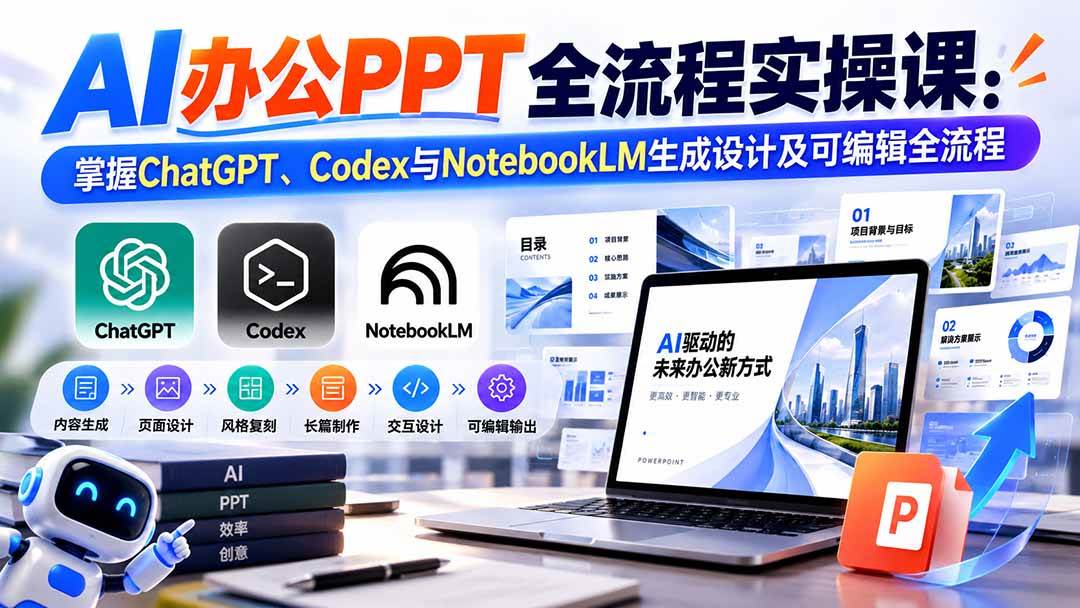
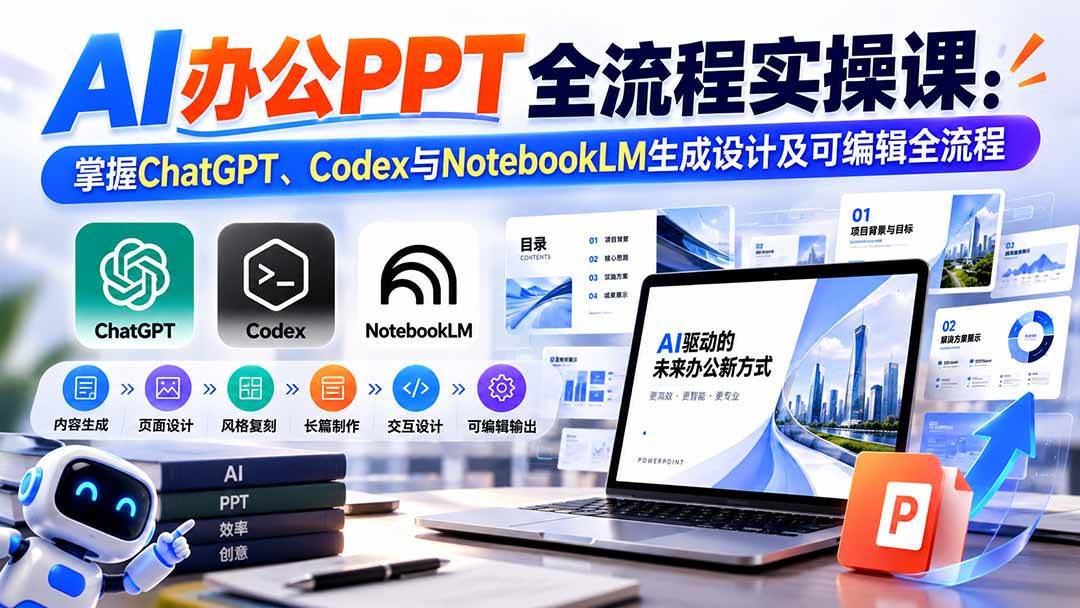
[No Watermark] AI Office PPT Full Process Practical Course: Master ChatGPT, Codex and NotebookLM for Generated Design and Editable Workflow
-
Game Gold-Farming Money-Making Plan: Earn 1k+ Daily, a Stable 3-Year Project Anyone Can Do in Spare Time [Revealed]
Study material — included with membership Get Membership -
Hot-game fully-automated earning: 500+ a day, no experience, simple operation - the steadiest long-term game-earning side hustle (revealed)
Study material — included with membership Get Membership -
FlyingMouse earns merit this time! Don't panic at Windows format problems — the open-source FlyingMouse format conversion tool helps, a popular GitHub gem
Study material — included with membership Get Membership -
Douyin Product-Selling Coaching Bootcamp: No On-Camera Appearance Needed, Newbies Can Produce Selling Short Videos by Following the Steps
Study material — included with membership Get Membership -
First-release game gold-farming money plan: 1K+ a day, ordinary people in spare time
Study material — included with membership Get Membership






-
FlyingMouse earns merit this time! Don't panic at Windows format problems — the open-source FlyingMouse format conversion tool helps, a popular GitHub gem
Study material — included with membership Get Membership -
LuDaShi v6.1024.4105.1121 Slim Single File
Study material — included with membership Get Membership -
2D Cartoon Animation Software Moho Pro v14.3
Study material — included with membership Get Membership -
Video Editor Aiseesoft Filmai v1.0.18
Study material — included with membership Get Membership -
To-Do Microsoft To Do v2.147 Free
Study material — included with membership Get Membership -
PR/AE/DaVinci/FCPX video Plugin Nobe OmniScope Win1.11.15 / Mac1.10.138
Study material — included with membership Get Membership







1. Course Introduction
Course MaterialThe AI Original PPT Practical Manual is a systematic tutorial covering AI PPT creation from basic preparation to advanced practice, covering account environment, AI tools, PPT generation, style replication, long-form production, interactive design, and editable PPT conversion. The early stage starts with domestic and international AI platform usage preparation, explaining related accounts, memberships, and common auxiliary tools. The practical stage focuses on teaching InsertArt, Kouzi Space, ChatGPT, Codex, NotebookLM, WorkBuddy and other tools for PPT creation, and further learning viral PPT replication, custom PPT Skill building, fixed visual style, dozens of pages of long PPT production, and HTML interactive PPT. The advanced section focuses on solving common AI PPT problems like text garbling, typos, and image-based pages being uneditable, combining GPT Image 2 + Codex + Skills to achieve a complete workflow from PPT visual draft generation to element splitting, text reconstruction, and deep editing. Suitable for those wanting to systematically master AI PPT efficient production methods.
Course Material2. Target Audience
Course Material-
Course Material
- Zero-basis people wanting to learn AI PPT creation Course Material
- People who frequently need to make courseware and presentation PPTs Course Material
- Professionals wanting to improve PPT creation efficiency Course Material
- Content creators wanting to batch produce original PPTs Course Material
- Entrepreneurs wanting to learn AI design workflows Course Material
3. Learning Outcomes
Course Material-
Course Material
- Master the complete AI PPT creation workflow Course Material
- Learn multiple AI tools to generate high-quality PPTs Course Material
- Master viral PPT replication and style unification methods Course Material
- Learn to make long PPTs and interactive PPTs Course Material
- Master AI PPT to editable and garbled text repair techniques Course Material
4. Course Outline
1. AI PPT Basic Preparation
1. Prepare Accounts
Domestic and international AI platform account preparation
Google/Gmail email registration
Gmail multi-address usage tips
Gmail dot address variation method
Gmail plus-character extended address method
gmail.com / googlemail.com switching method
US Apple ID registration
US Apple ID activation
App Store region switching
US tax-free state billing address setting
US account common problems and pitfalls
2. Learn to Access Internet
Overseas AI model usage environment preparation
Network environment and stability notes
3. Purchase AI Membership
Method 1: AI platform proxy ordering
Method 2: Official direct top-up
Method 3: App Store / Google Play subscription
Apple App Store gift card top-up
US Apple ID ChatGPT subscription
ChatGPT App download and login
Pockyt Shop gift card purchase
MTCGAME gift card channel
Alipay overseas gift card purchase
App Store redeem gift card
ChatGPT Plus / Pro subscription
Google Play subscription process
Method 4: Overseas payment card / virtual card
Method 5: Shared account / low-price mirror
Method 6: Turkey region low-price purchase
Turkey Apple ID registration
Turkey App Store login
Turkish Lira gift card purchase
Gift card top-up
ChatGPT Plus subscription
4. API Integration
What is API
What API can do
Dialogue Q&A
Text-to-image / Image-to-image
Voice capabilities
Document processing
API usage characteristics
API usage methods
API platform selection
Common API problem handling
5. Common Skills
AI-related skills and extended capabilities
Skills application in AI workflows
6. AI Auxiliary Tools
GitHub basic understanding
GitHub resource acquisition
Open source projects and AI tool discovery
GitHub basic usage logic
2. AI PPT Basic Introduction
Course Material1. PPT Basic Knowledge
PPT basic composition and creation logic
Difference between AI and traditional PPT creation methods
2. AI PPT Creation Classification
Different AI PPT generation methods
Different creation routes and applicable scenarios
3. AI PPT Common Platforms
Course Material1. Domestic AI PPT Platforms
Domestic mainstream AI tools
Domestic platform usage and generation methods
2. International AI PPT Platforms
Overseas AI models and PPT tools
Different model generation effect comparison
3. Third-party Platforms
Third-party AI PPT generation tools
Different platform usage scenarios
4. Common Tool Platforms
PPT creation auxiliary tools
AI content, image and design auxiliary platforms
4. AI PPT Practical Tutorial
Course Material1. InsertArt PPT Creation
InsertArt basic usage
AI PPT generation flow
Page design and content generation
Final output
2. Kouzi Space PPT Creation
Platform basic operations
AI PPT generation method
Page content processing
Final creation flow
3. Codex / ChatGPT PPT Creation
Course MaterialMethod 1: Official Plugin
Use official capabilities to generate PPT
Content planning and page generation
PPT file output
Method 2: Codex-Slides Plugin
Slides plugin usage
AI auto-generate slides
Page layout and content processing
Method 3: Codex Viral Replication
Find reference PPT
Analyze viral PPT visual style
Use Codex for replication
Content replacement and regeneration
Method 4: Build Custom PPT Skill
PPT Skill creation approach
Fixed PPT creation standards
Build custom AI PPT workflow
Improve batch production efficiency
4. AI PPT Platform Creation
AI PPT auto-generation
Content input
Template and page generation
PPT final output
5. NotebookLM PPT Complete Tutorial
Course MaterialPart 1: From Registration to Export Complete Flow
Course Material1. Account Acquisition
Course Material2. Create Notebook
Course Material3. Upload Materials
Document material organization
Data import
Content as PPT knowledge source
AI PPT Content Generation Flow
Step 1: Use AI to generate speech transcript
Step 2: Paste transcript into NotebookLM
Step 3: Generate PPT
4. Generate Slide Deck
Call Slide Deck
Auto-generate pages
Content and visual design
5. View and Export
PPT preview
File export
Final inspection
Part 2: 4 Methods to Fix Typos in NotebookLM PPT
Course MaterialMethod 1: PDF to PPT Tool
Convert generated result to PPT
Modify text content
Method 2: Lovart Edit Image Text
Import PPT pages
Modify error text in images
Maintain original visual style
Method 3: Use AI to Regenerate
Locate error area
AI regenerate
Replace error pages
Method 4: Windows Smart Selection
Use Windows smart selection
Partially modify text and page content
Part 3: 5 Common PPT Styles and Fixing Style Methods
Common AI PPT visual styles
Find reference images
Extract reference PPT style
Use AI to analyze visual features
Extract style prompts
Apply style to NotebookLM
Maintain whole PPT visual unity
Part 4: Long PPT Creation Method
Solve single-generation limited to a dozen pages problem
Split PPT chapters
Create separate file for each chapter
Generate Slide Deck separately
Export each chapter
Merge PDF
Create dozens of pages of long PPT
6. WorkBuddy PPT Creation
Course MaterialPart 1: WorkBuddy Auto-Generate PPT
Course MaterialStep 1: Create workspace
Step 2: Select function
Step 3: Switch to Plan mode
Step 4: Load PPT skill
Step 5: Input prompt
Step 6: AI takes over automatically
Step 7: View plan and confirm execution
Step 8: Get PPT final product
Part 2: Create Interactive PPT (HTML Embedding)
Course MaterialStep 1: WorkBuddy generates HTML interactive code
Step 2: Real-time preview interaction effects
Step 3: Create blank presentation in WPS
Step 4: Sync WPS cloud and enable collaboration
Step 5: Insert HTML material
Step 6: Copy WorkBuddy generated HTML code
Step 7: Paste code into WPS and run
Complete interactive PPT creation
7. AI PPT to Editable Complete Tutorial
Course Material1. PPT to Editable Method 1
AI-generated pages
Convert to editable PPT
Text and material re-editing
2. PPT to Editable Method 2
Image-type PPT conversion
Page element reprocessing
3. PPT to Editable Method 3
AI-assisted recognition
PPT content reconstruction
4. PPT to Editable Method 4
Page splitting
Element and text editing
5. PPT to Editable Method 5: GPT Image 2 + Codex + Skills
Course MaterialRoute 1
Step 1: GPT Image 2 generates whole PPT images and confirms style
Step 2: Let GPT export PPTX file
Step 3: Codex calls Skills to auto-convert to editable PPT
Route 2
Step 1: GPT Image 2 generates each page PPT image
Step 2: Codex converts images to PPT file
Step 3: Codex converts PPT to editable version
Route 3: Deep Editable Solution
Step 1: GPT Image 2 generates PPT page visual draft
Step 2: Codex converts to complete PPT
Step 3: Codex splits all page elements into independent PNG
Step 4: Codex re-adds text and combines PNG materials
Final PPT with independently editable elements and text
6. PPT to Editable Method 6
AI-assisted conversion
Page Re-editing
7. PPT to Editable Method 7
Another PPT editable conversion workflow
8. AI Repair of Garbled PPT Pages
Locate garbled pages
AI recognizes original pages
Fix erroneous text
Maintain original layout and design as much as possible
9. Windows Smart Selection Modification
Smart identification of page elements
Select positions needing modification
Modify PPT image text
Local page repair
8. Other Original Material Methods
Course MaterialsOther AI original PPT creation approaches
Original material processing
PPT content secondary processing
Different AI tool combination usage
Methods to improve PPT originality
9. Optional AI Other Methods
Course Materials1. Codex Installation
Codex basic installation
Environment configuration
Tool preparation
Build environment for subsequent PPT automation
Supporting Study Materials
This course comes with a materials pack. Members receive the access link by email after requesting the course.
Related Courses

Family Comedy Short-Drama Creation Course: Benchmark Hot Accounts, AI-Assisted, Fast Start for Total Beginners, Grow Followers and Drive Product Sales

Amazon AI Automation Practical Course: AI Operating Mindset, Setting Up the Codex Environment, Risk-Control Checks and Automated Listing Copy

AI E-Commerce Data Tool Development Course: Learn Codex+BI From Zero, Build a Multi-Store Integrated Visualization Dashboard


Advanced AI Prompt Application: 15 Lessons | Universal Instruction Thinking + Multiple Output Modes + Full Industry Commercial Cases

AI Video Creation Crash Course: From Great-Case Breakdown to Five Core Modules, Fast-Track AI Video Skills for Total Beginners

AI Commercial Practice System Course: In-Depth SD Mastery + Advanced Flux Hands-On + Comfyui Workflow Building, Full Commercial Design Project Training

[National-Day Pick] AI Automation Game, 1k+ RMB a Day, Simple to Operate, Stable for Three Years! [Revealed]



