


-
Solo Business Courses
-
 Others
-
Overseas Tutorials
-
Photography & Editing
-
Community & Private Domain
-
Self-Media Writing & Copywriting
-
Side Income Projects
-
E-commerce
-
Short Video & Live Streaming
-
Artificial Intelligence (AI)
-
Software & Tools
-
Operating Systems
-
Plugins & Scripts
-
MacOS Software
-
Android Software
-
Windows Software
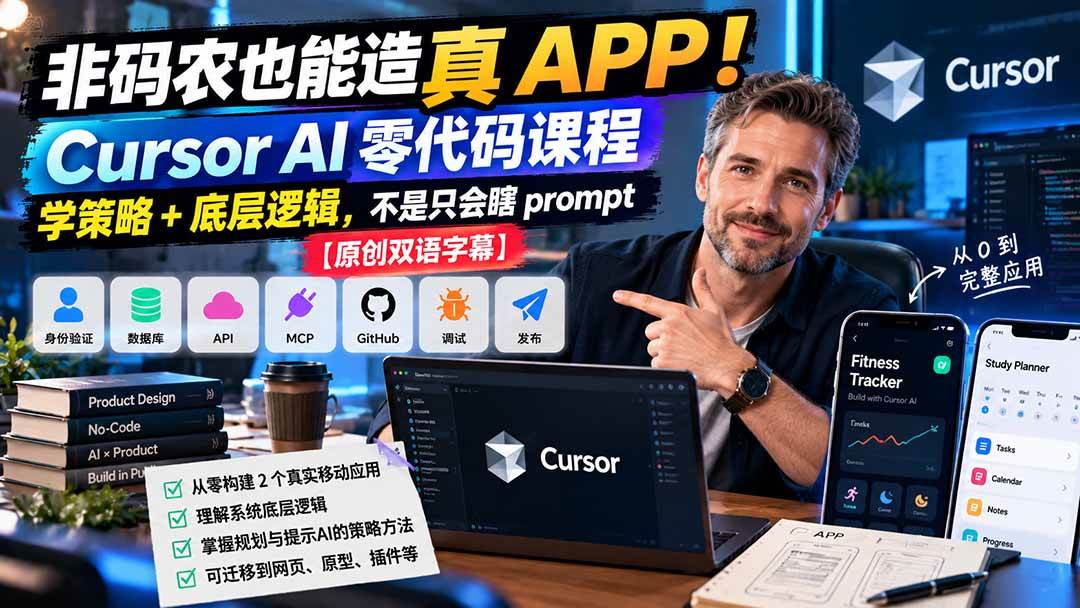
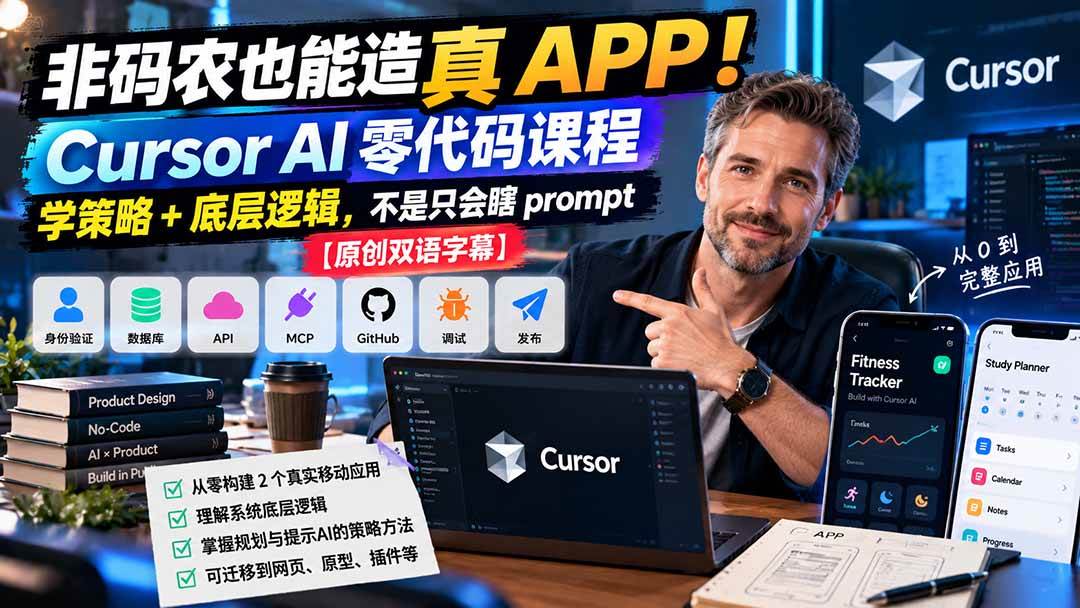
Non-programmers Can Build Real Apps Too! Cursor AI No-Code Course: Learn Strategy + Underlying Logic, Not Just Random Prompts [Original Bilingual Subtitles]
-
Game Gold-Farming Money-Making Plan: Earn 1k+ Daily, a Stable 3-Year Project Anyone Can Do in Spare Time [Revealed]
Study material — included with membership Get Membership -
Hot-game fully-automated earning: 500+ a day, no experience, simple operation - the steadiest long-term game-earning side hustle (revealed)
Study material — included with membership Get Membership -
FlyingMouse earns merit this time! Don't panic at Windows format problems — the open-source FlyingMouse format conversion tool helps, a popular GitHub gem
Study material — included with membership Get Membership -
Douyin Product-Selling Coaching Bootcamp: No On-Camera Appearance Needed, Newbies Can Produce Selling Short Videos by Following the Steps
Study material — included with membership Get Membership -
First-release game gold-farming money plan: 1K+ a day, ordinary people in spare time
Study material — included with membership Get Membership






-
FlyingMouse earns merit this time! Don't panic at Windows format problems — the open-source FlyingMouse format conversion tool helps, a popular GitHub gem
Study material — included with membership Get Membership -
LuDaShi v6.1024.4105.1121 Slim Single File
Study material — included with membership Get Membership -
2D Cartoon Animation Software Moho Pro v14.3
Study material — included with membership Get Membership -
Video Editor Aiseesoft Filmai v1.0.18
Study material — included with membership Get Membership -
To-Do Microsoft To Do v2.147 Free
Study material — included with membership Get Membership -
PR/AE/DaVinci/FCPX video Plugin Nobe OmniScope Win1.11.15 / Mac1.10.138
Study material — included with membership Get Membership





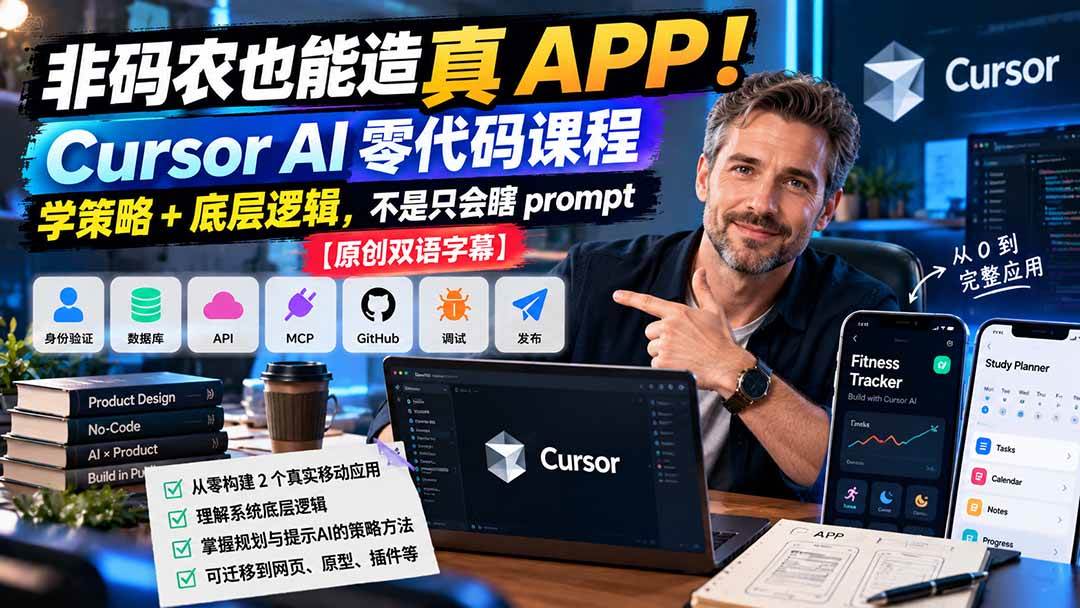
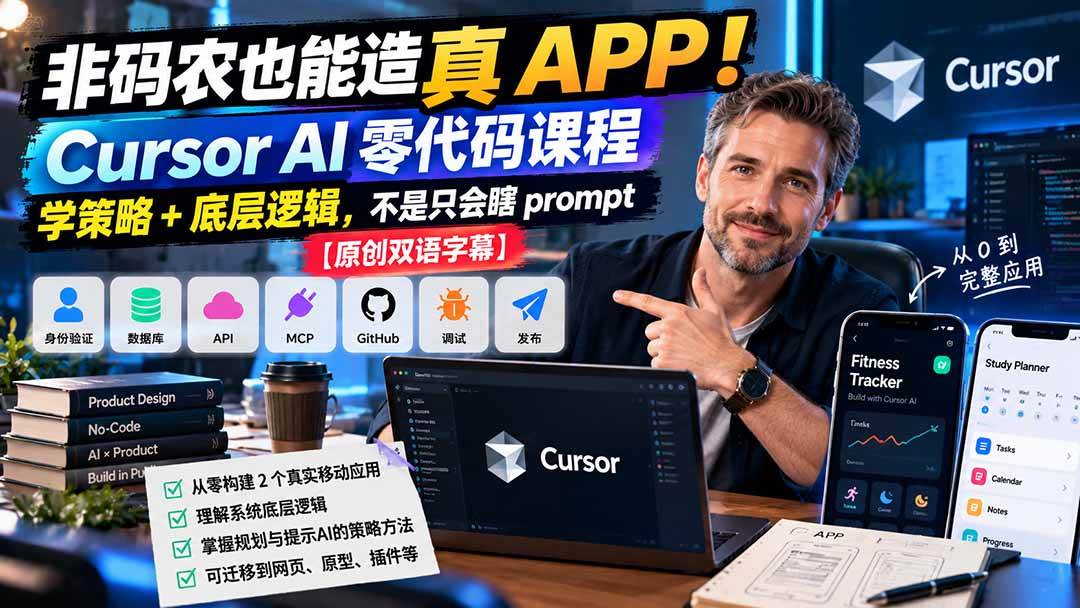
Course outline:
Most Cursor AI courses aimed at non-programmers only teach you how to write prompts. This course teaches the strategy and process behind building a complete product, so you truly understand what is happening.
This is a 4-module, 60+ video course designed for product designers and non-technical professionals to help them use Cursor AI to build real applications from scratch.
It does not teach you to write code; it teaches you just enough knowledge of how systems work so you can guide the AI to produce the results you want. That means you will learn the basics of authentication, databases, APIs, MCP, GitHub, debugging and publishing without writing a single line of code yourself.
The skills covered here are transferable. Although the course builds mobile apps, the same process applies to web apps, landing pages, prototypes, internal tools, design systems and plugins. The course is self-paced and flexible, and includes an online community where you can share progress, get feedback and stay up to date with the latest in AI.
**What you will learn:**
- How to build two complete native mobile apps from scratch with Cursor without writing code
- Core fundamentals including authentication, databases, APIs, MCP, GitHub and debugging
- A strategic approach to planning and prompting the AI so it keeps producing the results you want
- How to understand what happens behind the scenes, instead of blindly writing prompts
- Transferable skills applicable to web apps, landing pages, prototypes, plugins and more
Course language: Bilingual subtitles / Chinese-English
Document language: English / please translate yourself with AI
Security scan: No virus, no plugins / cloud scan Virustotal Virscan
File format: Video / Document / Image-text
Compression software: 7ZIP
Video playback: Perfect Decoder / potplayer / QQ Player
Course catalog [Note: the titles of the material are original English, the documents are not yet translated, just use AI to translate them yourself]
└─Build end-to-end products in Cursor, no programming required
├─01-Module 1 Fundamentals of building an app
│ 01-Getting started and common questions
│ 02-Mobile app development basics
│ 03-AI coding tools, comparing options and workflows
│ 04-Understanding frontend vs backend
│ 05-Understanding APIs, databases and authentication
│ 06-Tech stack, making the right app architecture decisions
│ 07-Boosting efficiency, using Whispr Flow and Open Usage
│
├─02-Module 2 AI models and Cursor 101
│ 01-Introduction to AI models
│ 02-Impact of the context window on output quality
│ 03-Cost of AI models, tokens and pricing
│ 04-Speed of AI models, latency and throughput
│ 05-Choosing the right AI model, matching models to tasks
│ 06-Variants of AI models, task effort and speed
│ 07-Combining tools cleverly, Cursor, Claude Code and Codex
│ 08-Configuring settings in Cursor
│ 09-Cursor rules, instructions for the AI
│ 10-Cursor skills, the toolkit for the AI
│
├─03-Module 3 Building a React Native app
│ 01-Prerequisites for building a React Native app
│ 02-Planning your first prompt
│ 03-Project structure review, file and markup strategy
│ 04-Generating the first build, running Expo and debugging errors
│ 06-Fixing carousel scrolling, spacing, snapping and animation
│ 07-Fixing image upload, debugging and verifying on device
│ 08-Improving date readability on cards
│ 09-Fixing the image replacement feature
│ 10-Submitting to TestFlight and configuring testing
│ 11-Generating the Android APK file
│ 12-Fixing data persistence, improving backup and storage behavior
│ 13-Speeding up Expo builds, tips and tricks
│ 14-Uploading the app icon
│
└─04-Module 4 Building an iOS app
01-Prerequisites for building a Swift UI app
02-Setting up an Xcode project
03-Planning the app MVP, defining features, scope and plan
04-Estimating costs, comparing API and model pricing
05-Refining the PRD, improving flow logic and UI specs
06-Exporting design tokens, reviewing and cleaning up the taxonomy
07-MCP core concepts explained
08-Setting up Figma MCP in Cursor
09-Reviewing the first build in Xcode and fixing issues
10-Testing empty states, removing mock data and verifying first-user experience
11-API key core concepts explained
12-API keys, getting DeepL and Gemini AI keys
13-Fixing Gemini translation errors
14-GitHub core concepts explained
15-GitHub setup, creating a repository and pushing from Cursor
16-Data storage, local, iCloud and database options
17-Google Firebase authentication and database setup
18-Fixing Google sign-in
19
20-Debugging the home UI, planning and applying layout fixes
21-Refining word cards, fixing width, scrolling and final details
22-Fixing the add-word flow, solving sync, rate limits and count updates
23-Fixing the stack detail page, refactoring rows, search and layout issues
24-Refining icon buttons
25-Improving the add-word flow, planning, implementing and testing navigation fixes
26-Refining the add-word UI, beautifying, animation and button styles
27-Creating a new app icon with Icon Composer
28-Push notifications, setup, configuration, testing and fixing errors
29-Submitting from Xcode to TestFlight and configuring testing
30-Protecting API keys, choosing secure storage options
31-Fixing security issues, reviewing risks and applying mitigations
32-Google Analytics setup, tracking events and verifying settings
33-Firebase remote config setup, storing keys and testing
Supporting Study Materials
This course comes with a materials pack. Members receive the access link by email after requesting the course.
Related Courses

Family Comedy Short-Drama Creation Course: Benchmark Hot Accounts, AI-Assisted, Fast Start for Total Beginners, Grow Followers and Drive Product Sales

Amazon AI Automation Practical Course: AI Operating Mindset, Setting Up the Codex Environment, Risk-Control Checks and Automated Listing Copy

AI E-Commerce Data Tool Development Course: Learn Codex+BI From Zero, Build a Multi-Store Integrated Visualization Dashboard


Advanced AI Prompt Application: 15 Lessons | Universal Instruction Thinking + Multiple Output Modes + Full Industry Commercial Cases

AI Video Creation Crash Course: From Great-Case Breakdown to Five Core Modules, Fast-Track AI Video Skills for Total Beginners

AI Commercial Practice System Course: In-Depth SD Mastery + Advanced Flux Hands-On + Comfyui Workflow Building, Full Commercial Design Project Training

[National-Day Pick] AI Automation Game, 1k+ RMB a Day, Simple to Operate, Stable for Three Years! [Revealed]



