


-
Solo Business Courses
-
 Others
-
Overseas Tutorials
-
Photography & Editing
-
Community & Private Domain
-
Self-Media Writing & Copywriting
-
Side Income Projects
-
E-commerce
-
Short Video & Live Streaming
-
Artificial Intelligence (AI)
-
Software & Tools
-
Operating Systems
-
Plugins & Scripts
-
MacOS Software
-
Android Software
-
Windows Software

Codex AI All-in-One Practical Course for Beginners from Zero: from Download and Installation to Agent Automation — master knowledge base building, e-commerce product images, video editing, viral copywriting, and digital human voiceover full workflow
-
Game Gold-Farming Money-Making Plan: Earn 1k+ Daily, a Stable 3-Year Project Anyone Can Do in Spare Time [Revealed]
Study material — included with membership Get Membership -
Hot-game fully-automated earning: 500+ a day, no experience, simple operation - the steadiest long-term game-earning side hustle (revealed)
Study material — included with membership Get Membership -
FlyingMouse earns merit this time! Don't panic at Windows format problems — the open-source FlyingMouse format conversion tool helps, a popular GitHub gem
Study material — included with membership Get Membership -
Douyin Product-Selling Coaching Bootcamp: No On-Camera Appearance Needed, Newbies Can Produce Selling Short Videos by Following the Steps
Study material — included with membership Get Membership -
First-release game gold-farming money plan: 1K+ a day, ordinary people in spare time
Study material — included with membership Get Membership






-
FlyingMouse earns merit this time! Don't panic at Windows format problems — the open-source FlyingMouse format conversion tool helps, a popular GitHub gem
Study material — included with membership Get Membership -
LuDaShi v6.1024.4105.1121 Slim Single File
Study material — included with membership Get Membership -
2D Cartoon Animation Software Moho Pro v14.3
Study material — included with membership Get Membership -
Video Editor Aiseesoft Filmai v1.0.18
Study material — included with membership Get Membership -
To-Do Microsoft To Do v2.147 Free
Study material — included with membership Get Membership -
PR/AE/DaVinci/FCPX video Plugin Nobe OmniScope Win1.11.15 / Mac1.10.138
Study material — included with membership Get Membership





This course is a hands-on Codex AI intelligent automation tutorial, designed specifically for AI beginners with no background, content creators, e-commerce practitioners, office workers, and everyone who wants to improve work efficiency. The course consists of 38 lessons and adopts a teaching approach that goes from basic entry to project practice: without any programming background, you can still progressively master the core functions and practical applications of Codex. The course starts from basic Codex knowledge, download and installation, to Chinese interface setup, guiding you step by step to get familiar with using AI tools, then gradually going deep into multiple practical scenarios: automatic PPT creation with AI, personal knowledge base building with Obsidian, e-commerce product detail image generation, automatic AI video editing, bulk creation of viral copywriting, digital avatar voiceover workflows, and AI agent applications. It not only explains the basic operations of Codex, but also combines common tools such as WorkBuddy, Doubao, Obsidian, and Jianying, focusing on teaching Skill skill invocation, plugin installation, API connection, and automated workflow building, upgrading AI from a simple chat assistant to an intelligent productivity tool capable of helping complete real work. Through real case demonstrations, it helps learners master the complete operational process from content planning and copywriting generation to image production and video editing, reducing repetitive work, improving content production efficiency, and gradually establishing their own AI automation work system. Module 1: Codex beginner entry from zero, plus installation and configuration Start by getting to know Codex, understand its core functions and application value, and learn software download and installation, account registration, Chinese interface setup, and basic operations. Without programming experience, you can also quickly get familiar with the Codex usage environment, laying a solid foundation for subsequent AI automation practice. Module 2: AI smart PPT creation and layout design Learn beginner-friendly PPT creation approaches, page layout techniques, and visual optimization methods, and master the operational process of generating PPT through invoking Skill skills with Codex. At the same time, combining AI tools such as WorkBuddy and Doubao, achieve presentation content generation, structure planning, and page design, improving daily office and reporting efficiency. Module 3: Personal AI knowledge base building with Obsidian Systematically get to know the Obsidian local bidirectional-link note tool, learn download and installation, basic operations, note management, and knowledge linking, and practice the methods for Codex and WorkBuddy to connect to the Obsidian knowledge base, helping learners establish a personal knowledge management system so that daily accumulated material can be retrieved and used more conveniently. Module 4: Automatic generation of AI e-commerce product images The teaching centers on e-commerce product detail image creation: it explains the key points of e-commerce visual design, teaches using Codex to invoke the Doubao API and image generation models to create product images, and realizes the reuse of common image production processes through encapsulating e-commerce image Skill skills. It also introduces WorkBuddy's e-commerce image method, helping e-commerce operators improve the efficiency of product visual material production. Module 5: Automatic Codex AI editing and video production Through cases, the real application of automatic video editing with Codex is demonstrated: learn AI automatic script generation, image production, video material generation, and the installation of the Jianying assistant. Further master the video editing Skill skill encapsulation method, combine multiple production steps together, and explore the automated production process from script planning to the finished video. Module 6: Viral topic mining and bulk generation of 100 copywriting texts For short video, self-media, and content operation scenarios, it explains AI viral copywriting creation methods, hot topic mining techniques, and the installation and use of Codex smart plugins. The focus is practicing the workflow of bulk generating 100 copywriting texts, helping creators reduce repetitive writing time and establish a more efficient topic selection and content production mechanism. Module 7: Automated AI digital avatar voiceover video workflow Systematically learn the production steps of digital avatar voiceover videos, including content generation, digital avatar video production, and workflow integration. Through two consecutive hands-on lessons, master the automated production method of digital avatar voiceover, and combined with AI smart editing technology, explore content production processes applicable to knowledge sharing, product introduction, and short video creation. Module 8: AI agent applications and advanced automation Through bonus lessons, further understand the usage and real application scenarios of AI agents, learn how to combine the previously mastered Codex skills, plugins, and workflows, connecting multiple AI tools together, gradually improving the ability to handle complex tasks, and laying the foundation for later building a personal AI office assistant and content automation system. ✅Beginner-friendly: from download and installation to interface operations, everything is explained step by step, without requiring learners to have a programming background. ✅38 systematic lessons: covering practical directions such as AI office, knowledge management, e-commerce design, video editing, copywriting creation, and digital avatar voiceover. ✅Multi-tool collaboration practice: combine Codex with tools such as WorkBuddy, Doubao, Obsidian, and Jianying to expand AI application scenarios. ✅Focus on mastering Skill skills: learn skill invocation and encapsulation to realize the reuse of common task processes. ✅Bulk content production: practice bulk copywriting generation, AI image production, and automatic video editing to improve creation efficiency. ✅From basic to advanced: not only learning individual tool functions, but also emphasizing automated workflows and AI agent applications. AI beginners with no background: people who want to learn Codex but have no programming experience and don't know how to get started. Office workers: people who hope to improve PPT creation, material organization, and daily office efficiency through AI. Self-media and short video creators: people who want to use AI to complete topic selection, copywriting, video editing, and digital avatar voiceover. E-commerce operation practitioners: people who need to efficiently produce product images, detail images, and video marketing materials. Individual entrepreneurs and freelancers: people who hope to reduce repetitive work with AI tools and explore automated content production models. AI tool advanced learners: people who hope to further master Skill skills, plugin applications, and agent workflows. What will you gain after completing the course? Through the systematic learning of 38 lessons, you will progressively master the basic operations and application methods of Codex, and understand how to use AI to generate PPT, build personal knowledge bases, produce e-commerce product images, bulk-create copywriting, assist video editing, and produce digital avatar voiceover content. More importantly, you will learn how, through Skill skills, plugins, and automated workflows, to integrate tasks that originally required multiple steps, forming reusable AI workflows. From not knowing how to use Codex to being able to independently complete multi-scenario AI practice, making AI truly your office assistant, content creation assistant, and automation efficiency tool. 01.01. CodeX basics: getting to know the interface_1 02.1. What is CodeX?_1 03.2. Why should beginners learn CodeX?_1 04.3. No magic needed, install and use CodeX from zero_1 05.4. How does CodeX set the Chinese interface?_1 06.5. Install the original CodeX in 3 minutes_1 07.6. After CodeX account registration: how to pass phone verification?_1 08.1. How does a beginner write PPT from zero — techniques?_1 09.2. How to lay out PPT to look better?_1 10.3. How does CodeX invoke Skill skills to generate PPT?_1 11.4. How does WorkBuddy make PPT?_1 12.5. How to make free beautiful PPT with Doubao?_1 13.1. First acquaintance with Obsidian: core advantages of local bidirectional-link notes_1 14.2. One-click download and install Obsidian, zero background_1 15.3. Learn Obsidian basic operations in five minutes_1 16.4. How does CodeX connect to the Obsidian knowledge base?_1 17.5. WorkBuddy connects to the Obsidian knowledge base_1 18.1. Precautions for e-commerce detail image creation_1 19.2. How does CodeX invoke the Doubao API to make images?_1 20.3. How does CodeX invoke image2 to make e-commerce images?_1 21.4. How does CodeX encapsulate e-commerce image Skill skills?_1 22.5. How does WorkBuddy make e-commerce images?_1 23.1. CodeX automatic video editing case demonstration_1 24.2. How does CodeX write scripts automatically?_1 25.3. How does CodeX make images automatically?_1 26.4. How does CodeX make videos automatically?_1 27.5. How to install the Jianying assistant?_1 28.6. CodeX video editing: skill encapsulation_1 29.1. How does a beginner write viral copywriting with AI?_1 30.2. How does CodeX find viral topics?_1 31.3. How to install CodeX smart plugins?_1 32.4. CodeX generates 100 viral copywriting texts in one click_1 33.5. How to generate digital avatar voiceover videos in one click? — Part 1_1 34.6. One-click viral digital avatar voiceover workflow — Part 2_1 35.7. How to edit videos automatically in one click?_1 36.8. Bonus lesson: AI agent usage_1 37.9. Bonus lesson: AI agent usage — Part 1_1 38.10. Bonus lesson: AI agent usage — Part 2_1
Supporting Study Materials
This course comes with a materials pack. Members receive the access link by email after requesting the course.
Related Courses

WorkBuddy zero-basics hands-on training: even non-programmers can follow the manual steps, learn agents systematically by doing
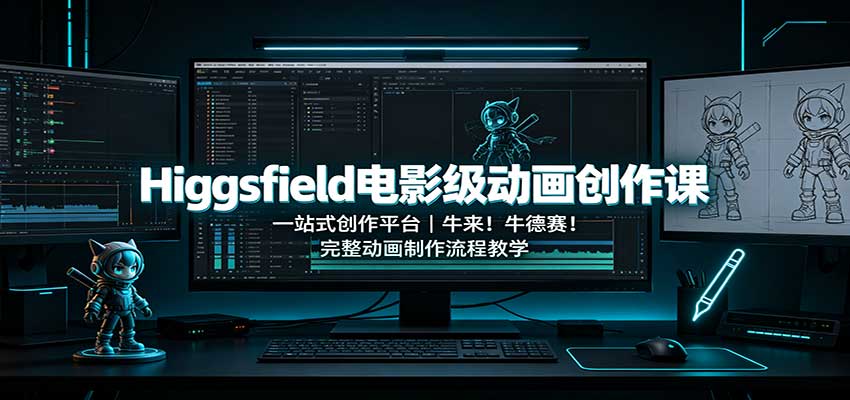
Higgsfield cinematic animation course: one-stop creation platform, complete animation production-flow teaching

The same dance with 6 outfits switching in order: I turned an outfit-change video into a Skill
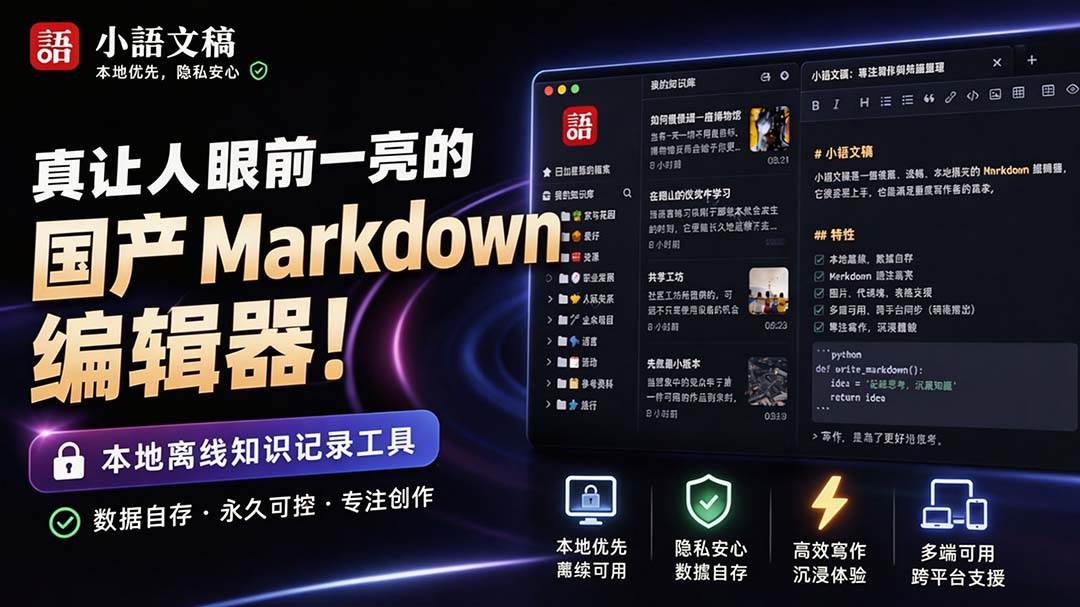
An eye-catching domestic Markdown editor: local offline high-performance note tool, free and no login required

Domestic Markdown editor: local offline high-performance knowledge-note tool, free and no login required
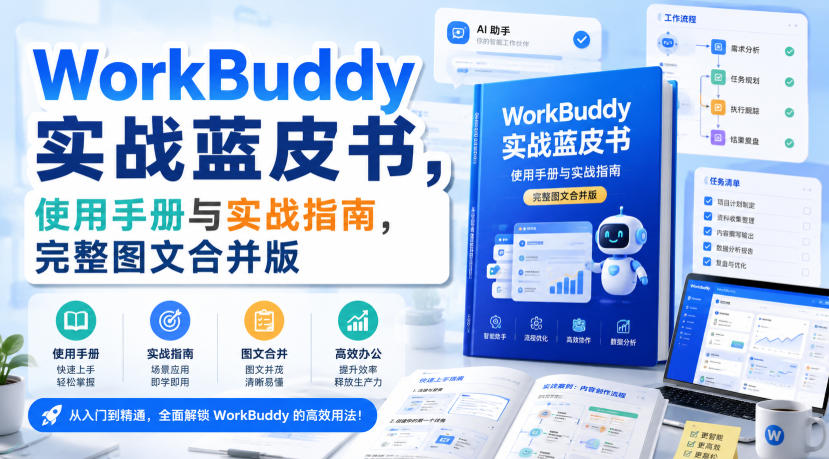
WorkBuddy practical blue paper: user manual and practice guide, complete combined image-text edition

Jimeng challenges a 180-second long video: one-click a 3-minute movie? Full production flow shared in detail

Super handy! Douyin video downloader, supports batch download of user works, favorites and likes lists, open-source free Better-douyin-R
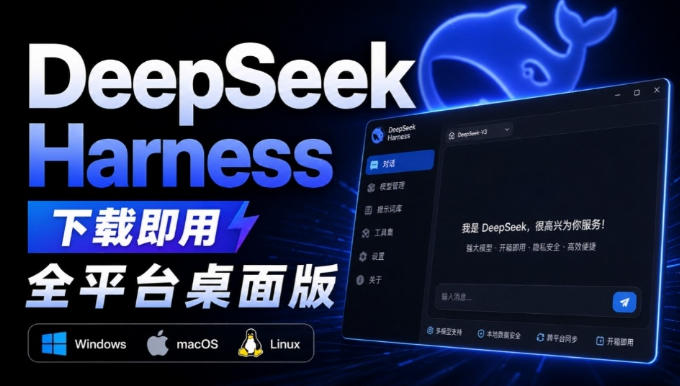
Nearly 200K stars on GitHub - Harness now runs by double-click: the Harness full-platform desktop edition
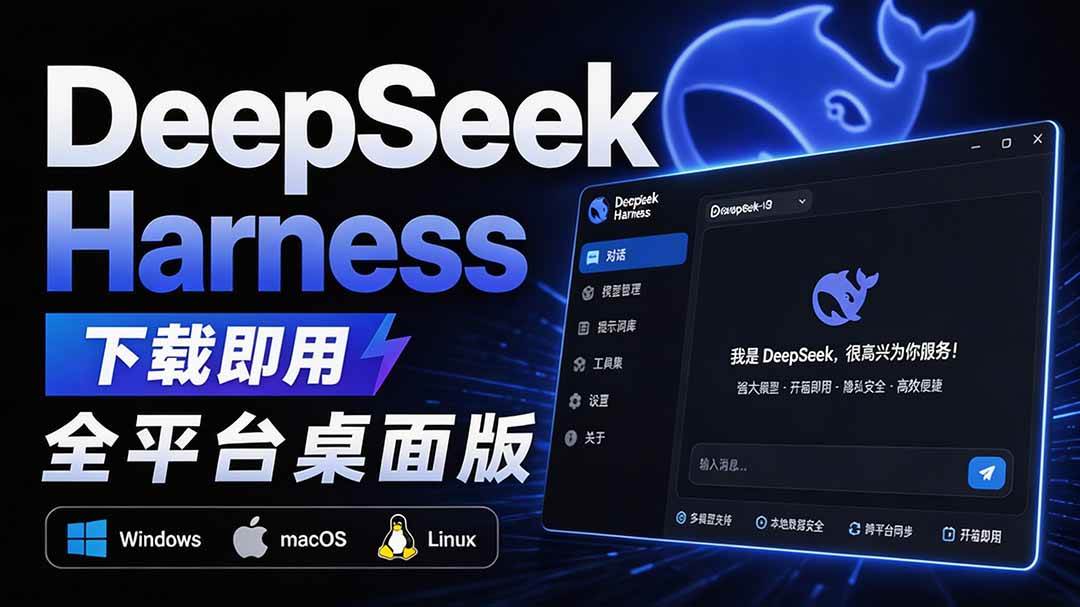
Nearly 200K stars on GitHub - Harness now runs by double-click: the Harness full-platform desktop edition DSH Desktop

