


-
Solo Business Courses
-
 Others
-
Overseas Tutorials
-
Photography & Editing
-
Community & Private Domain
-
Self-Media Writing & Copywriting
-
Side Income Projects
-
E-commerce
-
Short Video & Live Streaming
-
Artificial Intelligence (AI)
-
Software & Tools
-
Operating Systems
-
Plugins & Scripts
-
MacOS Software
-
Android Software
-
Windows Software


(P6686/name) [No Watermark] Codex Hands-On Course: Build Your Own AI Employee Team — From Personal Knowledge Base and Memory System to Role Division, Task Collaboration and Cover Design Site Setup
-
Game Gold-Farming Money-Making Plan: Earn 1k+ Daily, a Stable 3-Year Project Anyone Can Do in Spare Time [Revealed]
Study material — included with membership Get Membership -
Hot-game fully-automated earning: 500+ a day, no experience, simple operation - the steadiest long-term game-earning side hustle (revealed)
Study material — included with membership Get Membership -
FlyingMouse earns merit this time! Don't panic at Windows format problems — the open-source FlyingMouse format conversion tool helps, a popular GitHub gem
Study material — included with membership Get Membership -
Douyin Product-Selling Coaching Bootcamp: No On-Camera Appearance Needed, Newbies Can Produce Selling Short Videos by Following the Steps
Study material — included with membership Get Membership -
First-release game gold-farming money plan: 1K+ a day, ordinary people in spare time
Study material — included with membership Get Membership






-
FlyingMouse earns merit this time! Don't panic at Windows format problems — the open-source FlyingMouse format conversion tool helps, a popular GitHub gem
Study material — included with membership Get Membership -
LuDaShi v6.1024.4105.1121 Slim Single File
Study material — included with membership Get Membership -
2D Cartoon Animation Software Moho Pro v14.3
Study material — included with membership Get Membership -
Video Editor Aiseesoft Filmai v1.0.18
Study material — included with membership Get Membership -
To-Do Microsoft To Do v2.147 Free
Study material — included with membership Get Membership -
PR/AE/DaVinci/FCPX video Plugin Nobe OmniScope Win1.11.15 / Mac1.10.138
Study material — included with membership Get Membership





1. Basic Course Information Course Name: Codex Hands-On Course: Build Your Own AI Employee Team Core Focus: Codex basic setup, Obsidian personal knowledge base building, personal memory system, business material management, AI employee team building, task division and collaboration, local cover design site deployment. Course Content: 5 hands-on topics, split into 3 course links, with 1 collaboration foundation kit and related materials. Applicable Systems: Windows computers, Apple computers. Core Course Goal: let AI get to know you, make use of your knowledge and experience, and become a collaboration partner at work. Course Learning Method: start from one real task and complete the deployment, material organizing, AI employee collaboration and cover design tool building on your own computer. 2. Full Course Introduction "Codex AI Employees + Personal Knowledge Base Building" is a hands-on course for building a personal AI work system around Codex, an Obsidian knowledge base, AI employee collaboration and a local cover design site. Starting from real work needs, the course helps learners bring together materials, experience and methods that were previously scattered across folders, chat records and notes, and step by step build a personal knowledge base that Codex can read, call upon and keep supplementing. The course first explains the basic deployment of the knowledge base, Codex environment configuration, creating personal identity information, organizing business background and building a personal memory system, so that AI can understand the user's experience, business, preferences, goals and work rules. Then, through needs diagnosis, material structure planning, file classification and archiving, you build an exclusive knowledge base suited to your own business, and go on to use Codex to build an AI employee team, learning the division of duties between the supervisor and different positions, task handoff, result return, acceptance and continuous feedback mechanisms. Finally, with the complete source code and demo materials, you hands-on deploy a local cover design site and master site startup, style selection, filling in requirements, calling image tools, checking the effect and customizing your own version. The whole course runs along basic deployment → personal memory → exclusive knowledge base → AI employee collaboration → cover design site building, helping learners move up from simple AI Q&A to an AI collaboration model based on personal materials, business knowledge and task workflows. 2. Who This Course Is For 01 People just starting with Codex Want someone to walk them through the setup and start hands-on work following concrete steps. 02 Working professionals with scattered materials Folders, chat records and notes each sit in a different place, and they want a clear personal knowledge base. 03 Small team leaders or entrepreneurs Need to organize product, service and project materials so that AI understands their business better. 04 AI users who want deeper collaboration Want to go one step beyond generic Q&A and learn task division, record keeping and continuous feedback. 05 Content creators who make covers often Want to turn the references they already have and their personal visual style into a tool they can keep using. No programming knowledge is required beforehand; what you need is the willingness to get hands-on and the ability to state your needs and judgments clearly. 3. What You Can Build After the Five Lessons By following the hands-on work, you step by step build your own materials, rules, positions and visual entry point. 01 Basic knowledge base Materials have a clear location, can be opened in Obsidian, and are available for Codex to read and use. 02 Personal memory materials Identity, experience, business, preferences and goals are consolidated into files that can be viewed and supplemented. 03 A material structure that fits the work Design directories according to the real business and set up a method for material intake, classification and confirmed archiving. 04 AI employee team The supervisor and the necessary positions each have their own duties; learn to hand off tasks, receive returns, accept results and keep records. 05 Local cover design site Browse styles, fill in requirements, copy the calling command, and keep adding your own reference styles. Materials provide the background → rules explain how to do it Employees handle the tasks → results go back into the knowledge base 4. Complete Detailed Outline of the 5 Lessons Phase 1: Build the foundation, let AI get to know you Course Link 01 | Lessons 1–2 Finish the deployment first, then feed the real background into the system. The material structure and employee division that come later all start here. Lesson 1 | Memory Knowledge Base Deployment Choose the deployment package for your system, check the basic environment, decide the storage location, and open the knowledge base in Obsidian. Get to know the basic directories, memory files and operating rules. A basic knowledge base you can keep using. Lesson 2 | Codex Basic Setup and Personal Memory Building Complete the Codex basic setup and load the knowledge base. Through skills such as personal information guidance and IP clue mining, organize your background through conversation. Personal memory materials include: Identity and experience, business and goals, preferences and rules. Ways to give AI background and keep adding information. The course supports two installation paths, Windows and Apple computers; the live demo is done on Windows. Phase 2: Organize by business, divide by task Course Link 02 | Lessons 3–4 Turn the basic template into your own work material library, then let AI collaborate around real needs. Lesson 3 | Build Your Exclusive Knowledge Base Use needs diagnosis and architecture suggestions to sort out the directories. First copy existing materials into a temporary collection folder, let AI propose a classification, and archive after you confirm. Raise requirements → review structure → confirm archiving A knowledge base directory and material archiving method that fit your real work. Lesson 4 | Building an AI Employee Team with Codex First set up the supervisor and the necessary positions, making duties and scope clear. Learn to hand off tasks, receive returns and accept results, and turn continuous feedback into applicable position rules. The supervisor decides → the position handles it → return and acceptance An AI employee task collaboration method that can be refined step by step against real work. It is not true that the more employees, the better. First pick one real task and run the whole collaboration process through. Phase 3: Build your exclusive cover design site Course Link 03 | Lesson 5 Turn a design task you do often into a reusable visual entry point. Lesson 5 | From Source Code to Your Own Workbench Build an exclusive cover design site. Working with the complete source code and demo materials, complete the deployment, use and personal adjustment of a local cover design site. Step 1: Deployment and startup Put it into the knowledge base, check the environment as prompted, run the project, and open the local site. Step 2: Pick a style, fill in the requirements Select an existing style and fill in the base image, title, corner badge and ratio. Step 3: Calling and checking Copy the calling command and hand it to Codex or an image tool; after generation, check the result and keep adjusting. Step 4: Make it your own version Change the name and page elements, extract reference styles you have the right to use, and after trying them out add them to the style library. Starting from the complete source code and demo materials, build a local cover design workbench suited to your own use. The site is used locally; image generation requires an available image tool. 5. Complete List of Course Materials Besides the course, the following materials are provided 01 Course videos and text materials Three live sessions covering the five hands-on topics, with text steps for easy operation and lookup. 02 Dual-system deployment package Two paths for Windows and Apple computers, used for basic environment checks and knowledge base deployment. 03 Star Core Base basic knowledge base Basic directories, personal context, memory system and operating rules, as the starting point for further building. 04 Basic skills and calling methods Organizing personal information, IP and company information, needs diagnosis, architecture suggestions, AI employee startup and more. 05 AI employee deployment materials Deployment steps, initialization prompts, role cards and memory templates. 06 Cover design site source code and materials Complete website source code, existing styles and image resources, pages and the copy-command function. 07 Site operation prompts Prompts for the first run and for adding personal styles, plus deployment, checking and expansion steps. Skills are provided as supporting materials and do not mean the five lessons go through every preset skill one by one. 6. Course Learning Order Learning method: start from one real task Step 1 | Lessons 1–2 Deploy the foundation → Codex setup → personal information Step 2 | Lessons 3–4 Exclusive knowledge base → AI employee collaboration Build and use the cover design site Study in order and operate on your own computer. 7. What to Prepare Before You Start 01 One Windows or Apple computer For Codex installation, knowledge base deployment and running the local site. 02 An account and network that let you use Codex normally To make sure the basic configuration and real calls can be completed. 03 Personal or business materials you are willing to organize Including personal experience, business information, project materials, notes or other work materials you have the right to use. 04 The base images and a set of titles needed for Lesson 5 For the actual operation and effect testing of the cover design site. 8. About Tools and Costs The course provides teaching and supporting materials. AI service accounts, subscriptions or actual call costs are prepared separately by learners as needed. The cover design site is used locally; generating images requires an available image tool. The course involves third-party tools; specific features, compatibility and usage costs depend on the actual version and environment. 9. Core Learning Method of the Course Give knowledge a place to accumulate, give tasks a clear division. Do one hands-on run after finishing each part. Start from a basic version suited to your current work and keep improving it. Basic environment deployment↓Obsidian personal knowledge base building↓Codex basic setup↓personal identity and business memory building↓exclusive knowledge base structure planning↓material classification and confirmed archiving↓AI employee roles and position division↓task handoff, return and acceptance↓local cover design site deployment↓personal visual style accumulation and continuous use 10. Course Content Summary "Codex AI Employees + Personal Knowledge Base Building" is a systematic hands-on course built around intelligent collaboration with Codex, Obsidian knowledge base management, AI employee team building and local cover design tool development. Through 5 core lessons, the course helps learners deploy a personal AI work environment from scratch, build a basic knowledge base that Codex can read, and through the personal memory system let AI gradually understand their identity, experience, business direction, work preferences and goals. On knowledge base management, the focus is on learning needs diagnosis, knowledge base architecture planning, material classification and organizing, AI-assisted archiving and business knowledge accumulation, turning previously scattered work materials into personal knowledge assets that can be continuously supplemented and called upon. On AI employee collaboration, you learn to use Codex to set up an AI supervisor and different position roles, clarify task responsibilities, and build a working mechanism of task division, execution return, result acceptance and continuous feedback, gradually forming an AI collaboration team suited to your own business. Finally, with the complete website source code and supporting materials, you hands-on build a local AI cover design site, learning site deployment, page operation, visual style selection, image generation tool calling, effect checking and personal style library expansion. The whole course centers on real operation and helps working professionals, entrepreneurs, personal IP creators and AI users build a complete work system, from personal knowledge accumulation and business material management to AI employee collaboration and visual tool application. Core value of the course: AI is no longer just a tool that answers simple questions, but an AI work partner that can combine personal knowledge, business experience and work rules to help handle real tasks. 01. Lesson 1 | Obsidian Knowledge Base and Environment Deployment 02. Lesson 2 | Codex Basic Setup and Loading the Knowledge Base 03. Lesson 3 | Build Your Exclusive Knowledge Base 04. Lesson 4 | Building an AI Employee Team with Codex 05. Lesson 5 | Building an Exclusive Cover Design Site in Codex
Supporting Study Materials
This course comes with a materials pack. Members receive the access link by email after requesting the course.
Related Courses

WorkBuddy zero-basics hands-on training: even non-programmers can follow the manual steps, learn agents systematically by doing
Higgsfield cinematic animation course: one-stop creation platform, complete animation production-flow teaching

The same dance with 6 outfits switching in order: I turned an outfit-change video into a Skill
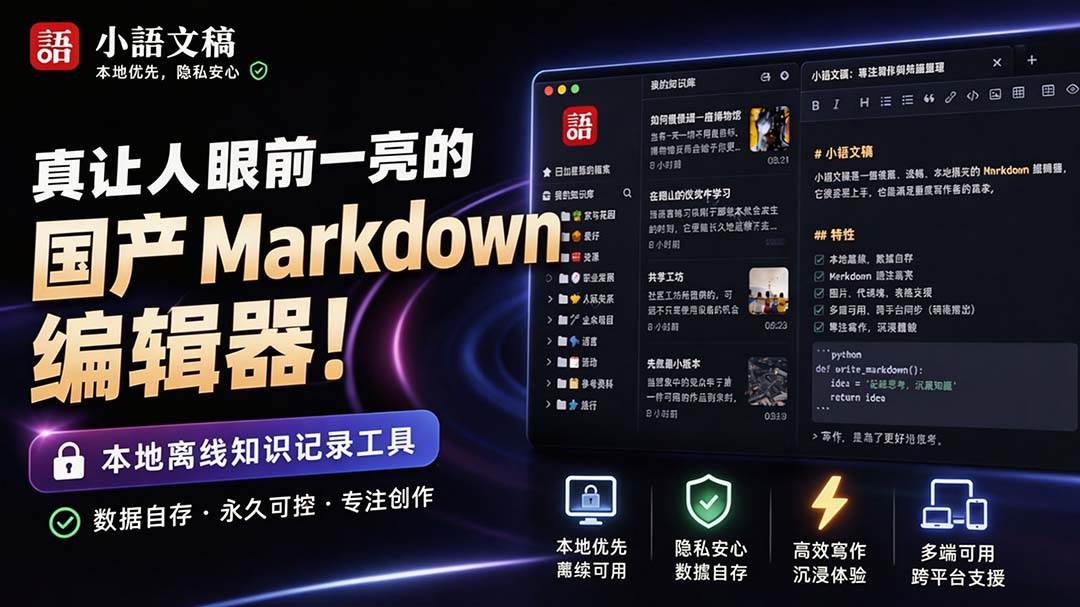
An eye-catching domestic Markdown editor: local offline high-performance note tool, free and no login required

Domestic Markdown editor: local offline high-performance knowledge-note tool, free and no login required
WorkBuddy practical blue paper: user manual and practice guide, complete combined image-text edition

Jimeng challenges a 180-second long video: one-click a 3-minute movie? Full production flow shared in detail

Super handy! Douyin video downloader, supports batch download of user works, favorites and likes lists, open-source free Better-douyin-R
Nearly 200K stars on GitHub - Harness now runs by double-click: the Harness full-platform desktop edition
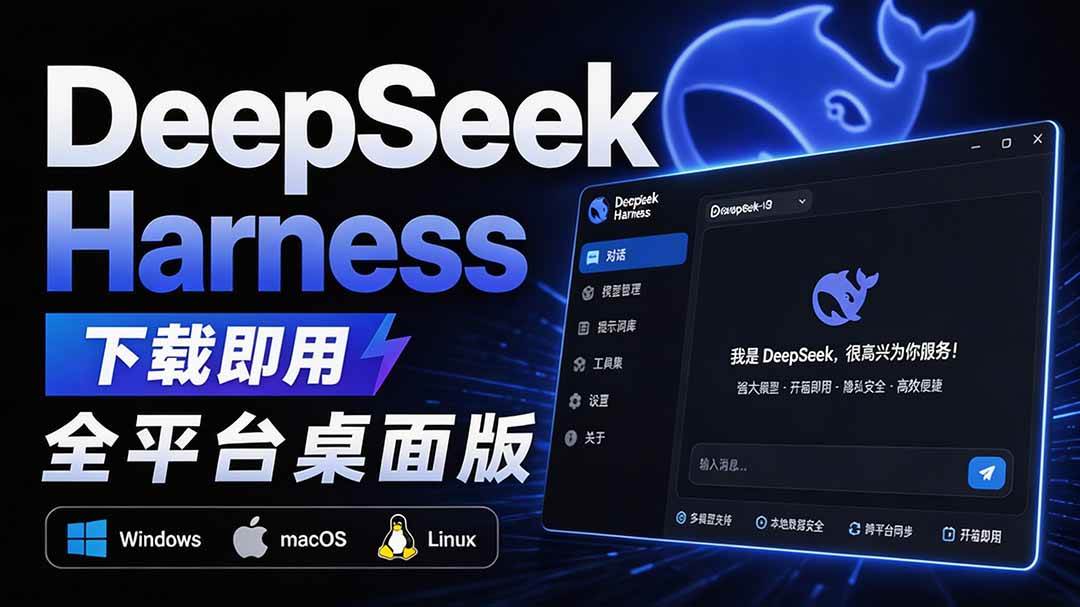
Nearly 200K stars on GitHub - Harness now runs by double-click: the Harness full-platform desktop edition DSH Desktop

