


-
Solo Business Courses
-
 Others
-
Overseas Tutorials
-
Photography & Editing
-
Community & Private Domain
-
Self-Media Writing & Copywriting
-
Side Income Projects
-
E-commerce
-
Short Video & Live Streaming
-
Artificial Intelligence (AI)
-
Software & Tools
-
Operating Systems
-
Plugins & Scripts
-
MacOS Software
-
Android Software
-
Windows Software
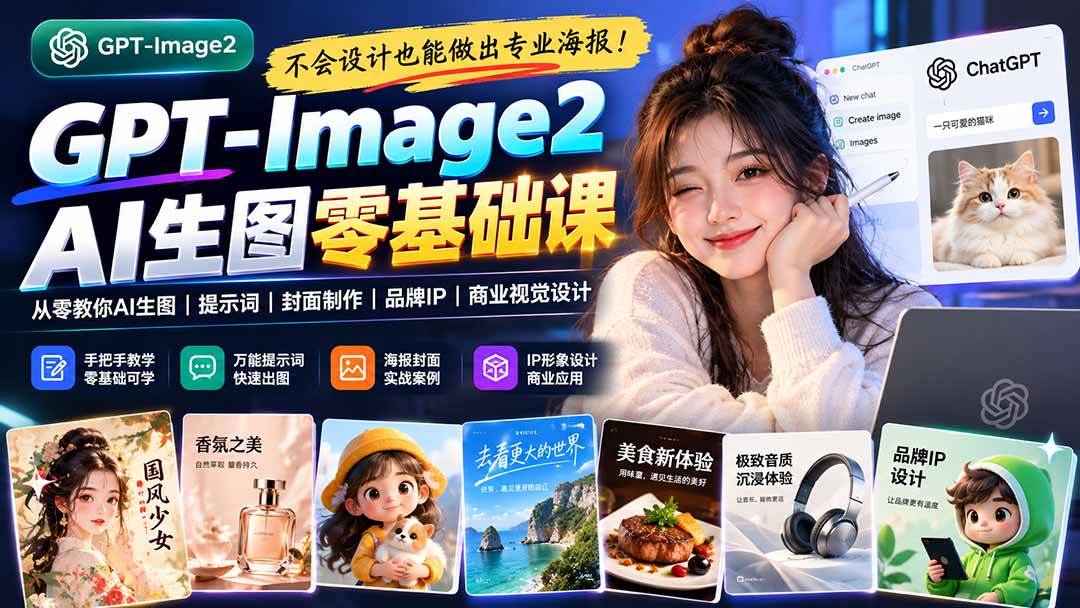
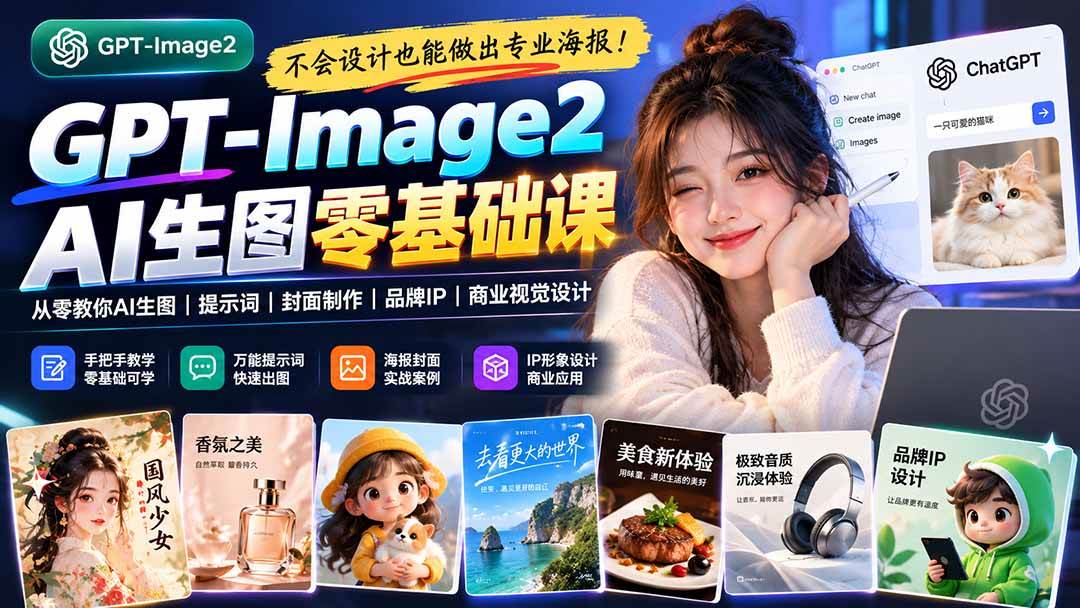
Create Professional Posters Without Design Skills! GPT-Image2 Teaches You AI Image Generation, Prompts, Cover Design, Brand IP, and Commercial Visual Design from Scratch
-
Game Gold-Farming Money-Making Plan: Earn 1k+ Daily, a Stable 3-Year Project Anyone Can Do in Spare Time [Revealed]
Study material — included with membership Get Membership -
Hot-game fully-automated earning: 500+ a day, no experience, simple operation - the steadiest long-term game-earning side hustle (revealed)
Study material — included with membership Get Membership -
FlyingMouse earns merit this time! Don't panic at Windows format problems — the open-source FlyingMouse format conversion tool helps, a popular GitHub gem
Study material — included with membership Get Membership -
Douyin Product-Selling Coaching Bootcamp: No On-Camera Appearance Needed, Newbies Can Produce Selling Short Videos by Following the Steps
Study material — included with membership Get Membership -
First-release game gold-farming money plan: 1K+ a day, ordinary people in spare time
Study material — included with membership Get Membership






-
FlyingMouse earns merit this time! Don't panic at Windows format problems — the open-source FlyingMouse format conversion tool helps, a popular GitHub gem
Study material — included with membership Get Membership -
LuDaShi v6.1024.4105.1121 Slim Single File
Study material — included with membership Get Membership -
2D Cartoon Animation Software Moho Pro v14.3
Study material — included with membership Get Membership -
Video Editor Aiseesoft Filmai v1.0.18
Study material — included with membership Get Membership -
To-Do Microsoft To Do v2.147 Free
Study material — included with membership Get Membership -
PR/AE/DaVinci/FCPX video Plugin Nobe OmniScope Win1.11.15 / Mac1.10.138
Study material — included with membership Get Membership





1. Course Content Overview The AI Image Generation Beginner Practical SOP is a hands-on AI image generation tutorial built for complete beginners, content creators, social media operators, and commercial design professionals. Centering on the GPT-Image2 image generation tool, it systematically walks through the entire workflow: from ChatGPT account registration, membership usage, and choosing a third-party AI drawing platform, through the underlying logic of AI image generation, prompt writing, text-to-image, image-to-image, reference image recreation, and image editing and optimization. The course focuses on turning vague ideas into clear visual requirements, mastering the eight visual elements of character, scene, composition, lighting, style, text layout, and more. Through hands-on cases, you will learn to create WeChat Moments screenshots, Xiaohongshu note interfaces, APP interfaces, e-commerce promotional posters, official account covers, course enrollment posters, corporate brand promotional images, personal IP avatars, brand mascots, knowledge cards, mind maps, infographics, web knowledge maps, and event landing pages. Combined with prompt templates, reference image analysis, three rounds of iterative revision, and final-product acceptance criteria, it helps students build a standardized workflow from idea brainstorming and AI generation to visual optimization and commercial application, steadily improving AI design efficiency and real-world project delivery capability. 2. Who this course is for 3. What you will gain after the course Chapter 1: ChatGPT Registration 1.1 Preparation before registering 1.2 Registration steps (illustrated in detail) 1.3 Getting to know GPT-Image2.0 1.3.1 GPT-Image2.0 at a glance 1.3.2 Current limitations 1.3.5 Who it suits 1.3.6 Where it can be used 1.3.7 About the GPT-Image2 usage quota 1.4 Official ChatGPT membership price list and specific subscription methods 1.5 Verifying whether GPT-Image2 is available Chapter 2: Introduction to third-party model websites 2.1 Comparison of mainstream third-party platforms 2.2 Recommended path for beginners 2.2.1 Chinese alternative sites Chapter 3: The underlying logic of AI image generation: from idea to finished image 3.1 Set standards first: what makes an image usable? Understanding the five standards 3.2 Step one: state the requirement clearly, with a sample requirement template 3.3 Step two: break down the scene Chapter 4: Practice — UI interfaces and social media simulation 4.1 Core prompt framework 4.2 Practical cases and prompts Case 1: WeChat Moments screenshot Case 2: Xiaohongshu note interface Case 3: App product interface design Case 4: Weibo topic discussion screenshot 4.3 Advanced techniques: batch generation of marketing materials Chapter 5: Practice — poster design and commercial visuals 5.1 Poster design prompt framework 5.2 Practical cases and prompts Case 1: official account cover poster Case 2: e-commerce promotional poster Case 3: course enrollment poster Case 4: restaurant poster Case 5: corporate brand promotional image 5.3 Common style keywords for commercial images Chapter 6: Practice — character, IP, and scene design 6.1 Character design prompt framework 6.2 Practical cases and prompts Case 1: personal IP image design Case 2: brand mascot design Case 3: fantasy game character Case 4: cute animal IP 6.3 Scene design case: a street in a future city Chapter 7: Practice — knowledge visualization and infographics 7.1 Infographic types and use cases 7.2 Practical cases and prompts Case 1: mind map for earning money on the side Case 2: flowchart of learning steps Case 3: knowledge and quote cards Chapter 8: Practice — web page summaries and knowledge maps 8.1 Prompt framework for visualizing web page summaries 8.2 Practical cases and prompts Case 1: visualizing the core points of an article Case 2: industry knowledge map Case 3: concept relationship diagram Chapter 9: Practice — event landing page design 9.1 Landing page design prompt framework 9.2 Practical cases and prompts Case 1: course enrollment landing page Case 2: product launch page Case 3: offline event page Case 2: student testimonial screenshot Case 3: data growth screenshot
Supporting Study Materials
This course comes with a materials pack. Members receive the access link by email after requesting the course.
Related Courses

Family Comedy Short-Drama Creation Course: Benchmark Hot Accounts, AI-Assisted, Fast Start for Total Beginners, Grow Followers and Drive Product Sales

Amazon AI Automation Practical Course: AI Operating Mindset, Setting Up the Codex Environment, Risk-Control Checks and Automated Listing Copy

AI E-Commerce Data Tool Development Course: Learn Codex+BI From Zero, Build a Multi-Store Integrated Visualization Dashboard


Advanced AI Prompt Application: 15 Lessons | Universal Instruction Thinking + Multiple Output Modes + Full Industry Commercial Cases

AI Video Creation Crash Course: From Great-Case Breakdown to Five Core Modules, Fast-Track AI Video Skills for Total Beginners

AI Commercial Practice System Course: In-Depth SD Mastery + Advanced Flux Hands-On + Comfyui Workflow Building, Full Commercial Design Project Training

[National-Day Pick] AI Automation Game, 1k+ RMB a Day, Simple to Operate, Stable for Three Years! [Revealed]



