


-
Solo Business Courses
-
 Others
-
Overseas Tutorials
-
Photography & Editing
-
Community & Private Domain
-
Self-Media Writing & Copywriting
-
Side Income Projects
-
E-commerce
-
Short Video & Live Streaming
-
Artificial Intelligence (AI)
-
Software & Tools
-
Operating Systems
-
Plugins & Scripts
-
MacOS Software
-
Android Software
-
Windows Software


Trending GitHub Tool: the Channels Downloader Is Back! Inject a Download Button with One Click, Download Easily and Conveniently — wx_channel
-
Game Gold-Farming Money-Making Plan: Earn 1k+ Daily, a Stable 3-Year Project Anyone Can Do in Spare Time [Revealed]
Study material — included with membership Get Membership -
Hot-game fully-automated earning: 500+ a day, no experience, simple operation - the steadiest long-term game-earning side hustle (revealed)
Study material — included with membership Get Membership -
FlyingMouse earns merit this time! Don't panic at Windows format problems — the open-source FlyingMouse format conversion tool helps, a popular GitHub gem
Study material — included with membership Get Membership -
Douyin Product-Selling Coaching Bootcamp: No On-Camera Appearance Needed, Newbies Can Produce Selling Short Videos by Following the Steps
Study material — included with membership Get Membership -
First-release game gold-farming money plan: 1K+ a day, ordinary people in spare time
Study material — included with membership Get Membership






-
FlyingMouse earns merit this time! Don't panic at Windows format problems — the open-source FlyingMouse format conversion tool helps, a popular GitHub gem
Study material — included with membership Get Membership -
LuDaShi v6.1024.4105.1121 Slim Single File
Study material — included with membership Get Membership -
2D Cartoon Animation Software Moho Pro v14.3
Study material — included with membership Get Membership -
Video Editor Aiseesoft Filmai v1.0.18
Study material — included with membership Get Membership -
To-Do Microsoft To Do v2.147 Free
Study material — included with membership Get Membership -
PR/AE/DaVinci/FCPX video Plugin Nobe OmniScope Win1.11.15 / Mac1.10.138
Study material — included with membership Get Membership







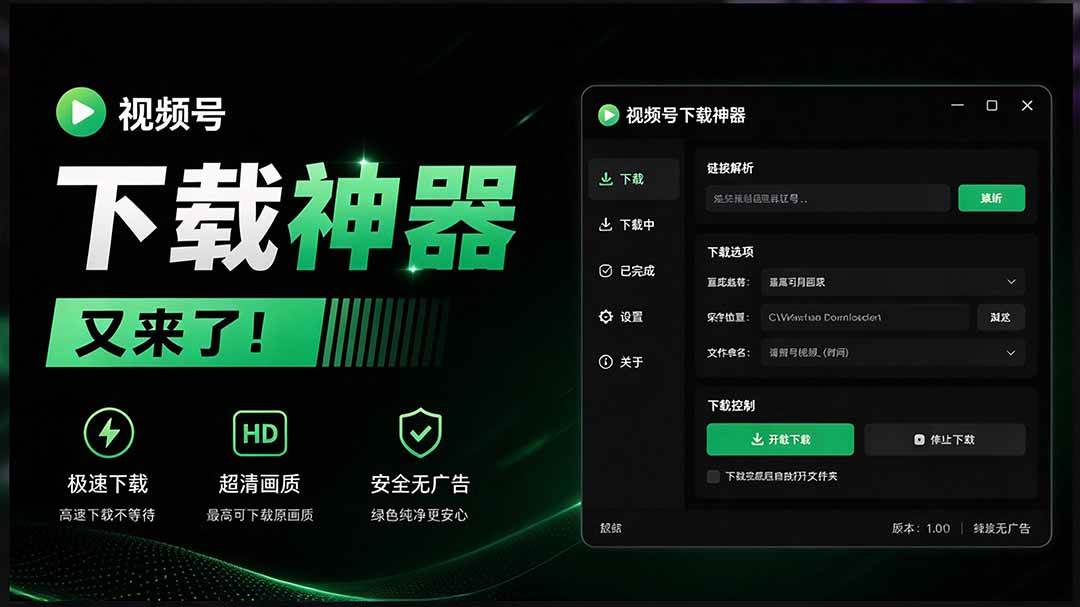
wx_channels_download is an open-source tool carefully built by developer ltaoo, designed specifically for downloading WeChat Channels content. It automatically controls the Chrome browser to cleverly bypass WeChat's restrictions and achieve convenient downloads of videos and live replays — a real godsend for WeChat Channels users. The tool supports Windows and macOS and offers multiple quality options to meet your various needs for saving videos.
Software Features
✅ One-click download: click to download, no complex steps
✅ Batch processing: supports batch download, handling dozens or hundreds of videos at once (not tested successfully in the current version)
✅ Auto-decryption: encrypted videos are decrypted automatically and play right after download
✅ Smart dedup: automatically recognizes already-downloaded videos to avoid duplicates
✅ Silent radar: (carried over and optimized from v5.6.1) off by default, a silent monitoring radar you can toggle on/off instantly in the console
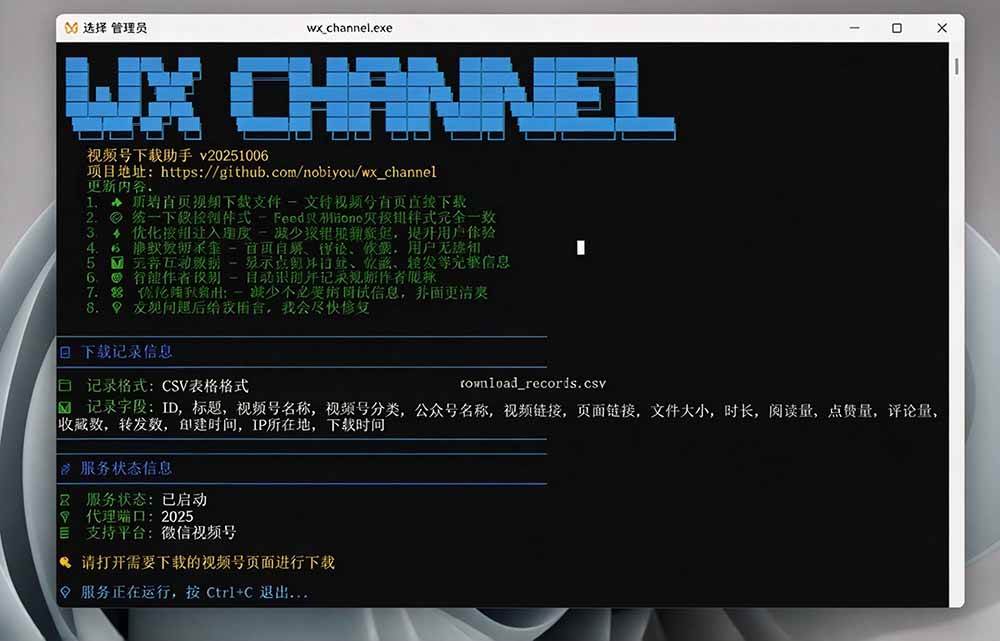
✅ Full records: automatically logs all download information for easy management
Tutorial
Launch the program: after unzipping, double-click wx_channel.exe to start.
Install the certificate (first use): the program tries to install the certificate automatically. If it fails, manually install downloads/SunnyRoot.cer.
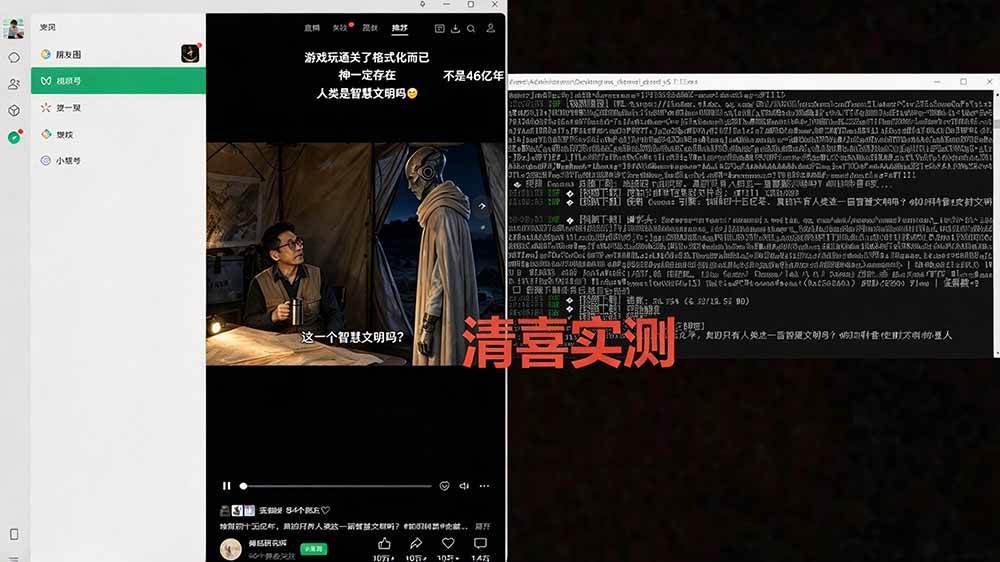
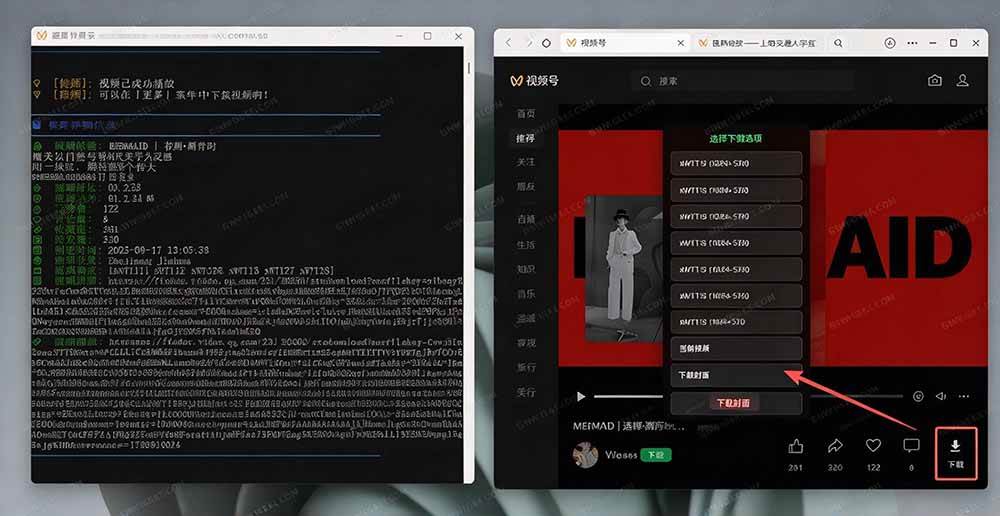
Start downloading: open a WeChat Channels page; a download button is injected automatically, and clicking it starts the download.





Method 1: Download from the home page (recommended)
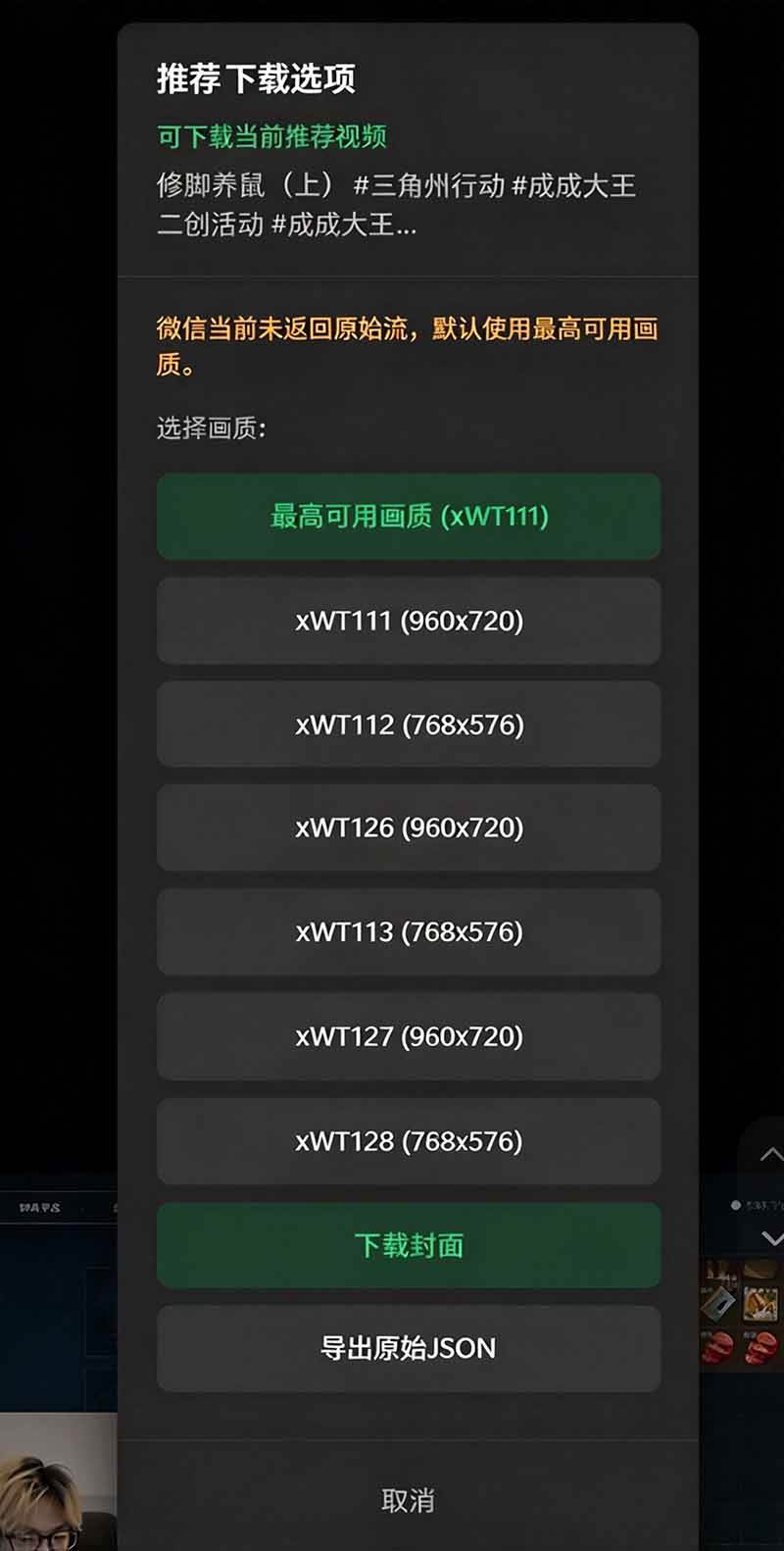
Open the WeChat Channels home page, click the download button in the action bar below a video, and choose a download option in the pop-up menu:
Multiple video formats: choose different resolutions and qualities

Video Demo
Your browser does not support HTML5 video playbackvideo::-webkit-media-controls-enclosure {overflow:hidden;}video::-webkit-media-controls-panel {width: calc(100% + 30px);}$(zzbuluohtml5mp4188).oncontextmenu = function(){return false;}
Supporting Study Materials
This course comes with a materials pack. Members receive the access link by email after requesting the course.
Related Courses

WorkBuddy zero-basics hands-on training: even non-programmers can follow the manual steps, learn agents systematically by doing

Higgsfield cinematic animation course: one-stop creation platform, complete animation production-flow teaching

The same dance with 6 outfits switching in order: I turned an outfit-change video into a Skill
An eye-catching domestic Markdown editor: local offline high-performance note tool, free and no login required

Domestic Markdown editor: local offline high-performance knowledge-note tool, free and no login required

WorkBuddy practical blue paper: user manual and practice guide, complete combined image-text edition

Jimeng challenges a 180-second long video: one-click a 3-minute movie? Full production flow shared in detail

Super handy! Douyin video downloader, supports batch download of user works, favorites and likes lists, open-source free Better-douyin-R
Nearly 200K stars on GitHub - Harness now runs by double-click: the Harness full-platform desktop edition
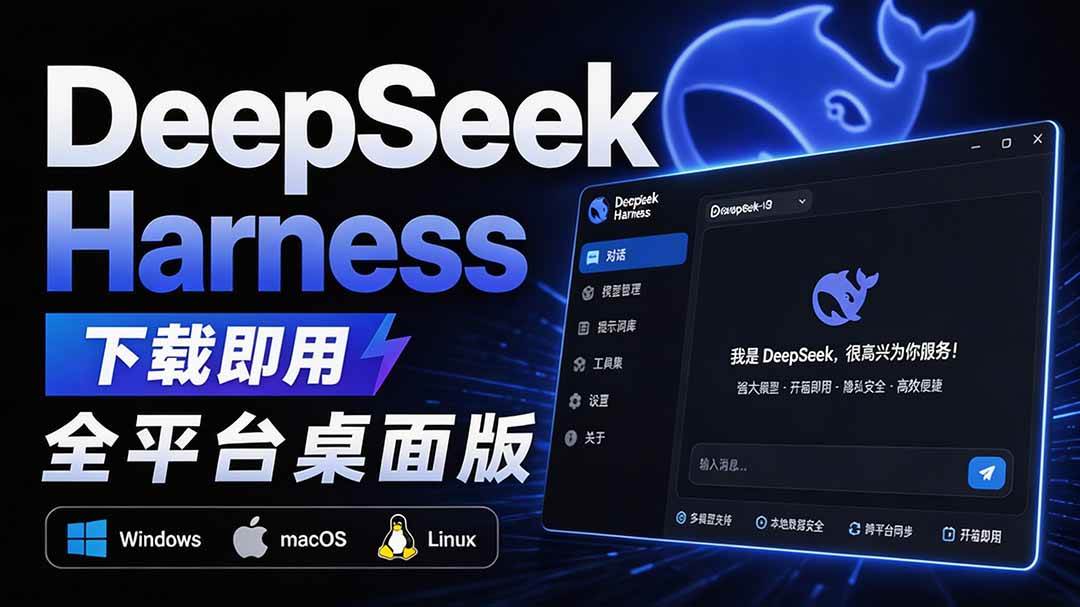
Nearly 200K stars on GitHub - Harness now runs by double-click: the Harness full-platform desktop edition DSH Desktop

