


-
Solo Business Courses
-
 Others
-
Overseas Tutorials
-
Photography & Editing
-
Community & Private Domain
-
Self-Media Writing & Copywriting
-
Side Income Projects
-
E-commerce
-
Short Video & Live Streaming
-
Artificial Intelligence (AI)
-
Software & Tools
-
Operating Systems
-
Plugins & Scripts
-
MacOS Software
-
Android Software
-
Windows Software

YouTube Thumbnail Design Bootcamp: Thumbnail Classification and Viral Design Rules, Hands-On Canva, A/B Testing to Optimize CTR
-
Game Gold-Farming Money-Making Plan: Earn 1k+ Daily, a Stable 3-Year Project Anyone Can Do in Spare Time [Revealed]
Study material — included with membership Get Membership -
Hot-game fully-automated earning: 500+ a day, no experience, simple operation - the steadiest long-term game-earning side hustle (revealed)
Study material — included with membership Get Membership -
FlyingMouse earns merit this time! Don't panic at Windows format problems — the open-source FlyingMouse format conversion tool helps, a popular GitHub gem
Study material — included with membership Get Membership -
Douyin Product-Selling Coaching Bootcamp: No On-Camera Appearance Needed, Newbies Can Produce Selling Short Videos by Following the Steps
Study material — included with membership Get Membership -
First-release game gold-farming money plan: 1K+ a day, ordinary people in spare time
Study material — included with membership Get Membership






-
FlyingMouse earns merit this time! Don't panic at Windows format problems — the open-source FlyingMouse format conversion tool helps, a popular GitHub gem
Study material — included with membership Get Membership -
LuDaShi v6.1024.4105.1121 Slim Single File
Study material — included with membership Get Membership -
2D Cartoon Animation Software Moho Pro v14.3
Study material — included with membership Get Membership -
Video Editor Aiseesoft Filmai v1.0.18
Study material — included with membership Get Membership -
To-Do Microsoft To Do v2.147 Free
Study material — included with membership Get Membership -
PR/AE/DaVinci/FCPX video Plugin Nobe OmniScope Win1.11.15 / Mac1.10.138
Study material — included with membership Get Membership






Course introduction:
This YouTube thumbnail masterclass is taught by a former lead at Ali Abdaal's team. The pitch: no Photoshop needed—you can make high-click thumbnails with Canva. It covers thumbnail fundamentals, the AHQ framework, the thumbnail classification system and design principles, compares Photoshop vs. Canva, and walks you step by step through the full Canva production workflow. It also introduces supporting tools, click-through-rate data analysis, A/B testing methods, and outsourcing options for thumbnails, along with several hands-on cases of thumbnails that hit millions of views, plus thumbnail-and-title pairing tips. It comes with PDFs, spreadsheets, and other materials to help creators lift their video click-through rates.
Course catalog:
Thumbnail Masterclass
01 – Thumbnail Masterclass
00 – Welcome to the Thumbnail Masterclass.pdf
01 – Welcome to the Thumbnail Masterclass.pdf
01 – Welcome to the Thumbnail Masterclass
02 – Intro module.pdf
02 – Intro module
02 – Thumbnail fundamentals
01 – Thumbnail fundamentals.pdf
01
02 – AHQ framework
03 – Thumbnail classification
01 – Thumbnail classification.pdf
01 – Thumbnail classification
01 – Thumbnail classification quick-reference.pdf
02 – Thumbnail classification quick-reference.pdf
02 – Thumbnail classification quick-reference.pdf
04 – Design principles
01 – Design principles
02 – Course feedback.docx
05 – How to make great thumbnails
01 – Photoshop vs Canva.pdf
02 – Process overview
03 – Canva setup tutorial.pdf
04 – Full Canva production workflow
06 – Thumbnail tools
01 – Thumbnail tools.pdf
01 – Thumbnail tools
07 – Data analysis and A/B testing
01 – Reading click-through rate.pdf
02 – Data analysis A/B testing.pdf
02 – Data analysis A/B testing
02 – Data tracking sheet.xlsx
08 – Outsourcing thumbnails
01 – Outsourcing thumbnails
09 – Summary and reflection
01 – Summary and reflection.pdf
01 – Summary and reflection
10 – Bonus section
01 – Thumbnails and titles.pdf
01 – Thumbnails and titles
02 – I made thumbnails for Ali; common beginner mistakes
03 – Tutorial: how a 5.8M-view thumbnail was made
04 – Tutorial: how a 5.8M-view thumbnail was made
05 – Tutorial: how a 1.1M-view thumbnail was made
06 – Tutorial: how a 1.5M-view thumbnail was made
Supporting Study Materials
This course comes with a materials pack. Members receive the access link by email after requesting the course.
Related Courses

9-year hands-on Google Ads agency guide: full flow from 0 to scale, copy-ready templates and tools, no empty theory (original bilingual subtitles)

9-year hands-on Google Ads agency guide: full flow from 0 to scale, copy-ready templates and tools, no empty theory (original bilingual subtitles)

Apple app downgrade tool (with tutorial): supporting Apple-ID self-signed apps, ID-free overseas app download, and App Store official app downgrade
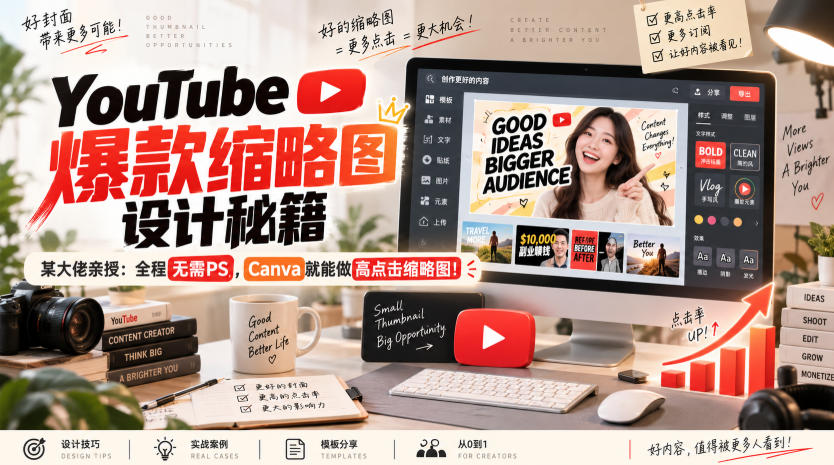
YouTube viral thumbnail design secrets, taught by a 6.1M-sub guru: no Photoshop needed, build high-click thumbnails in Canva - original bilingual subtitles
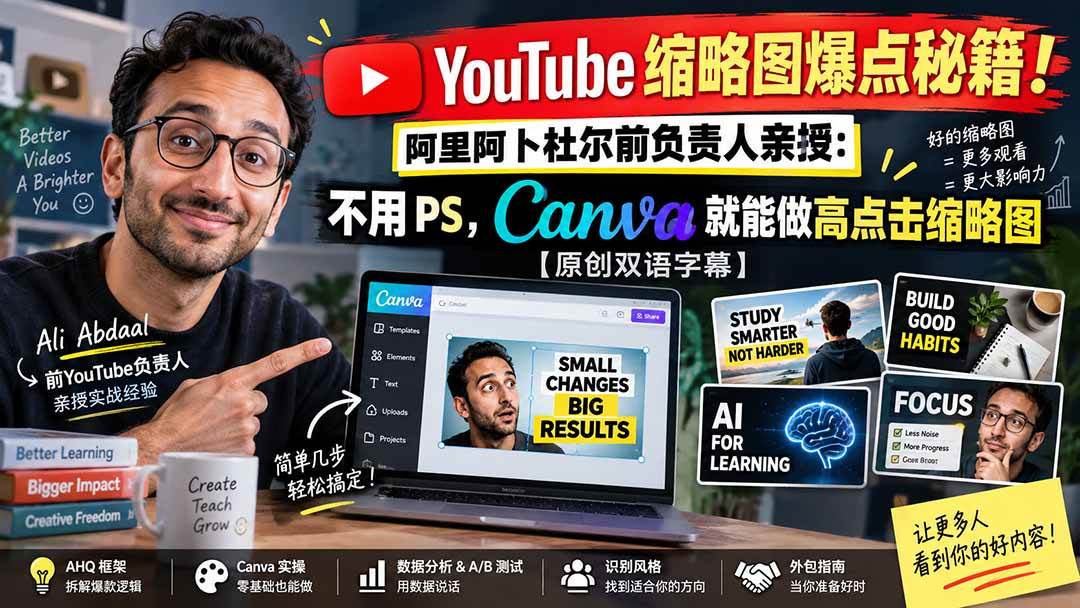
Course content


Google SEO Beginner Fast-Start: Filter the Noise, Focus on What Ranks

The SEO Expert Who Made 100 Million: What's Worth Doing and What's a Complete Waste of Time

Earning $4,500 a Month Is No Dream: The Complete Guide to Making Dollars with Overseas Mid-Length Video, Even Newbies Succeed
Lead Affiliate Marketing Practical Guide: From Zero Basics to Independent Operation, Quickly Master Overseas Money-Making Skills
