


-
Solo Business Courses
-
 Others
-
Overseas Tutorials
-
Photography & Editing
-
Community & Private Domain
-
Self-Media Writing & Copywriting
-
Side Income Projects
-
E-commerce
-
Short Video & Live Streaming
-
Artificial Intelligence (AI)
-
Software & Tools
-
Operating Systems
-
Plugins & Scripts
-
MacOS Software
-
Android Software
-
Windows Software
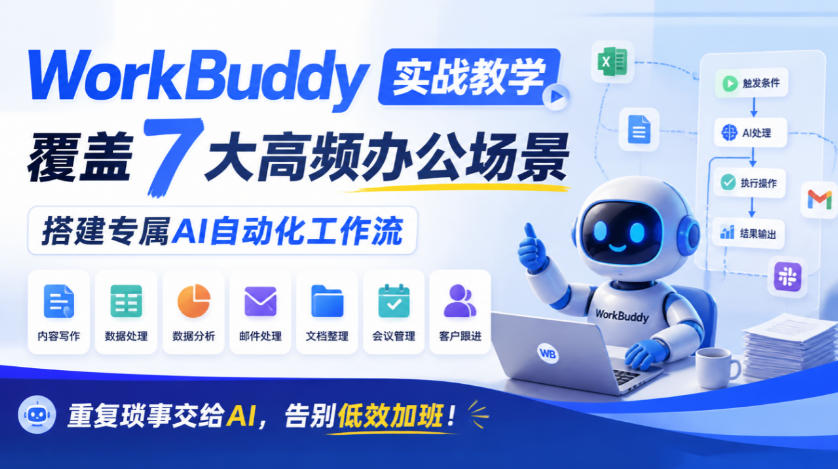
Hands-on WorkBuddy teaching covering 7 high-frequency office scenarios, building your own AI automation workflows, handing repetitive chores to AI, and saying goodbye to inefficient overtime!
-
Game Gold-Farming Money-Making Plan: Earn 1k+ Daily, a Stable 3-Year Project Anyone Can Do in Spare Time [Revealed]
Study material — included with membership Get Membership -
Hot-game fully-automated earning: 500+ a day, no experience, simple operation - the steadiest long-term game-earning side hustle (revealed)
Study material — included with membership Get Membership -
FlyingMouse earns merit this time! Don't panic at Windows format problems — the open-source FlyingMouse format conversion tool helps, a popular GitHub gem
Study material — included with membership Get Membership -
Douyin Product-Selling Coaching Bootcamp: No On-Camera Appearance Needed, Newbies Can Produce Selling Short Videos by Following the Steps
Study material — included with membership Get Membership -
First-release game gold-farming money plan: 1K+ a day, ordinary people in spare time
Study material — included with membership Get Membership






-
FlyingMouse earns merit this time! Don't panic at Windows format problems — the open-source FlyingMouse format conversion tool helps, a popular GitHub gem
Study material — included with membership Get Membership -
LuDaShi v6.1024.4105.1121 Slim Single File
Study material — included with membership Get Membership -
2D Cartoon Animation Software Moho Pro v14.3
Study material — included with membership Get Membership -
Video Editor Aiseesoft Filmai v1.0.18
Study material — included with membership Get Membership -
To-Do Microsoft To Do v2.147 Free
Study material — included with membership Get Membership -
PR/AE/DaVinci/FCPX video Plugin Nobe OmniScope Win1.11.15 / Mac1.10.138
Study material — included with membership Get Membership






1. Basic course information
-Course name: WorkBuddy Super Individual Hands-on Course
-Course format: Recorded video course, watch anytime permanently
-Course positioning: WorkBuddy from zero to beginner, AI office automation, personal AI assistant setup and hands-on application
-Course features: 3 major modules, 7 high-frequency office scenarios, hands-on training with 7 digital employees
II. Course Introduction
WorkBuddy Super Individual Practical Course is a practical AI office automation course launched by the AI Academy, taught by Shi Zongyuan, an enterprise AI service engineer and enterprise agent architect. The course is aimed at professionals who want to improve office efficiency, learn AI tool applications, and build personal AI assistants. Starting from super individual thinking and WorkBuddy basic operations, it gradually explains task instruction design, AI skills and connector configuration, knowledge base construction, workflow automation, and personal AI workstation construction.
The course focuses on practical operations in 7 major office scenarios, including proposal writing, sales data analysis, PPT generation, competitor research, batch production of marketing copy, automated workflow design, and HTML high-definition image creation. It further teaches how to build a personal AI workstation, deploy practical small tools, create exclusive knowledge bases and custom Skills, helping learners hand repetitive work over to AI and gradually establish an efficient, continuously iterable personal AI assistant system.
III. Detailed Course Outline
Module 1: Super Individual Thinking + Basic Practical Operations
Module theme: Reshape cognition. You do not have to be a generalist; you need to be the commander of AI.
1. Course tour and learning methods
2. Super individual mindset: three levels of capability and the real case of 'Me and 15 AI employees'
3. WorkBuddy installation, interface overview, and basic operations
4. The three working modes: Ask, Craft, Plan
5. Golden rules of task description: turning ideas into instructions the AI gets right the first time
6. WeChat assistant application: letting AI work for you even away from the computer
7. Skill, connectors, and knowledge base: installing plugins and memory for WorkBuddy
8. Inspiration, automation, and expert center: upgrading from manual triggering to automatic operation
Learning outcomes: establish a super individual mindset and master AI task instruction design and basic WorkBuddy operations.
Module 2: Practical Combat in 7 Major Office Scenarios
Module theme: 7 premium tasks, create 7 digital employees, covering 80% of daily office needs of workplace professionals.
1. Proposal/report writing: a five-step writing method from blank page to a submittable proposal.
2. One-click sales data analysis: first determine analysis dimensions, then have AI execute the four-step analysis method.
3. Product pitch PPT generation: use AI layout and structured expression to tell the product story well.
4. Competitor research report generation: combine web search and four-dimensional comparison to conduct market research.
5. Batch marketing copy production: generate three versions of copy with one instruction and learn multi-platform writing methods.
6. Automated workflow design: from trigger to flow, master the four-step method of automation design.
7. HTML high-definition image creation and export: make images through code without learning Photoshop.
Learning outcomes: master general AI methods for 7 high-frequency office scenarios and improve efficiency in documents, data, PPT, research, marketing, and automation.
Module 3: Hands-on Building a Personal AI Assistant
Module theme: From hands-on building to producing usable AI tools, turn WorkBuddy into your exclusive assistant and product workshop.
1. Personal AI workbench setup: build the system along the path of workbench, homepage, tools, knowledge base, and continuous evolution.
2. Practical mini-tool development: generate deployable portfolio pages through prompts.
3. Personal homepage setup: create an exclusive homepage and portfolio display entry.
4. Learning companion assistant: create an activatable learning Skill through knowledge distillation and knowledge base construction.
Learning outcomes: master the complete approach from workbench setup to tool development and establish an exclusive personal AI assistant system.
4. Who this course is for
1. Professionals who work on a computer for more than 4 hours a day.
2. Beginners who want to use AI to improve efficiency but do not know how to get started.
3. Users who have already installed WorkBuddy but only use it for simple chat.
4. Business staff who want to hand repetitive work over to AI.
5. Individual entrepreneurs who want to build an exclusive AI assistant and explore AI automation applications.
5. Course FAQ
1. Is the course live or recorded?
Recorded course, permanently viewable after purchase, and can be rewatched repeatedly.
2. Can zero-foundation learners study it?
Yes, the course explains step by step from basic concepts to practical implementation.
3. Do I need to install WorkBuddy in advance?
You can install it in advance; the first lesson will guide students through installation and basic setup.
6. Summary of Core Course Selling Points
-Zero-foundation start: covers WorkBuddy installation, basic settings, and task instruction design.
-Hands-on office practice: focuses on 7 high-frequency scenarios and solves real work problems.
-Automation efficiency boost: learn Skill, connectors, knowledge base, and workflow configuration.
-Personal assistant setup: progress from basic tool use to building an exclusive AI workbench.
-Rich supporting materials: includes operation manual, case collection, knowledge base tutorial, and 22 Skill installation packages.
Course Catalog
01.[Trial]WorkBuddy Super Individual Practical Course
02.1.1: Introduction and Super Individual Thinking
03.1.2: Installation, Interface, and Three Working Modes
04.1.3: Six Elements of the Golden Rules for Task Description
05.1.4: Assistant - Let AI Work Even Away From the Computer
06.1.5: Skills + Connectors + Knowledge Base
07.1.6: Inspiration + Automation + Expert Center
08.1.7: Module 1 Summary
09.2.1: Module 2 Scenario Map & Seven Major Scenarios & Five-Question Method
10.2.2: Practice 1 - Proposal & Report Writing
11.2.3: Practice 2 - One-Click Sales Data Analysis
12.2.4: Practice 3 - Product Pitch PPT Generation
13.2.5: Practice 4 - Competitor Research Report Generation
14.2.6: Practice 5 - Bulk Marketing Copy Production
15.2.7: Practice 6 - Automated Workflow Design
16.2.8: Practice 7 - HTML Format Image Creation and Export
17.2.9: Module 2 Summary
18.3.1: Module 3 Learning Map & Your AI Assistant Build Roadmap
19.3.2: Practice 1 - Personal AI Workbench
20.3.3: Practice 2 - Personal Homepage
21.3.4: Practice 3 - Practical Skill Mini-Tools
22.3.5: Practice 4 - Learning Companion (Knowledge Distillation)
23.3.6: Graduation - Exclusive Expert + 30-Day Plan
In one sentence: this is a complete applied course covering WorkBuddy basics, AI office practice, and building a personal AI assistant, helping professionals upgrade AI from a simple chat tool into a work partner that can help complete concrete tasks.
Supporting Study Materials
This course comes with a materials pack. Members receive the access link by email after requesting the course.
Related Courses
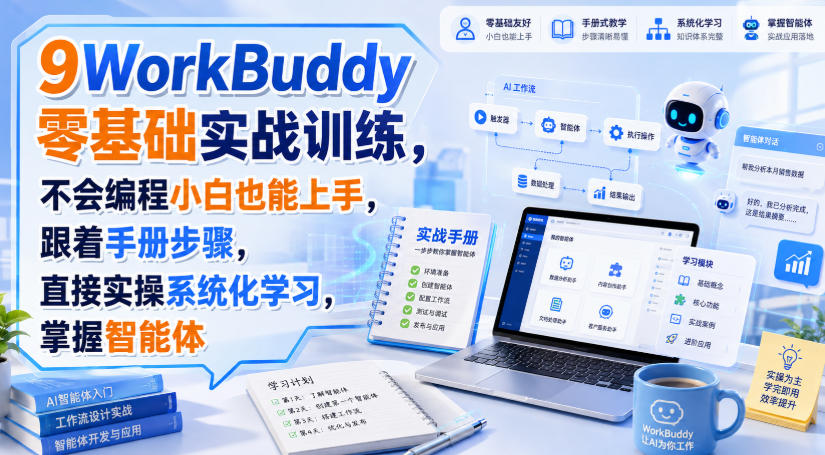
WorkBuddy zero-basics hands-on training: even non-programmers can follow the manual steps, learn agents systematically by doing
Higgsfield cinematic animation course: one-stop creation platform, complete animation production-flow teaching

The same dance with 6 outfits switching in order: I turned an outfit-change video into a Skill
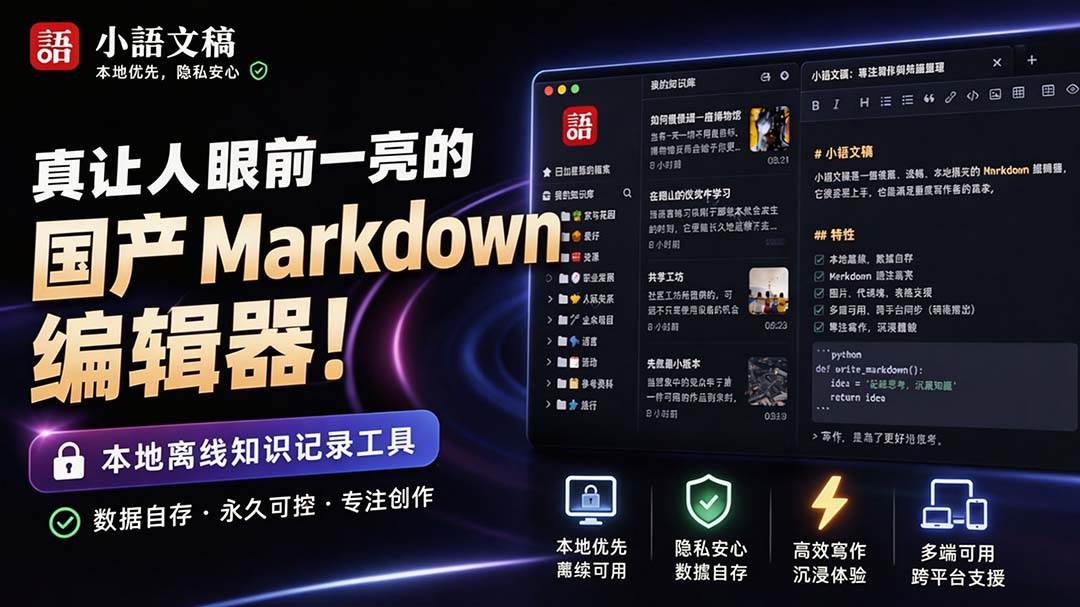
An eye-catching domestic Markdown editor: local offline high-performance note tool, free and no login required
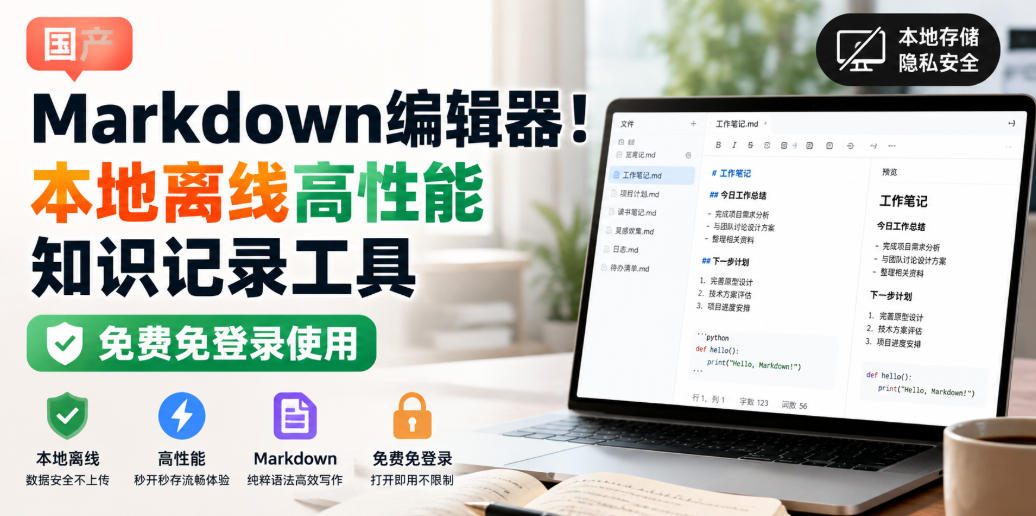
Domestic Markdown editor: local offline high-performance knowledge-note tool, free and no login required
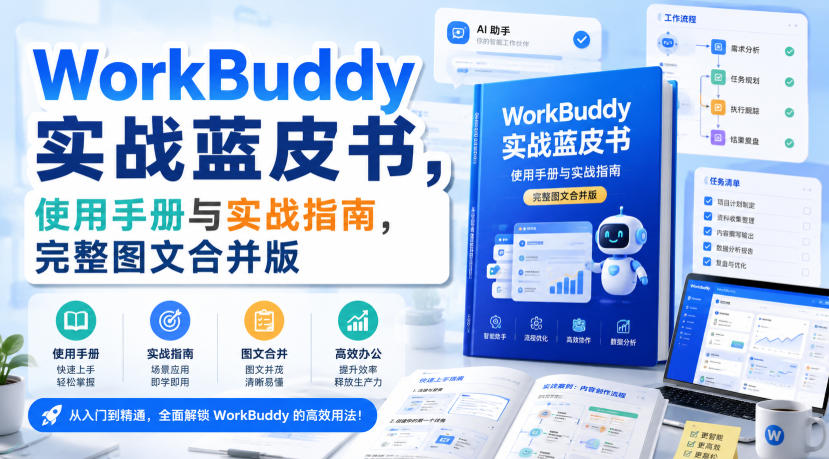
WorkBuddy practical blue paper: user manual and practice guide, complete combined image-text edition

Jimeng challenges a 180-second long video: one-click a 3-minute movie? Full production flow shared in detail

Super handy! Douyin video downloader, supports batch download of user works, favorites and likes lists, open-source free Better-douyin-R
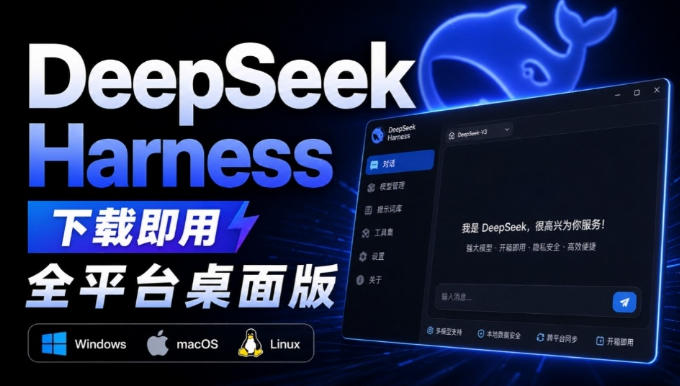
Nearly 200K stars on GitHub - Harness now runs by double-click: the Harness full-platform desktop edition
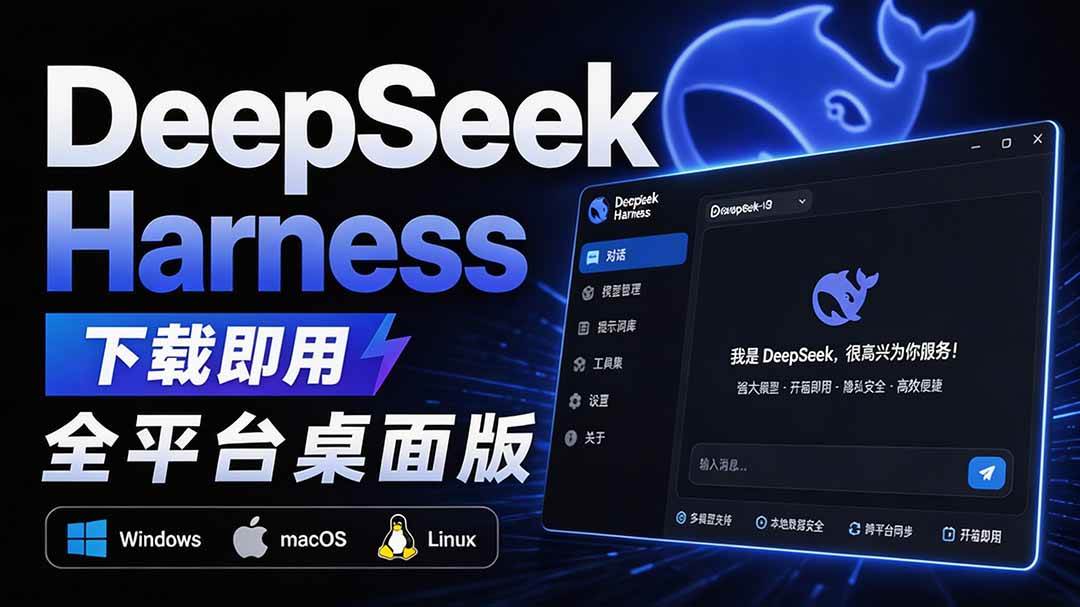
Nearly 200K stars on GitHub - Harness now runs by double-click: the Harness full-platform desktop edition DSH Desktop

