


-
Solo Business Courses
-
 Others
-
Overseas Tutorials
-
Photography & Editing
-
Community & Private Domain
-
Self-Media Writing & Copywriting
-
Side Income Projects
-
E-commerce
-
Short Video & Live Streaming
-
Artificial Intelligence (AI)
-
Software & Tools
-
Operating Systems
-
Plugins & Scripts
-
MacOS Software
-
Android Software
-
Windows Software


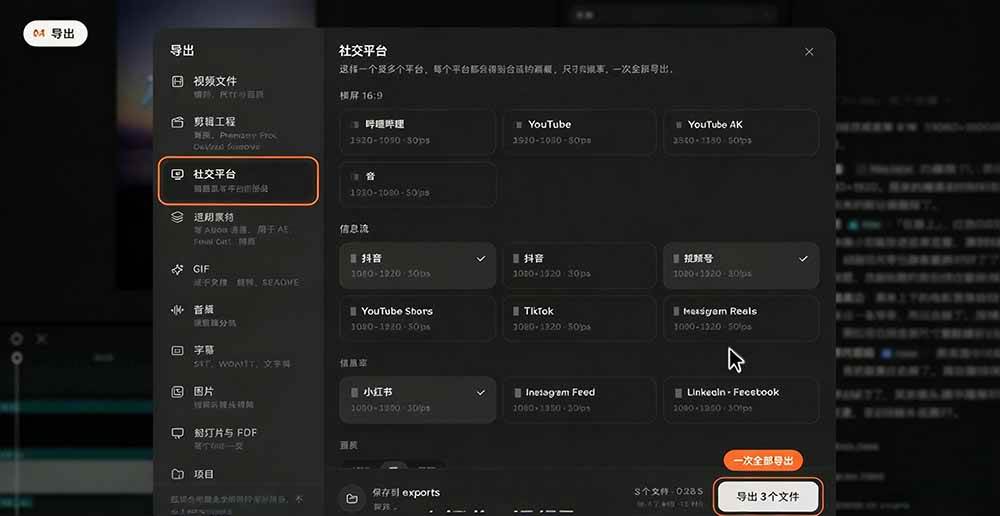
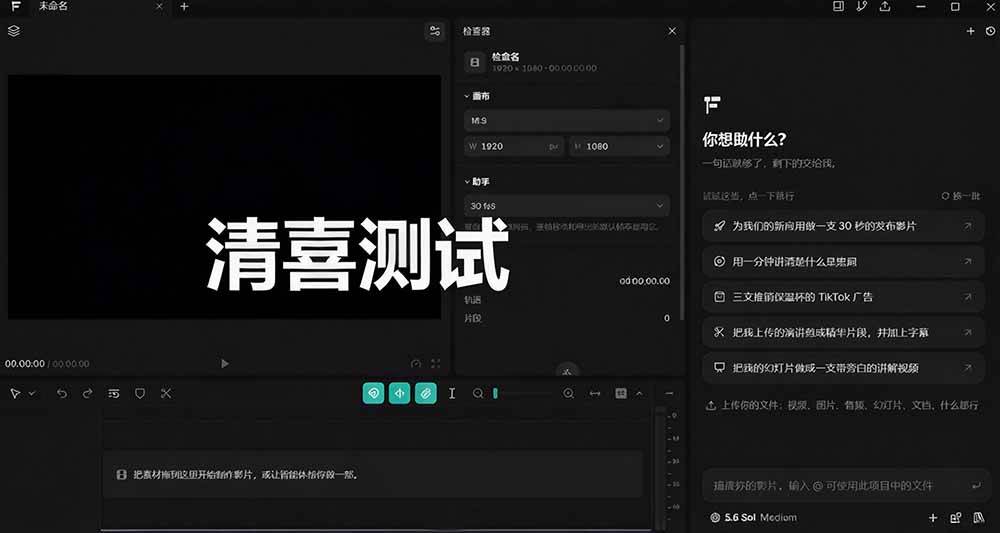
I'm on my knees! You can make short video promos without editing skills? AI turns materials into a complete video with one click. It is truly amazing, and OpenFilm is super easy
-
Game Gold-Farming Money-Making Plan: Earn 1k+ Daily, a Stable 3-Year Project Anyone Can Do in Spare Time [Revealed]
Study material — included with membership Get Membership -
Hot-game fully-automated earning: 500+ a day, no experience, simple operation - the steadiest long-term game-earning side hustle (revealed)
Study material — included with membership Get Membership -
FlyingMouse earns merit this time! Don't panic at Windows format problems — the open-source FlyingMouse format conversion tool helps, a popular GitHub gem
Study material — included with membership Get Membership -
Douyin Product-Selling Coaching Bootcamp: No On-Camera Appearance Needed, Newbies Can Produce Selling Short Videos by Following the Steps
Study material — included with membership Get Membership -
First-release game gold-farming money plan: 1K+ a day, ordinary people in spare time
Study material — included with membership Get Membership






-
FlyingMouse earns merit this time! Don't panic at Windows format problems — the open-source FlyingMouse format conversion tool helps, a popular GitHub gem
Study material — included with membership Get Membership -
LuDaShi v6.1024.4105.1121 Slim Single File
Study material — included with membership Get Membership -
2D Cartoon Animation Software Moho Pro v14.3
Study material — included with membership Get Membership -
Video Editor Aiseesoft Filmai v1.0.18
Study material — included with membership Get Membership -
To-Do Microsoft To Do v2.147 Free
Study material — included with membership Get Membership -
PR/AE/DaVinci/FCPX video Plugin Nobe OmniScope Win1.11.15 / Mac1.10.138
Study material — included with membership Get Membership







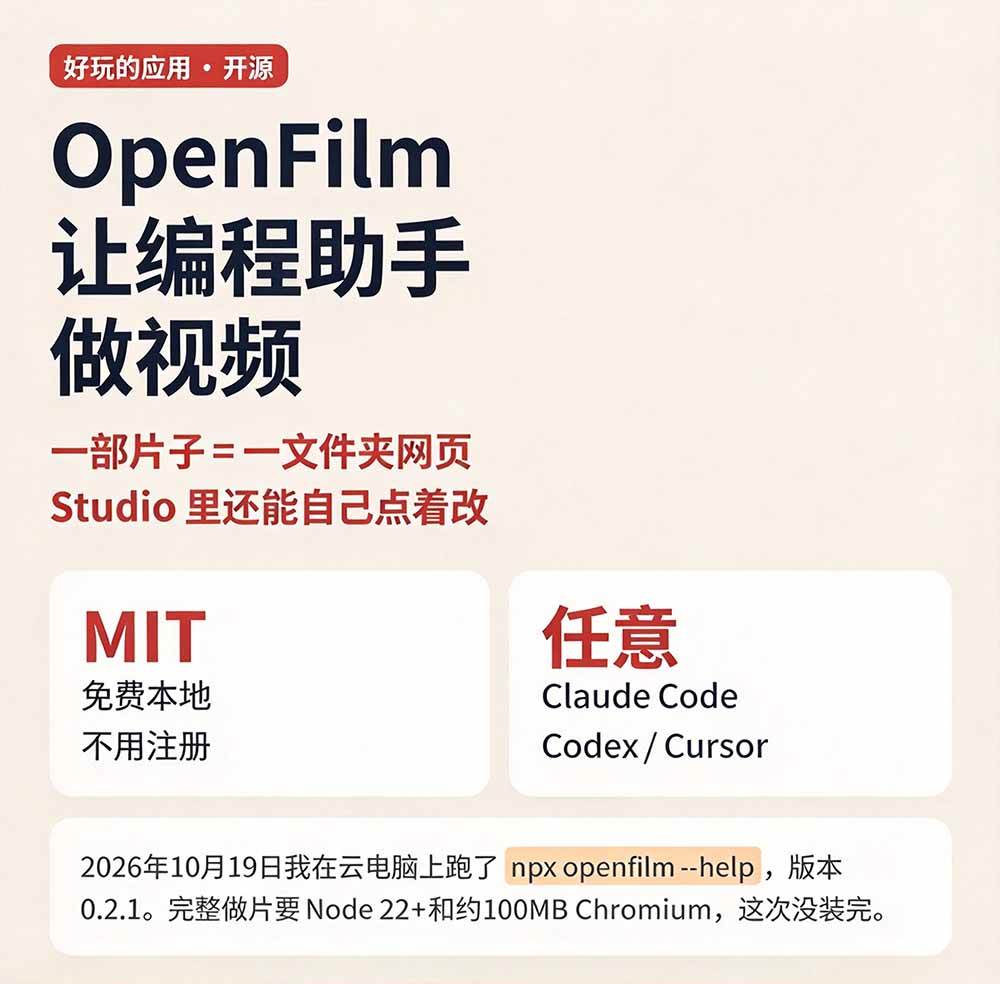
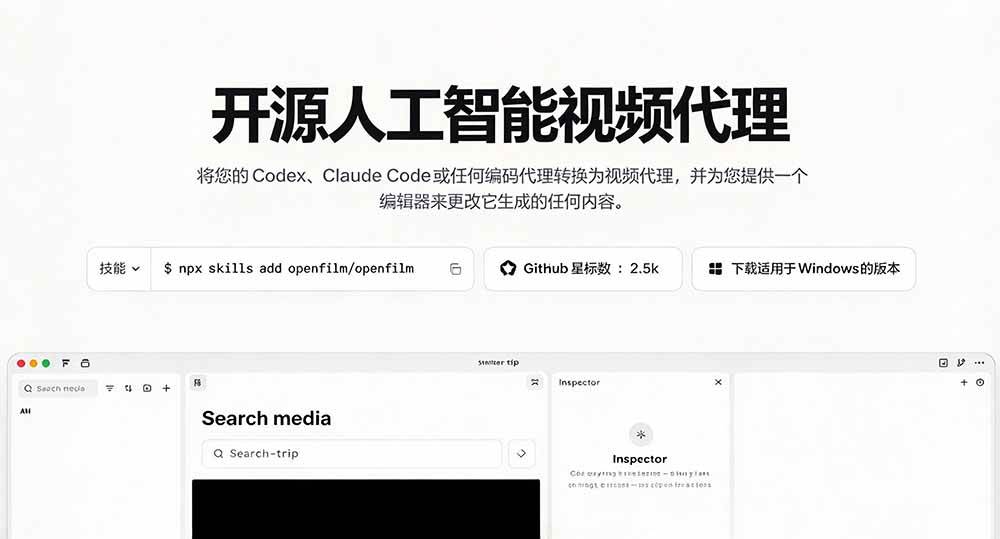
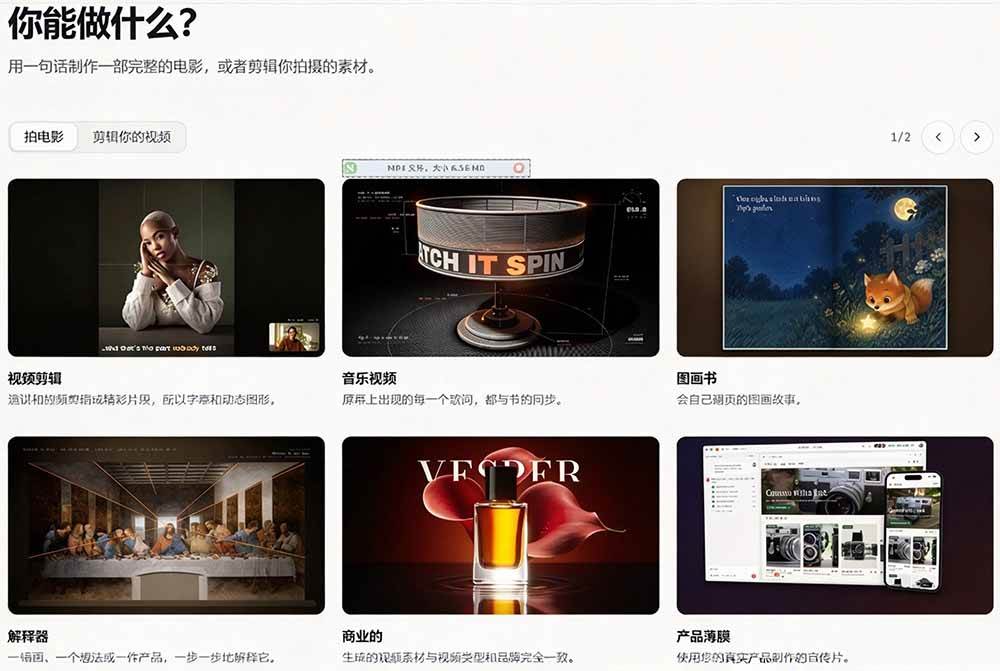
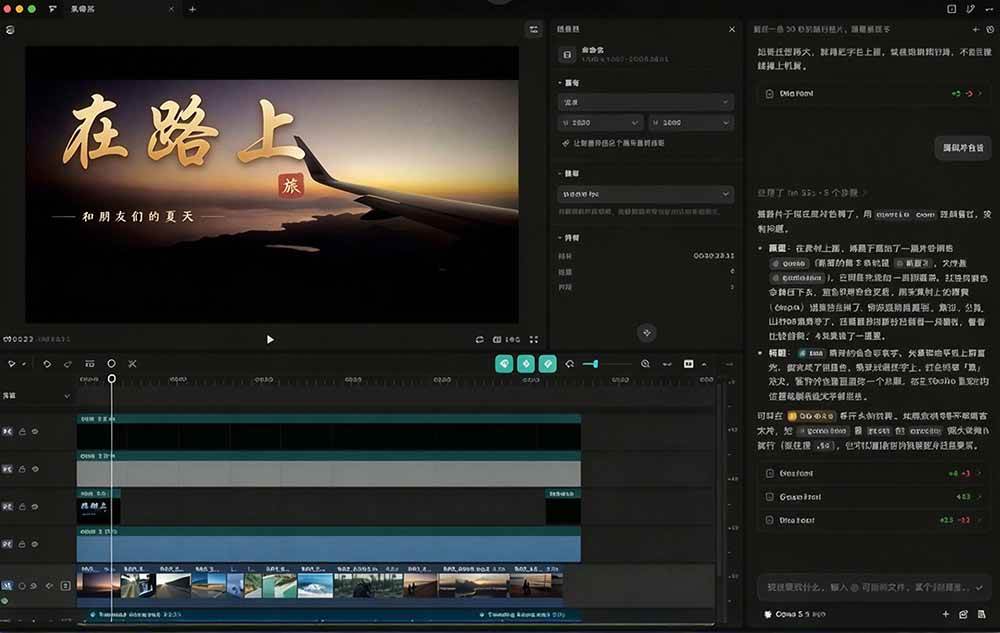
Making a promo video of a few dozen seconds often gets stuck on the editing software's timeline and a pile of parameters, and just getting familiar with the interface takes half a day. OpenFilm takes a different approach: let the AI agent you usually use for coding write the video, with visuals generated as web pages, and then manually fine-tune them in the Studio editor in the browser. It is suitable for developers and small teams unfamiliar with editing, saving the effort of learning software and repeated exports, and is most worth
Software Features
A different approach: let the coding AI write the video along the way; you only need to state clearly what you want, saving the time of learning editing software.
Web pages are the visuals: every shot is a web page, rendered with whatever a browser can draw, and editing it is as intuitive as editing a page.
Edit while watching: Studio displays the final result in real time in the browser; elements can be dragged and scaled, and the timeline allows trimming and cutting.
Free and open source: uses the MIT license, the code is publicly available for inspection, and making, editing, and rendering do not require an account.
Installation is not complicated: requires Node 22.2 or above and ffmpeg; the first run will download about 100 MB of headless browser.
Supported systems: confirmed working on Windows, macOS, and Linux; the desktop version also has built-in ffmpeg and a browser.
Note: requires an API connection; you need to use your own token. Please don't ask about this anymore; setup has a threshold.
Software Screenshots






How to use:https://openfilm.dev/zh/docs/
github addresshttps://github.com/openfilm/openfilm
Supporting Study Materials
This course comes with a materials pack. Members receive the access link by email after requesting the course.
Related Courses

WorkBuddy zero-basics hands-on training: even non-programmers can follow the manual steps, learn agents systematically by doing
Higgsfield cinematic animation course: one-stop creation platform, complete animation production-flow teaching

The same dance with 6 outfits switching in order: I turned an outfit-change video into a Skill
An eye-catching domestic Markdown editor: local offline high-performance note tool, free and no login required

Domestic Markdown editor: local offline high-performance knowledge-note tool, free and no login required

WorkBuddy practical blue paper: user manual and practice guide, complete combined image-text edition

Jimeng challenges a 180-second long video: one-click a 3-minute movie? Full production flow shared in detail

Super handy! Douyin video downloader, supports batch download of user works, favorites and likes lists, open-source free Better-douyin-R
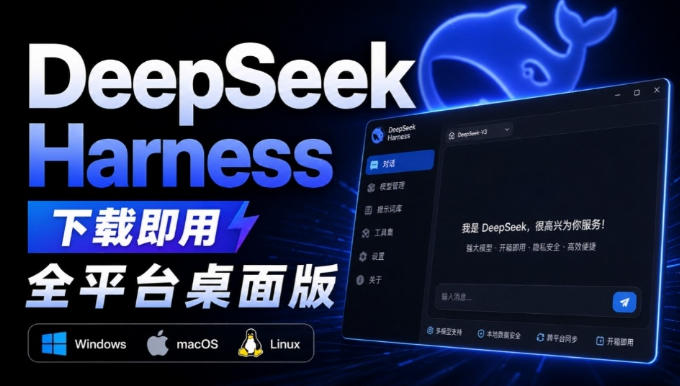
Nearly 200K stars on GitHub - Harness now runs by double-click: the Harness full-platform desktop edition

Nearly 200K stars on GitHub - Harness now runs by double-click: the Harness full-platform desktop edition DSH Desktop

