


-
Solo Business Courses
-
 Others
-
Overseas Tutorials
-
Photography & Editing
-
Community & Private Domain
-
Self-Media Writing & Copywriting
-
Side Income Projects
-
E-commerce
-
Short Video & Live Streaming
-
Artificial Intelligence (AI)
-
Software & Tools
-
Operating Systems
-
Plugins & Scripts
-
MacOS Software
-
Android Software
-
Windows Software
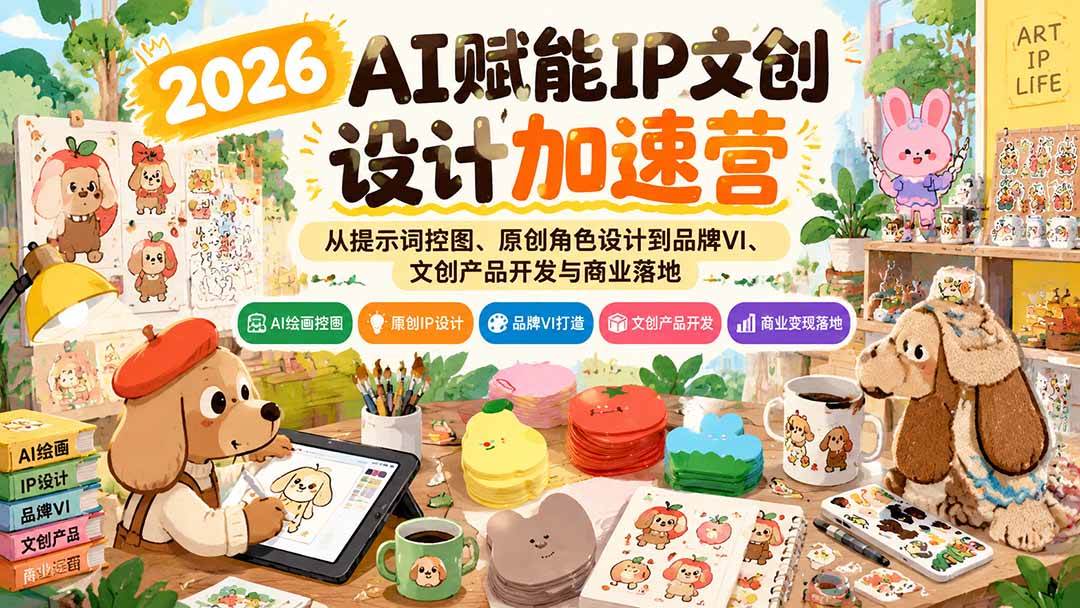
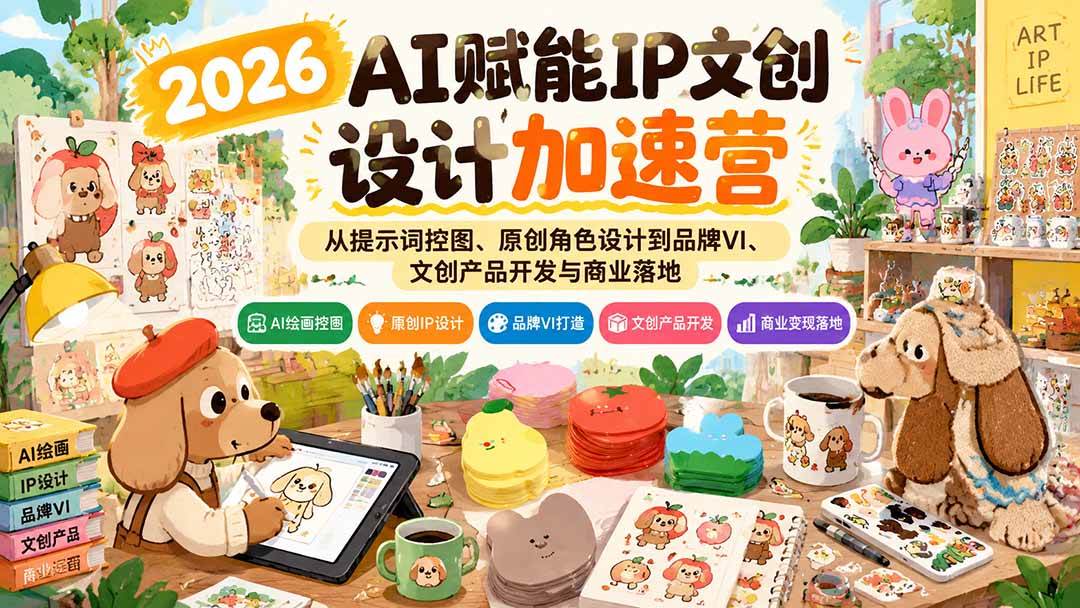
2026 AI-Empowered IP Cultural and Creative Design Acceleration Camp: From Prompt-Based Image Control and Original Character Design to Brand VI, Cultural and Creative Product Development, and Commercia
-
Game Gold-Farming Money-Making Plan: Earn 1k+ Daily, a Stable 3-Year Project Anyone Can Do in Spare Time [Revealed]
Study material — included with membership Get Membership -
Hot-game fully-automated earning: 500+ a day, no experience, simple operation - the steadiest long-term game-earning side hustle (revealed)
Study material — included with membership Get Membership -
FlyingMouse earns merit this time! Don't panic at Windows format problems — the open-source FlyingMouse format conversion tool helps, a popular GitHub gem
Study material — included with membership Get Membership -
Douyin Product-Selling Coaching Bootcamp: No On-Camera Appearance Needed, Newbies Can Produce Selling Short Videos by Following the Steps
Study material — included with membership Get Membership -
First-release game gold-farming money plan: 1K+ a day, ordinary people in spare time
Study material — included with membership Get Membership






-
FlyingMouse earns merit this time! Don't panic at Windows format problems — the open-source FlyingMouse format conversion tool helps, a popular GitHub gem
Study material — included with membership Get Membership -
LuDaShi v6.1024.4105.1121 Slim Single File
Study material — included with membership Get Membership -
2D Cartoon Animation Software Moho Pro v14.3
Study material — included with membership Get Membership -
Video Editor Aiseesoft Filmai v1.0.18
Study material — included with membership Get Membership -
To-Do Microsoft To Do v2.147 Free
Study material — included with membership Get Membership -
PR/AE/DaVinci/FCPX video Plugin Nobe OmniScope Win1.11.15 / Mac1.10.138
Study material — included with membership Get Membership







I. Course content overview
**2026 AI-Empowered IP Cultural and Creative Design Acceleration Camp** is a systematic practical course that integrates AI painting, IP character design, brand visual planning, and cultural and creative commercial implementation. Starting with basic AI tool operation, prompt writing, precise image control, and character consistency, the course gradually explains IP worldbuilding, personality setting, story construction, visual style exploration, and commercial illustration generation, guiding learners to build a visual asset library that includes 16 dynamic emojis, 9 sets of dynamic mini-scenes, IP three-view drawings, and more. It then goes deeper into IP brand story organization, VI visual identity systems, cultural and creative product design, complete layout and PPT output, and combines basic AI software operation with practical skills such as Photoshop layers, pen tool, and brushes to help learners complete the full process from IP creative ideation, character design, and brand packaging to commercial product application. The course emphasizes hands-on practice and assignment review, and is suitable for learners who want to use AI to improve design efficiency, create original IPs, develop cultural and creative products, and explore personal entrepreneurship directions.
II. Suitable audience
- AI painting beginners, newcomers who want to quickly master IP design.
- Graphic designers, who want to expand AI creation and commercial design capabilities.
- Cultural and creative entrepreneurs, want to create original IP and distinctive products.
- Self-media creators, want to build a personal brand and a unique image.
- Freelancers, want to expand their commission business through AI design.
III. What you gain after learning
- Master AI painting techniques, learn prompt writing and precise image control.
- Create original IP characters, refine character settings and visual style.
- Build an IP asset library, produce emoji packs, scene images, and three-view drawings.
- Build a brand visual system, complete story planning, VI, and layout design.
- Expand commercial monetization ideas, apply IP design to cultural and creative products and commercial projects.
IV. Course Content Outline
Week 1 | AI Fundamentals and Pre-course Preparation
Lesson 1: Course Introduction and Learning Objectives - Advantages and application scenarios of AI painting in IP design
Introduction to current mainstream AI painting tools and selection advice
Lesson 2: Core AI Painting Techniques: From Prompts to Precise Image Control
- Analysis of the underlying logic of AI painting
- Structure and formulas for high-quality prompts
- Controlling consistency of IP characters
Lesson 3: How to Create a Popular IP
- IP character settings: worldview, personality, story, values
- Key points of IP image design: appearance, color, expression, symbolization
Week 2 | Style Exploration: Choosing an IP Style That Suits You
Lesson 4: AI-generated IP illustrations in multiple commercial styles
- Learn to use AI to generate IP illustrations in multiple commercial styles
- Build an IP visual asset library
Lesson 5: Building an IP Visual Asset Library
- 16 dynamic IP emoji packs
- 9 sets of dynamic mini scenes
- IP three-view drawings
- Complete IP PPT output
Week 3 | IP Brand Visual Language
Lesson 6: IP brand story (full PPT organization)
Lesson 7: Systematic VI organization (cultural and creative products)
Week 4 | IP Layout Design + IP Business
Lesson 8: Complete layout design
Section 9: AI Implementation for Commercial Operations Products
V. Course Catalog
1. Lesson 1: Understanding AI Fundamentals -1
1. Lesson 1: Understanding AI Fundamentals -2
2. Lesson 2: Core AI Painting Techniques from Prompts to Precise Image Control
3. Lesson 3: How to Build a Popular IP + Lesson 4: AI Generation of IP Illustrations in Multiple Commercial Styles
4. Lesson 4: Assignment Review_ev
5. Lesson 5: Building an IP Visual Asset Library_ev
6. Lesson 6: IP Brand Story + Lesson 7: Systematic VI Organization
7. Lesson 7: Second Assignment Review
8. Lesson 8: Complete Layout Design + Lesson 9: AI Implementation for Commercial Operations Products
{1}-AI Basic Operations
│ [1]-[Lesson 1] AI Zero-Basics Tutorial
│ [2]-[Lesson 2] AI New Document, Saving, and Rulers
│ [3]-[Lesson 3] AI Shape Tools and Eyedropper
│ [4]-[Lesson 4] AI Selection Tools
│ [5]-[Lesson 5] Using the AI Pen Tool
│ [6]-[Lesson 6] AI Shape Deformation and Transformation
│ [7]-[Lesson 7] Type Tools
│ [8]-[Lesson 8] Blend Tool
│ [9]-[Lesson 9] Boolean Operations
│ [10]-[Lesson 10] Clipping Mask
│ [11]-[Lesson 11] Effects (Inner/Outer Glow, Drop Shadow, Blur)
│ [12]-[Lesson 12] (Gradient)
│ [13]-[Lesson 13] (Export)
│ [14]-[Lesson 14] (Hidden Tips)
{2}-PS Basic Operations
│ [1]-Using the PS Lasso Tool
│ [2]-Introduction to Different PS Brushes
│ [3]-PS Shape and Layer Relationships
│ [4]-Using the PS Chalk Brush
│ [5]-Using the PS Pen Tool
│ [6]-PS Basic Course Summary
Supporting Study Materials
This course comes with a materials pack. Members receive the access link by email after requesting the course.
Related Courses

Family Comedy Short-Drama Creation Course: Benchmark Hot Accounts, AI-Assisted, Fast Start for Total Beginners, Grow Followers and Drive Product Sales

Amazon AI Automation Practical Course: AI Operating Mindset, Setting Up the Codex Environment, Risk-Control Checks and Automated Listing Copy

AI E-Commerce Data Tool Development Course: Learn Codex+BI From Zero, Build a Multi-Store Integrated Visualization Dashboard


Advanced AI Prompt Application: 15 Lessons | Universal Instruction Thinking + Multiple Output Modes + Full Industry Commercial Cases

AI Video Creation Crash Course: From Great-Case Breakdown to Five Core Modules, Fast-Track AI Video Skills for Total Beginners

AI Commercial Practice System Course: In-Depth SD Mastery + Advanced Flux Hands-On + Comfyui Workflow Building, Full Commercial Design Project Training

[National-Day Pick] AI Automation Game, 1k+ RMB a Day, Simple to Operate, Stable for Three Years! [Revealed]



