


-
Solo Business Courses
-
 Others
-
Overseas Tutorials
-
Photography & Editing
-
Community & Private Domain
-
Self-Media Writing & Copywriting
-
Side Income Projects
-
E-commerce
-
Short Video & Live Streaming
-
Artificial Intelligence (AI)
-
Software & Tools
-
Operating Systems
-
Plugins & Scripts
-
MacOS Software
-
Android Software
-
Windows Software
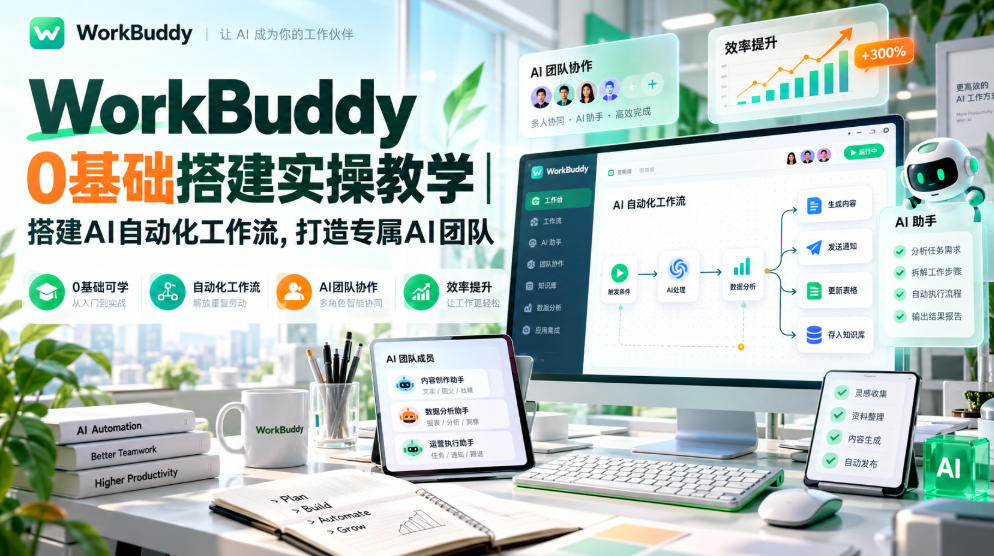
WorkBuddy zero-based setup practical teaching | Build AI automated workflows, create your exclusive AI team
-
Game Gold-Farming Money-Making Plan: Earn 1k+ Daily, a Stable 3-Year Project Anyone Can Do in Spare Time [Revealed]
Study material — included with membership Get Membership -
Hot-game fully-automated earning: 500+ a day, no experience, simple operation - the steadiest long-term game-earning side hustle (revealed)
Study material — included with membership Get Membership -
FlyingMouse earns merit this time! Don't panic at Windows format problems — the open-source FlyingMouse format conversion tool helps, a popular GitHub gem
Study material — included with membership Get Membership -
Douyin Product-Selling Coaching Bootcamp: No On-Camera Appearance Needed, Newbies Can Produce Selling Short Videos by Following the Steps
Study material — included with membership Get Membership -
First-release game gold-farming money plan: 1K+ a day, ordinary people in spare time
Study material — included with membership Get Membership






-
FlyingMouse earns merit this time! Don't panic at Windows format problems — the open-source FlyingMouse format conversion tool helps, a popular GitHub gem
Study material — included with membership Get Membership -
LuDaShi v6.1024.4105.1121 Slim Single File
Study material — included with membership Get Membership -
2D Cartoon Animation Software Moho Pro v14.3
Study material — included with membership Get Membership -
Video Editor Aiseesoft Filmai v1.0.18
Study material — included with membership Get Membership -
To-Do Microsoft To Do v2.147 Free
Study material — included with membership Get Membership -
PR/AE/DaVinci/FCPX video Plugin Nobe OmniScope Win1.11.15 / Mac1.10.138
Study material — included with membership Get Membership






Course Introduction
WorkBuddy Zero-Based Setup Practical Teaching is a full-process, no-code WorkBuddy implementation course for beginners. The course first clearly explains the core concepts: the differences from other AI tools, usage boundaries, and the three operating modes, then guides everyone hand-by-hand through installation and configuration, model selection, and completing the first task assignment.
The course covers high-frequency office scenarios: one-click PPT generation, long document writing, Excel data processing and analysis, and connecting to office tools such as Feishu; teaches you to build a personal exclusive knowledge base, batch import materials, and regularly maintain and update them, achieving one-click draft generation from materials. It also includes content creation capabilities: batch image generation, detail image replication, nine-grid storyboard videos, hit short video replication, and historical figure narrative video production. The advanced part teaches you to batch organize computer files, build simple business systems, form your own AI work team, and also package mature workflows into reusable skills, and even polish the knowledge base into a monetizable product. The whole process is demonstrated practically, and even zero-based learners can follow along to build their own AI automation system.
Suitable For
Office workers who want to use AI to reduce repetitive overtime work such as documents, spreadsheets, and PPTs
Self-media and e-commerce operators who need to batch make images, edit short videos, and produce copywriting materials
Entrepreneurs who want to build a private knowledge base to accumulate industry materials and proposal templates
Enthusiasts who want to learn no-code AI agents, customize work skills, and build automated workflows
Players who want to package mature work methods into AI skills and turn them into products for monetization
Learning Outcomes
Understand WorkBuddy's underlying logic, distinguish boundaries and modes, choose the right model, and complete basic installation and configuration
Master high-frequency office automation such as PPT, long documents, and Excel data analysis to greatly improve office efficiency
Learn to connect external office tools such as Feishu, and build, load, and maintain a personal private knowledge base
Become proficient in batch image generation, replicating detail images, creating storyboard scripts, and replicating viral short videos
Learn to batch organize local files, build simple business systems, and form a dedicated AI work team
Master skill packaging methods to package and reuse your workflows and achieve standardized output
Learn to accumulate content from the knowledge base and connect the idea from material library to sellable AI products
Course Content
├──1 1. Where is the difference
├──2 2. Three boundaries
├──3 3. Three modes
├──4 4. Installation and configuration
├──5 5. How to choose a model
├──6 6. First task assignment
├──7 7. One-click PPT creation
├──8 8. One-click long document creation
├──9 9. Excel data processing and analysis practice
├──10 10. Connecting WorkBuddy to office tools
├──11 11. Connecting to the Feishu office course
├──12 12. Loading scattered materials into the knowledge base
├──13 13. From materials to final draft
├──14 14. Building a personal knowledge base
├──15 15. Regular organization and updating of the knowledge base
├──16 16. One-click batch image generation
├──17 17. Replicating detail images
├──18 18. Nine-grid storyboard video
├──19 19. Replicating viral short videos
├──20 20. Life story video of historical figures
├──21 21. Batch processing of computer files
├──23 23. Assembling your own AI work team
├──24 24. One-click creation of a coffee ordering system
├──25 25. Packaging work methods into skills
├──26 26. From knowledge base to product
WorkBuddy zero-foundation hands-on setup course! No coding required, from installation and configuration, model selection, and knowledge base setup, to PPT/Excel/document automation and batch image creation,
Supporting Study Materials
This course comes with a materials pack. Members receive the access link by email after requesting the course.
Related Courses
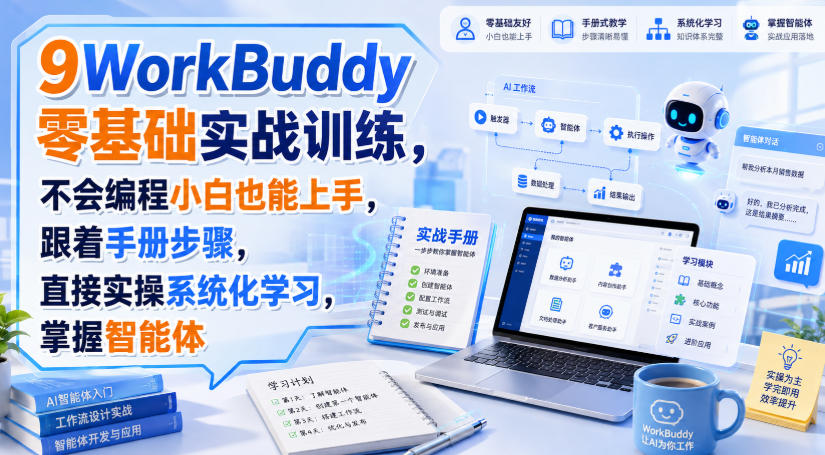
WorkBuddy zero-basics hands-on training: even non-programmers can follow the manual steps, learn agents systematically by doing
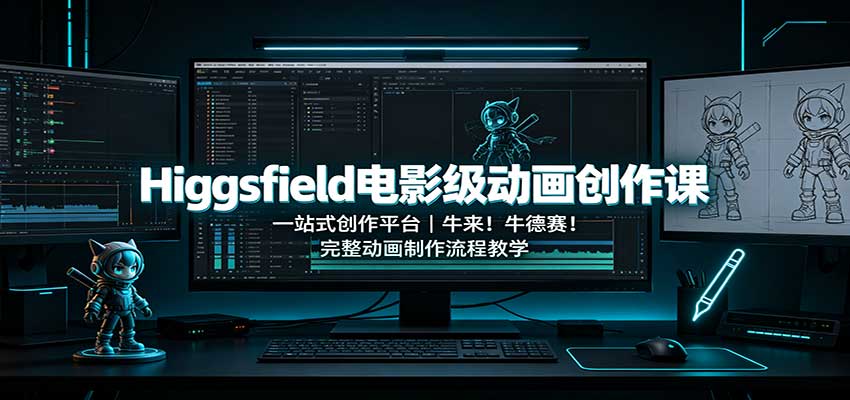
Higgsfield cinematic animation course: one-stop creation platform, complete animation production-flow teaching

The same dance with 6 outfits switching in order: I turned an outfit-change video into a Skill
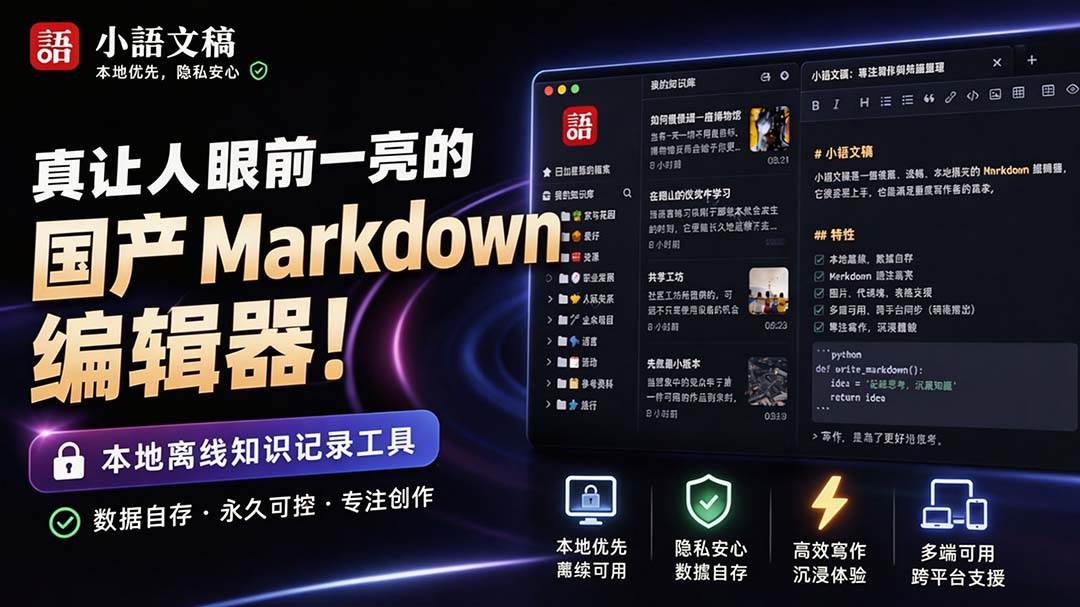
An eye-catching domestic Markdown editor: local offline high-performance note tool, free and no login required
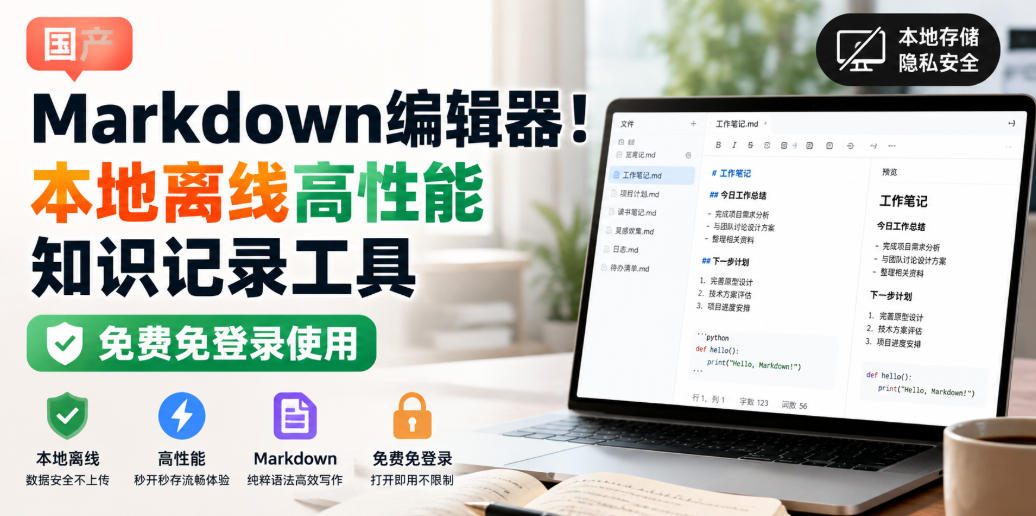
Domestic Markdown editor: local offline high-performance knowledge-note tool, free and no login required
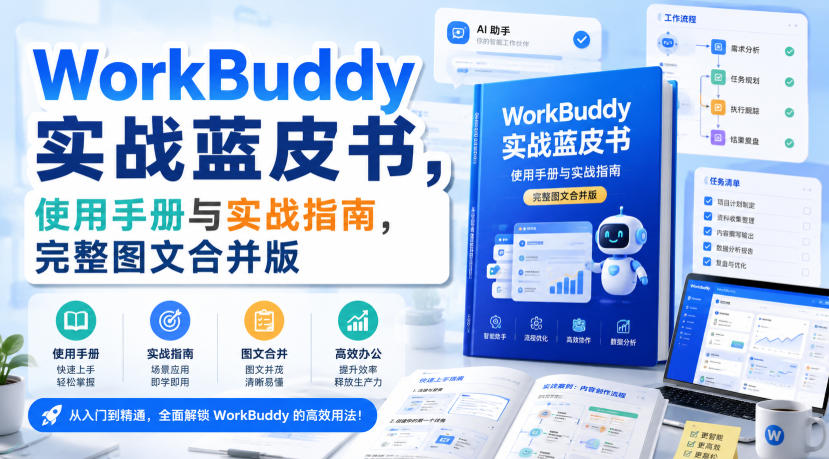
WorkBuddy practical blue paper: user manual and practice guide, complete combined image-text edition

Jimeng challenges a 180-second long video: one-click a 3-minute movie? Full production flow shared in detail

Super handy! Douyin video downloader, supports batch download of user works, favorites and likes lists, open-source free Better-douyin-R
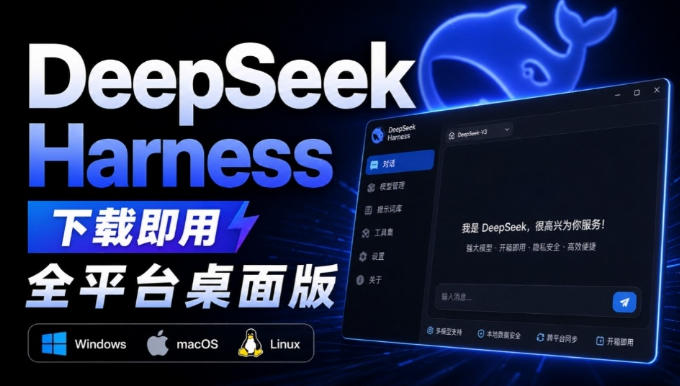
Nearly 200K stars on GitHub - Harness now runs by double-click: the Harness full-platform desktop edition
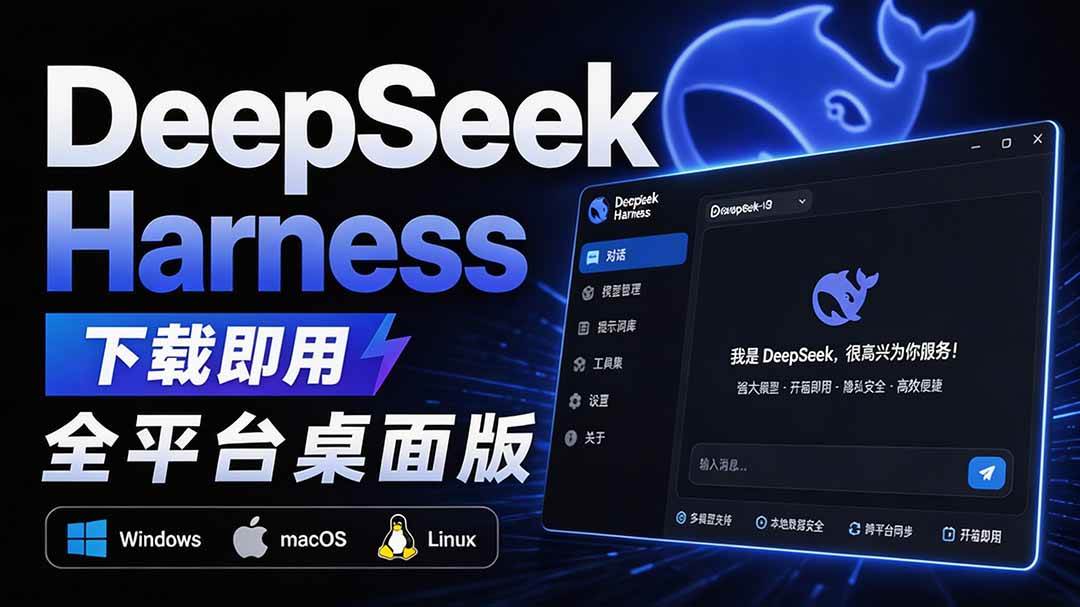
Nearly 200K stars on GitHub - Harness now runs by double-click: the Harness full-platform desktop edition DSH Desktop

