-
Курсы для прадпрымальнікаў
-
 Іншае
-
Замежныя навучальныя дапаможнікі
-
Фатаграфія і мантаж
-
Упраўленне супольнасцю і прыватны домен
-
Напісанне для медыя і капірайтынг
-
Праекты дадатковага даходу
-
Электронная камерцыя
-
Кароткія відэа і жывыя трансляцыі
-
Штучны інтэлект (AI)
-
Праграмы і інструменты
-
Аперацыйныя сістэмы
-
Плагіны і скрыпты
-
Праграмы MacOS
-
Праграмы Android
-
Праграмы Windows
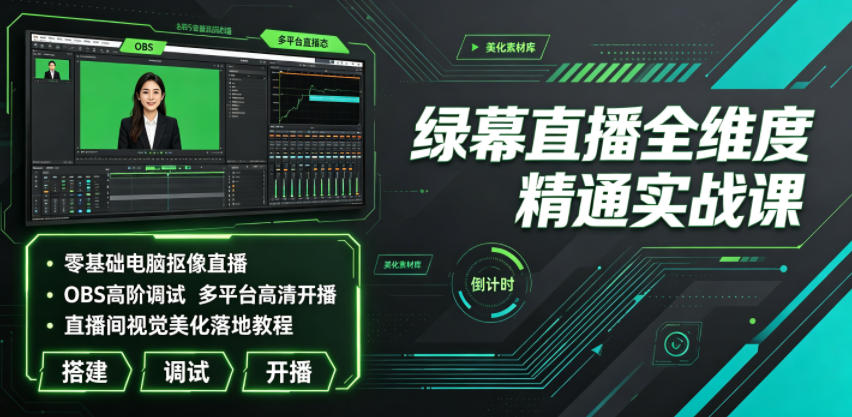
Практычны курс по ўсёбаковаму авалоданню жывой трансляцыяй з зялёным экранам|Хромакей на ПК з нуля, прасунутая налада OBS, HD-трансляцыя на многіх платформах
-
План заробку на фармінгу гульнявой валюты: 1k+ у дзень, стабільны праект на тры гады, звычайны чалавек можа займацца ў вольны час!【раскрыццё】
Даведачны матэрыял — уключаны ў членства Стаць членам -
Учебный лагерь по продажам в Douyin с сопровождением: камера не нужна, новичок по шагам делает продающие короткие ролики
Даведачны матэрыял — уключаны ў членства Стаць членам -
План зарабатку на гульнявой здабычы золата пры першым выпуску: 1000+ у дзень, звычайныя людзі ў вольны час [Раскрыццё]
Даведачны матэрыял — уключаны ў членства Стаць членам





-
Master Lu v6.1024.4105.1121 палегчаная аднафайлавая версія [Праграмны молат·R1880]
Даведачны матэрыял — уключаны ў членства Стаць членам -
Праграма для стварэння двухмернай мультыплікацыйнай анімацыі Moho Pro v14.3 [Праграма-малаток·R2355]
Даведачны матэрыял — уключаны ў членства Стаць членам -
Праграма для рэдагавання і апрацоўкі відэа на камп'ютары Aiseesoft Filmai v1.0.18 【Праграмны молат·R2470】
Даведачны матэрыял — уключаны ў членства Стаць членам -
Microsoft To Do v2.147 афіцыйная бясплатная версія
Даведачны матэрыял — уключаны ў членства Стаць членам -
Плагін-асцылограф для карэкцыі колеру відэа PR/AE/DaVinci/FCPX Nobe OmniScope Win1.11.15 / Mac1.10.138【Праграмнае забеспячэнне·R2748】
Даведачны матэрыял — уключаны ў членства Стаць членам






Course Introduction
Today the live industry grows ever more competitive. Ordinary phone real-scene streaming looks flat, with fixed scenes and rough visuals, making it hard to retain viewers and lift live-room dwell time and conversion. Most live beginners and small-to-mid streamers face many practical problems: they don't understand зялёны экран setup logic, can't pair gear or tune lighting, and get blurry keyed pictures with bad edges; they're unfamiliar with live helper software and can't install/debug OBS, Wuta Companion or Live Companion, getting frequent stutter and fuzzy quality; they can't customize live scenes, dynamic materials, scrolling captions or effect stickers, so the room looks plain; multi-platform streaming is messy and they can't do multi-scene broadcast or screen-cast streaming; audio is noisy with background hum and out of sync with video, hurting the viewing experience; they don't know the full PC streaming features of каналы Вічат and доуін - interaction, selling, lucky draw, preview; and they can't fix phone screen-cast connection failures or device compatibility errors, so streams keep crashing.
This full-dimension зялёны экран streaming bootcamp is built for zero-basis live practitioners. From early gear prep, environment setup and software deployment, to advanced fine OBS tuning, precise зялёны экран keying, live-room visual beautification and multi-platform HD broadcast, it covers everything, hand-in-hand teaching you to build a professional-grade live room, easily beating ordinary real-scene streaming and seizing platform traffic dividends.
Course Content
01. Intro course: preview of the advanced PC зялёны экран streaming build course
02. 1. The 4 core advantages of PC зялёны экран streaming
03. 2. PC зялёны экран streaming equipment checklist
04. 3. Full guide to choosing a live-room green screen and хромакей techniques
05. 4. Full guide to lighting for PC зялёны экран streaming
06. 5. Microphone setup for PC зялёны экран streaming
07. 1. OBS software download and interface familiarization
08. 2. Wuta Companion install/download and interface
09. 3. Live Companion install/download and interface
10. 4. iTunes software install/download
11. 1. How to add a background in OBS
12. 2. How to add a person хромакей effect in OBS
13. 3. How to add video materials in OBS
14. 4. How to add scrolling text in OBS
15. 5. How to add phone screen-cast in OBS
16. 6. How to set audio effects in OBS
17. 7. How to set streaming resolution in OBS
18. 8. How to quickly switch live scenes in OBS
19. 9. How to achieve multi-platform streaming in OBS
20. 10. How to achieve 3-screen simultaneous broadcast in OBS
21. 11. How to add non-system fonts in OBS
22. 12. How to add a clock effect in OBS
23. 13. How to remove microphone background noise in OBS
24. 14. How to set OBS to avoid streaming lag
25. 15. OBS доуін HD lag-free streaming settings
26. 16. How to make video stickers
27. 17. How to make image stickers
28. 18. What to do if an iPhone can't connect to Wuta Companion signal
29. 19. What to do if an Android phone can't connect to Wuta Companion signal
30. 20. PC каналы Вічат streaming: the video source
31. 21. PC каналы Вічат streaming: beautification + effects settings
32. 22. PC каналы Вічат streaming: hot list and interactive messages
33. 23. PC каналы Вічат streaming: the co-host feature
34. 24. PC каналы Вічат streaming: product management
35. 25. PC каналы Вічат streaming: lucky draw + gift wish + playlist
36. 26. PC каналы Вічат streaming: live preview
37. 27. PC каналы Вічат streaming: content display
38. 28. PC каналы Вічат streaming: audio settings
39. 29. Tencent Meeting can also use OBS virtual хромакей streaming
40. 1. Massive material library sharing
41. 2. Two sets of custom label stickers, backgrounds and title materials
42. 3. Live Q&A on course and practical details
43. 4. Shared toolkits + material packs used in the course
44. 5. Live-room build examples across industries
45. Bonus lesson 1: pre-build preparation for live streaming
Suitable For
✅ Zero-basis live newcomers who can't build a PC live scene and don't know зялёны экран keying or software tuning
✅ Streamers whose real-scene picture is flat and rough, wanting to upgrade to professional зялёны экран and lift room quality
✅ Operators whose streams stutter, look fuzzy and sound noisy, who can't optimize streaming parameters
✅ Commerce bloggers who can't make live materials or visual beautification, whose room has no character and can't retain viewers
✅ Senior streamers wanting multi-platform simultaneous broadcast and three-screen broadcast to amplify traffic
✅ Office workers needing online meeting/webinar live scenes who want to master virtual хромакей tech
What You'll Learn
1. Master the full зялёны экран hardware build logic; skillfully choose green screen, lighting and audio gear for clean HD keying.
2. Master installation and fine tuning of OBS, Wuta Companion, Live Companion and other live software.
3. Master core live skills: person keying, scene replacement, material overlay, caption effects, screen-cast linkage.
4. Learn anti-lag, HD quality and noise-reduction audio optimization to fully fix live crashes.
5. Independently produce original live stickers, backgrounds and titles to build a distinctive high-looking live room.
6. Master full-flow HD multi-platform PC streaming, multi-screen broadcast and interactive selling on доуін and каналы Вічат.
7. Independently troubleshoot common live faults: phone screen-cast, software adaptation, device connection.
8. Master extended virtual хромакей plays for streaming, meetings and webinars, reusing the skill.
Дапаможныя навучальныя матэрыялы
Гэты курс суправаджаецца камплектам матэрыялаў. Члены атрымліваюць спасылку для доступу па электроннай пошце пасля запыту.
Падобныя курсы
Трэнінг па стварэнні IP у Xiaohongshu: майстэрства падбору тэм, тэкстаў, здымкі і мантажу, авалоданне прасоўваннем хітаў і манетызацыяй у закрытых каналах


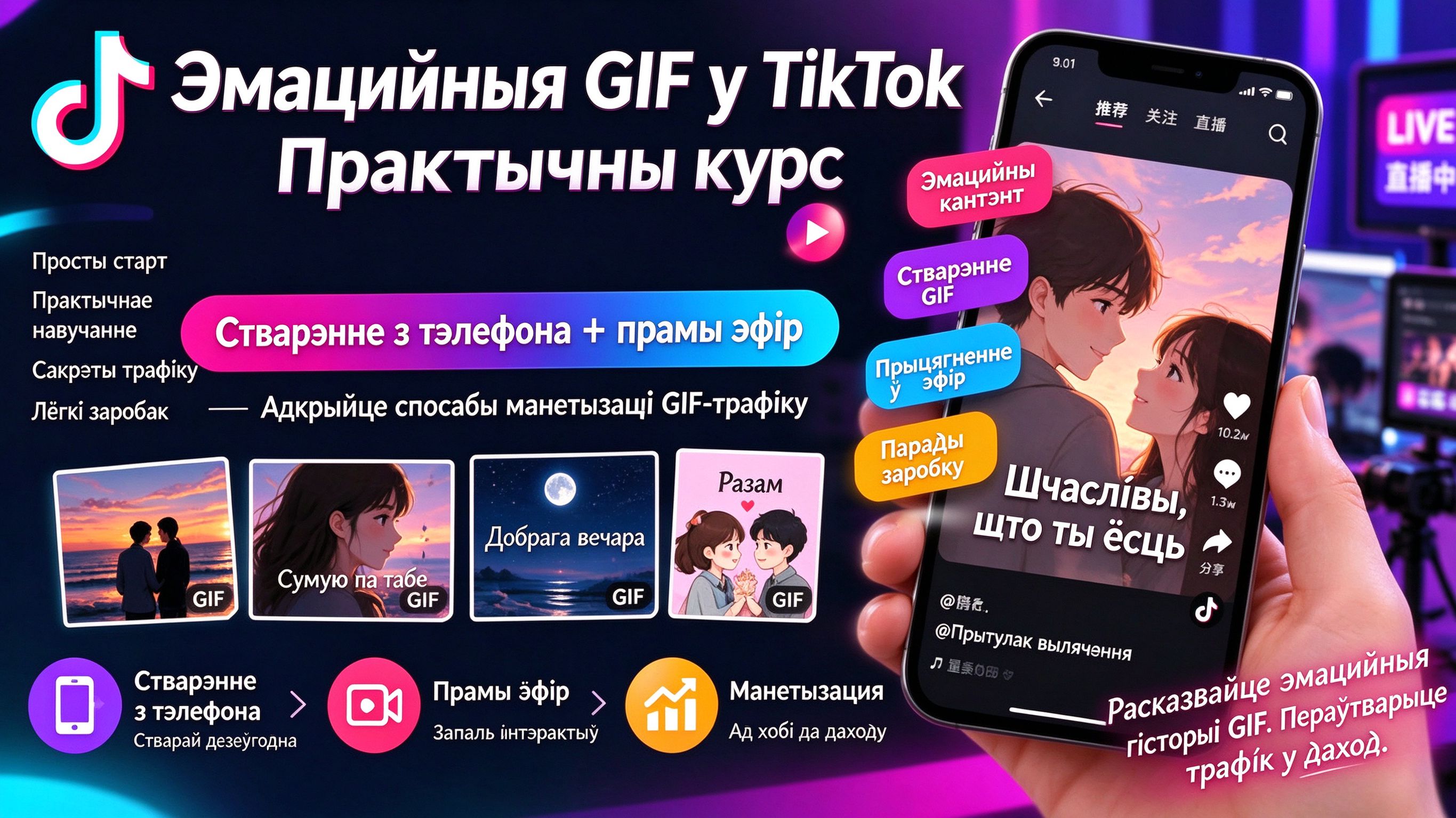
Практычны курс эмоцыйных GIF-карт для Douyin: стварэнне на тэлефоне + прыёмы эфіру, раскрыццё манетызацыі трафіку праз анімацыю
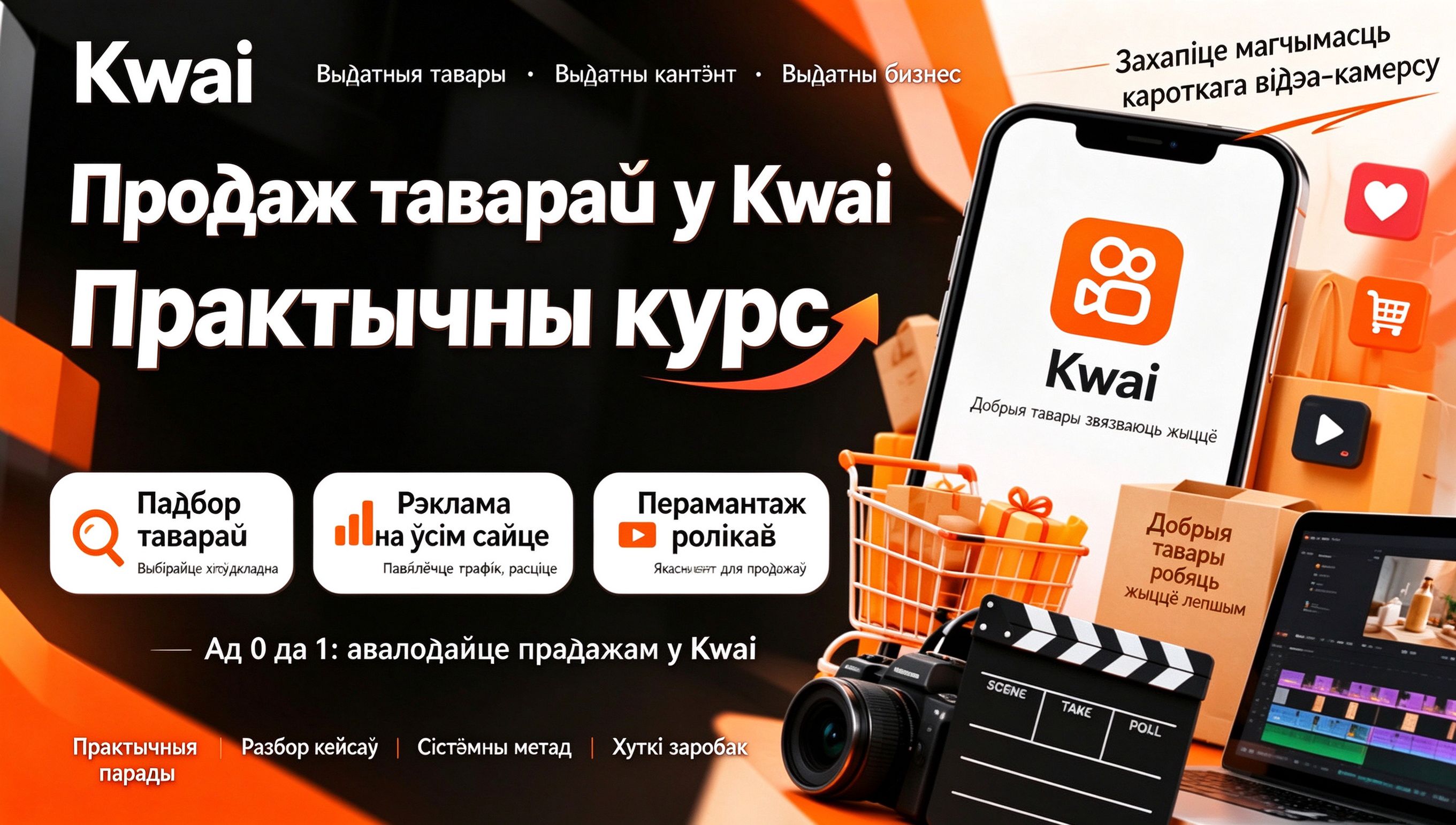
Практычны курс добрых тавараў Kuaishou: падбор і аперацыі тавараў + прасоўванне па ўсёй пляцоўцы + другасны мантаж для продажу і манетызацыі



Інструкцыя па адкрыцці катэгорыі электронных рэсурсаў на Xiaohongshu: правілы мэтавага доступу, кваліфікацыйныя матэрыялы і працэс падачы самаабвяшчэння

План заробку на фармінгу гульнявой валюты: 1k+ у дзень, стабільны праект на тры гады, звычайны чалавек можа займацца ў вольны час!【раскрыццё】