-
Курсы для прадпрымальнікаў
-
 Іншае
-
Замежныя навучальныя дапаможнікі
-
Фатаграфія і мантаж
-
Упраўленне супольнасцю і прыватны домен
-
Напісанне для медыя і капірайтынг
-
Праекты дадатковага даходу
-
Электронная камерцыя
-
Кароткія відэа і жывыя трансляцыі
-
Штучны інтэлект (AI)
-
Праграмы і інструменты
-
Аперацыйныя сістэмы
-
Плагіны і скрыпты
-
Праграмы MacOS
-
Праграмы Android
-
Праграмы Windows

Практычны лагер штучнага інтэлекту для бухгалтэрыі і аўдыту|Сувязнае праграмаванне з ІІ + набор аўдытарскіх інструментаў Python + надбудова Excel VBA (Абноўлена 0710)
-
План заробку на фармінгу гульнявой валюты: 1k+ у дзень, стабільны праект на тры гады, звычайны чалавек можа займацца ў вольны час!【раскрыццё】
Даведачны матэрыял — уключаны ў членства Стаць членам -
Учебный лагерь по продажам в Douyin с сопровождением: камера не нужна, новичок по шагам делает продающие короткие ролики
Даведачны матэрыял — уключаны ў членства Стаць членам -
План зарабатку на гульнявой здабычы золата пры першым выпуску: 1000+ у дзень, звычайныя людзі ў вольны час [Раскрыццё]
Даведачны матэрыял — уключаны ў членства Стаць членам






-
Master Lu v6.1024.4105.1121 палегчаная аднафайлавая версія [Праграмны молат·R1880]
Даведачны матэрыял — уключаны ў членства Стаць членам -
Праграма для стварэння двухмернай мультыплікацыйнай анімацыі Moho Pro v14.3 [Праграма-малаток·R2355]
Даведачны матэрыял — уключаны ў членства Стаць членам -
Праграма для рэдагавання і апрацоўкі відэа на камп'ютары Aiseesoft Filmai v1.0.18 【Праграмны молат·R2470】
Даведачны матэрыял — уключаны ў членства Стаць членам -
Microsoft To Do v2.147 афіцыйная бясплатная версія
Даведачны матэрыял — уключаны ў членства Стаць членам -
Плагін-асцылограф для карэкцыі колеру відэа PR/AE/DaVinci/FCPX Nobe OmniScope Win1.11.15 / Mac1.10.138【Праграмнае забеспячэнне·R2748】
Даведачны матэрыял — уключаны ў членства Стаць членам






Course Introduction
Most people in accounting, audit, internal-control and risk-control roles share the same anxiety: worried they can't keep up with the AI digital wave, yet unable to find methods that fit real finance-and-audit work; they try to use AI to build automation tools, but because they can't read code architecture or basic project logic, the resulting programs become black boxes they can't modify or maintain; or they only use AI chat in fragments and can't build standardized tools, so repetitive work stays heavy.
In the past, building office-automation tools required spending huge time systematically learning programming syntax and debugging logic, with a very high barrier. In the AI era, finance and audit practitioners need not become professional programmers; the core goal is, at very low learning cost, to turn their own business needs into stable, usable, continuously iterable automation tools. But AI programming is not simply typing a requirement and getting a finished product; reasonable human-AI collaboration and basic project-architecture literacy are the key to landing tools.
This finance-and-audit AI bootcamp is built by an instructor deep in finance-audit automation, with 200k+ course views and 160k+ plugin uses. Drawing on years of VBA, Пітон, RPA and AI-agent project experience, it distinguishes two AI paths: the flexible, divergent Агент mode and the efficient, stable custom-script mode, teaching through high-frequency finance-audit scenarios like Эксель, PDF, Ворд, report parsing and web apps.
The course piles no meaningless prompts and copies no full programmer tutorial; it only teaches the minimal core programming literacy that finance-audit people need, walking students through project directories, file division, environment dependencies, config logs and modular architecture, building a product-manager mindset: controlling tool requirements, standardizing project architecture, and verifying AI output, so AI becomes a development assistant while you keep project control.
The whole course lands two core deliverables: an independently iterable Пітон audit toolbox and a full-featured Эксель VBA add-in. It also teaches how to use mainstream AI dev terminals (Карсар, Кодэкс, Клод Код, etc.) differently, covering document parsing, batch data processing, API data fetching, web visualization, website deployment and auto PPT generation, with complete VBA cases for high-frequency audit jobs: batch table processing, format unification, file split and merge.
Course Catalog
01. Preface
02. Installing the environment
03. Your first PDF script
04. Simulating AI - the command line
05. Dependencies and virtual environment
06. GUI interface
07. JSON persistent config
08. Understanding Git and README
09. PDF toolbox
10. Packaging to exe
11. Install Клод Код and connect ДС
12. Two modes of Эксель processing
13. Understanding how AI works on Эксель
14. A support case for Эксель processing - console app
15. Эксель toolbox - 1
16. Эксель toolbox - 2
17. First look at Skill; use Skill to optimize the UI
18. Install Кодэкс app and connect ДС
19. AGENTS.md and CLAUDE.md set work rules
20. Ways to process Ворд
21. Ворд toolbox integration
22. Meet the API; fetch exchange-rate data
23. Use AKS to fetch report data
24. Understand Маркдаўн
25. Parse documents via the Мінеру API
26. Beautify the interface as a web page
27. Publish the tool as a website
28. Review the full flow
29. Review - build a web app from scratch
30. Connect AI capability - AI contract-extraction tool
31. The boundary between Агент tools and fixed code
32. CPAH Агент tool design
33. VBA intro lesson - how to choose between VBA and Пітон
34. First look at VBA - how add-in buttons run
35. VBA basics - two ways to run AI-written code
36. Эксель ribbon design overview
37. How ribbon buttons are implemented
38. Let AI finish the ribbon buttons
39. Collapse buttons into a menu
40. Use dropdown menus to save state
41. Add interaction logic to input boxes and checkboxes
42. Make the add-in apply to all workbooks
43. Move features into a VBA form
44. VBA encryption - protect your code
45. Add-in practice 1 - apply Round, extract chars, clear non-formulas
46. Add-in practice 2 - relative to absolute, batch replace links
47. Add-in practice 3 - generate a directory, save a sheet as
48. Add-in practice 4 - broken-link sheet deletion, show/hide sheets
49. Add-in practice 5 - rename, split workbooks
50. Add-in practice 6 - one-click formatting
51. Add-in practice 7 - merge buttons into a split button
52. Add-in practice 8 - batch rename, package and publish the add-in
53. Агент beginner overview
54. What is a Skill, how to use and write it
55. Using the Эксель Агент assistant
56. How to make AI generate reporting slides (HTML version)
57. Why does even "hello" cost an Агент tens of thousands of tokens?
58. How to choose Агент software
59. An Агент takes over the browser to operate сяохуншу
60. An Агент organizes a knowledge base (part 1)
Suitable For
✅ Accounting-firm auditors, corporate finance, risk-control and internal-control staff who want to cut repetitive manual work
✅ Practitioners with basic Эксель skills who want to learn automation-tool development without diving into a full programming system
✅ Finance staff who tried AI code generation but can't read project structure or modify/maintain tools
✅ Finance and audit practitioners wanting to build a dedicated audit toolbox and Эксель plugin to boost career competitiveness
✅ Digital-transformation practitioners who want to distinguish Агент vs automation-script use cases and master AI co-development logic
What You'll Learn
Build the basic project-architecture literacy finance-audit people need; read, modify and iterate AI-generated code projects, avoiding uncontrolled black boxes
Independently build and package a Пітон audit toolbox for automated multi-scenario data processing of PDF, Ворд, reports and web
Master the full Эксель VBA add-in development flow, landing dozens of audit-specific table-processing features and building your own office plugin
Skillfully use mainstream AI dev terminals, distinguishing Агент vs fixed-script modes and combining them on demand
Master standardized Skill and project-config rules, building a finance-audit automation tool system that keeps updating and is long-term maintainable
Gain the ability to break down business needs yourself and direct AI to build tools, becoming the team's digital-tech backbone
*Note: this article is only an introduction and makes no income promise. Results vary by person and depend on your own effort and hands-on practice. Use what you learn reasonably, and strictly follow platform rules and relevant laws.*
Дапаможныя навучальныя матэрыялы
Гэты курс суправаджаецца камплектам матэрыялаў. Члены атрымліваюць спасылку для доступу па электроннай пошце пасля запыту.
Падобныя курсы

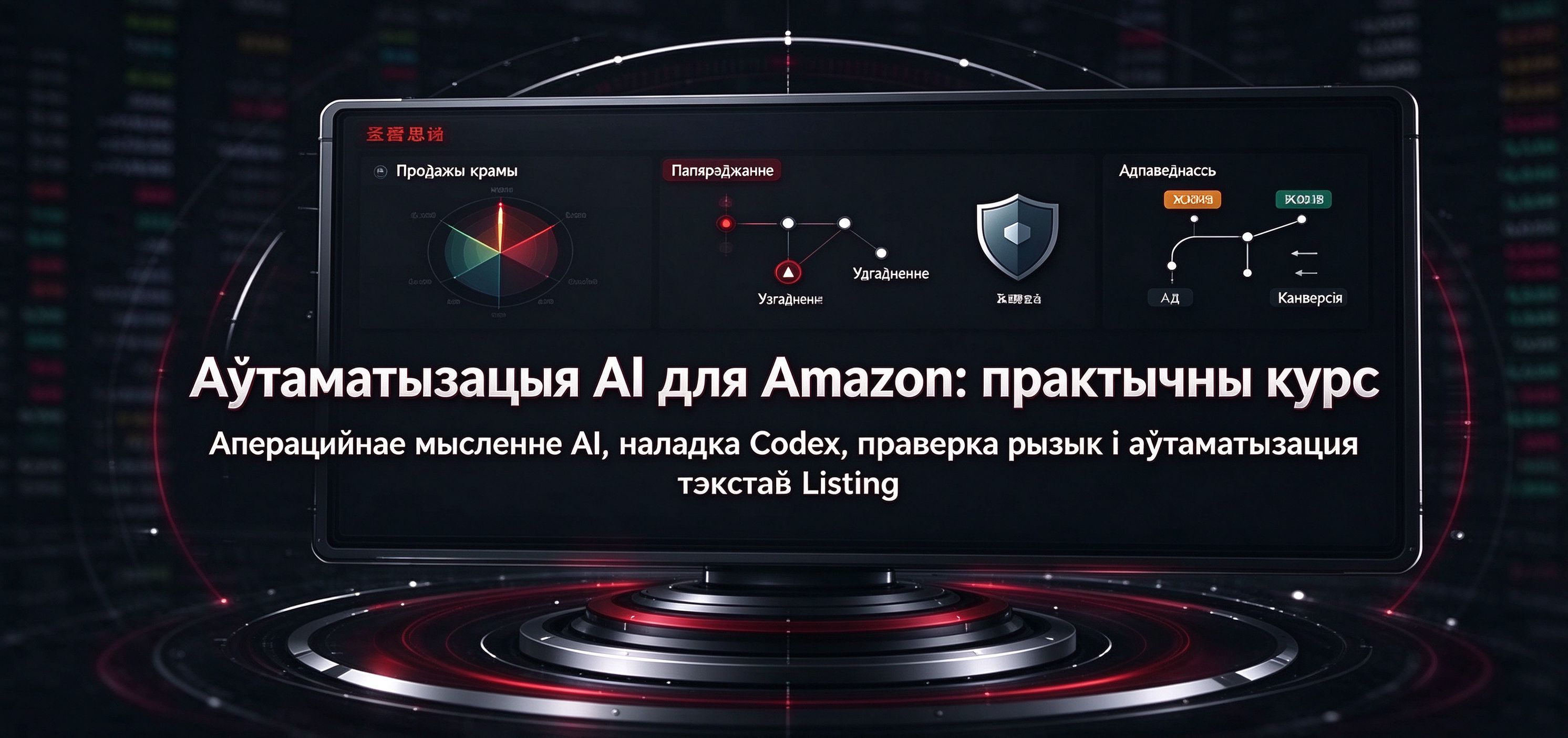
Практычны курс AI-аўтаматызацыі Amazon: бізнес-ідэі ў стылі AI, наладка асяроддзя Codex, праверка рызык і аўтаматызацыя тэкстаў лістынгаў

Курс распрацоўкі AI-інструментаў для электроннай камерцыі: з нуля з Codex+BI, стварэнне візуалізацыйнай панэлі аб'яднаных даных некалькіх крам
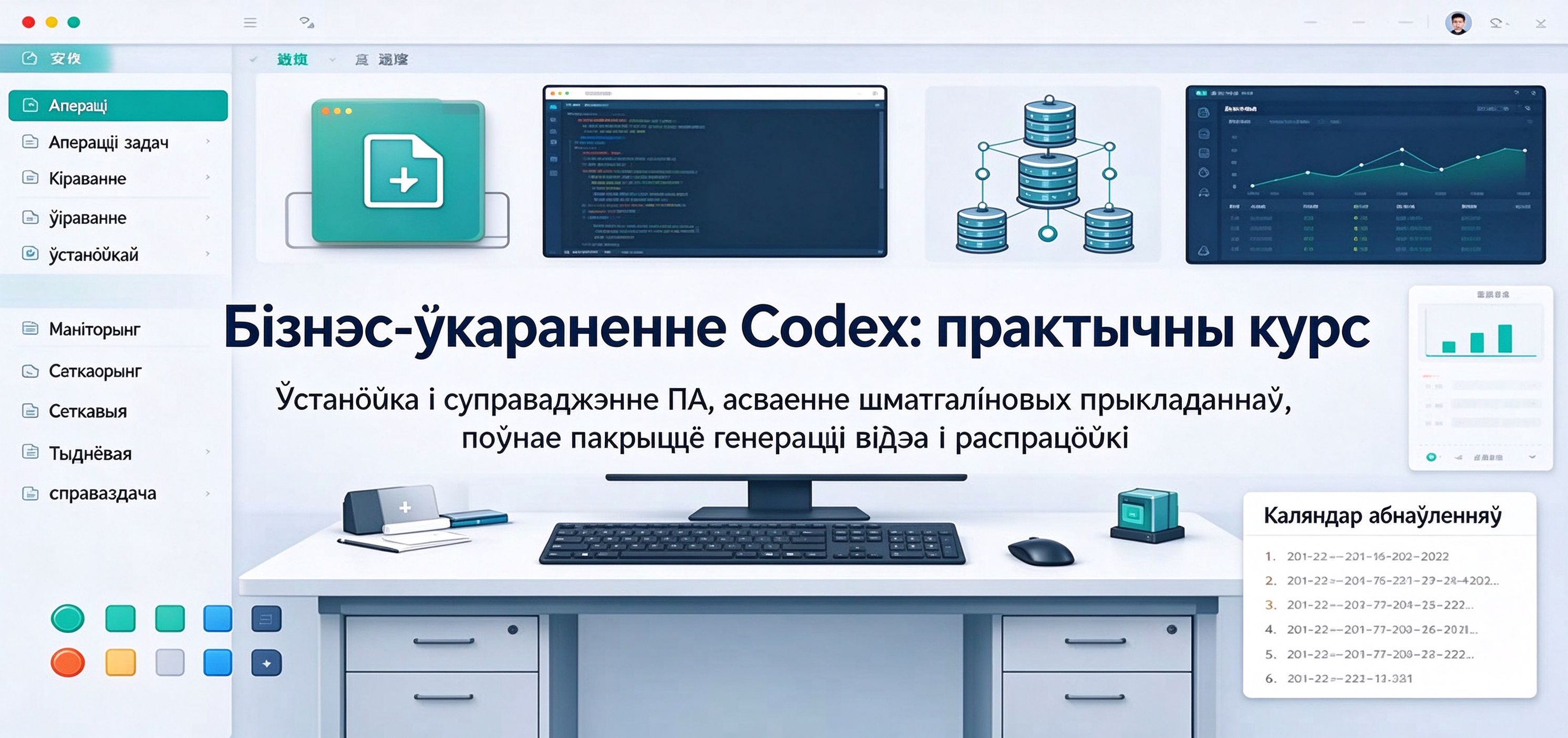
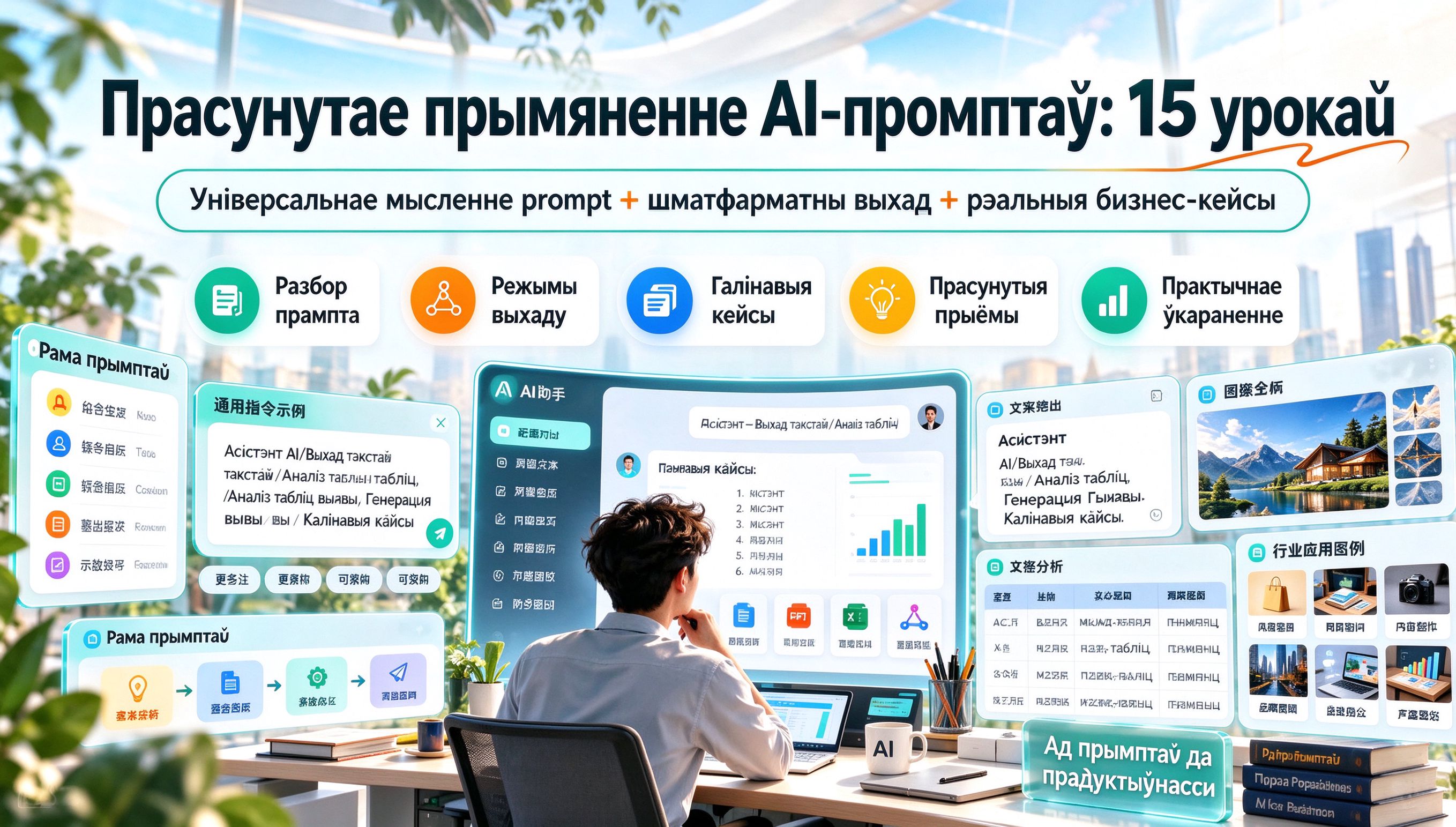
Прасунутае прымяненне AI-промптаў: 15 урокаў — універсальнае мысленне інструкцый + розныя рэжымы вываду + поўнае ўкараненне камерцыйных галіновых кейсаў
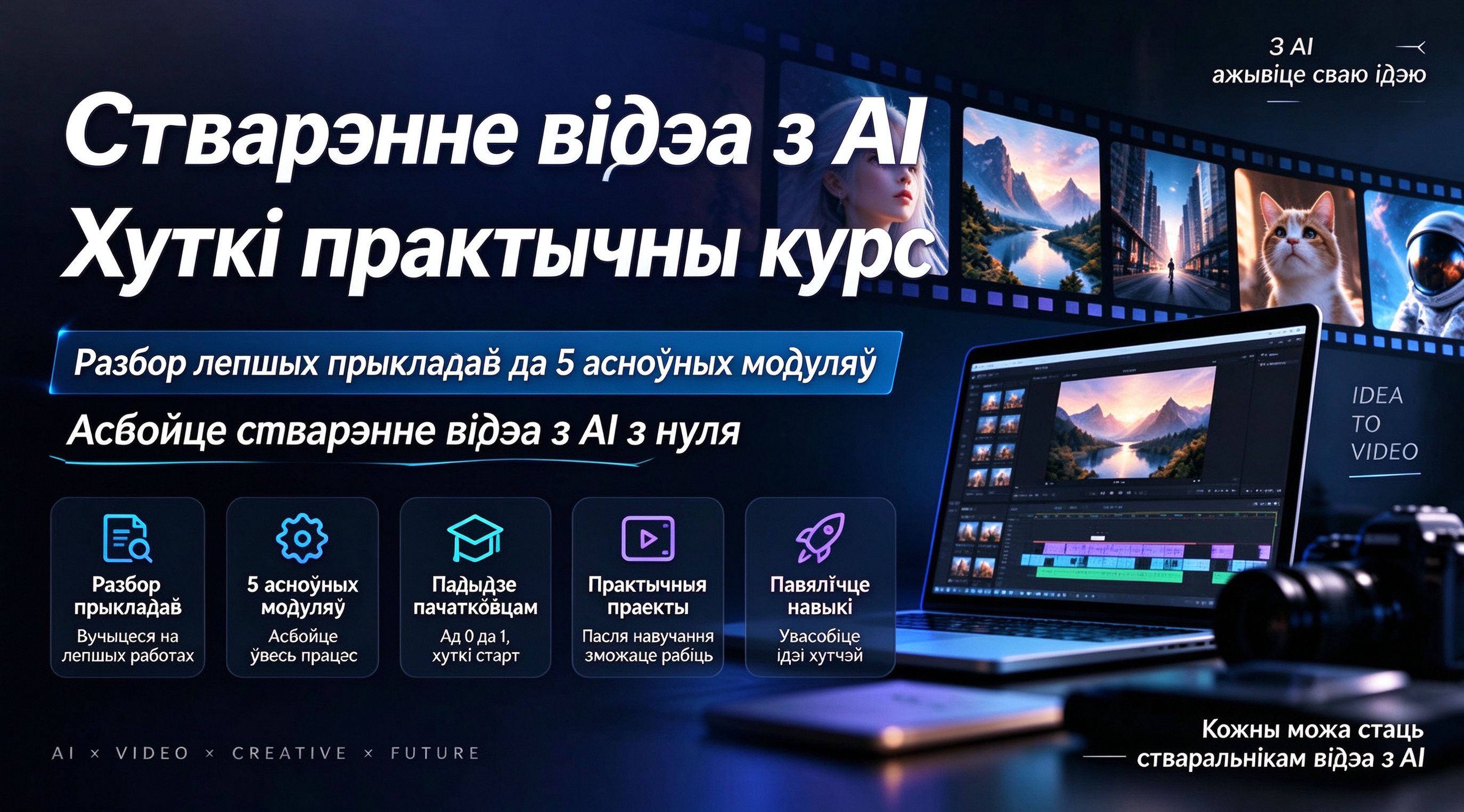
Практычны экспрэс-курс стварэння AI-відэа: ад разбору лепшых кейсаў да ўкаранення пяці асноўных модуляў, хуткае асваенне стварэння AI-відэа з нуля


【Рэкамендацыя да Свята нацыянальнага дня】AI-аўтаматызаваная гульня: 1000+ юаняў у дзень, простая ў кіраванні, стабільна працуе тры гады!【Раскрыццё】