AI 입문부터 고수까지 올인원 프리미엄 코스|AI 도구 실습+바이럴 영상 제작+편집 효과+1인 미디어 계정 개설 수익화+직장 업무 효율화
-

선착순 게임 노가다 돈벌기 계획, 일 1k+, 일반인 한가한 시간에 가능! (공개)
회원 참고 학습 자료 멤버십 가입












Course Introduction
Today AI has become the core tool for ordinary people's side income, self-media startups and workplace efficiency, but most beginners stay stuck: they can't operate mainstream AI tools, don't understand prompt logic, can't make HD original videos, edit roughly with no quality, can't launch accounts, have works but no income, and suffer low workplace efficiency. Either they only do simple one-click generation and can't make differentiated viral content; or the tools are too many to start, hitting pitfalls like watermarks, insufficient credits, fuzzy quality and duration limits; and they can't combine AI with content creation, account operation and selling, missing the AI traffic dividend.
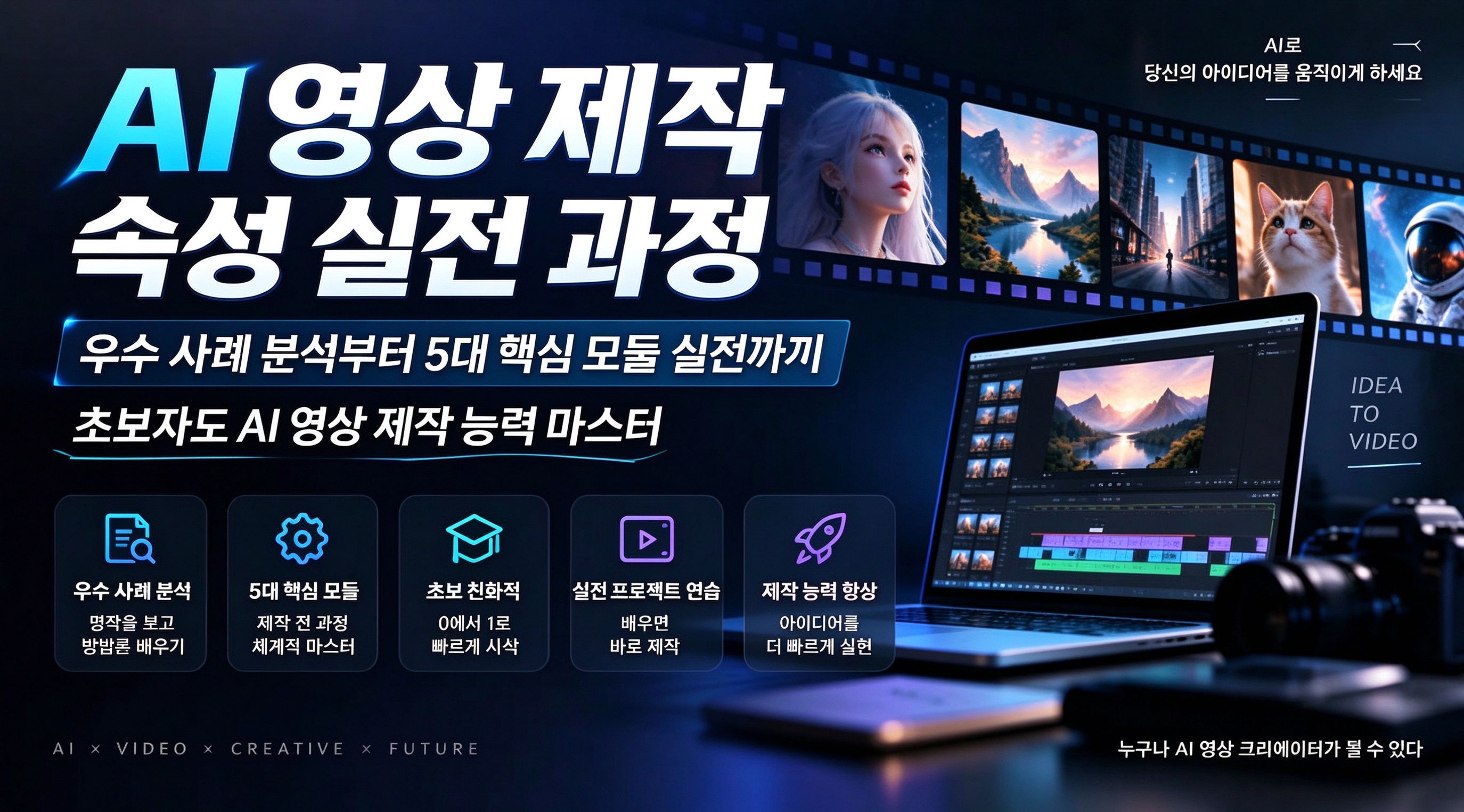
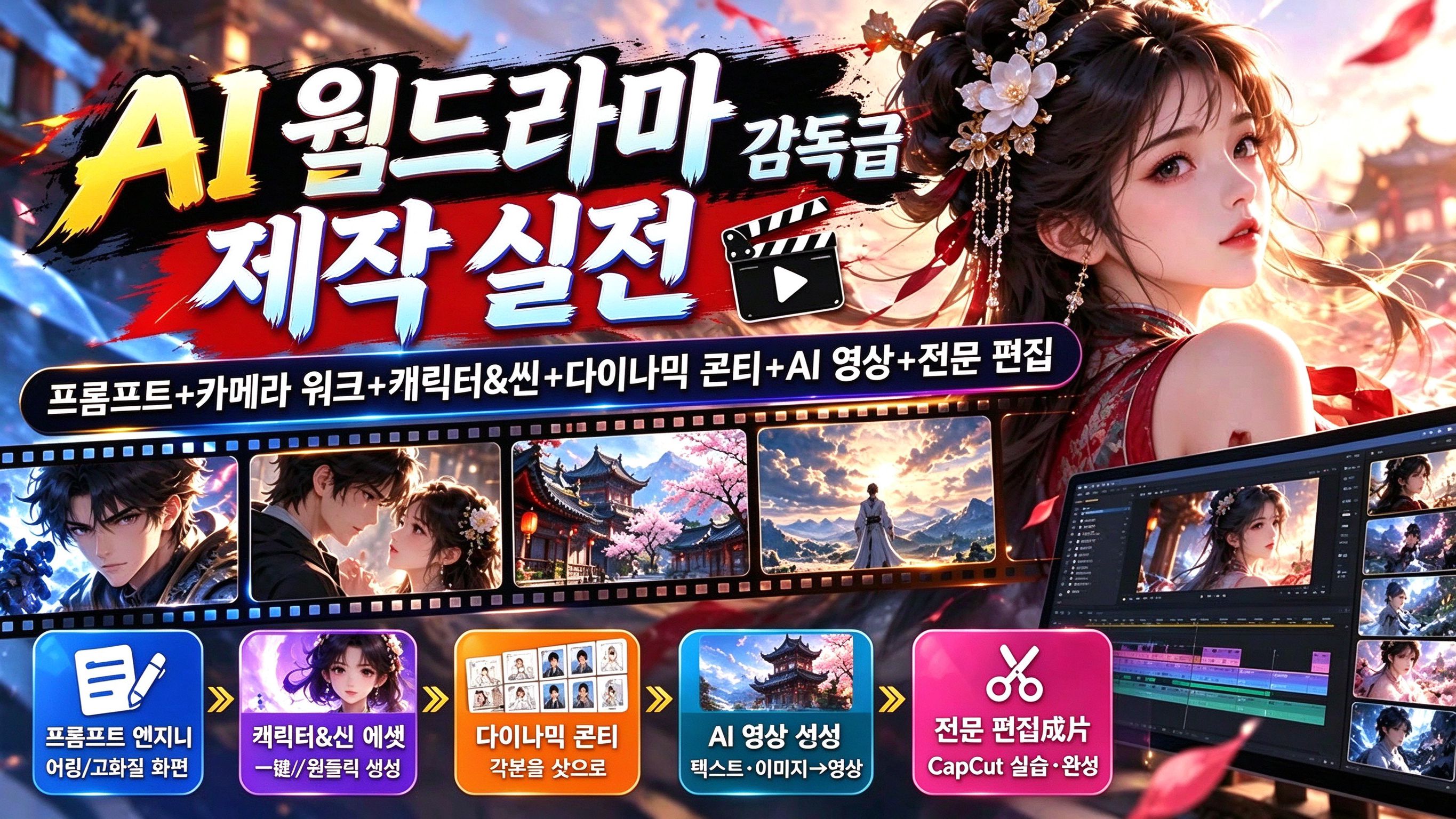
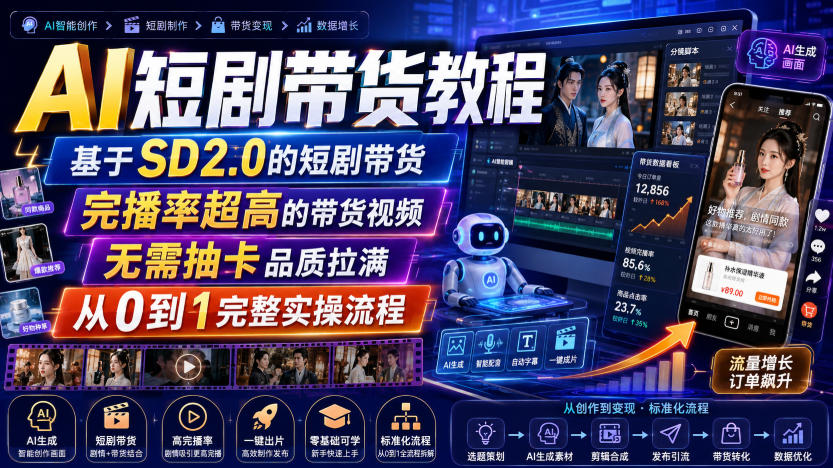
This AI All-in-One Premium Course is a zero-basis, multi-scenario, hands-on, directly monetizable systematic AI course integrating seven blocks: AI tool practice, multi-dimensional creative video making, advanced 지앤잉 effects, self-media account operation, multi-track monetization, workplace AI empowerment, and real shooting/camera-movement skills. It takes students from zero to mastering the full AI skill set, truly achieving 'learn it and do it, do it and earn it'.
Course Content
1. Must-read before buying! Very important (Yizhi Class)
2. Basics 1 - intro to the DeepSeek AI model
3. Basics 2 - intro to AI creative tools
4. Basics 3 - how to use DeepSeek correctly
5. Basics 4 - difference between DS deep thinking and web search
6. Basics 5 - how to precisely find the prompts you want
7. Basics 6 - how AI generates images
8. Basics 7 - how AI generates videos
9. Basics 8 - how AI changes photo backgrounds
10. Basics 9 - how AI changes people's outfits
11. Basics 10 - how to save Jimeng AI videos without watermark
12. Basics 11 - credit issues in Jimeng AI
13. Basics 12 - how to use Kling AI unlimited credits to make videos
14. Basics 13 - tips on downloading videos without watermarks
15. Basics 14 - how to remove the watermark in the new Doubao version
16. Practice 1 - how to make AI face swaps more natural
17. Practice 2 - making a talking digital human for customer acquisition
18. Practice 3 - how to get AI selling materials
19. Practice 4 - how to make AI selling videos
20. Practice 5 - how to make AI ancient-poetry animated videos
21. Practice 6 - how to make AI beauty outfit-change videos
22. Practice 7 - how to make AI old-photo restoration videos
23. Practice 8 - how to make AI parenting-dialogue videos
24. Practice 9 - how to make AI ink-wash wellness videos
25. Practice 10 - how to make AI ancient-figure aerobics videos (3 people dancing)
26. Practice 11 - how to make an elderly-dancer dual-screen with AI
27. Practice 12 - how to make a fat consort with AI (3 methods)
28. Practice 13 - how to make a flying-person video with AI
29. Practice 14 - making high-quality AI work: historical-figure face swap
30. Practice 15 - how to make a fat-cat cartoon with AI
31. Practice 16 - two digital humans dancing with AI (matting)
32. Practice 17 - AI parent-child dialogue (upgraded)
33. Practice 18 - how to add a moving watermark to your original video to prevent reposting
34. Practice 19 - how Jimeng digital humans make videos over 15 seconds
35. Operation 1 - how AI gets inspiration and ideas
36. Operation 2 - how to use AI to write copy and titles
37. Operation 3 - how to use AI to analyze benchmark accounts
38. Operation 4 - how to open a showcase and do video selling
39. Operation 5 - how to monetize via Jimeng programs
40. Operation 6 - how to launch a self-media account
41. Operation 7 - self-media account setup
42. Operation 8 - how to run a fashion-outfit account
43. Operation 9 - how to run an accessories account
44. Operation 10 - video monetization plays intro 1
45. Operation 11 - video monetization plays intro 2
46. Operation 12 - how to concretely do selling play 1
47. Operation 13 - how to concretely do selling play 2
48. Operation 14 - how to concretely do selling play 3
49. Operation 15 - how to concretely do selling play 4
50. Operation 16 - how to post e-commerce product-tagged selling videos
51. Operation 17 - how to post group-buying link-tagged selling videos
52. Fun 1 - how to make landscape videos
53. Fun 2 - AI family doctor
54. Fun 3 - how AI makes original songs, lyrics and composition
55. Fun 4 - how to make people dance with AI
56. Fun 5 - how to do lip-sync and singing with AI
57. Fun 6 - how to bring old photos to life
58. Fun 7 - how to generate various character types with AI
59. Fun 8 - how to use AI for family education and tutoring
60. Fun 9 - how to make a travel itinerary with AI
61. Fun 10 - how to make artistic portrait photos with AI
62. Workplace 1 - how to make ID photos with AI
63. Workplace 2 - how to make PPT with AI
64. Workplace 3 - how to make mind maps
65. Workplace 4 - how to do meeting notes and work plans with AI
66. Workplace 5 - how to optimize a resume
67. Workplace 6 - how to mock interviews with AI
68. Workplace 7 - how to batch-generate talking scripts, scripts and copy with AI
69. 1. [지앤잉] meet the software interface
70. 2. [지앤잉] ways to add audio to video
71. 3. [지앤잉] adding subtitles and English subtitles
72. 4. [지앤잉] adding and applying transitions
73. 5. [지앤잉] how to add a voiceover
74. 6. [지앤잉] how to adjust video ratio and background
75. 7. [지앤잉] how to color-grade video
76. 8. [지앤잉] the importance of adding sound effects
77. 9. [지앤잉] how to make cool beat-sync videos (1)
78. 10. [지앤잉] how to make cool beat-sync videos (2)
79. 지앤잉 11 - tips for using 지앤잉
80. 지앤잉 12 - how to make an Inception-style mask
81. 지앤잉 13 - how to make smoke-text effects
82. 지앤잉 14 - multiple ways to remove video watermarks
83. 지앤잉 15 - mask extension 1 - how to make sky-swap videos
84. 지앤잉 16 - how to make a person-fading-away video
85. 지앤잉 17 - how to make clone videos
86. 지앤잉 18 - how to make phone-chat-message pop-up videos
87. 지앤잉 19 - how to make quintuplet videos
88. 지앤잉 20 - how to make an enlarged-head effect
89. 지앤잉 21 - how to stretch images/videos to long legs
90. 지앤잉 22 - Madam White Snake transformation spell video
91. Shooting 1 - everyday shooting tips
92. Shooting 2 - seven further camera movements
93. Shooting 3 - indoor camera-movement showcase
Suitable For
✅ Zero-basis AI beginners who want to systematically learn AI tools and quickly start smart creation
✅ Short-video creators who can't make hot-effect videos, have poor finished quality, and lack original content
✅ Self-media founders and selling creators who want AI batch content, fast account launch and stable monetization
✅ Office workers who want AI to raise efficiency, streamline workflows and boost personal competitiveness
✅ Side-income seekers wanting low-cost entry into AI short video for long-term passive income
The AI All-in-One Premium Course is a full-dimension AI practical system covering tools, creation, editing, operation, monetization, workplace and life, taking you from zero to advanced mastery in one stop. It solves beginner pain points: not knowing tools, can't make content, ugly videos, accounts won't launch, traffic won't monetize, low workplace efficiency. One course masters mainstream AI skills across the web - for creative interest and aesthetic improvement, side income and workplace empowerment - the best value AI all-round course for ordinary people.
*Note: this article is only an introduction and makes no income promise. Results vary by person and depend on your own effort and hands-on practice. Use what you learn reasonably, and strictly follow platform rules and relevant laws.*
학습 보조 자료
이 강의에는 자료 팩이 포함됩니다. 회원은 신청 후 이메일로 접속 링크를 받습니다.
관련 강의