


-
Solo Business Courses
-
 Others
-
Overseas Tutorials
-
Photography & Editing
-
Community & Private Domain
-
Self-Media Writing & Copywriting
-
Side Income Projects
-
E-commerce
-
Short Video & Live Streaming
-
Artificial Intelligence (AI)
-
Software & Tools
-
Operating Systems
-
Plugins & Scripts
-
MacOS Software
-
Android Software
-
Windows Software
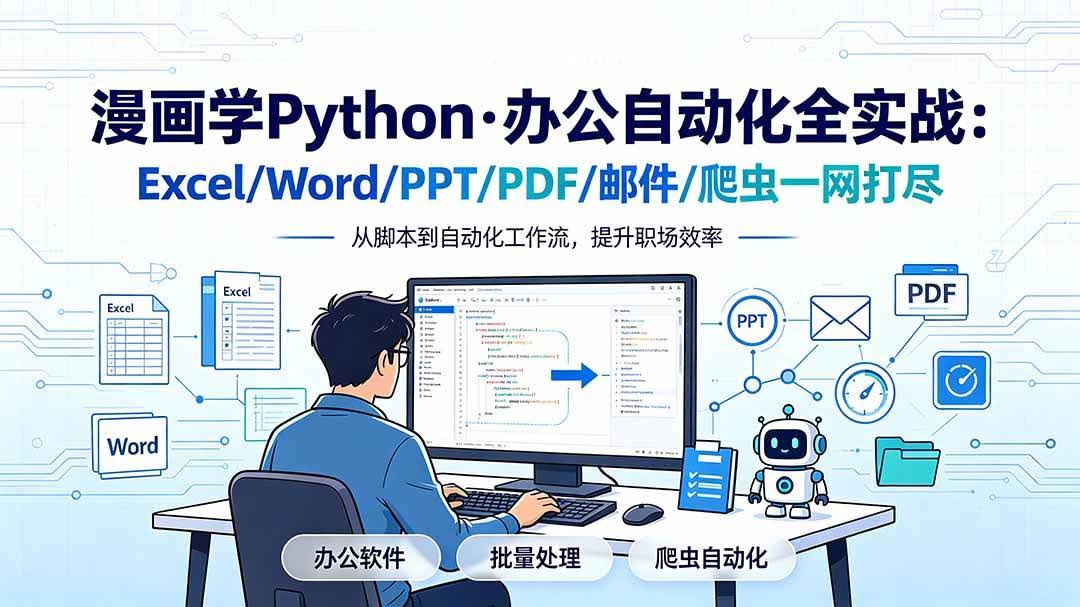
Learn Python with Comics · Office Automation Full Practical: Excel/Word/PPT/PDF/Email/Web Scraping All Covered
-
Game Gold-Farming Money-Making Plan: Earn 1k+ Daily, a Stable 3-Year Project Anyone Can Do in Spare Time [Revealed]
Study material — included with membership Get Membership -
Hot-game fully-automated earning: 500+ a day, no experience, simple operation - the steadiest long-term game-earning side hustle (revealed)
Study material — included with membership Get Membership -
FlyingMouse earns merit this time! Don't panic at Windows format problems — the open-source FlyingMouse format conversion tool helps, a popular GitHub gem
Study material — included with membership Get Membership -
Douyin Product-Selling Coaching Bootcamp: No On-Camera Appearance Needed, Newbies Can Produce Selling Short Videos by Following the Steps
Study material — included with membership Get Membership -
First-release game gold-farming money plan: 1K+ a day, ordinary people in spare time
Study material — included with membership Get Membership






-
FlyingMouse earns merit this time! Don't panic at Windows format problems — the open-source FlyingMouse format conversion tool helps, a popular GitHub gem
Study material — included with membership Get Membership -
LuDaShi v6.1024.4105.1121 Slim Single File
Study material — included with membership Get Membership -
2D Cartoon Animation Software Moho Pro v14.3
Study material — included with membership Get Membership -
Video Editor Aiseesoft Filmai v1.0.18
Study material — included with membership Get Membership -
To-Do Microsoft To Do v2.147 Free
Study material — included with membership Get Membership -
PR/AE/DaVinci/FCPX video Plugin Nobe OmniScope Win1.11.15 / Mac1.10.138
Study material — included with membership Get Membership





 Course Introduction
This course uses comic illustration + practical-driven approach to guide zero-base students to systematically master all Python office automation skills. From programming environment setup, basic syntax and data structures, to Excel/Word/PPT/PDF read-write modification and style processing, then to file management, web data collection, browser automation, email sending/receiving and desktop mouse keyboard control, covering daily office high-frequency scenarios. Through chatbot, weather query, word frequency statistics, report generation, contract creation, movie PPT, website scraping, backend operation and many other fun practical exercises, let you say goodbye to repetitive labor and truly use code to free your hands.
Suitable Learners
- Office clerks troubled by Excel/Word/PPT repetitive operations every day.
- Administrative and financial staff who want to improve work efficiency and reduce manual errors.
- Workplace newcomers with zero programming foundation who want to quickly get started with automation.
- Operations and marketing personnel who need batch processing of files, data or emails.
- Learners who want to use Python to improve competitiveness but fear traditional courses are too boring.
Learning Outcomes
- Can independently write scripts to automate Excel reports and data.
- Batch generate Word contracts, PPT presentations and PDF documents.
- Achieve file organization, compression/decompression and scheduled task automatic execution.
- Scrape web data, operate website backend, improve information acquisition efficiency.
- Control mouse and keyboard, automatically complete repetitive desktop software operations.
Course Catalog:
01. 1Why Need Office Automation
02. 2Introduction to Programming-Install Anaconda-Use Virtual Environment
03. 3Operators-Data Types-Input and Output
04. 4[Mini Practice] Build a Chatbot
05. 5Boolean Type-Comparison Operators-Control Flow
06. 6Loops and Iterations
07. 7[Mini Practice] Get City Weather
08. 8Using Functions
09. 9Lists and Tuples
10. 10Dictionaries and Sets
11. 11[Mini Practice] Implement Word Frequency Counter
12. 12[Excel Automation] Read, Write and Modify Excel Data
13. 13[Excel Automation] Modify Excel Data and Styles and Read Large Excel Files
14. 14[Excel Automation Practice] Python Automated Excel Operation Generate Calendar
15. 15[Excel Automation] Pandas Simple Excel Operation
16. 16[Excel Automation] Modify + Filter + Sort Excel Data
17. 17[Excel Automation] Visualize Excel Data
18. 18[Excel Automation] Multi-table Joint Operation + Split Data + Statistical Calculation
19. 19[Word Automation] Create Word Document + Add Data
20. 20[Mini Practice] Auto Generate Data Analysis Report
21. 21[Word Automation] Modify Content + Understand Text Format + Understand Styles
22. 22[Mini Practice] Auto Generate 10,000-word Labor Contract
23. 23[PPT Automation] Create PPT + Insert and Read Data
24. 24[Mini Practice] Complete 250-page Movie PPT in 5 Seconds
25. 25[PDF Automation] Read PDF Content + Read Tables in PDF + Split and Merge PDF
26. 26[Mini Practice] Convert Website Content to PDF
27. 27[File Automation] File Path Differences + Absolute and Relative Paths + os Module Usage
28. 28[File Automation] shutil Module Usage + Compressed File Operation
29. 29[Mini Practice] Brute Force Crack Encrypted Compressed Files
30. 30[Web Automation] What is Browser + Website Content Structure + Client-Server Interaction Process
31. 31[Web Automation] Developer Tools + Browser Plugins
32. 32[Web Automation] requests Usage + BeautifulSoup Usage + XPath Usage
33. 33[Mini Practice] Scrape 250 Movies from Douban
34. 34[Web Automation] Website CAPTCHA + Cookies Usage
35. 35[Web Automation] Dynamic Web Pages + Selenium Introduction and Environment Configuration
36. 36[Web Automation] Selenium Basic Usage + Implicit and Explicit Waits + Window Permission Switch
37. 37[Mini Practice] Auto Operate Company Website Backend
38. 38[Email Automation] SMTP Protocol + Set Email + Send Email
39. 39[Email Automation] IMAP Protocol + Auto Receive Email + Monitor Key Emails and Send SMS Reminders
40. 40[After-class Mini Class] How to Run Scheduled Python Programs on Windows
41. 41[Desktop Automation] Control Mouse + Control Keyboard
42. 42[Mini Practice] Auto Delete WeChat Chat Messages
Supporting Study Materials
This course comes with a materials pack. Members receive the access link by email after requesting the course.
Related Courses

WorkBuddy zero-basics hands-on training: even non-programmers can follow the manual steps, learn agents systematically by doing

Higgsfield cinematic animation course: one-stop creation platform, complete animation production-flow teaching

The same dance with 6 outfits switching in order: I turned an outfit-change video into a Skill
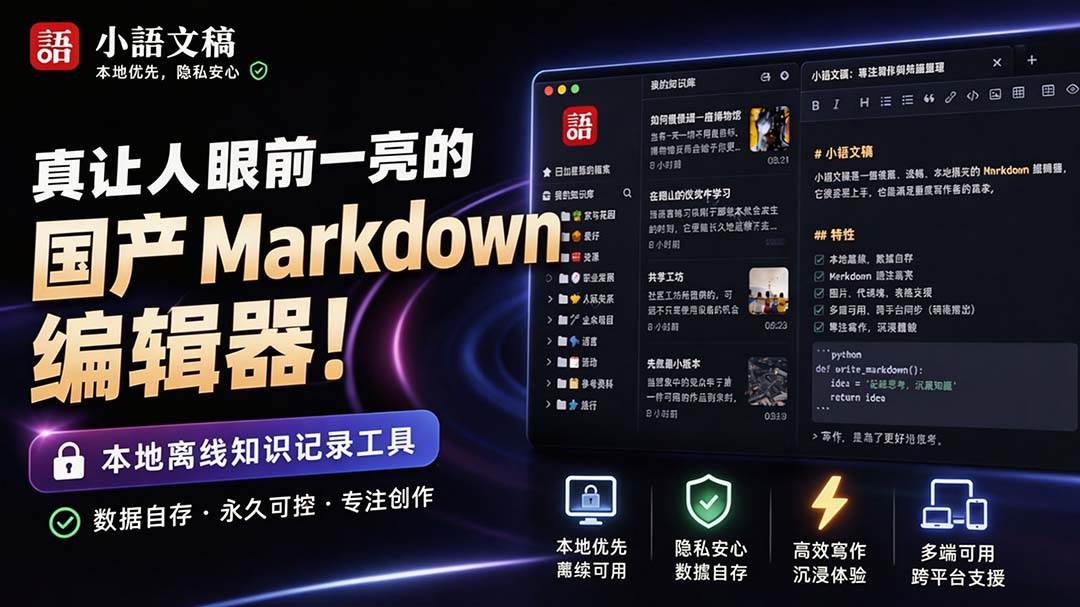
An eye-catching domestic Markdown editor: local offline high-performance note tool, free and no login required
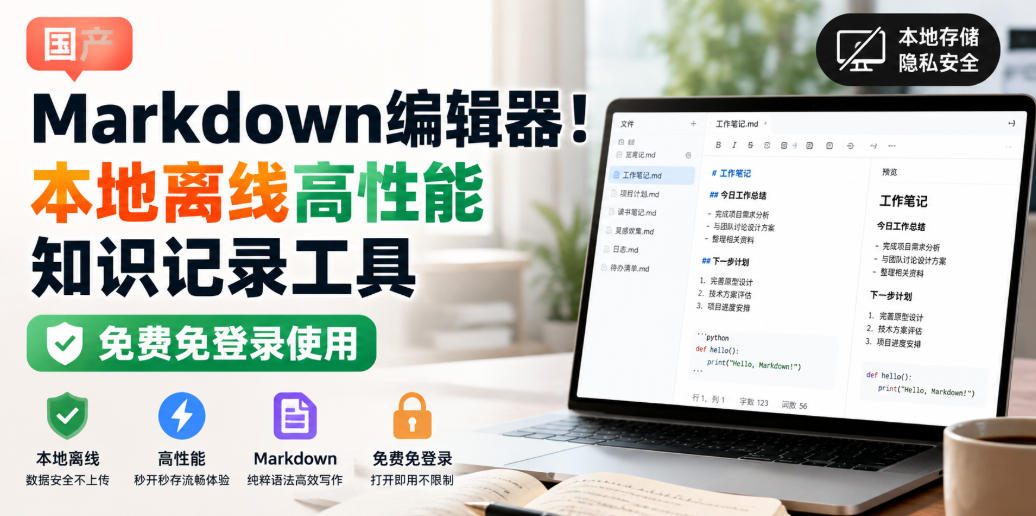
Domestic Markdown editor: local offline high-performance knowledge-note tool, free and no login required
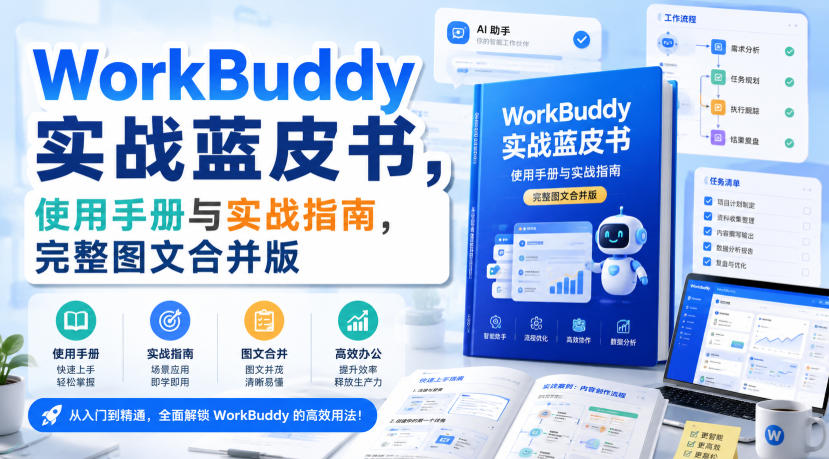
WorkBuddy practical blue paper: user manual and practice guide, complete combined image-text edition

Jimeng challenges a 180-second long video: one-click a 3-minute movie? Full production flow shared in detail

Super handy! Douyin video downloader, supports batch download of user works, favorites and likes lists, open-source free Better-douyin-R
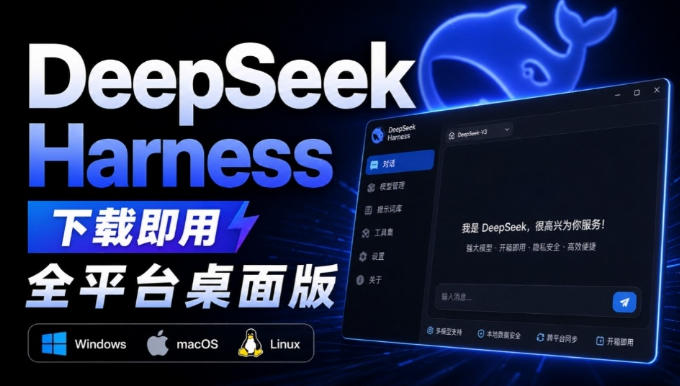
Nearly 200K stars on GitHub - Harness now runs by double-click: the Harness full-platform desktop edition
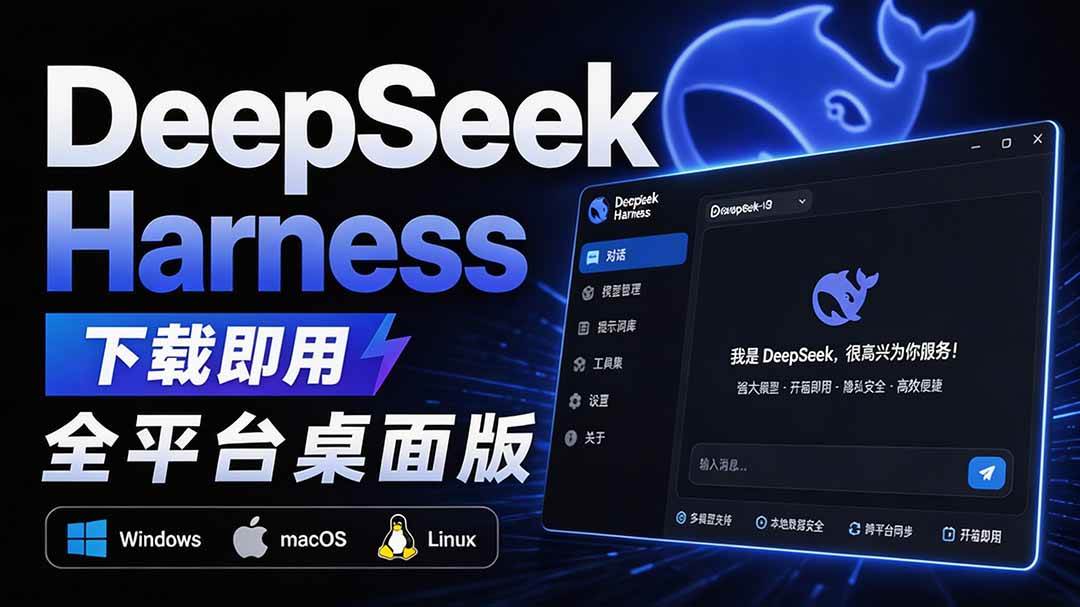
Nearly 200K stars on GitHub - Harness now runs by double-click: the Harness full-platform desktop edition DSH Desktop

