


-
Solo Business Courses
-
 Others
-
Overseas Tutorials
-
Photography & Editing
-
Community & Private Domain
-
Self-Media Writing & Copywriting
-
Side Income Projects
-
E-commerce
-
Short Video & Live Streaming
-
Artificial Intelligence (AI)
-
Software & Tools
-
Operating Systems
-
Plugins & Scripts
-
MacOS Software
-
Android Software
-
Windows Software
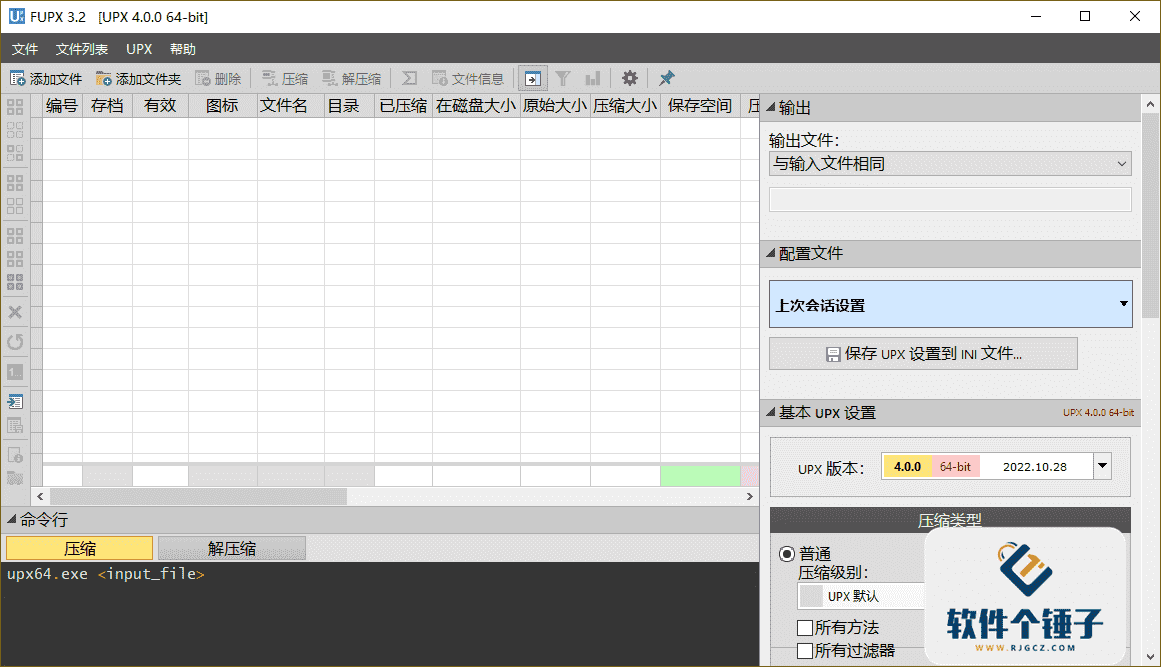
UPX Executable File Compression Tool Free UPX v5.0.2, supports GUI operation [Software Gechuzi·R4655]
-
Game Gold-Farming Money-Making Plan: Earn 1k+ Daily, a Stable 3-Year Project Anyone Can Do in Spare Time [Revealed]
Study material — included with membership Get Membership -
Hot-game fully-automated earning: 500+ a day, no experience, simple operation - the steadiest long-term game-earning side hustle (revealed)
Study material — included with membership Get Membership -
FlyingMouse earns merit this time! Don't panic at Windows format problems — the open-source FlyingMouse format conversion tool helps, a popular GitHub gem
Study material — included with membership Get Membership -
Douyin Product-Selling Coaching Bootcamp: No On-Camera Appearance Needed, Newbies Can Produce Selling Short Videos by Following the Steps
Study material — included with membership Get Membership -
First-release game gold-farming money plan: 1K+ a day, ordinary people in spare time
Study material — included with membership Get Membership






-
FlyingMouse earns merit this time! Don't panic at Windows format problems — the open-source FlyingMouse format conversion tool helps, a popular GitHub gem
Study material — included with membership Get Membership -
LuDaShi v6.1024.4105.1121 Slim Single File
Study material — included with membership Get Membership -
2D Cartoon Animation Software Moho Pro v14.3
Study material — included with membership Get Membership -
Video Editor Aiseesoft Filmai v1.0.18
Study material — included with membership Get Membership -
To-Do Microsoft To Do v2.147 Free
Study material — included with membership Get Membership -
PR/AE/DaVinci/FCPX video Plugin Nobe OmniScope Win1.11.15 / Mac1.10.138
Study material — included with membership Get Membership





Free UPX is a graphical executable-file compression tool built on the open-source project UPX (Ultimate Packer for eXecutables), designed for developers, software distributors, and system-optimization enthusiasts. For users who often need to reduce EXE/DLL program sizes - to save storage, speed network transfer, or evade simple static scans - it provides a safe, efficient, and easy-to-use solution. UPX itself is the industry-recognized lossless executable compressor; using UCL/NRV compression algorithms, it shrinks files 30%-80% without changing program functionality. Free UPX wraps it in an intuitive Windows GUI, supporting drag-and-drop, batch processing, and compression-level selection - ideal for software packaging, embedded-program optimization, teaching demos, and slimming personal toolkits. Compared to high-threshold command-line use or third-party packers that may bundle malware, Free UPX centers on "graphical interface + native UPX core," meeting the core need of "ordinary users compressing EXE files with one click."

I. Core Advantages: Lossless Compression & Easy Restoration
In daily use, many users want a tool that runs directly after compression, no need to extract to a temp folder, and supports restoring the original file. Free UPX fully inherits UPX's in-place decompression mechanism - a compressed EXE, when run, is auto-decompressed in memory by the built-in stub, with no extra unpacking step; the user experience is identical to the original. It also offers a "back up original file" option, automatically creating a .bak backup before compression so you can restore anytime. For the question "which free tool can batch-compress multiple EXEs and show compression-ratio stats," the answer lies in its clean batch panel - you can add dozens of files at once, click "Compress," and it shows in real time each file's original size, compressed size, and ratio, greatly boosting efficiency. This suits indie developers releasing lightweight tools, students submitting executable coursework, IT staff making portable diagnostic packs, or reducing software footprint on USB drives.
II. Practical Feature Set
This tool provides a practical feature combination:
- Supports PE formats like EXE, DLL, SYS.
- Offers three compression levels (fastest/balanced/best) to choose from.
- Choose whether to back up original files.
- Supports drag-and-drop and folder batch import.
- Compression usually finishes in seconds.
- It's a single file - no installation needed to run.
- The interface is very clean, containing only core functions with no extra options.
III. Detailed Feature Highlights
1. Broad Format Support
Not only can it compress and decompress Windows executables (EXE, DLL, OCX, BPL, CPL, SYS, AX, ACM, DRV, TLB, etc.), it also supports ELF executables (for Unix, Linux, Solaris, FreeBSD, and other OSes) and Mac OS X executables (Mach-O, FAT).
2. Flexible Option Configuration
Provides predefined UPX option files for beginners; advanced users can define their own custom option files.
3. Multiple Compression Modes
Provides five compression-mode settings so you can choose the one best suited to your storage needs.
4. Fine-Grained Parameter Control
Can be controlled down to the byte. When setting compression, you can choose crp, nrv, and other parameters; you can also attach custom UPX parameters, giving users custom compression-parameter control.
5. Batch & Scheduled Tasks
Allows executing compression plans via list data for convenient batch processing.
6. Debug & Architecture Support
Provides debugging functions, allowing dump debugging. Architecture can be set to 64-bit or 32-bit.
7. Safety Options
Supports not overwriting already-compressed files, avoiding misoperation.
IV. Usage Notes & Summary
Free UPX is completely free, with no ads, no internet required, and no privacy collection. But note one thing: some antivirus software may flag UPX-compressed files as suspicious (because this kind of packing is also common in malware), so it's recommended to only compress programs you own or trust. Its positioning as "a minimalist GUI frontend focused on lossless executable compression" makes it a very practical auxiliary tool for technical users.
In short, Free UPX combines the powerful UPX core with a friendly GUI, greatly lowering the technical barrier to executable compression and letting more users easily optimize software size and improve distribution/storage efficiency.
Related Courses
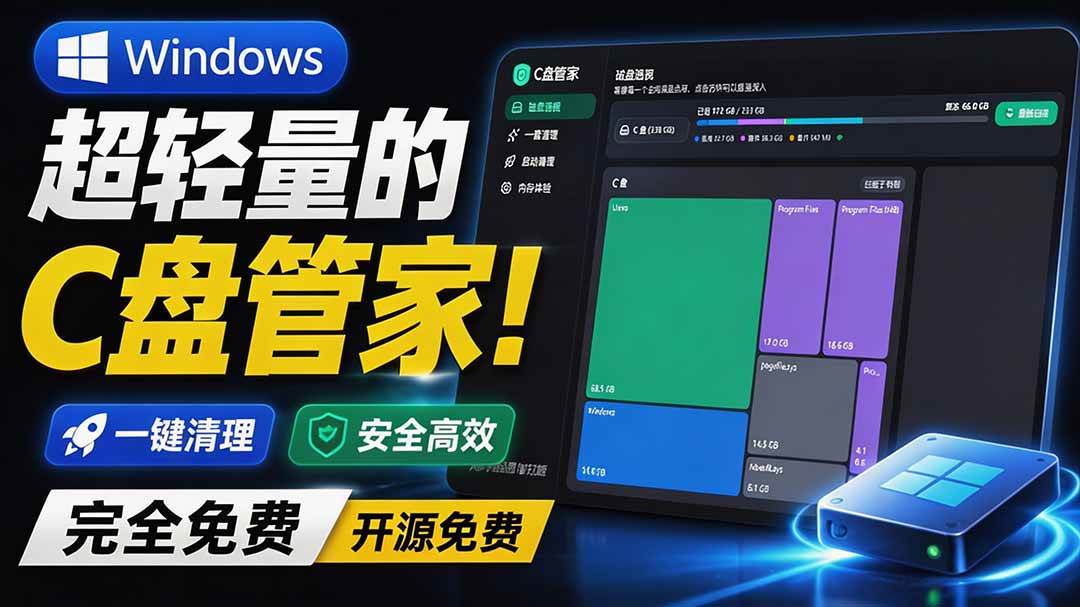
Super-lightweight C-Drive Manager for Windows! Very distinctive: disk analysis and cleanup reminders, 2MB size, completely free
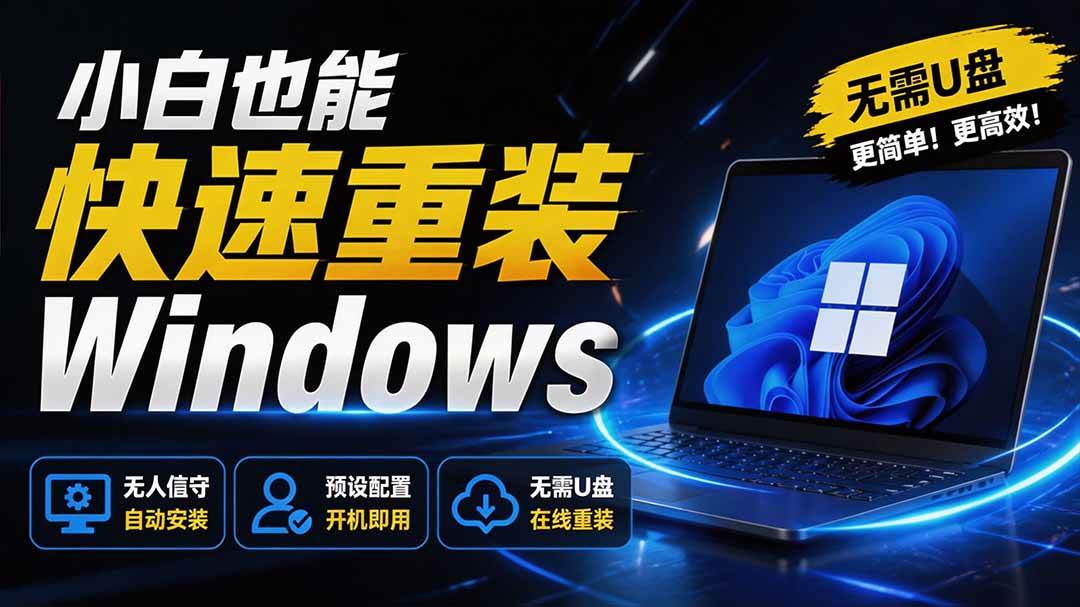
Reinstall Without a USB Drive! This Tool Lets Newbies Quickly Reinstall Windows, Supports Unattended Setup, Data-Safe—CmzPrep_Rev2

A GitHub speed-up tool! Open GitHub faster, auto-responding to the fastest node - a lightweight open-source tool: Ghips

EasyRC: one-click Windows reinstall without USB, backup and restore included

Permanently Block Windows 10/11 Updates: Huawei Tool, Avoid Frequent Win Update Problems
Windows 7/10/11 System Update Blocker Is Here! Only 400KB, One-Click Disable System Updates and Restore Updates, Compact and Easy to Use

Stop Deleting Files Randomly! C Drive Red Alert Savior: Deep Cleanup + System Optimization, Works on Windows/macOS!

Office Fully-Automatic One-Click Deployment Installer, up to 2024, Customizable Components, Built-in Activation, All Free - Mocreak

Windows System Reinstall Tool, Supports Local Image File Install and Backup, Simple to Use, Safe and Stable, Supports All Scenarios

PC Acting Up? Newbie-Essential Driver Repair Tool—One-Click Update & Fix Driver Issues, It’s That Simple

