


-
Solo Business Courses
-
 Others
-
Overseas Tutorials
-
Photography & Editing
-
Community & Private Domain
-
Self-Media Writing & Copywriting
-
Side Income Projects
-
E-commerce
-
Short Video & Live Streaming
-
Artificial Intelligence (AI)
-
Software & Tools
-
Operating Systems
-
Plugins & Scripts
-
MacOS Software
-
Android Software
-
Windows Software
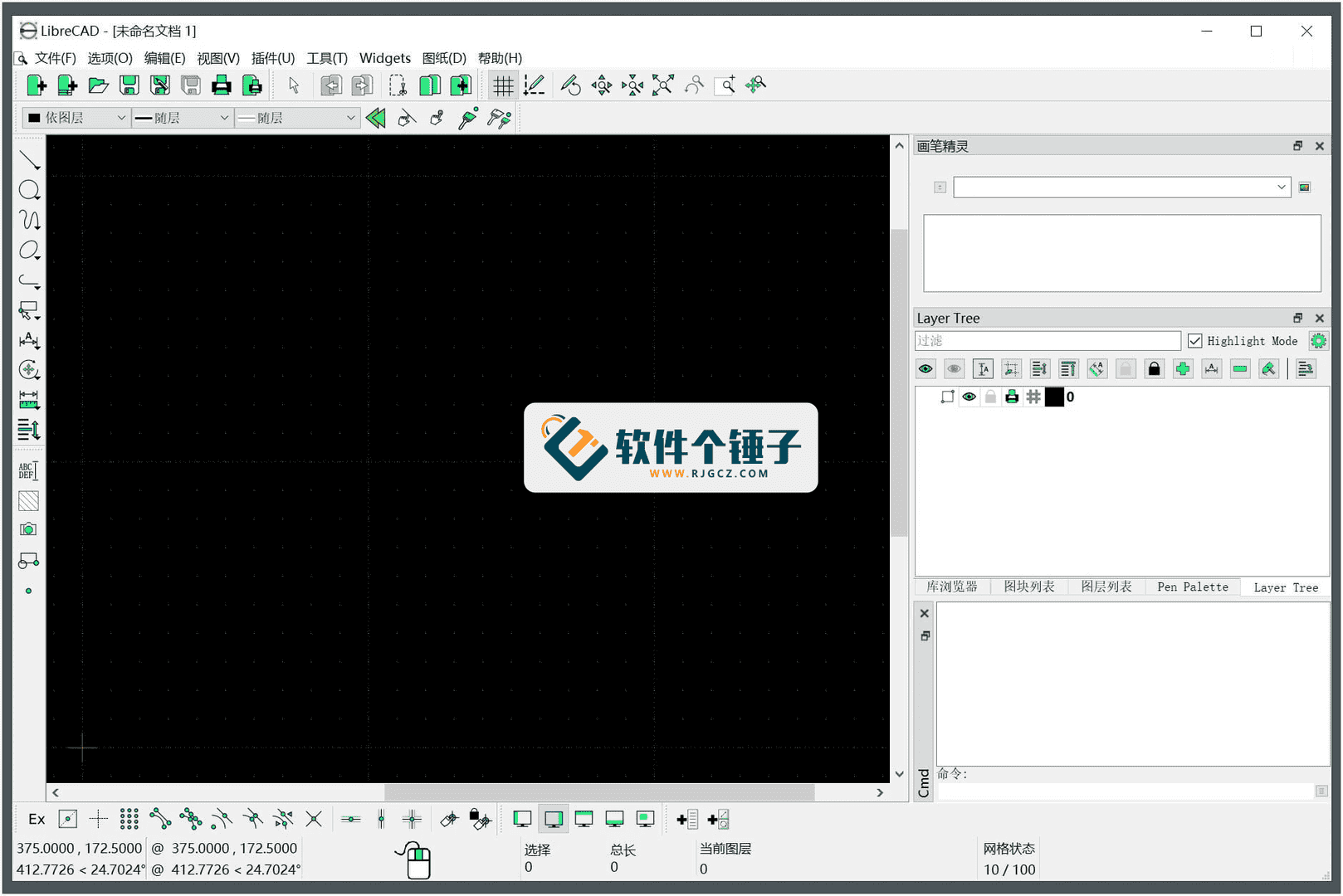
CAD Software LibreCAD v2.2.1.3 Free & Open Source [R4717]
-
Game Gold-Farming Money-Making Plan: Earn 1k+ Daily, a Stable 3-Year Project Anyone Can Do in Spare Time [Revealed]
Study material — included with membership Get Membership -
Hot-game fully-automated earning: 500+ a day, no experience, simple operation - the steadiest long-term game-earning side hustle (revealed)
Study material — included with membership Get Membership -
FlyingMouse earns merit this time! Don't panic at Windows format problems — the open-source FlyingMouse format conversion tool helps, a popular GitHub gem
Study material — included with membership Get Membership -
Douyin Product-Selling Coaching Bootcamp: No On-Camera Appearance Needed, Newbies Can Produce Selling Short Videos by Following the Steps
Study material — included with membership Get Membership -
First-release game gold-farming money plan: 1K+ a day, ordinary people in spare time
Study material — included with membership Get Membership






-
FlyingMouse earns merit this time! Don't panic at Windows format problems — the open-source FlyingMouse format conversion tool helps, a popular GitHub gem
Study material — included with membership Get Membership -
LuDaShi v6.1024.4105.1121 Slim Single File
Study material — included with membership Get Membership -
2D Cartoon Animation Software Moho Pro v14.3
Study material — included with membership Get Membership -
Video Editor Aiseesoft Filmai v1.0.18
Study material — included with membership Get Membership -
To-Do Microsoft To Do v2.147 Free
Study material — included with membership Get Membership -
PR/AE/DaVinci/FCPX video Plugin Nobe OmniScope Win1.11.15 / Mac1.10.138
Study material — included with membership Get Membership





If you're looking for a professional yet completely free computer drawing program, LibreCAD is definitely worth a good look. It's a fully free, open-source, 2D-focused CAD program built for industrial-design pros and friends who want to do small designs on a budget. Although it only does 2D - no flashy 3D features - when it comes to drawing complex drawings, its tools are no slouch, basically meeting all the needs of most users and design enthusiasts.

I. Why Is This Software Good?
Let's list LibreCAD's core highlights.
True Freedom and Free of Charge
First, it's completely free! Finding such a full-featured CAD program for free is a godsend for budget-tight individuals or teams. LibreCAD uses the GPLv2 open-source license, meaning the public can freely copy, modify, and use this software package - no copyright worries. You can freely download it, share it with friends, or use it anywhere you need.
Powerful Drawing Solution
Don't be fooled by it being free - LibreCAD can be seen as an all-in-one drawing solution. For graphics enthusiasts and industrial designers who want high-quality CAD work but can't afford expensive professional software, it's a treasure. It lets users create and design very complex models, build and manage many layers, and easily go back to modify earlier designs.
Easy to Learn, Friendly Interface
LibreCAD is quite easy to get started with. Open it and you see a clear main workspace with layer-management tools alongside. The menu bar lists most functions by category - dimensioning, drawing tools, block management, layer settings, and so on. Best of all, you can customize the interface, dragging frequently used tool buttons to where they're handy. Its UI is built on the Qt4 library, so it keeps the same look and feel across operating systems - no unfamiliarity.
Active Community & Broad Compatibility
This is a global community-driven cross-platform program. Hit a problem while learning? No worries! There's a very active LibreCAD user and developer community where you can seek help and answers. Language isn't a barrier either, since the software itself offers multiple language versions. Even better, this solution supports all major operating systems - Windows, macOS, or Linux, it runs smoothly.
In short, LibreCAD - with its free, open-source, full-featured, and community-backed nature - offers an excellent choice for users who need professional-grade 2D drawing tools but care about cost. Whether for serious industrial design or personal creative projects, it can be your reliable assistant.
Related Courses

Super local toolbox! Built-in screen recording, audio/video cutting & merging, video compression & extraction, forever free - Kedou Video Converter

100% perfect free tool! One-stop multi-function PDF software: PDF convert, compress, edit etc., minimal, no ads, so nice - JOPDF

Open-Source Desktop Remote Tool, Beats Paid Versions! Free for Personal and Commercial Use Unlimited, Cross-Platform, HopToDesk Remote Control

Latest K-12 Textbook Downloader: Whole-Grade Resource Download, Courseware, Video, Audio in One Click

HuyanBao: free blue-light eye-care app with pet break reminders

Windows Can Have a Desktop Dynamic Island Too! A Modern System Control Center — Give Your PC a Black Notch, PyIsland

3D Simulated Comic Drama Production: Seedance2.0 Full-Process Practical Course - From Zero to One High-Quality Comic Drama Creation

Win/Mac Dual Support! Latest Permanent Lifetime Version, Supports Old Photo Restoration, Image Sharpening and Lossless Upscaling Tool, Aiarty Image Enhancer

Online Video Course: Github Open-Source Bilibili Video Download Tool! Supports 8K and Dolby Vision Bilibili Video Batch Download Tool, Easy to Use Bilidown


