




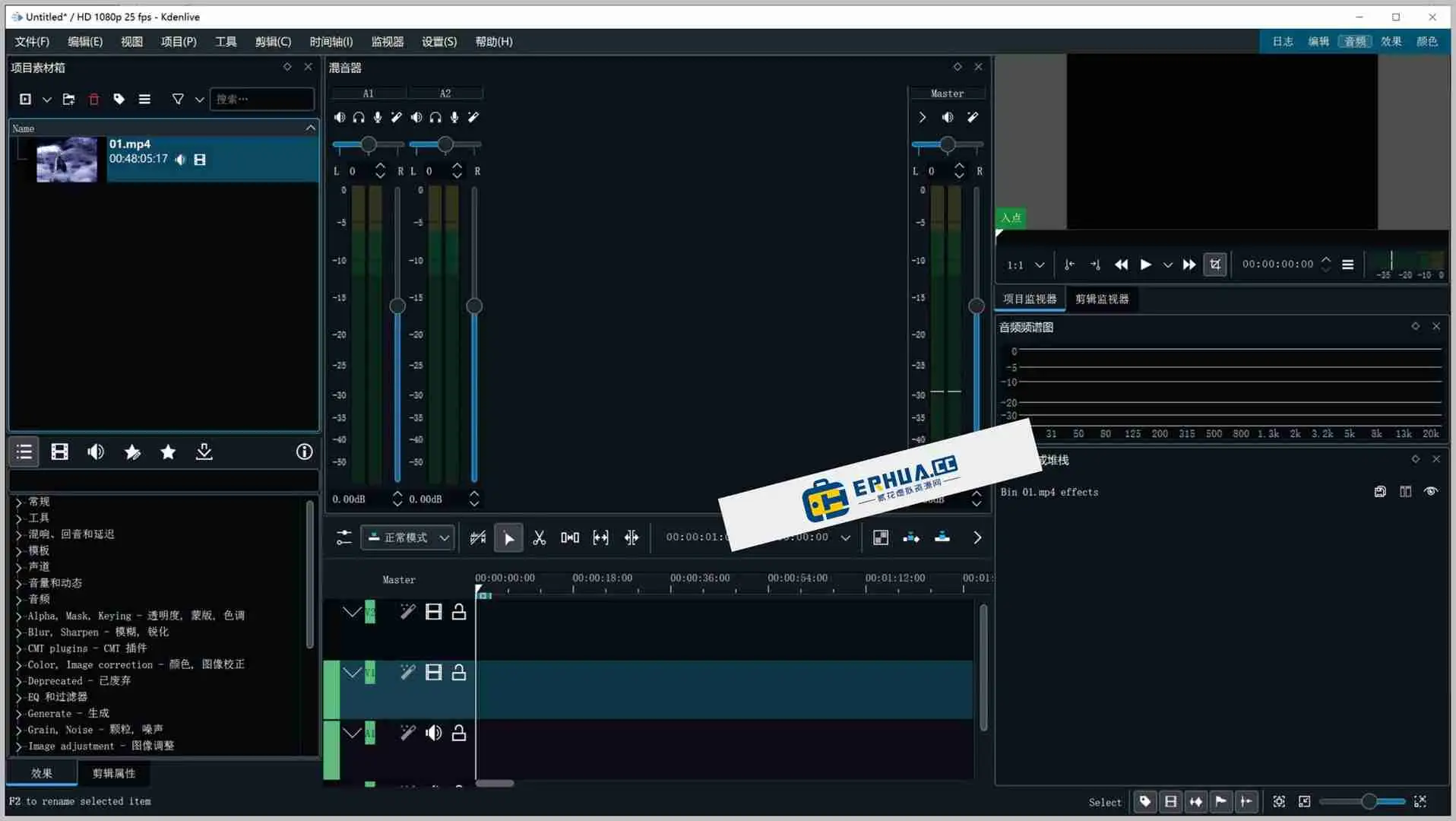












Ever run into this?
\Want vlog, but editor charges for HD export.
\Found free software but Windows-only, Mac useless.
\Worse: complex UI, tracks/FX/keyframes, don't know where to start.
\What is this software for?
\Kdenlive is like an editing studio on your PC; the key is it's completely free. Think of it as open-source's "pro editing software" — it has all the features, no fees/no platform limits/no watermark.
\What can you do with it?
\① Multiple video/audio at once
\Multi-track editing: video/BGM/voice/subtitles on separate tracks, non-interfering.
\② Add FX & transitions
\Built-in blur/color/brightness-contrast FX, fades/slide transitions, natural.
\③ Make subtitled videos
\Add subtitle tracks, adjust size/color/position; titles/bilingual easy.
\Who can use it?
\If you're on Mac and don't want to pay for editing software, Kdenlive is a good choice. New self-media creators/students doing homework/company event editing — as long as it's not complex pro post, it handles it. It also supports Chinese UI; low barrier.
\In Summary
\\ \ \Kdenlive is free/open-source video editor, cross-platform, CN support, full-featured, meets daily needs.










