
















You've probably hit this too
\Shot travel video; want filters/BGM, plus a picture-in-picture reaction shot. Open a mobile editor; features are too basic for PIP, or cutout is terrible. Or want a cool text opener, but templates are generic. Worse: decent editors paywall HD export; cheap ones are all watermarked.
\What exactly is this software for?
\CapCut (the international version of Jianying) - think of it as a full-featured mobile editing toolbox: it combines trimming, filters and color, text animation, picture-in-picture, smart cutout and AI drawing, all free. Whether for short videos, vlogs or daily clips, it has basically every feature you need. The interface is clean, so beginners face little friction.
\What can you do? Common cases
\① Cut/speed/transitions, basic editing
\You precisely trim desired clips, adjust speed for slow-mo/fast-forward, add smooth transitions between clips. Supports free multi-clip stitching/drag-reorder; also multiple videos in one frame for PiP/split-screen. All done with fingers on the phone.
\② Smart cutout/bg replace, easy FX
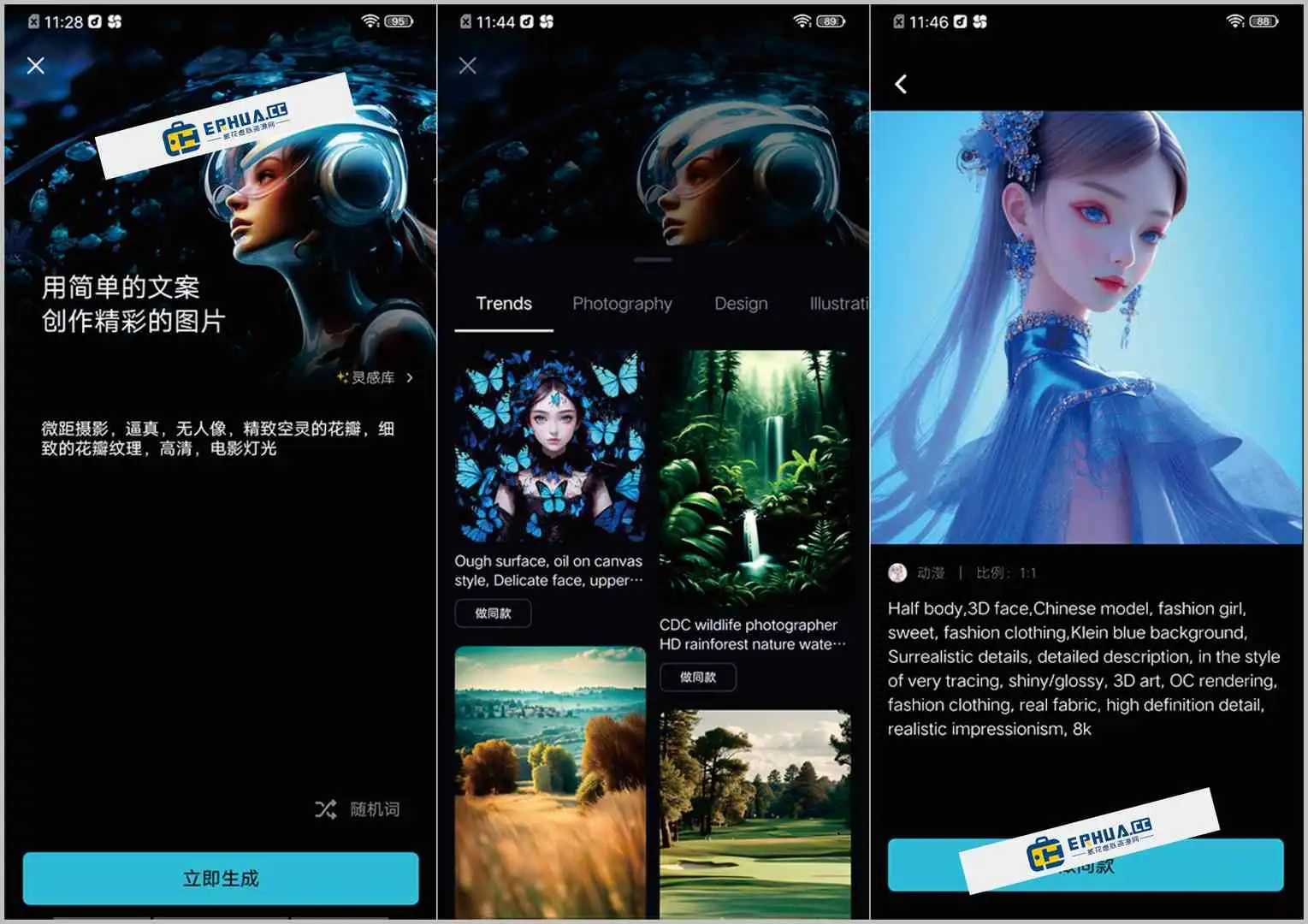
\Built-in AI one-click cutout; fairly accurate subject detection; manually adjust edge strength; one-click background swap. Great for ID photos/creative video background replacement. Also has AI drawing: enter text prompts to generate image assets directly in editing.
\③ Rich filters/FX/text styles
\Built-in many styles of filters/LUTs; quickly apply different tones to video. FX library is rich: blur/zoom/flicker etc. one-click. Text/subtitle editing is good; rich fonts/animations/style templates; practical for titles/dynamic subs.
\Who will find it easiest to use?
\If you're a short-video creator/vlogger, or just record life on your phone and share to social, CapCut is a worry-free choice. It's free/no watermark, export quality is high, friendly to beginners and those with basic editing needs. Also, its AI cutout/AI drawing are useful for quickly making images/FX.
\To sum up
\\ \ \CapCut is one of the most popular mobile video editing apps; full-featured/free/no watermark/fluid experience. If you need a tool to handle most video creation on phone, it's worth trying.










