-
Solo Business Courses
-
 Others
-
Overseas Tutorials
-
Photography & Editing
-
Community & Private Domain
-
Self-Media Writing & Copywriting
-
Side Income Projects
-
E-commerce
-
Short Video & Live Streaming
-
Artificial Intelligence (AI)
-
Software & Tools
-
Operating Systems
-
Plugins & Scripts
-
MacOS Software
-
Android Software
-
Windows Software

CAD drawing/design software CAD Mini Drawing 2025R1
-
Game Gold-Farming Money-Making Plan: Earn 1k+ Daily, a Stable 3-Year Project Anyone Can Do in Spare Time [Revealed]
Study material — included with membership Get Membership -
Hot-game fully-automated earning: 500+ a day, no experience, simple operation - the steadiest long-term game-earning side hustle (revealed)
Study material — included with membership Get Membership -
FlyingMouse earns merit this time! Don't panic at Windows format problems — the open-source FlyingMouse format conversion tool helps, a popular GitHub gem
Study material — included with membership Get Membership -
Douyin Product-Selling Coaching Bootcamp: No On-Camera Appearance Needed, Newbies Can Produce Selling Short Videos by Following the Steps
Study material — included with membership Get Membership -
First-release game gold-farming money plan: 1K+ a day, ordinary people in spare time
Study material — included with membership Get Membership






-
FlyingMouse earns merit this time! Don't panic at Windows format problems — the open-source FlyingMouse format conversion tool helps, a popular GitHub gem
Study material — included with membership Get Membership -
LuDaShi v6.1024.4105.1121 Slim Single File
Study material — included with membership Get Membership -
2D Cartoon Animation Software Moho Pro v14.3
Study material — included with membership Get Membership -
Video Editor Aiseesoft Filmai v1.0.18
Study material — included with membership Get Membership -
To-Do Microsoft To Do v2.147 Free
Study material — included with membership Get Membership -
PR/AE/DaVinci/FCPX video Plugin Nobe OmniScope Win1.11.15 / Mac1.10.138
Study material — included with membership Get Membership





This lightweight CAD tool is fully independent of AutoCAD; designed for users needing fast drawing/powerful features/efficient conversion. It offers rich libraries/smart converters/powerful annotation/collab sharing, making drawing/editing more efficient.
\🚀 Main Highlights
\1. Quick drawing
\Draw lines/circles/rectangles/polylines, plus length/area/dimension measurement tools, easy drawing.
\2. Smart cloud service
\Built-in cloud storage, supports large file uploads and online cloud drawing sharing, letting you manage and share drawings anytime, anywhere, improving collaboration efficiency.
\3. Efficient drawing conversion
\Multiple drawing format conversion: CAD to PDF, batch convert drawings to images, even batch version conversion, greatly efficient.
\
4. Powerful annotation
\New arrow callouts, leader annotations, section symbols, drawing title annotations, etc., helping you annotate drawings more precisely and improving design accuracy.
\5. Pro modules & library
\Includes 130 industry super libraries covering architecture, interior, structure, electrical, landscape, etc., with rich block materials to meet various professional needs.
\6. Smart frame recognition
\One-click intelligent recognition of drawing frames, supports batch printing and batch conversion to PDF or images, greatly improving work efficiency.
\7. Practical tools
\Provides offline login, drawing comparison, file backup, drawing rotation, etc., meeting various daily work needs.
\8. Quick commands & sharing
\Compatible with common CAD shortcut commands, also share drawings via WeChat/links; WeChat online view, easy collab.
\🔑 Install & usage notes
\- \
- Open the software, click the circular icon in the upper left corner. \
- Then log in to start using the software's features. \
Related Courses
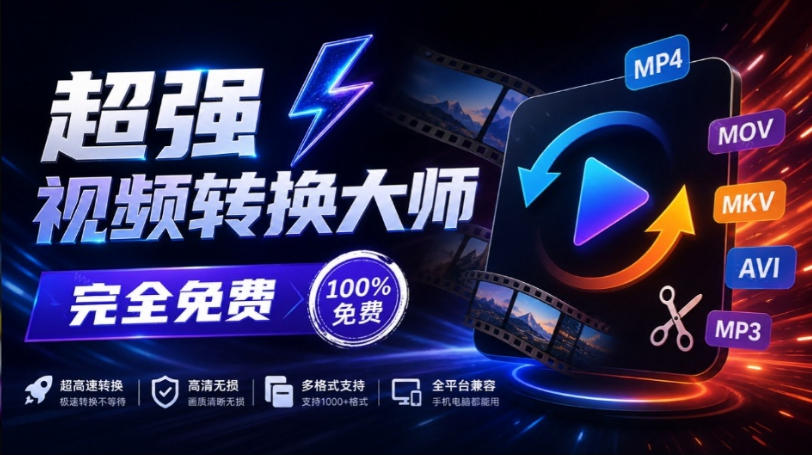
Super local toolbox! Built-in screen recording, audio/video cutting & merging, video compression & extraction, forever free - Kedou Video Converter
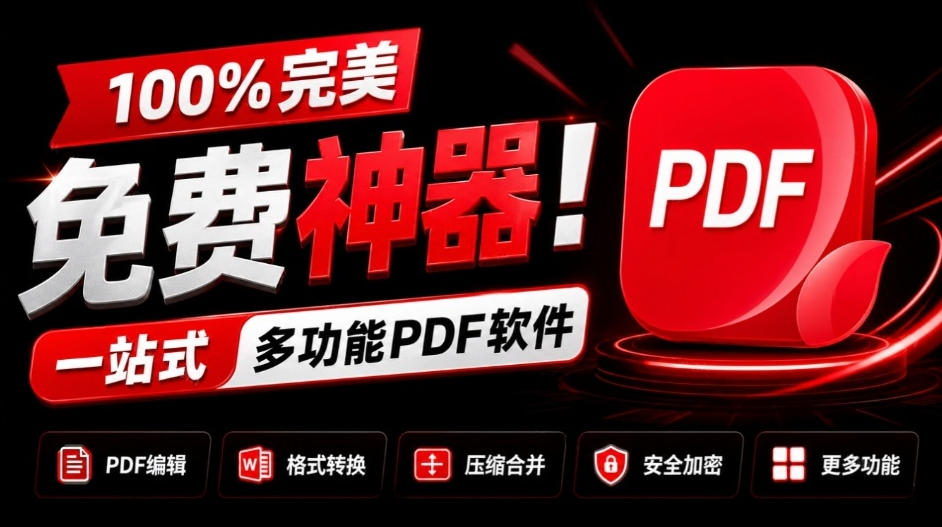
100% perfect free tool! One-stop multi-function PDF software: PDF convert, compress, edit etc., minimal, no ads, so nice - JOPDF

Open-Source Desktop Remote Tool, Beats Paid Versions! Free for Personal and Commercial Use Unlimited, Cross-Platform, HopToDesk Remote Control

Latest K-12 Textbook Downloader: Whole-Grade Resource Download, Courseware, Video, Audio in One Click

HuyanBao: free blue-light eye-care app with pet break reminders
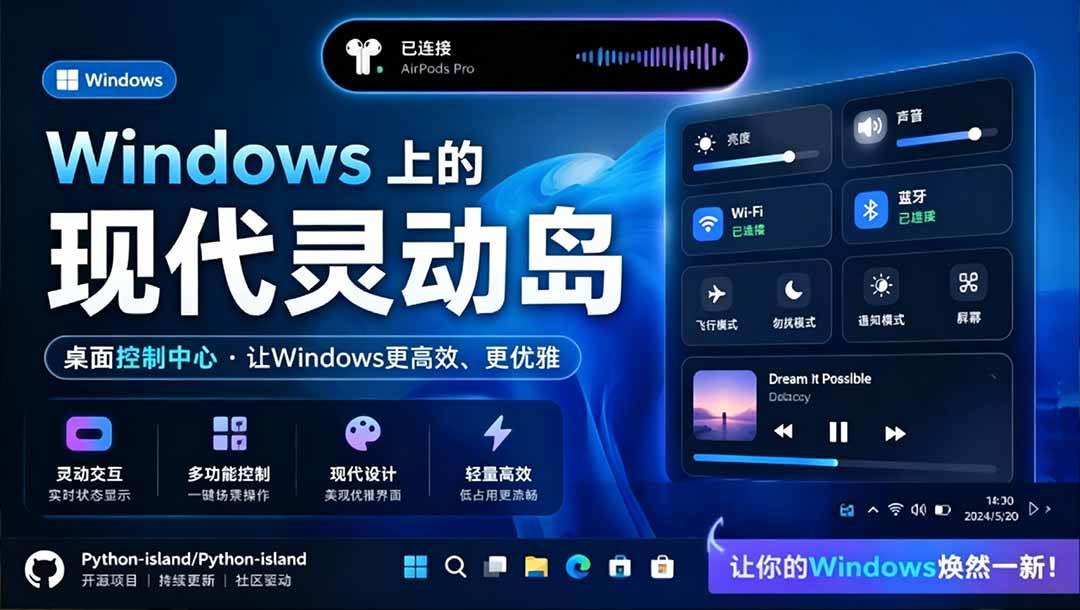
Windows Can Have a Desktop Dynamic Island Too! A Modern System Control Center — Give Your PC a Black Notch, PyIsland

3D Simulated Comic Drama Production: Seedance2.0 Full-Process Practical Course - From Zero to One High-Quality Comic Drama Creation

Win/Mac Dual Support! Latest Permanent Lifetime Version, Supports Old Photo Restoration, Image Sharpening and Lossless Upscaling Tool, Aiarty Image Enhancer

Online Video Course: Github Open-Source Bilibili Video Download Tool! Supports 8K and Dolby Vision Bilibili Video Batch Download Tool, Easy to Use Bilidown