











DC ops know these pains
\Managing racks with Excel; when devices grow, it's confusing; adding a device means manually calculating U positions, accidental overlaps. When leadership wants an asset report, you match each device's ID/IP/location against Excel; half a day is gone.
\Worst case: after changing device layout you realize it was wrong, but the previous version wasn't saved, so you manually revert from memory. Or during a room move/rack-in-out, change logs are on paper; traceability is impossible. These can be systematically solved with one tool.
\What is it actually for?
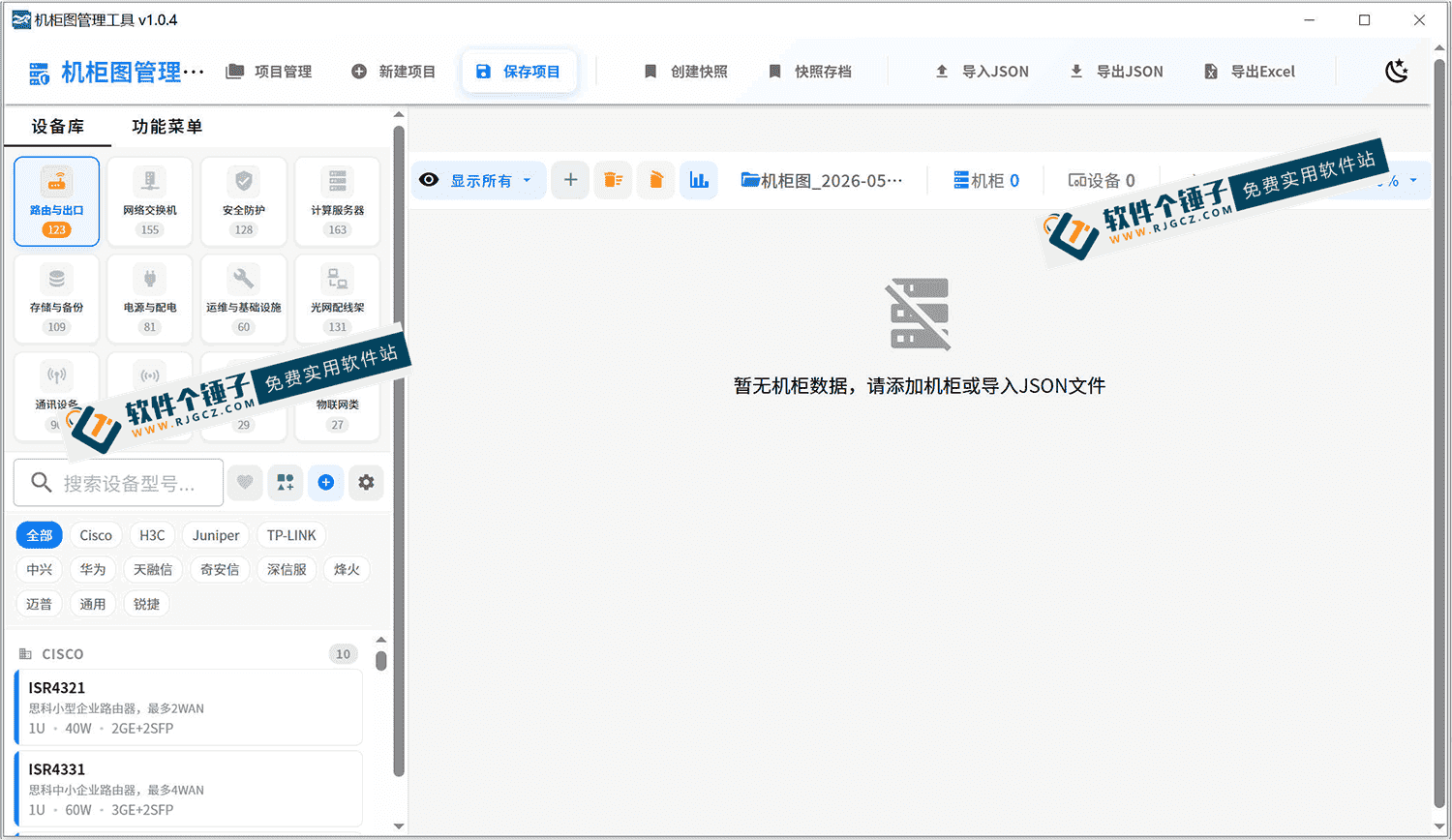
\Rack-diagram managementThink of it as the data center's "digital sandbox". It turns traditional Excel device data into visual rack diagrams; devices drag to place, U-positions auto-snap, version snapshots for rollback. From new-room planning to daily changes to asset-export, one software handles it.
\What ops problems does it solve?
\① Visual equipment layout, no Excel
\Select models from the built-in device library, drag directly to the corresponding rack U position; the system auto-snaps and warns of conflicts. Both front/back views; device brand/model/IP/port status annotated on the diagram, at a glance.
\② 360+ real device models, no manual
\Software has 28 mainstream vendors/360+ real device models built-in: servers/switches/routers etc.; each model comes with full specs. When building a new room/racking devices, just select models; saving manual data entry.
\③ Snapshot every change, one-click restore
\Before adjusting devices, manually create version snapshots with notes. Each change is then auto-recorded; view history anytime; one-click restore. Before restore, current data is auto-backed up; no fear of accidental loss.
\④ Export Excel asset report, pick fields
\When needing asset inventory/reports, check fields to export: e.g., device name/model/SN/IP/cabinet location etc.; exported xlsx auto-names and optimizes column widths, ready to use right away.
\Who can benefit from it?
\Data-center admins/ops/network engineers are the most direct users. If managing ~100 devices with frequent rack in/out, or often pressed for asset reports, this tool saves lots of trouble. Small/medium rooms especially benefit; no complex commercial CMDB, download and use.
\What are the requirements?
\This is a Windows desktop app; open and use, no complex server deploy. Supports multi-project mgmt; separate rooms managed separately; JSON import/export for backup/migration. Auto-backup + manual snapshots; data safety guaranteed.
\To sum up
\\ \Rack-diagram management software is a fairly professional data-center ops tool; turning device mgmt from Excel into visual rack diagrams. With version snapshots/asset export, daily work gets smoother. If you manage rooms/data-center racks, give it a try.