




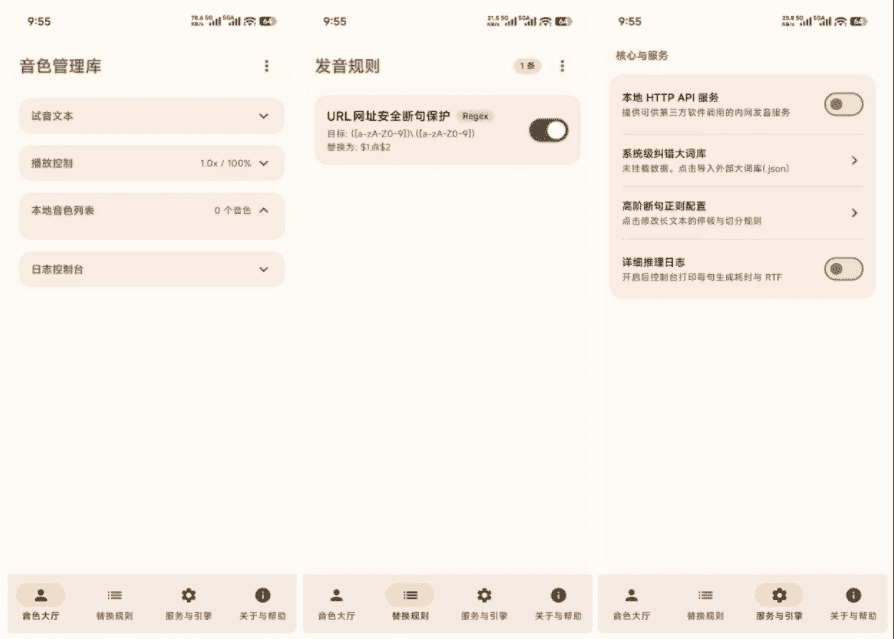












Ever had this embarrassment?
\Reading apps have only a few default voices; after a while they sound like robots reading lessons. Want your favorite voice, but online options require paid network generation, or sound stiff. Worse, some tools' audio only plays online; no network = nothing.
\What is this tool for?
\Imagine a "voice copier" in your phone — just record 1-3 seconds of a voice, and completely offline it reads any text in that voice. Whether e-books/long articles/web content, it reads aloud; all computation is local, no privacy upload concerns.
\What can you do with it?
\① Clone your voice for audiobooks
\Say "hello" to your phone, record 1-3 seconds, it learns your voice. Then using it to read any article sounds as natural as hearing you read. If you want variety, also record a friend/family member's voice to read novels.
\② Use with your reading app
\It can register as Android's built-in TTS engine; meaning open-source readers like Mojing/Jingdu etc. can directly use it. No need to switch apps; everything stays smooth.
\③ Different voices for characters
\After enabling multi-voice rotation, it auto-switches different cloned voices by sentence. Great for reading novels: let different characters have their own "exclusive voice", more immersive, like listening to an audio drama.
\Who needs it?
\If you like mobile audiobooks but find the system voice too monotonous; or need an offline TTS tool, not wanting to burn data/upload; or you love multi-character novels and want different voices during listening — it may save you lots of trouble.
\In Summary
\\ \ \CloneTTS solves specific problem: clone a voice in 1-2 seconds, offline/free, read any text on phone.










