


-
Solo Business Courses
-
 Others
-
Overseas Tutorials
-
Photography & Editing
-
Community & Private Domain
-
Self-Media Writing & Copywriting
-
Side Income Projects
-
E-commerce
-
Short Video & Live Streaming
-
Artificial Intelligence (AI)
-
Software & Tools
-
Operating Systems
-
Plugins & Scripts
-
MacOS Software
-
Android Software
-
Windows Software
DLUBAL RFEM v6.04.0011
-
Game Gold-Farming Money-Making Plan: Earn 1k+ Daily, a Stable 3-Year Project Anyone Can Do in Spare Time [Revealed]
Study material — included with membership Get Membership -
Hot-game fully-automated earning: 500+ a day, no experience, simple operation - the steadiest long-term game-earning side hustle (revealed)
Study material — included with membership Get Membership -
FlyingMouse earns merit this time! Don't panic at Windows format problems — the open-source FlyingMouse format conversion tool helps, a popular GitHub gem
Study material — included with membership Get Membership -
Douyin Product-Selling Coaching Bootcamp: No On-Camera Appearance Needed, Newbies Can Produce Selling Short Videos by Following the Steps
Study material — included with membership Get Membership -
First-release game gold-farming money plan: 1K+ a day, ordinary people in spare time
Study material — included with membership Get Membership






-
FlyingMouse earns merit this time! Don't panic at Windows format problems — the open-source FlyingMouse format conversion tool helps, a popular GitHub gem
Study material — included with membership Get Membership -
LuDaShi v6.1024.4105.1121 Slim Single File
Study material — included with membership Get Membership -
2D Cartoon Animation Software Moho Pro v14.3
Study material — included with membership Get Membership -
Video Editor Aiseesoft Filmai v1.0.18
Study material — included with membership Get Membership -
To-Do Microsoft To Do v2.147 Free
Study material — included with membership Get Membership -
PR/AE/DaVinci/FCPX video Plugin Nobe OmniScope Win1.11.15 / Mac1.10.138
Study material — included with membership Get Membership





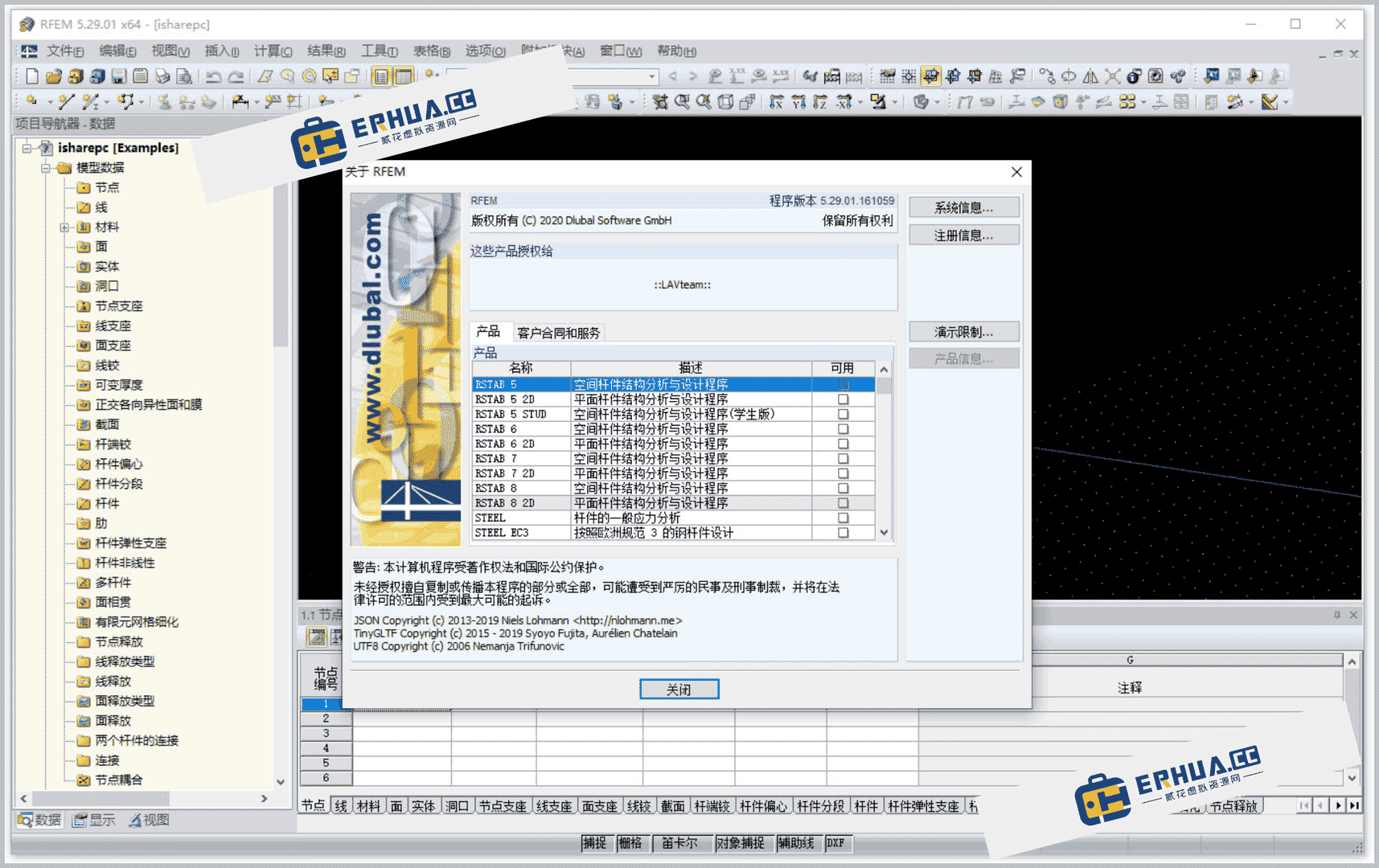
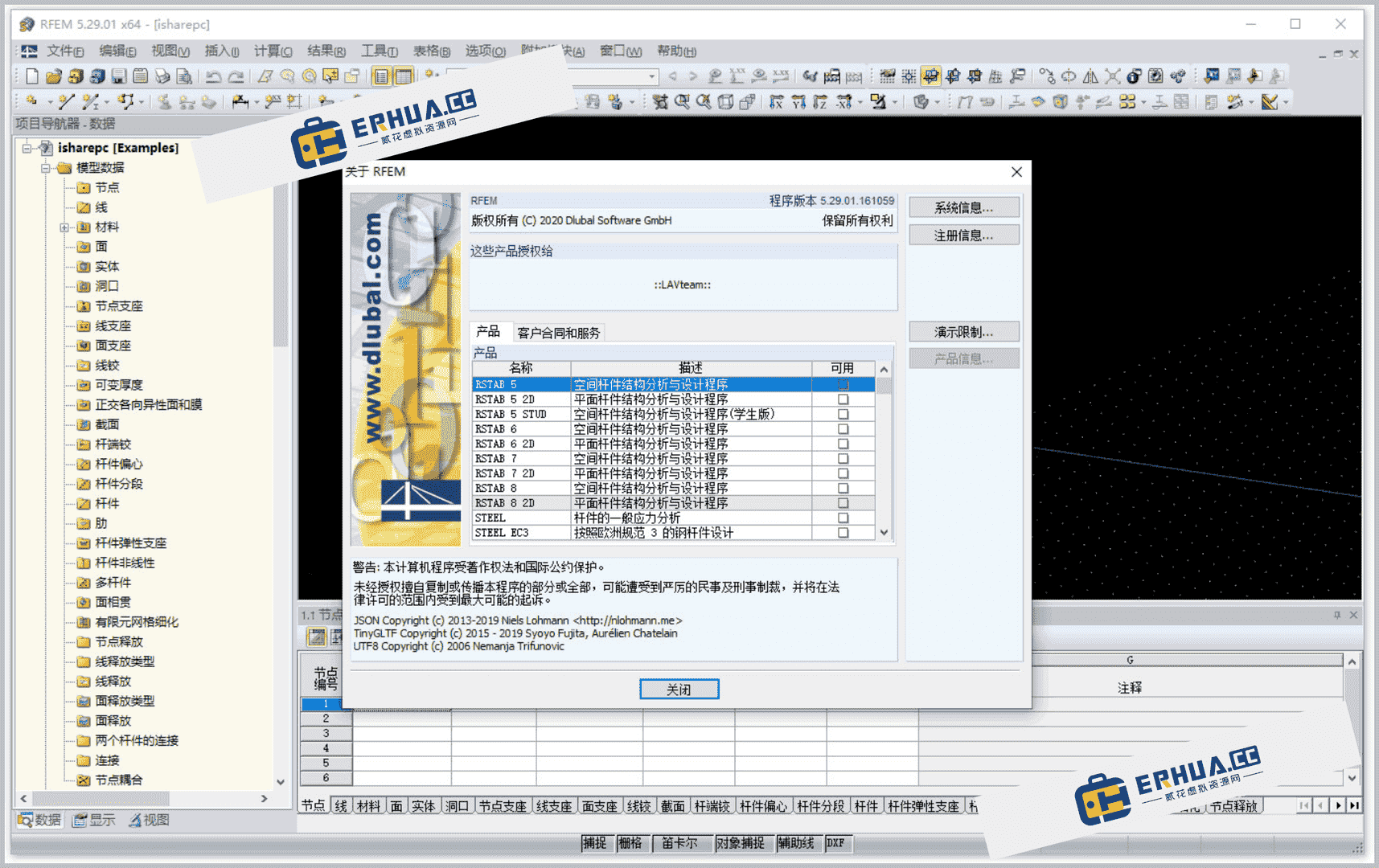
DLUBAL RFEM is an advanced finite-element package for 3D structural analysis and design, built for structural engineers and the needs of modern civil engineering. With efficient data input and an intuitive interface, RFEM simplifies modeling large structures. It supports multiple interfaces for bidirectional data exchange with Tekla Structures, Revit Structure and Bentley ISM.
\
RFEM structural-analysis basics
\RFEM is a modular software system; its core is the RFEM main program. Via it, users define structures/materials/loads for planar/spatial systems of plates/walls/shells/members. Also creates composite structures, solids, contact elements. Users freely customize menus/toolbars for quick access.
\Comprehensive structural analysis
\RFEM provides broad structural analysis: deformation/internal forces/stresses/support forces/soil-contact stresses. Add-ons auto-generate structures/connections or perform further analysis/design per codes. RFEM handles modern urban engineering forms: frames/walls/shells/solids.
\Accessibility simplifies modeling
\RFEM has many helper features: object snapping/custom input grids/auxiliary lines. These greatly simplify graphical input. Users can also import DXF files as line models, or add as layers for modeling snap points.
\User-friendly design
\RFEM independently calculates internal forces/deformations/support reactions of general plate structures. RFF5 program conversion provides efficient features/user-friendly UI, aims to provide valuable service to customers.
\RFEM 5.29.01 new features
\- \
- Singularity evaluation averaging region: users can customize lighting settings. \
- Load distribution and analysis: provides results for warping, member factors, and member slenderness. \
- Boolean operators: handle intersections of solids and insert members into existing members. \
- Opening settings: directly set cross-section dimensions for different opening types and member eccentricities. \
- Solid modeling: model solids by extruding surfaces relative to planes or points, including using tapered sides. \
- Mixed wood cross-sections: supports filtering cross-sections and material libraries, and includes favorites. \
- File import support: from Bentley ISM/Ansys APDL/Scia Engineer; supports 3D object import. \
- Work plane: ellipse/ring/cross; defined by 3 points/lines/members/axes. \
- Clipping plane evaluation; navigator for views. \
- Surface/weight entries: input dimensions; auto-generate standard load combinations. \
- Config manager: display properties/toolbar/print titles; many print graphics. \
- Color management: surfaces/stiffness/members/solids; absolute inclinations. \
- Nonlinear supports/hinges: diagrams, extended standards; orthotropic quad/membrane. \
- Graphic assignment: member properties; color symbols in tables for cross-section/surface/solid/member types. \
- FE mesh refinement: gradual mesh refinement at curved edge regions; large deformation analysis via NEWTON-RAPHSON/PICARD or dynamic relaxation. \
DLUBAL RFEM, with powerful features and flexible operation, is ideal for structural engineers performing complex analysis and design. Whether novice or experienced, users benefit from it, improving efficiency and design precision.
\DLUBAL RFEM installation:
\1. Install DLUBAL RFEM;
\
2. Copy AUTHORE.INI to the C:\ProgramData\Dlubal\Global\General Data\ directory;
3. Replace DL_Base64.dll and RFEM64.sign; folder: C:\Program Files\Dlubal\RFEM 5.29;

4. Installation complete;
\ \Related Courses

Super local toolbox! Built-in screen recording, audio/video cutting & merging, video compression & extraction, forever free - Kedou Video Converter

100% perfect free tool! One-stop multi-function PDF software: PDF convert, compress, edit etc., minimal, no ads, so nice - JOPDF

Open-Source Desktop Remote Tool, Beats Paid Versions! Free for Personal and Commercial Use Unlimited, Cross-Platform, HopToDesk Remote Control

Latest K-12 Textbook Downloader: Whole-Grade Resource Download, Courseware, Video, Audio in One Click

HuyanBao: free blue-light eye-care app with pet break reminders

Windows Can Have a Desktop Dynamic Island Too! A Modern System Control Center — Give Your PC a Black Notch, PyIsland

3D Simulated Comic Drama Production: Seedance2.0 Full-Process Practical Course - From Zero to One High-Quality Comic Drama Creation

Win/Mac Dual Support! Latest Permanent Lifetime Version, Supports Old Photo Restoration, Image Sharpening and Lossless Upscaling Tool, Aiarty Image Enhancer

Online Video Course: Github Open-Source Bilibili Video Download Tool! Supports 8K and Dolby Vision Bilibili Video Batch Download Tool, Easy to Use Bilidown


