




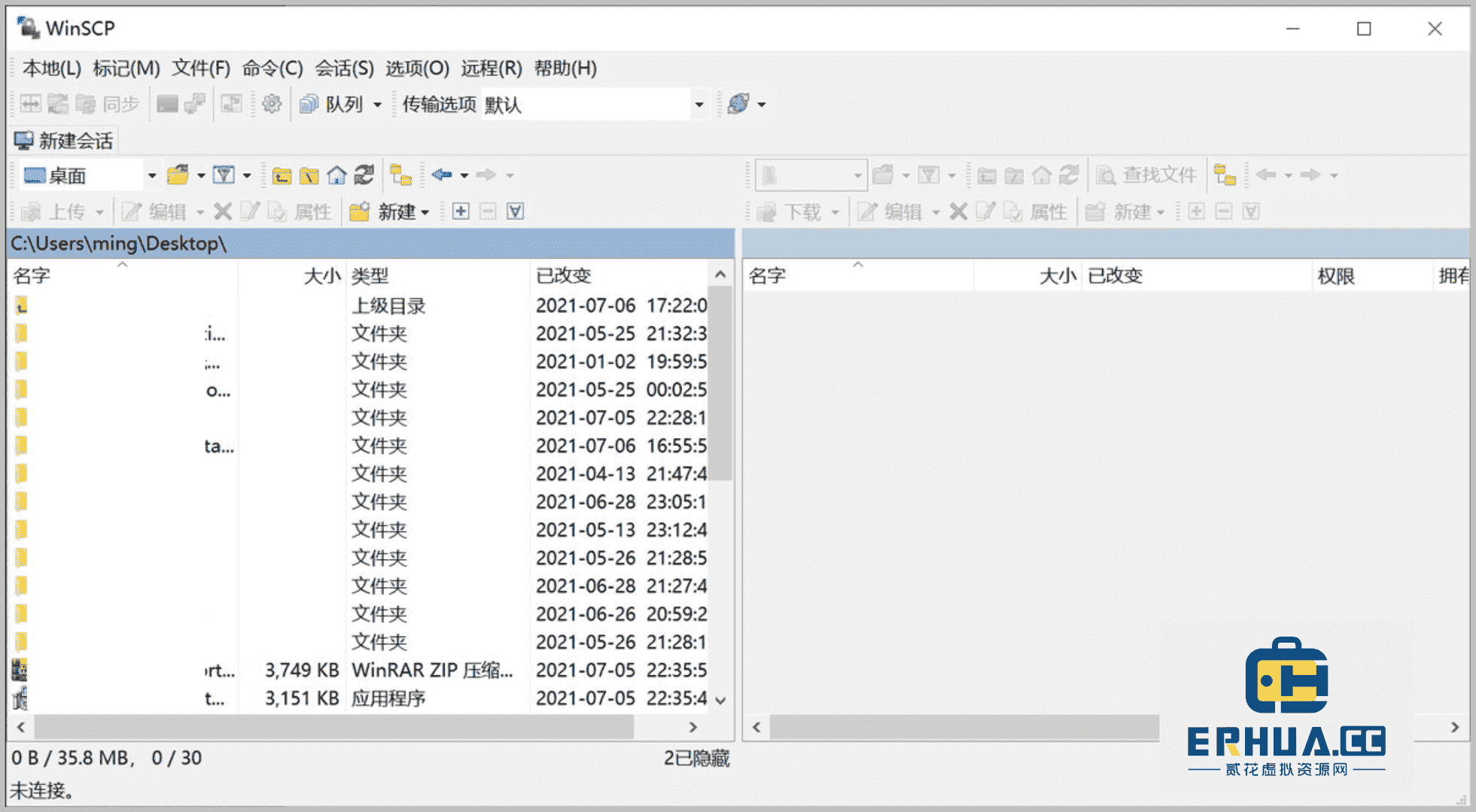
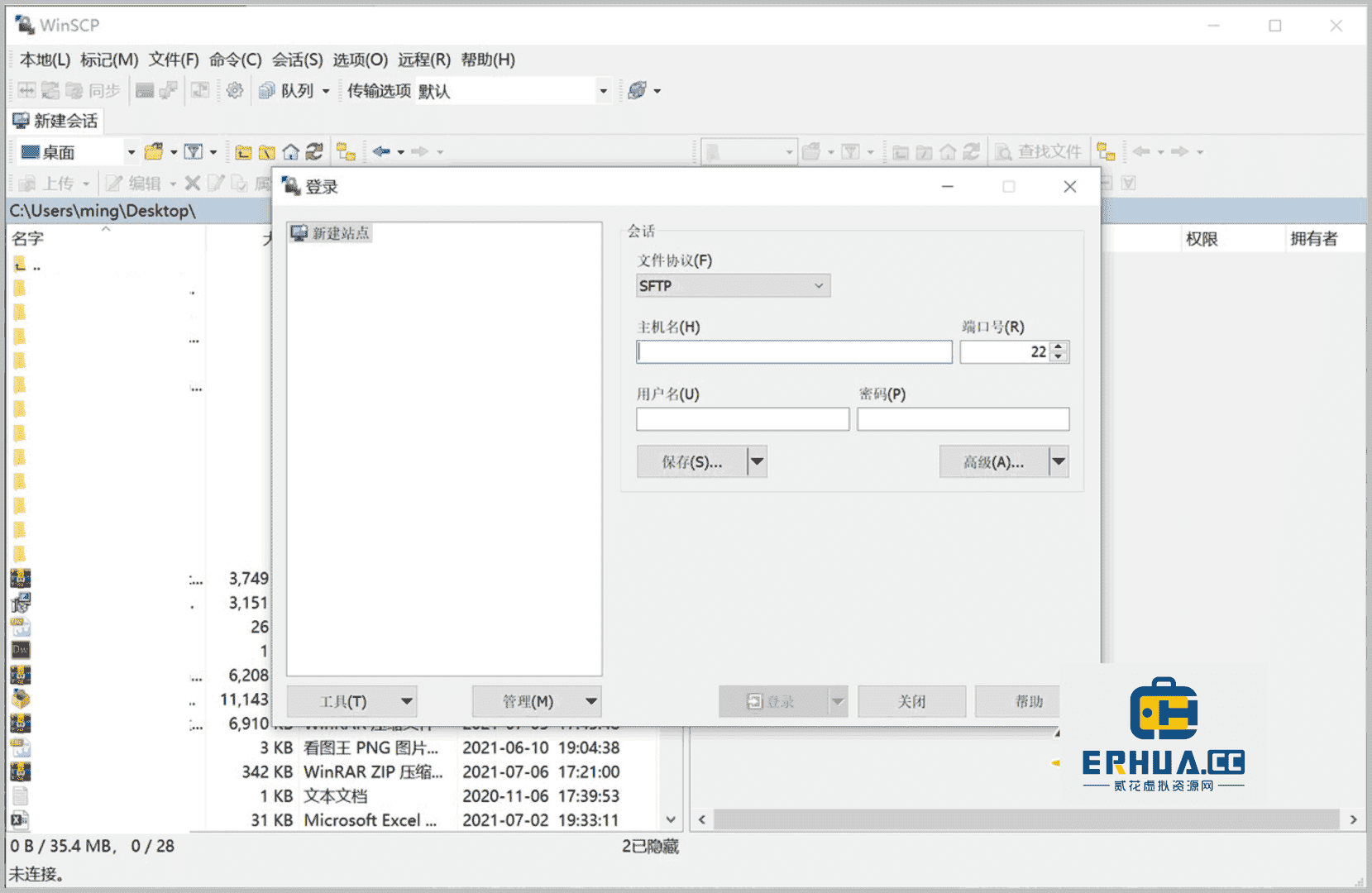












WinSCP is a free SFTP, SCP, S3, WebDAV, and FTP client for Windows. As a powerful file management tool, WinSCP can effectively improve your work efficiency.

WinSCP provides an easy-to-use graphical user interface (GUI) for copying files between local and remote computers via multiple protocols, including Amazon S3, FTP, FTPS, SCP, SFTP, and WebDAV. Advanced users can also automate WinSCP using .NET assemblies. The software supports multiple language versions, including English and other languages.

Feature Overview
1. Multi-protocol support
WinSCP supports multiple protocols, including Amazon S3, FTP, FTPS, SCP, SFTP, and WebDAV, meeting various file transfer needs.
2. Directory synchronization
Supports multiple semi-automatic or fully automatic directory synchronization methods to ensure file consistency.
3. Transfer modes
Provides binary and text transfer modes, transfer queues, and background transfers, flexible and efficient.
4. Integration
Integrates with Windows, PuTTY, and other applications for convenient user operation.
5. Portable operation
Optional portable operation using configuration files instead of registry entries, suitable for operation from removable media.
6. Text editor
Built-in integrated text editor, and supports external text editors for convenient file modification.
7. Graphical user interface
Choose between a Windows Explorer-like or Norton Commander-like interface for a better user experience.
8. Scripting and automation
Supports batch file scripts, command-line interface, and .NET assemblies for scripting and task automation, improving work efficiency.
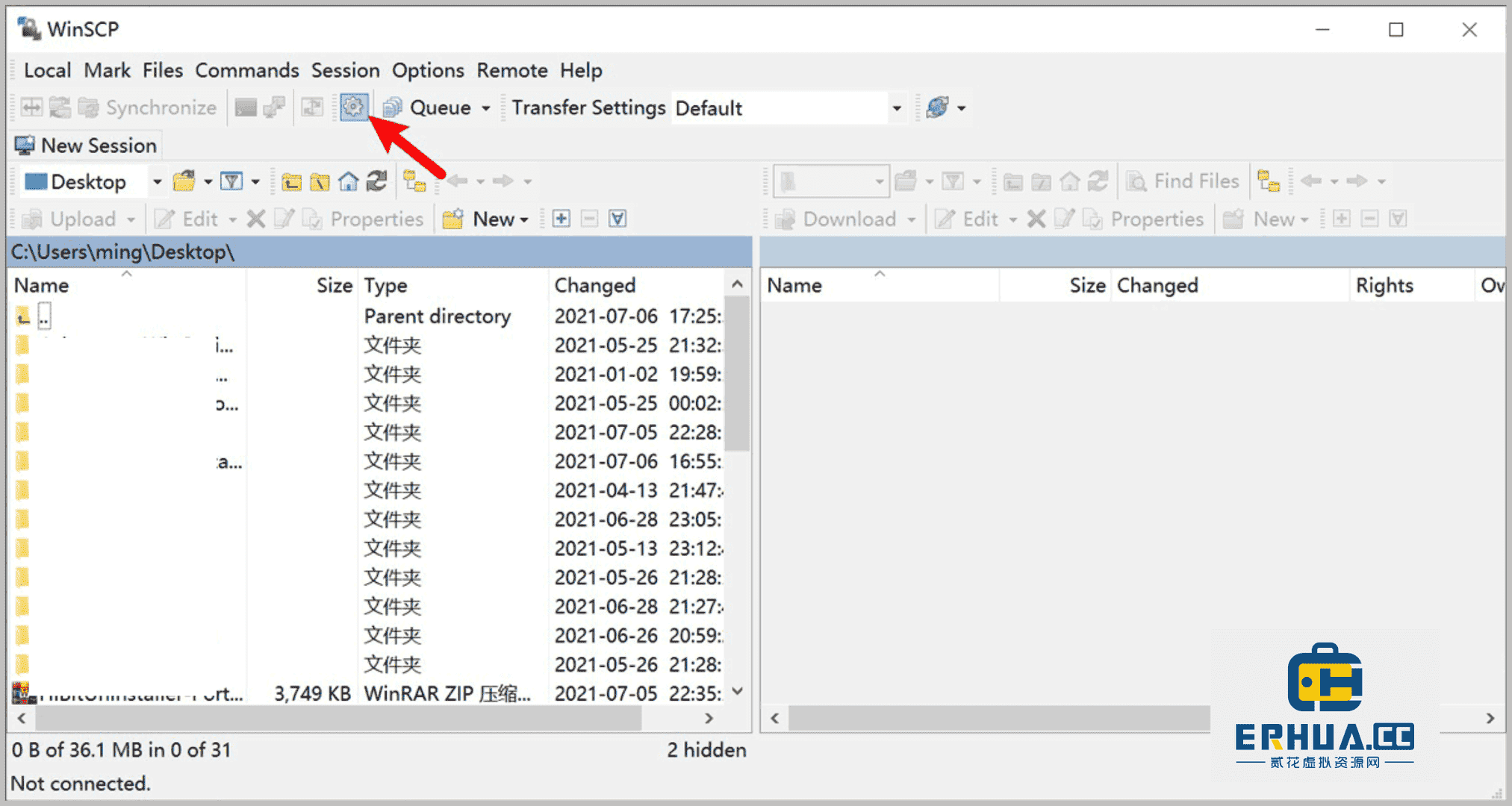
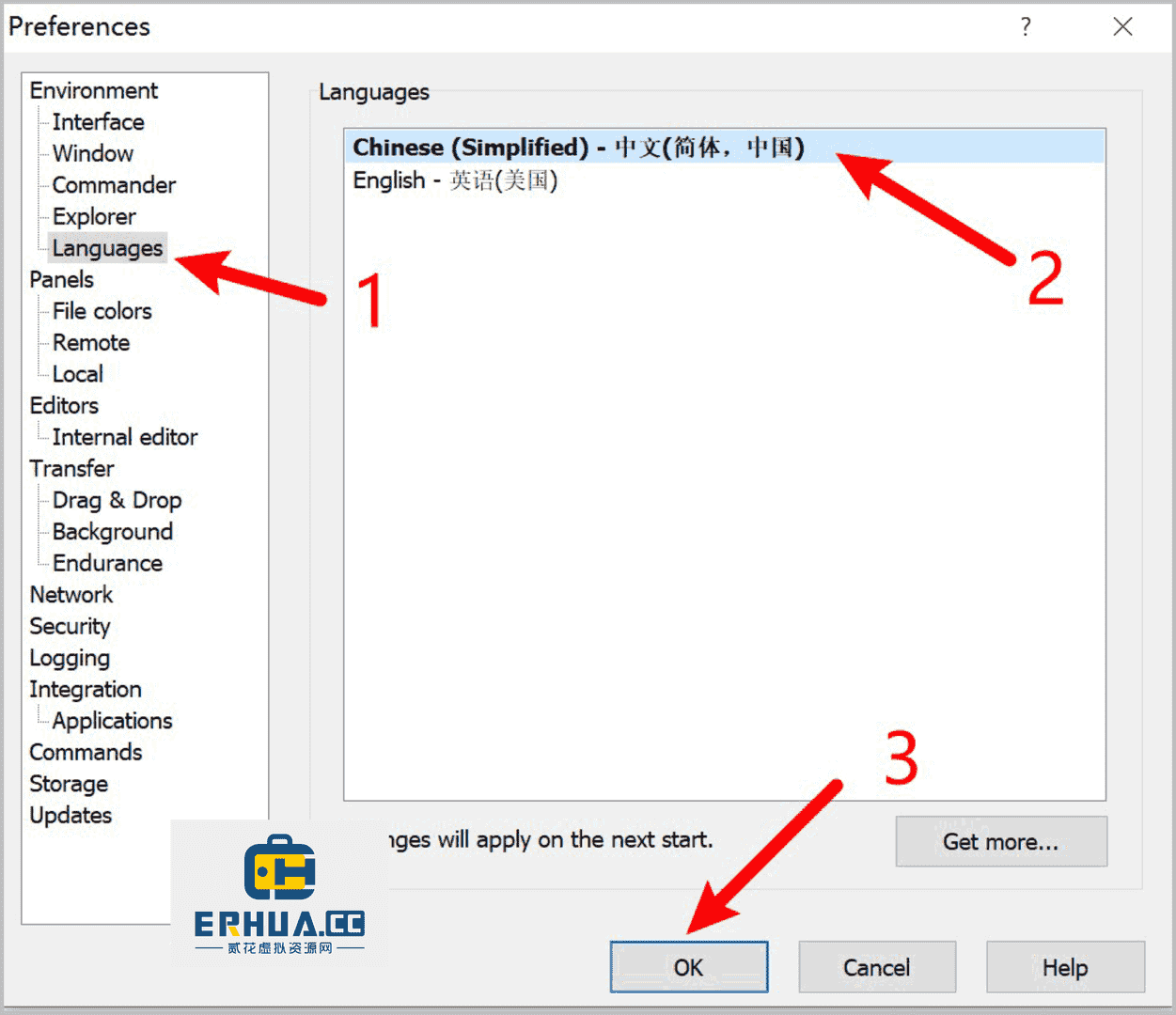
How to switch the WinSCP language
- Open the WinSCP software and click the "Settings" icon in the interface.

- Click "Languages" → "简体中文" → "OK" in sequence, then close the software and reopen it.

- If the required language is not available, you can download the language patch, extract it and place it in the root directory of the WinSCP program, then select the language in settings.
Go to download the WinSCP language patch:Click here










