


-
Solo Business Courses
-
 Others
-
Overseas Tutorials
-
Photography & Editing
-
Community & Private Domain
-
Self-Media Writing & Copywriting
-
Side Income Projects
-
E-commerce
-
Short Video & Live Streaming
-
Artificial Intelligence (AI)
-
Software & Tools
-
Operating Systems
-
Plugins & Scripts
-
MacOS Software
-
Android Software
-
Windows Software

Social Media Material Maker v1.0.2 — Prank Material Tool (Android)
-
Game Gold-Farming Money-Making Plan: Earn 1k+ Daily, a Stable 3-Year Project Anyone Can Do in Spare Time [Revealed]
Study material — included with membership Get Membership -
Hot-game fully-automated earning: 500+ a day, no experience, simple operation - the steadiest long-term game-earning side hustle (revealed)
Study material — included with membership Get Membership -
FlyingMouse earns merit this time! Don't panic at Windows format problems — the open-source FlyingMouse format conversion tool helps, a popular GitHub gem
Study material — included with membership Get Membership -
Douyin Product-Selling Coaching Bootcamp: No On-Camera Appearance Needed, Newbies Can Produce Selling Short Videos by Following the Steps
Study material — included with membership Get Membership -
First-release game gold-farming money plan: 1K+ a day, ordinary people in spare time
Study material — included with membership Get Membership






-
FlyingMouse earns merit this time! Don't panic at Windows format problems — the open-source FlyingMouse format conversion tool helps, a popular GitHub gem
Study material — included with membership Get Membership -
LuDaShi v6.1024.4105.1121 Slim Single File
Study material — included with membership Get Membership -
2D Cartoon Animation Software Moho Pro v14.3
Study material — included with membership Get Membership -
Video Editor Aiseesoft Filmai v1.0.18
Study material — included with membership Get Membership -
To-Do Microsoft To Do v2.147 Free
Study material — included with membership Get Membership -
PR/AE/DaVinci/FCPX video Plugin Nobe OmniScope Win1.11.15 / Mac1.10.138
Study material — included with membership Get Membership





Recently found a really fun social prank app—but remember to follow the rules when using it!
Scrolling short videos or Moments, you've surely seen those "flexing wealth" clips. This is the treasure tool that supplies all kinds of high-end scene footage.

Huge Material Library
Endless material types! First-person luxury-driving clips, 4S dealership pickup scenes, upscale bar footage, warm interactions with attractive people, lively KTV gatherings and more—everything you can think of.
Two Material Types
Materials fall into two categories:
- Editable-text type: e.g. car-pickup and greeting videos—freely modify the text in the clip
- Pure video type: record voiceovers online so your voice fits the scene

Tips
These clips are fun, but use them just to joke with friends—never to deceive others.
How to Use
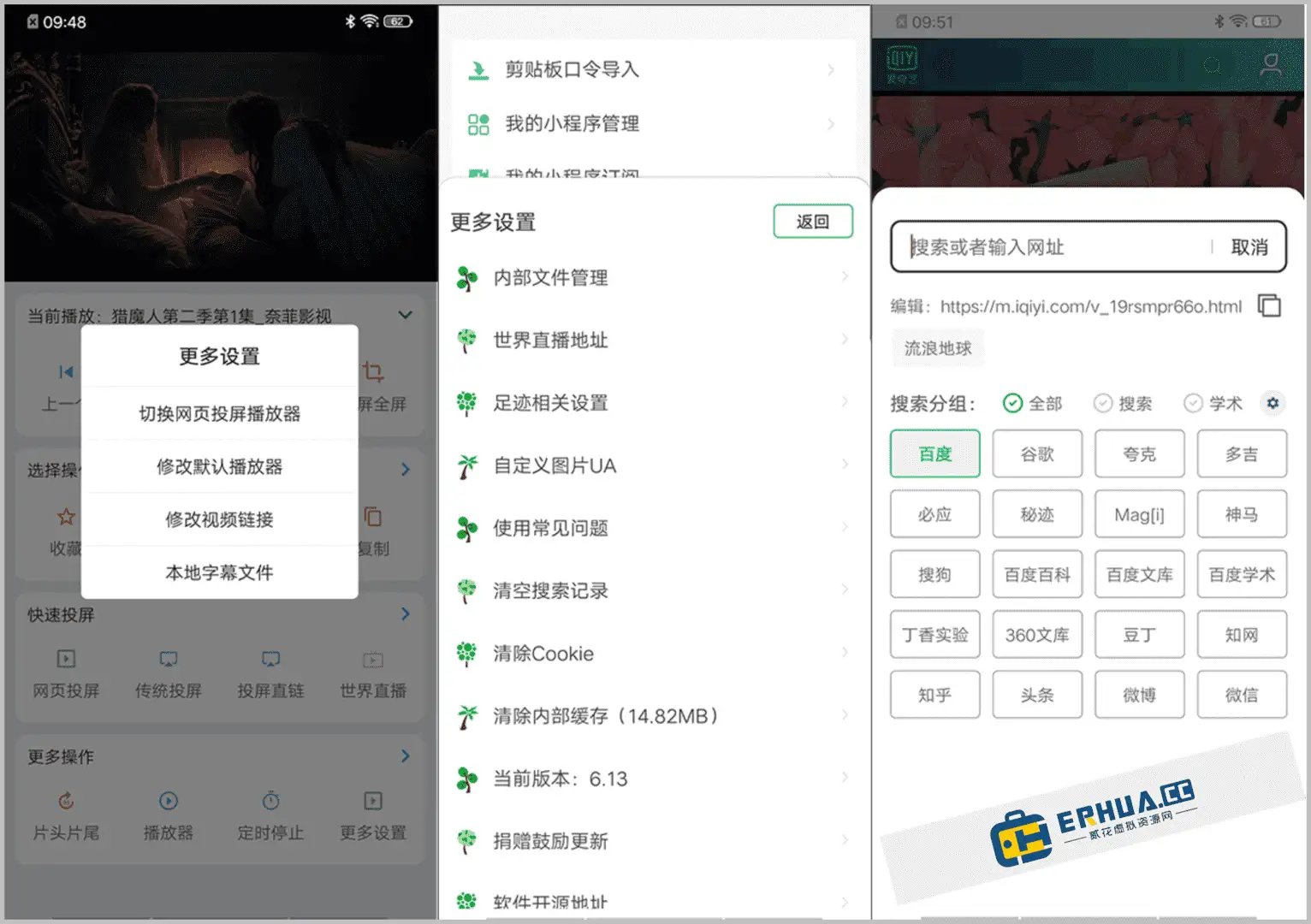
Open the app to see a rich material library; search to quickly find what you want. Categories are clear—"Latest Voiceovers," "Hottest Voiceovers" and more cover every social scenario.
Pick a pure-video material, tap "I Want to Voiceover," speak your lines into the phone, and the app blends your voice into the video.
For example, pick a luxury-driving clip, add "out for a cruise in my ride today," and after recording, save it to your phone to share anytime.

Text Editing
Take a Rolls-Royce pickup clip: it shows an info board with the owner's details. In the text editor, easily change the content—swap in your name and add a personal caption.
When done, tap "Create Now," wait 10–30 seconds, and your custom pickup video is ready. Save it to your album and post to Moments whenever you like.
Related Courses

Format Factory Comes to Mobile! 100% Completely Free, Audio/Video/Image Format Converter, Free & No-Login (Android)

A Fun Tool! One-Click Cover Faces With Emoji, Local Offline Privacy-Safe, Works on Android Phones — EmojiFace

Video Prompt Reverse Engineering Software (Android App), Quickly Generate, Optimize, and Reverse-Analyze Videos


One Prompt: AI Fully Automatically Builds a Live TV App, Works on PC, Android and TV, Completely Free, Smooth Picture with No Lag

Mobile Video Aggregator — Dashi Xiong Video v4.0.8

Android massive hot free short dramas Hongguo Short Drama v7.4.1.32

Android Mobile Fingerprint Browser v1.1.8 with Hundreds of Built-in Tools

Android Video Re-creation & Repost Master v2.14

Android Volume Control App Volume Control Pro v6.7.2 [Software Hammer · R4561]

