
















Phone getting slower, storage always full?
After a while, your Android phone constantly warns "storage full." Open settings and WeChat and other apps eat tens of GB, plus mysterious "other files" you can't delete. The phone slows down and apps take longer to open.
The built-in cleaner never feels thorough. Deleting apps manually is a hassle, and some are preinstalled. You just want a tool that truly clears junk without deleting important files.
Think of it as a "deep cleaner for your phone"
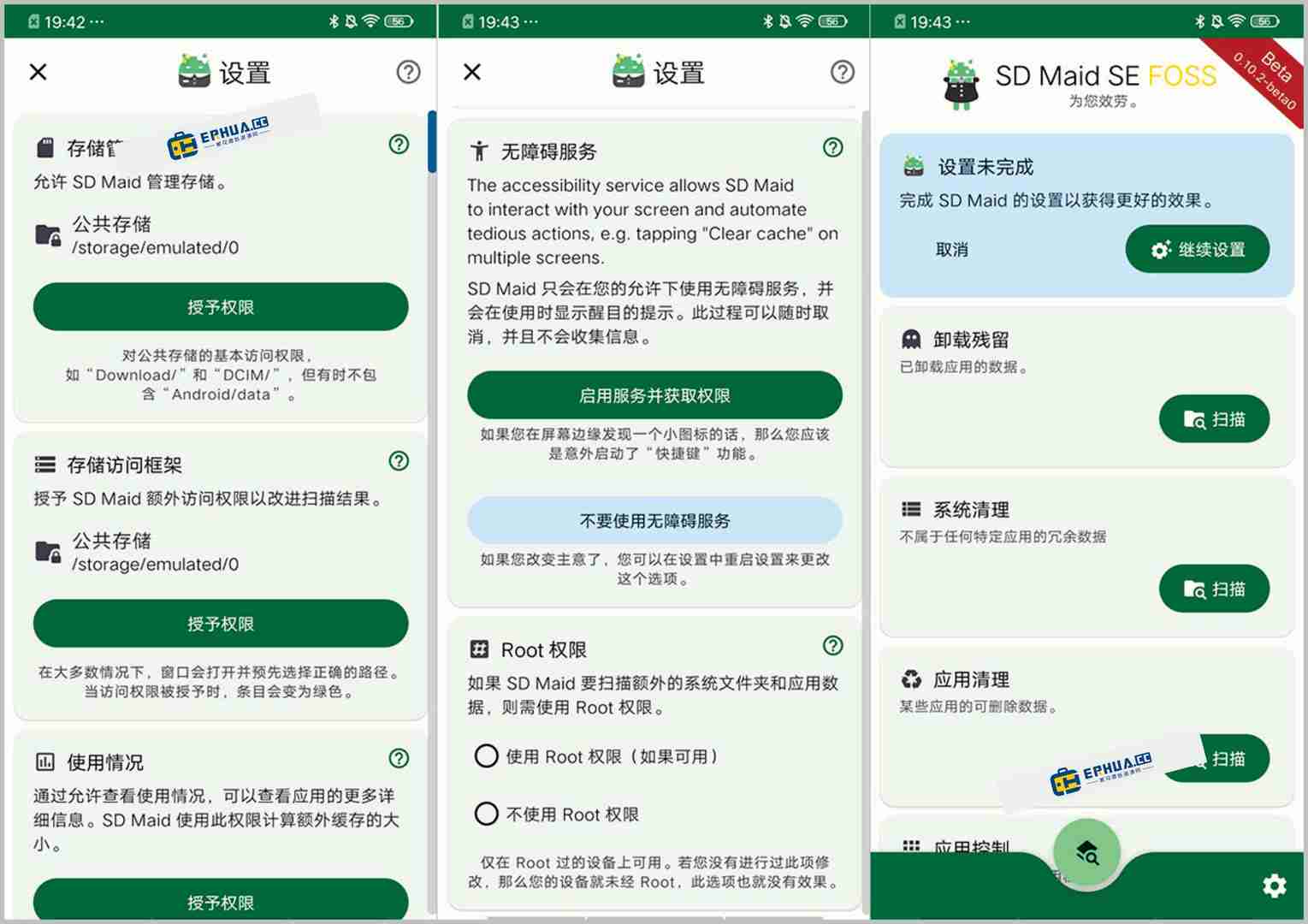
SD Maid SE acts like a professional cleaner, scanning every corner for junk—app cache, residual files, empty folders, temp files. It also analyzes storage to show what's taking the most space, then cleans with one tap.
What you can do with it
① Deep-clean cache and residual junk to free GBs
It finds leftover "orphan" files after uninstalls, accumulated cache and useless downloads. Results are listed clearly so you choose what to delete, avoiding accidental loss. You'll notice freed space after cleaning.
② Manage apps in bulk—uninstall and back up easily
Select multiple unused apps to batch-uninstall—far faster than tapping them on the home screen. Back up first if you might regret it, then restore later when needed.
③ Analyze storage to see what's really eating space
It analyzes file distribution on phone and SD card, showing visually which folders and files are largest—quickly pinpointing culprits like downloaded movies or WeChat photos and videos.
Who is it for?
If your phone storage is always low and you need a deep-cleaning tool that's safe and reliable; or you don't want to hunt for cache files manually and want one-tap scanning—SD Maid SE is for you. Most features need no root, so everyday users can use it smoothly without risking the system.
In short
If you want a deep clean for your Android phone to free up space, with a trustworthy tool that doesn't delete the wrong things, SD Maid SE is worth considering. Junk cleaning, app management and storage analysis—all practical.










