


-
Solo Business Courses
-
 Others
-
Overseas Tutorials
-
Photography & Editing
-
Community & Private Domain
-
Self-Media Writing & Copywriting
-
Side Income Projects
-
E-commerce
-
Short Video & Live Streaming
-
Artificial Intelligence (AI)
-
Software & Tools
-
Operating Systems
-
Plugins & Scripts
-
MacOS Software
-
Android Software
-
Windows Software
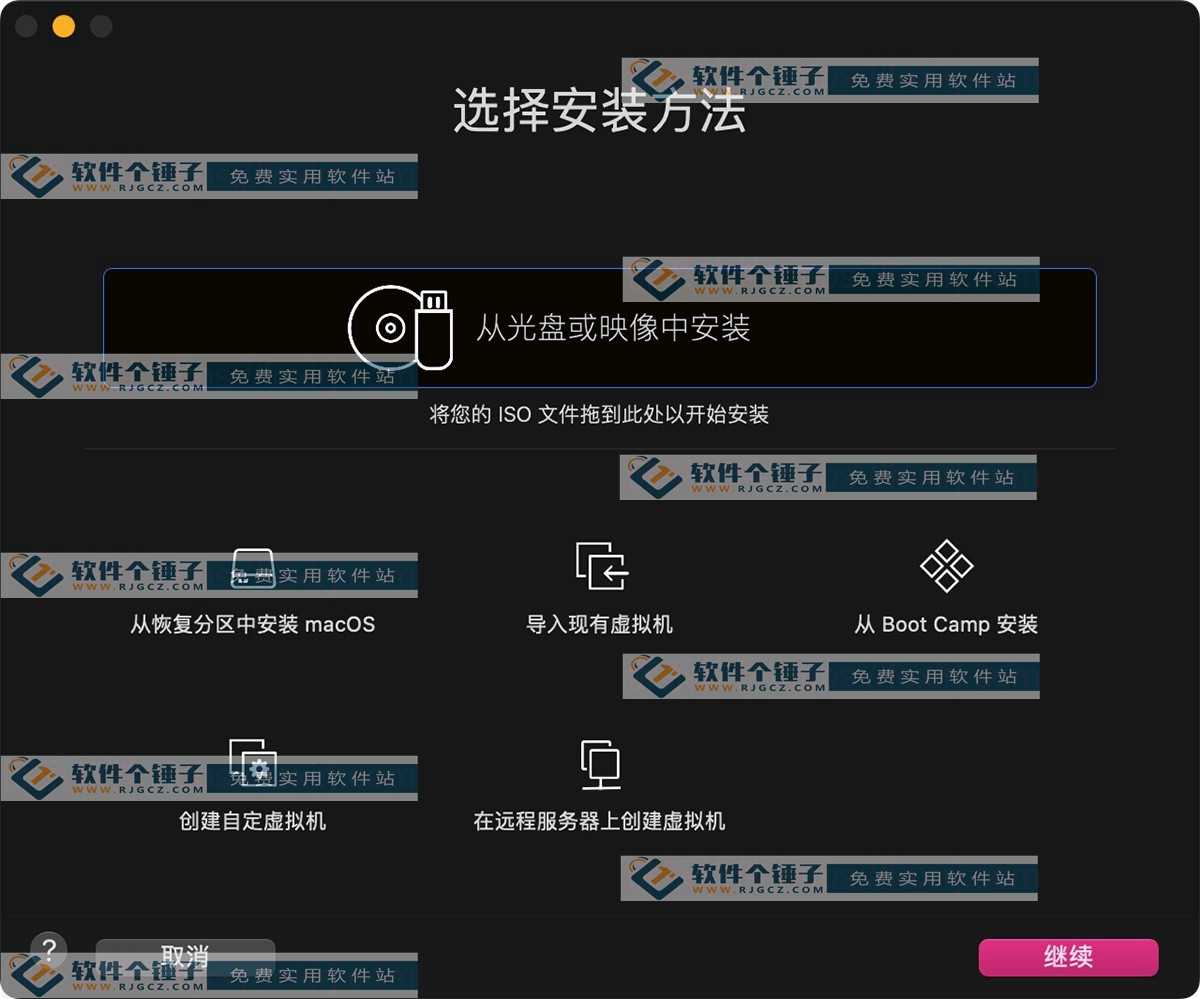
VMware Fusion Pro 13.6.4 — Virtual Machine (Mac, Free)
-
Game Gold-Farming Money-Making Plan: Earn 1k+ Daily, a Stable 3-Year Project Anyone Can Do in Spare Time [Revealed]
Study material — included with membership Get Membership -
Hot-game fully-automated earning: 500+ a day, no experience, simple operation - the steadiest long-term game-earning side hustle (revealed)
Study material — included with membership Get Membership -
FlyingMouse earns merit this time! Don't panic at Windows format problems — the open-source FlyingMouse format conversion tool helps, a popular GitHub gem
Study material — included with membership Get Membership -
Douyin Product-Selling Coaching Bootcamp: No On-Camera Appearance Needed, Newbies Can Produce Selling Short Videos by Following the Steps
Study material — included with membership Get Membership -
First-release game gold-farming money plan: 1K+ a day, ordinary people in spare time
Study material — included with membership Get Membership






-
FlyingMouse earns merit this time! Don't panic at Windows format problems — the open-source FlyingMouse format conversion tool helps, a popular GitHub gem
Study material — included with membership Get Membership -
LuDaShi v6.1024.4105.1121 Slim Single File
Study material — included with membership Get Membership -
2D Cartoon Animation Software Moho Pro v14.3
Study material — included with membership Get Membership -
Video Editor Aiseesoft Filmai v1.0.18
Study material — included with membership Get Membership -
To-Do Microsoft To Do v2.147 Free
Study material — included with membership Get Membership -
PR/AE/DaVinci/FCPX video Plugin Nobe OmniScope Win1.11.15 / Mac1.10.138
Study material — included with membership Get Membership





VMware Fusion is a professional virtual machine for the Mac, letting you run Windows, Linux and 200+ other OSes easily—perfectly solving software compatibility.

Core Features
All Platforms
From Windows XP to Windows 10, from mainstream Linux distros to rare systems—Fusion runs them all.
Pro Dev & Test Environments
Sandboxed testing that integrates with Docker, Vagrant and other dev tools—a strong assistant for programmers and IT staff.
Enterprise-Grade Solutions
Connect to vSphere servers, manage remote VMs, and migrate seamlessly from data center to desktop.
Secure Isolation
Encrypted VMs and permission control keep enterprise data safe, isolating work from personal environments.
Use Cases
Cross-Platform Development
Test different OS environments on one Mac and raise dev efficiency.
Compatibility Solutions
Run Windows-only pro software, no more platform limits.
Demos & Teaching
Demonstrate a full system architecture on a single Mac, with quick rollback.
Performance
Advanced virtualization delivers near-native performance—even graphics-heavy apps run smoothly.
Try It Now
Say goodbye to dual-boot switching—VMware Fusion turns your Mac into an all-purpose workstation. Download and experience cross-platform work.
Related Courses

WeChat Multi-Instance & Anti-Recall Tool WeChatHooks v1.2-3 Single-File Mac

Apple TNT Mind-Mapping App SimpleMind Pro for Mac v2.3.5 Official Free Edition

Mac WeChat Plugin WeChatHooks v1.2.4 Free - Multi-Account & Anti-Recall

AI Smart Cutout Tool XianYi AI Cutout v3.1 Win/Mac Offline Version Supports Batch Cutout and AI Removal

3D Fashion Design Software Marvelous Designer Win2024.2.113/Mac7.5

Vector Editor / UI-UX Tool Sketch Mac2025.2.1 Free

Sogou Pinyin Input Win16.4.0.3497 / Mac6.18.1.10104

3D Modeling Renderer The Foundry Modo Win17.1v1 / Mac15.1v2

DB Management TablePlus Win26.9.8 / Mac6.4.4

P2P File Seeding Sharing Software FrostWire v3.0.15.769 Win/Mac

