
















You've probably been here
You download an image you love online, want it as a phone wallpaper or to print it—then zoom in and it's all mosaics and jagged edges. Or an old phone photo at too low a resolution; you want it as poster material but it's simply not up to it. Ordinary PS upscaling just stretches it into a blurry mess with no detail. You want a way to truly enlarge while keeping clarity, but after trying several tools, none is satisfactory.
What does it actually do?
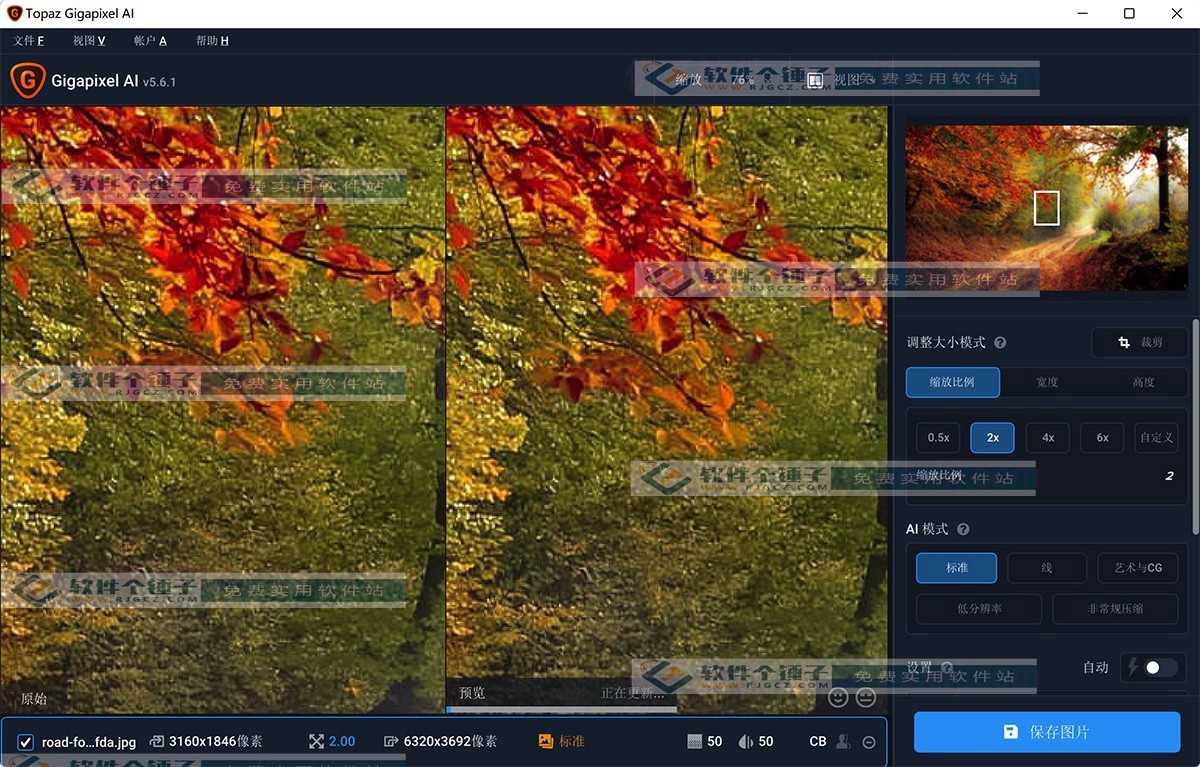
Think of Topaz Gigapixel Pro as an "AI artist"—it takes your blurry, pixelated, low-resolution small images, analyzes the content with AI, automatically fills in missing detail, and outputs a far sharper image. Whether an out-of-focus photo, a low-res web image, or an old scanned photo, it repairs and enlarges it, with a very natural result.
What can you do with it? These scenes are common
① Upscale small images to high resolution
This is its core use. Drop in a small image of a few hundred pixels and it scales to thousands or tens of thousands—without the blur or jagged edges of traditional upscaling. The result is good enough for printing, posters or video footage.
② Repair blurry, pixelated old photos
For different content (people, animals, landscapes, architecture), it uses different built-in AI models. For portraits, it prioritizes facial detail and skin texture; for animal fur, it smartly adds realistic hair flow while keeping background bokeh; for architecture, it strengthens line sharpness and edge clarity.
③ Remove JPEG compression traces
Web images are often heavily compressed; upscaling shows blocky noise and artifacts. Gigapixel effectively removes these traces, denoising and naturally sharpening—even low-quality compressed images come out much cleaner.
Who gets the most out of it?
If you're a photographer, designer, printing professional, or a creator handling lots of images, Gigapixel is a handy tool. It also helps everyday users restore family photos and enlarge web images to a usable size. If you care about image quality and hate the distortion of traditional upscaling, it's worth trying.
In short
Topaz Gigapixel Pro is currently one of the best tools for AI lossless upscaling—natural results, broad use. If you often hit low-resolution walls, it's a reliable fix.










