
















You've likely been here: you want to edit a Word file, but a password blocks you
Sound familiar? Your boss sends an important Word file, you open it, and realize you can only stare—every edit button is grayed out, you can't even add a heading. Or it's a project report you wrote years ago, long since forgotten the password, and now you're stuck trying to update it. Before, the only options were begging others for help, hoping for sketchy online tutorials, or rewriting the whole thing from scratch.
Simply put, it's like a master key
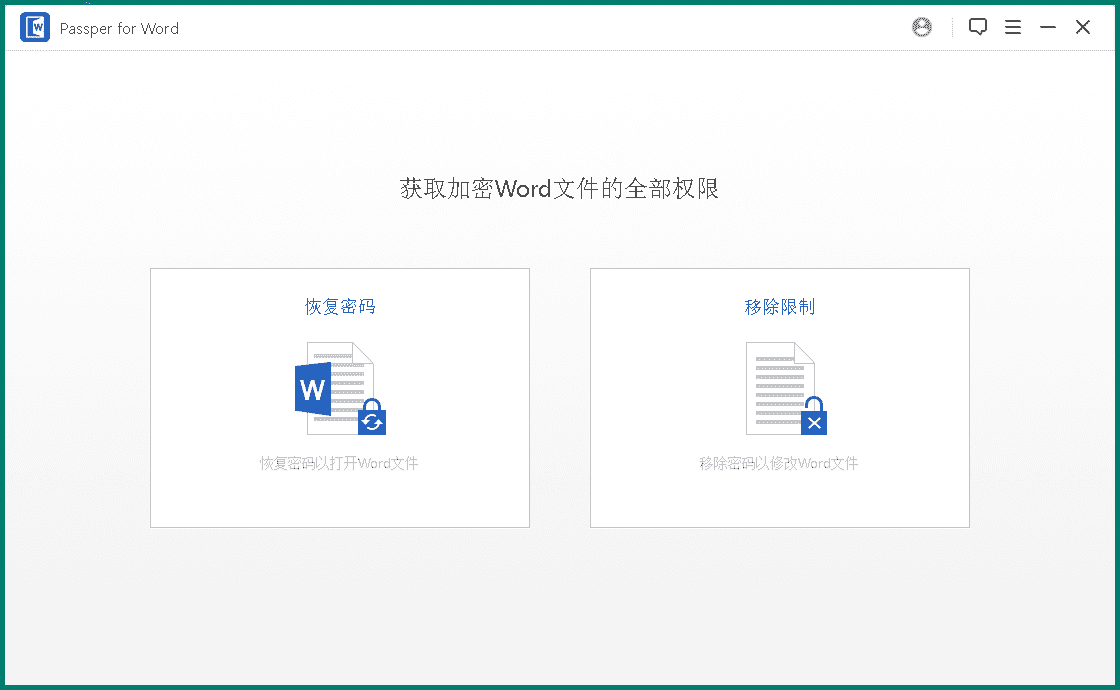
Passper for Word is essentially a tool built to deal with locked Word documents. Think of it as a "password toolbox" holding four unlocking methods. Whether your file is locked with "read-only protection" you can't edit, or has an open password, it tries to unlock it so you can get back to work.
What can you actually do with it? These scenarios are most useful
① Remove "editing-restriction" passwords in one click
This is the most-used feature. When you get a Word file you can only view, not edit, it quickly removes the protection and generates a freely editable new document. Fast—no long wait.
② Four "password recovery" options—one will suit you
If the file has an open password, it offers four recovery methods:
Dictionary: tries a built-in or custom password list—the fastest, best for common simple passwords.
Combination: check the characters you might have used (e.g., letters + numbers) and it tries combinations within them.
Mask: if you partly remember the password—roughly how long, or the first letter—it greatly narrows the search.
Brute force: the last resort, trying every character combination one by one. Slowest, but in theory no password stays locked forever.
③ Supports all common Word formats
Whether you have an old .doc or a newer .docx, it handles it. No compatibility worries.
If you fit one of these profiles, it may save you a lot of trouble
If you're an office worker, secretary or student who handles Word files daily and often receives permission-locked templates, it's a real lifesaver. If you're forgetful and lose passwords often, it rescues your own hard-earned files. And for creators who reuse template content, it quickly edits templates, sparing you re-typesetting.
Overall
For anyone who occasionally hits a protected Word file or a forgotten open password, Passper for Word is a worry-free solution. It simplifies complex password recovery into a few options with almost no learning curve. If you need a tool for Word password problems, give it a try.










