


Categories
See All >
-
Solo Business Courses
-
 Others
-
Overseas Tutorials
-
Photography & Editing
-
Community & Private Domain
-
Self-Media Writing & Copywriting
-
Side Income Projects
-
E-commerce
-
Short Video & Live Streaming
-
Artificial Intelligence (AI)
-
Software & Tools
-
Operating Systems
-
Plugins & Scripts
-
MacOS Software
-
Android Software
-
Windows Software

EaseUS Todo Backup All Editions 16.3
📚Video Course
🕒Last updated: 07/02/2024
👥Entrepreneurs / Self-media creators / Cross-border e-commerce sellers / Side-hustlers
Study material — included with membership
Unlock Course with Membership
🔓
Get this course for reference study with membership
📦
Join membership — study all 16742 courses & software tools as reference
🔄
Courses keep updating — members study new material as it arrives
Share:
Top Selling Courses
-
Game Gold-Farming Money-Making Plan: Earn 1k+ Daily, a Stable 3-Year Project Anyone Can Do in Spare Time [Revealed]
Study material — included with membership Get Membership -
Hot-game fully-automated earning: 500+ a day, no experience, simple operation - the steadiest long-term game-earning side hustle (revealed)
Study material — included with membership Get Membership -
FlyingMouse earns merit this time! Don't panic at Windows format problems — the open-source FlyingMouse format conversion tool helps, a popular GitHub gem
Study material — included with membership Get Membership -
Douyin Product-Selling Coaching Bootcamp: No On-Camera Appearance Needed, Newbies Can Produce Selling Short Videos by Following the Steps
Study material — included with membership Get Membership -
First-release game gold-farming money plan: 1K+ a day, ordinary people in spare time
Study material — included with membership Get Membership






Top Selling Software Tools
-
FlyingMouse earns merit this time! Don't panic at Windows format problems — the open-source FlyingMouse format conversion tool helps, a popular GitHub gem
Study material — included with membership Get Membership -
LuDaShi v6.1024.4105.1121 Slim Single File
Study material — included with membership Get Membership -
2D Cartoon Animation Software Moho Pro v14.3
Study material — included with membership Get Membership -
Video Editor Aiseesoft Filmai v1.0.18
Study material — included with membership Get Membership -
To-Do Microsoft To Do v2.147 Free
Study material — included with membership Get Membership -
PR/AE/DaVinci/FCPX video Plugin Nobe OmniScope Win1.11.15 / Mac1.10.138
Study material — included with membership Get Membership





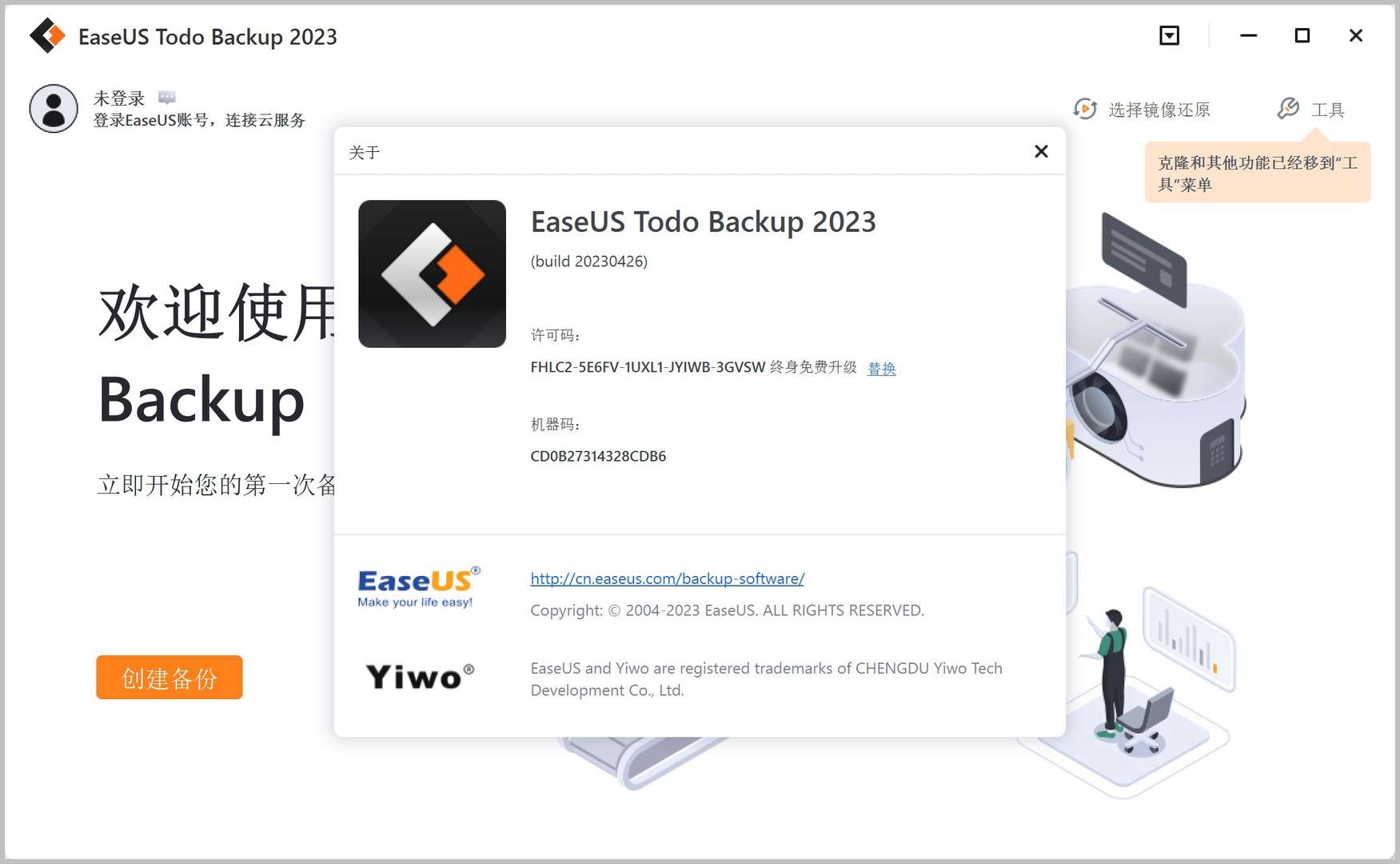
EaseUS Todo Backup is a complete backup and recovery solution for users who need data safety. With many features, it delivers comprehensive system and data protection.


Features
- System Backup: fully back up the OS with all apps, settings and data, guarding against system or hardware failure.
- File Backup: back up important files and folders to protect key data.
- Disk / Partition Backup: back up whole drives or specific partitions, keeping OS and app data intact.
- Backup Management: view, edit, update and delete backups to keep data current.
- Encrypted Backups: password-protected, encrypted backups for safety.
- Disaster Recovery: create bootable media for fast system and data recovery.
- Cloud Backup: store backups on OneDrive, Google Drive, Dropbox and more for safety and access.
- Automatic Backup: schedule automatic backups to protect data without manual reminders.
- Disk Cloning: migrate data and systems when upgrading or replacing hardware.
- Data Wiping: thoroughly erase disk or partition data to protect privacy.
EaseUS Todo Backup is both technically advanced and user-friendly—easy for all users, ideal for businesses and individuals protecting data.
Installation
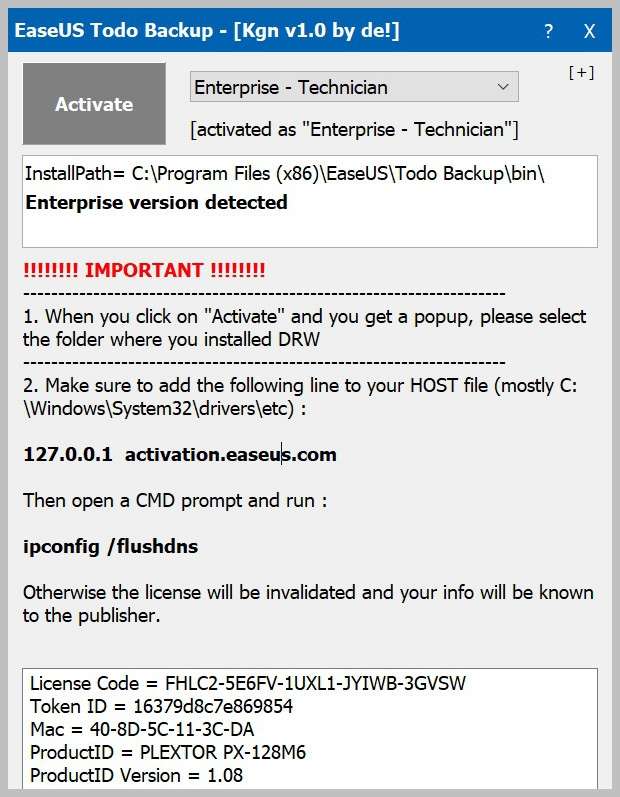
01. Download and install the EaseUS Todo Backup main program; close it when done.

02. Run Block Host.bat to block the program from accessing the network.
03. Run the activator tool .exe in the activator tool folder and click Activate.

04. Activation complete.

Related Courses

Study material — included with membership
Get Membership
WeChat Multi-Instance & Anti-Recall Tool WeChatHooks v1.2-3 Single-File Mac

Study material — included with membership
Get Membership
Apple TNT Mind-Mapping App SimpleMind Pro for Mac v2.3.5 Official Free Edition

Study material — included with membership
Get Membership
Mac WeChat Plugin WeChatHooks v1.2.4 Free - Multi-Account & Anti-Recall

Study material — included with membership
Get Membership
AI Smart Cutout Tool XianYi AI Cutout v3.1 Win/Mac Offline Version Supports Batch Cutout and AI Removal

Study material — included with membership
Get Membership
3D Fashion Design Software Marvelous Designer Win2024.2.113/Mac7.5

Study material — included with membership
Get Membership
Vector Editor / UI-UX Tool Sketch Mac2025.2.1 Free

Study material — included with membership
Get Membership
Sogou Pinyin Input Win16.4.0.3497 / Mac6.18.1.10104

Study material — included with membership
Get Membership
3D Modeling Renderer The Foundry Modo Win17.1v1 / Mac15.1v2

Study material — included with membership
Get Membership
DB Management TablePlus Win26.9.8 / Mac6.4.4

Study material — included with membership
Get Membership
P2P File Seeding Sharing Software FrostWire v3.0.15.769 Win/Mac

China Projects — one person, one company. No team, no middlemen. Every model here is already proven in China. Join the membership, study it as reference, and launch it locally in your country.
