
















Sound familiar?
Your new PC came with a single C: drive that keeps shrinking as you install software—every install feels risky. You want to borrow space from D: for C:, but Windows' built-in Disk Management can't do it directly. Or you just fitted a bigger drive and want to move the whole old system over safely. Sometimes you delete a partition by mistake and all your important files vanish, leaving you panicking.
What does this app actually do?
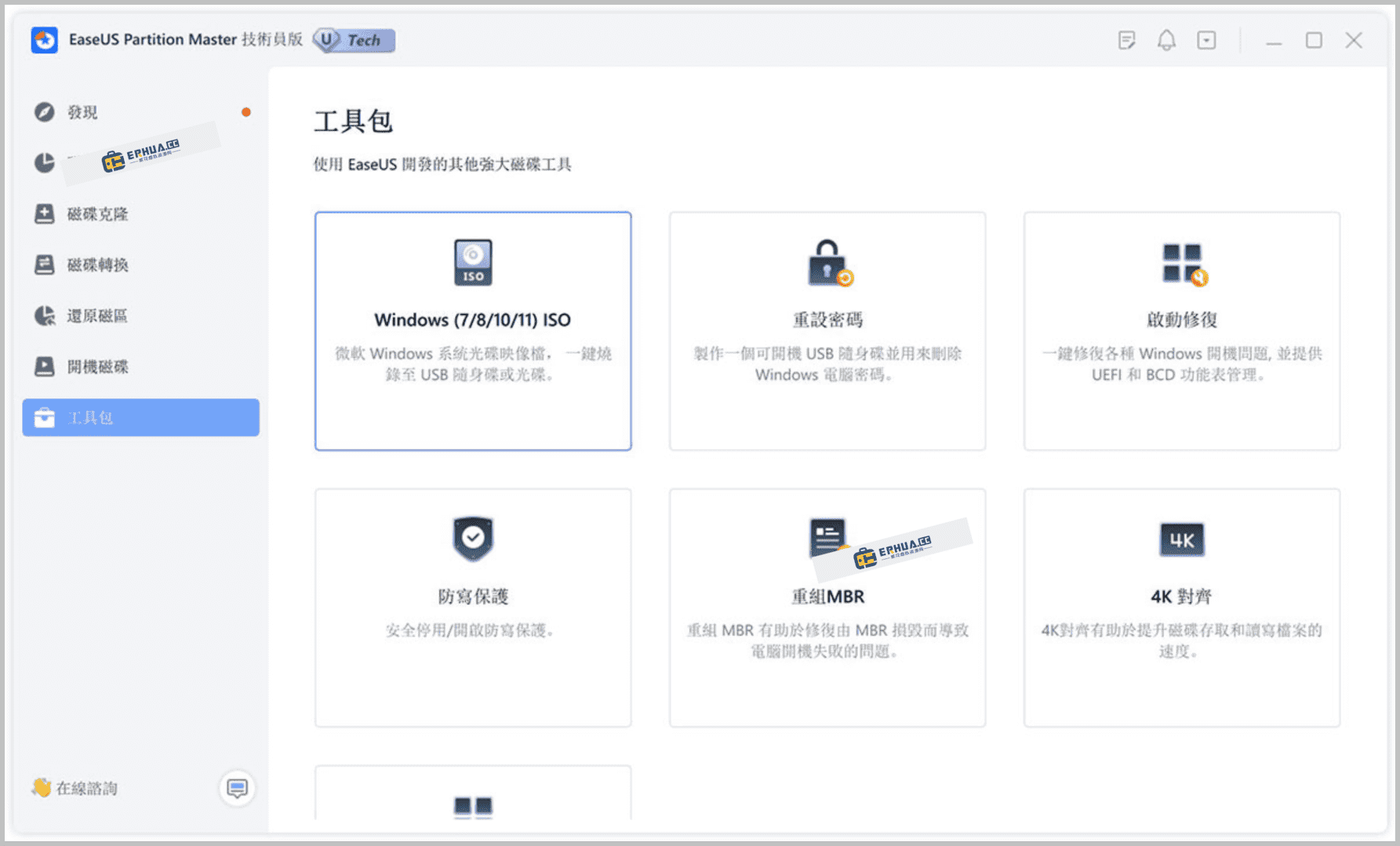
Think of EaseUS Partition Master as your hard drive's "space planner"—it reworks your partition layout: shrink oversized partitions, expand small ones, merge two adjacent partitions, or copy a partition to another disk. Windows' own tools can't do this (or make it painful), but this app does it all in an intuitive UI. It also includes data recovery, so if you delete a partition by accident, you can try to get it back.
What can you do with it? Three practical cases
① Running out of C: space? Move some over
This is the most-used feature. If D: has room and C: is nearly full, just drag a slider to "borrow" space from D: for C:—no data loss, no reinstall, no reformat, done in minutes.
② Migrate your system to a new drive or SSD
Upgrading to a bigger drive or adding an SSD? Move your whole OS and all files over without reinstalling Windows or apps. Its system-migration feature copies the entire system partition to the new drive, which boots right up afterward.
③ Deleted a partition or files by mistake? Recover them
If you delete a partition or important files by accident, its built-in data recovery scans the drive to try and recover lost data. It's not a professional recovery suite, but for common accidental deletions it has a good chance of rescuing your files.
Who finds it easiest to use?
If you regularly partition drives or migrate systems across several PCs—or just run out of C: space on one machine—EaseUS Partition Master helps. It suits PC builders, IT ops staff, and everyday users upgrading an old PC to an SSD without reinstalling Windows. The UI is graphical with prompts at every step, so you don't need deep technical knowledge.
In short
EaseUS Partition Master is a full-featured partition manager with an intuitive, safe UI. Resize partitions, migrate systems, or recover accidentally deleted data—it handles it all. If you work with disk partitions often, it's a tool worth keeping around.










