


-
Solo Business Courses
-
 Others
-
Overseas Tutorials
-
Photography & Editing
-
Community & Private Domain
-
Self-Media Writing & Copywriting
-
Side Income Projects
-
E-commerce
-
Short Video & Live Streaming
-
Artificial Intelligence (AI)
-
Software & Tools
-
Operating Systems
-
Plugins & Scripts
-
MacOS Software
-
Android Software
-
Windows Software

Doubao Downloader v2.0.4 — No-Watermark Batch Downloader Extension
-
Game Gold-Farming Money-Making Plan: Earn 1k+ Daily, a Stable 3-Year Project Anyone Can Do in Spare Time [Revealed]
Study material — included with membership Get Membership -
Hot-game fully-automated earning: 500+ a day, no experience, simple operation - the steadiest long-term game-earning side hustle (revealed)
Study material — included with membership Get Membership -
FlyingMouse earns merit this time! Don't panic at Windows format problems — the open-source FlyingMouse format conversion tool helps, a popular GitHub gem
Study material — included with membership Get Membership -
Douyin Product-Selling Coaching Bootcamp: No On-Camera Appearance Needed, Newbies Can Produce Selling Short Videos by Following the Steps
Study material — included with membership Get Membership -
First-release game gold-farming money plan: 1K+ a day, ordinary people in spare time
Study material — included with membership Get Membership






-
FlyingMouse earns merit this time! Don't panic at Windows format problems — the open-source FlyingMouse format conversion tool helps, a popular GitHub gem
Study material — included with membership Get Membership -
LuDaShi v6.1024.4105.1121 Slim Single File
Study material — included with membership Get Membership -
2D Cartoon Animation Software Moho Pro v14.3
Study material — included with membership Get Membership -
Video Editor Aiseesoft Filmai v1.0.18
Study material — included with membership Get Membership -
To-Do Microsoft To Do v2.147 Free
Study material — included with membership Get Membership -
PR/AE/DaVinci/FCPX video Plugin Nobe OmniScope Win1.11.15 / Mac1.10.138
Study material — included with membership Get Membership





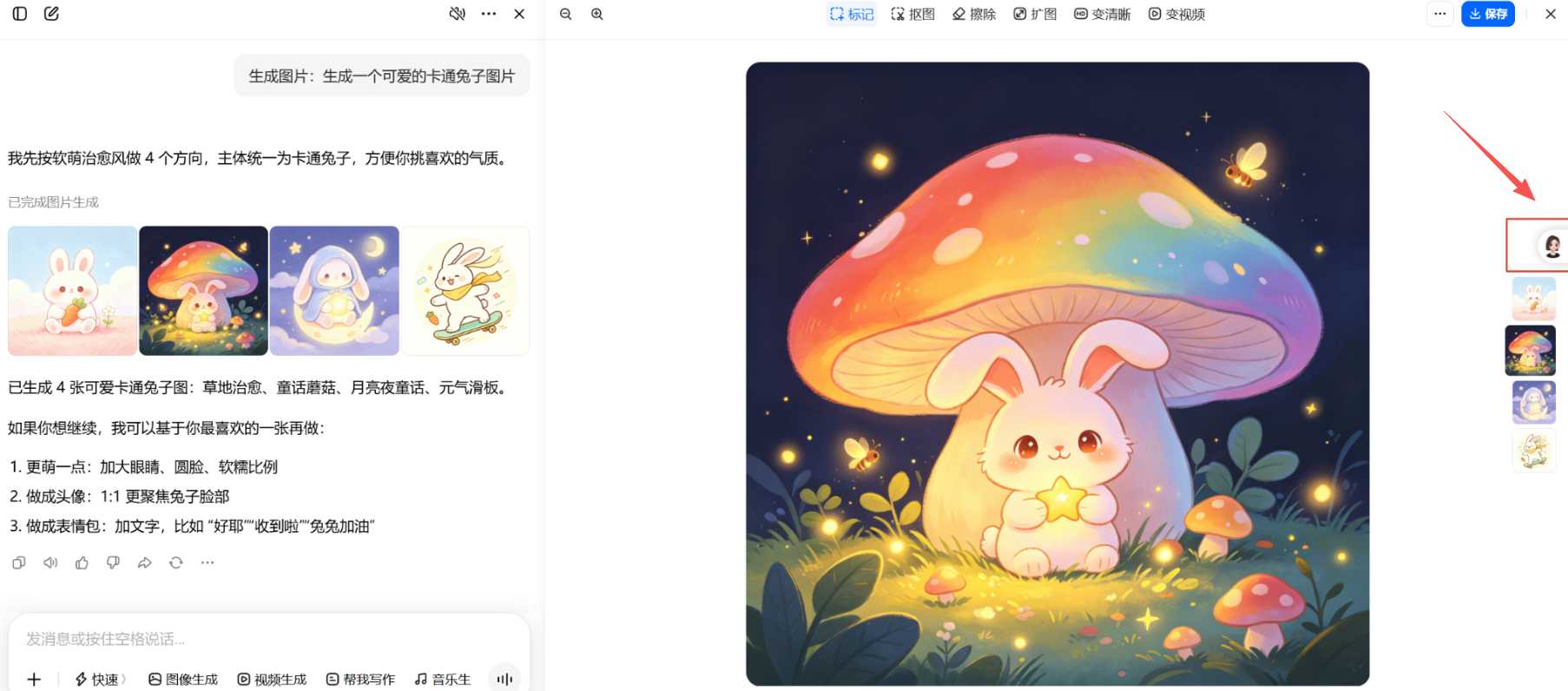
Many people generate AI images and videos on the Doubao web app—concept illustrations, scene posters, AI-edited shorts—and the results look great, but exporting always comes with a built-in watermark. Manual screenshots compress quality; cropping ruins the composition; removing the watermark in an editor is slow and leaves a harsh look. If you want a no-watermark Doubao AI download tool that grabs original quality and supports batch export—Doubao Downloader may be the answer. As a browser extension for desktop browsers, it targets Doubao web exports to solve the watermark problem. This Doubao Downloader guide covers installation, usage tips and real results.
What Is Doubao Downloader?
Doubao Downloader is a browser extension built for the Doubao web app. It works on Edge, Chrome and other Chromium browsers, and downloads Doubao-generated AI images and videos with no watermark—keeping original resolution and quality, with single-file and batch-export modes.
In short: a browser extension that precisely solves the watermark problem when exporting Doubao assets—export inside the browser, no screenshots, no editor, original quality kept.
It suits these scenarios
- 🖼️ 🖼️ AI image asset export: save Doubao-generated concept illustrations and scene posters in high-res without watermarks
- 🎬 🎬 AI video asset export: save Doubao-generated AI-edited shorts in original quality for secondary creation
- 📦 📦 Batch asset export: multiple assets generated in one conversation—export them all at once
- 🎨 🎨 Inspiration collection: collect quality AI works for reference without worrying about watermarks affecting the display
- 📱 📱 Multi-platform reuse: export assets for other platforms with no watermark cleanup
Quick Comparison
| Feature | Doubao Downloader | Screenshot | Watermark remover app |
|---|---|---|---|
| Quality | original resolution, no loss | compressed, visible loss | depends on source |
| Ease | one-click, no cleanup | manual crop | needs an editor |
| Batch | batch mode supported | one by one | one by one |
| Composition | fully preserved, no crop | may need cropping | can look harsh |
5 Core Features
🖼️ 1. No-Watermark Image Download
Intercepts Doubao's image-download flow to grab the platform's original file—full resolution, clean output, ready for any use.
Example: open a Doubao chat → generate an AI image → click the extension icon → click download → clean original saved locally
🎬 2. No-Watermark Video Download
Exports Doubao AI videos as original files—no compression—great for re-editing or posting elsewhere.
Example: open a Doubao chat → generate an AI video → click the extension icon → click video download → clean original saved locally
📦 3. Batch Export
Batch mode exports every AI image and video in the current chat at once—no clicking one by one.
Example: open a Doubao chat → generate several assets → click the extension icon → enable batch mode → export all at once
🔒 4. Original Quality Guaranteed
Grabs the platform's original file—full resolution and quality—ready for professional work with no loss.
Example: after download → open the local file → check resolution and quality → identical to the original
🛡️ 5. Non-Intrusive Design
It doesn't change the page—it only takes over the download when you ask, keeps Doubao as normal, and stays clean and ad-free.
Example: after install → use Doubao normally → click the icon only when you want to download → no impact otherwise
Real-World Test: 3 Use Cases


Three real cases cover AI image export, AI video export and batch asset collection.
| Case | Steps | Result & Verdict | Time saved |
|---|---|---|---|
| AI illustration export | open Doubao → prompt generates an illustration → like it → click the icon → one-click download | smooth; resolution matches generation. Verdict: screenshots used to be blurry—finally a clean high-res original. | ~80% |
| Batch AI video collection | generate several AI videos in one chat → click the icon → enable batch mode → export all | stable batch export; videos complete and usable. Verdict: no more screenshotting one by one—one click saves everything. | ~90% |
| No-watermark poster export | generate a poster → want a clean image to display → click download → get the no-watermark original | composition intact; watermark fully gone, looks natural. Verdict: no more watermark ruining the layout—displays look professional. | ~70% |
💡 Tip: for batch export, generate assets in one chat so you can export them all at once. After exporting, sort them into local folders for easy later use.
Install & Use Guide
Step 1: Get the package
Download the Doubao Downloader v2.0.4 extension ZIP from the site. Keep the ZIP as-is—do not unzip it.
Step 2: Open extensions page
In Edge or Chrome, open the menu → Extensions → Manage Extensions. Turn on "Developer mode" in the top-right.
Step 3: Install
Drag the ZIP onto the extensions page—the browser installs it automatically. Restart the browser to activate.
Step 4: Download assets
Open a Doubao chat, generate an image or video, then click the extension icon in the top-right. Click download for a single asset, or enable batch mode to export several at once.
Step 5: Find your files
After export, check the browser's download folder—your clean, no-watermark images or videos are there.
⚠️ Troubleshooting: if other Doubao-related extensions are installed, disable or uninstall them first—conflicts between similar extensions are the main cause of unresponsive buttons. Also keep your browser updated.
FAQ
Q1: Which browsers are supported?
Edge, Chrome and other mainstream Chromium browsers. Keep your browser updated for best compatibility.
Q2: The extension does nothing after install?
Check that Developer mode is on; then check for conflicts with other Doubao extensions—disable them and retry. If it persists, restart the browser.
Q3: Will downloaded images/videos lose quality?
No. It grabs the platform's original file, keeping full resolution and quality—identical to generation, with no compression.
Q4: Are there batch-export limits?
Batch export covers every downloadable image and video in the current chat. Generate assets in one chat for easy batch export.
Q5: Not sure how to install or use it?
The guide above covers the full flow from getting the package to downloading assets. Follow the steps, and start with a single-file download to get familiar.
Verdict
Doubao Downloader solves the core pain point of watermarked exports, blurry screenshots and tedious watermark removal. No-watermark downloads get you original quality; batch export removes one-by-one work; the non-intrusive design keeps Doubao normal. If you regularly generate AI images and videos on Doubao and are tired of watermarks and quality loss, this browser extension is worth a try. Install it today, and next time you make something great, you'll grab a clean high-res original in one click—and leave more energy for the creative work itself.
👍 Get Doubao Downloader now—export AI assets faster!
Related Courses

WorkBuddy zero-basics hands-on training: even non-programmers can follow the manual steps, learn agents systematically by doing

Higgsfield cinematic animation course: one-stop creation platform, complete animation production-flow teaching

The same dance with 6 outfits switching in order: I turned an outfit-change video into a Skill

An eye-catching domestic Markdown editor: local offline high-performance note tool, free and no login required

Domestic Markdown editor: local offline high-performance knowledge-note tool, free and no login required

WorkBuddy practical blue paper: user manual and practice guide, complete combined image-text edition

Jimeng challenges a 180-second long video: one-click a 3-minute movie? Full production flow shared in detail

Super handy! Douyin video downloader, supports batch download of user works, favorites and likes lists, open-source free Better-douyin-R

Nearly 200K stars on GitHub - Harness now runs by double-click: the Harness full-platform desktop edition

Nearly 200K stars on GitHub - Harness now runs by double-click: the Harness full-platform desktop edition DSH Desktop

