
















Sound familiar?
You want to edit a video, but your tools are too limited—no format conversion, no screen recording—so you install several apps and switch between them. Or you want cool effects and audio tweaks, but the workflow is maddening. What you really need is one suite covering editing, conversion, recording and burning.
What is it, really?
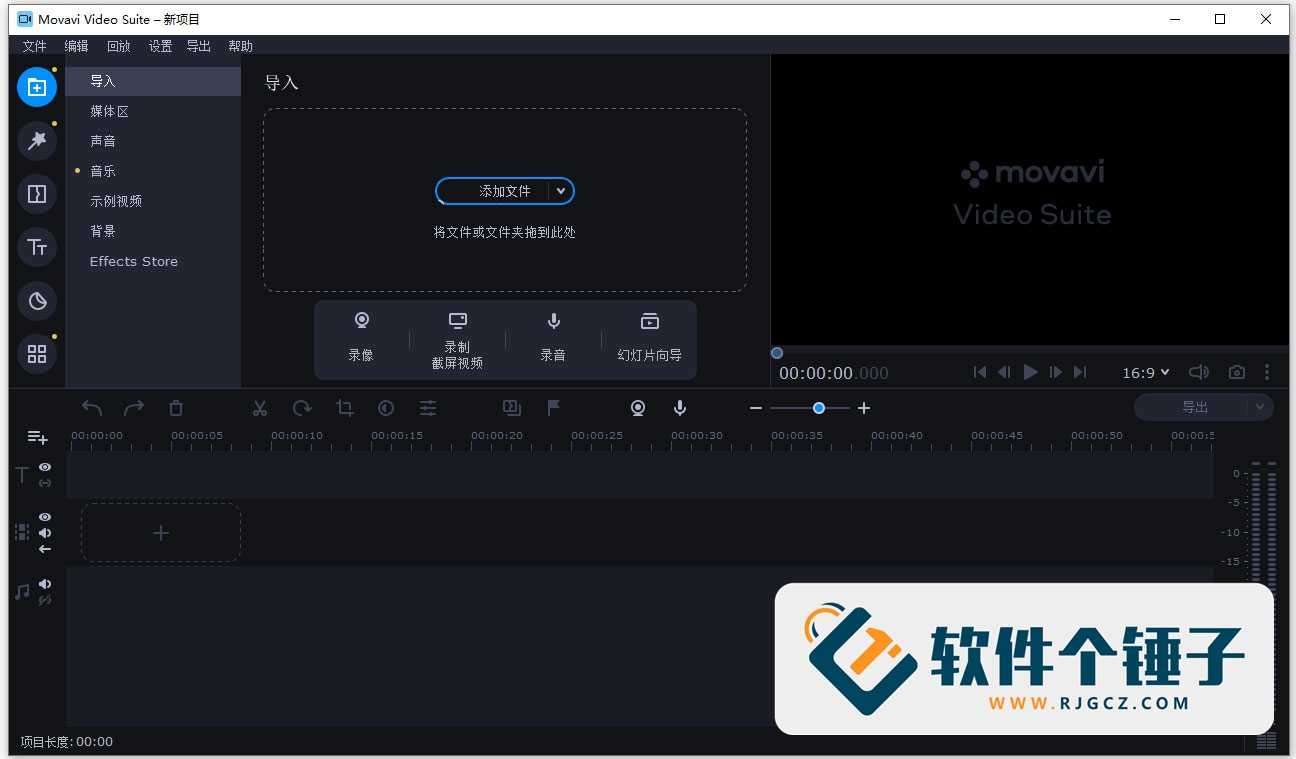
A "Swiss Army knife" for video—editing, conversion, screen recording, audio processing and disc burning in one app. From raw footage to final cut, it covers every step, and it's remarkably intuitive.
What can you do with it?
① Edit and add effects
Split clips, add transitions, filters and subtitles—AI enhancement boosts clarity and quality for professional results.
② Convert any format
180+ media formats—video, audio, images—convert freely for any device or platform.
③ Screen recording
Tutorials, game captures, meeting archives—built-in recorder with voiceover.
④ Audio editing
Record, convert, add reverb, compressor, gate—richer, more professional sound.
⑤ Disc burning & cloud sync
Burn DVD or Blu-ray in one click; cloud transfer keeps projects in sync across PC and phone.
Who is it for?
Creators, educators and pros who edit, convert and record often; home users making albums and slideshows; anyone backing up discs—this suite covers it all.
In short
One app covers editing, conversion, recording, audio and burning—intuitive, AI-assisted. If you want an all-in-one video toolkit, try it.










