


-
Solo Business Courses
-
 Others
-
Overseas Tutorials
-
Photography & Editing
-
Community & Private Domain
-
Self-Media Writing & Copywriting
-
Side Income Projects
-
E-commerce
-
Short Video & Live Streaming
-
Artificial Intelligence (AI)
-
Software & Tools
-
Operating Systems
-
Plugins & Scripts
-
MacOS Software
-
Android Software
-
Windows Software


Maplesoft Maple Win2025.2 / Mac2024.1【Software Ge Chuizi·R1524】
-
Game Gold-Farming Money-Making Plan: Earn 1k+ Daily, a Stable 3-Year Project Anyone Can Do in Spare Time [Revealed]
Study material — included with membership Get Membership -
Hot-game fully-automated earning: 500+ a day, no experience, simple operation - the steadiest long-term game-earning side hustle (revealed)
Study material — included with membership Get Membership -
FlyingMouse earns merit this time! Don't panic at Windows format problems — the open-source FlyingMouse format conversion tool helps, a popular GitHub gem
Study material — included with membership Get Membership -
Douyin Product-Selling Coaching Bootcamp: No On-Camera Appearance Needed, Newbies Can Produce Selling Short Videos by Following the Steps
Study material — included with membership Get Membership -
First-release game gold-farming money plan: 1K+ a day, ordinary people in spare time
Study material — included with membership Get Membership






-
FlyingMouse earns merit this time! Don't panic at Windows format problems — the open-source FlyingMouse format conversion tool helps, a popular GitHub gem
Study material — included with membership Get Membership -
LuDaShi v6.1024.4105.1121 Slim Single File
Study material — included with membership Get Membership -
2D Cartoon Animation Software Moho Pro v14.3
Study material — included with membership Get Membership -
Video Editor Aiseesoft Filmai v1.0.18
Study material — included with membership Get Membership -
To-Do Microsoft To Do v2.147 Free
Study material — included with membership Get Membership -
PR/AE/DaVinci/FCPX video Plugin Nobe OmniScope Win1.11.15 / Mac1.10.138
Study material — included with membership Get Membership





Maple is more than a powerful assistant for math professionals—it's an ideal choice for educators and students, offering a complete solution to mathematical problems. Its distinctive intelligent-document interface, combined with a powerful math engine, makes analyzing, exploring and solving math problems easy and intuitive.

Core Features
- Exact computation: Automated precise computation reduces manual errors and improves the accuracy of problem solving.
- Efficient solving: Fast solutions for complex calculations, effectively boosting work efficiency.
- Multi-disciplinary applications: Suitable for a wide range of disciplines, including but not limited to calculus, statistics, and engineering, with rich built-in computation commands and algorithm packages.
- Dynamic visualization: a wide range of 2D and 3D plots help you grasp data and models visually.
- Integrated workflow: text, computation and graphics in one environment, smoothing your workflow.
- Friendly programming: A simple programming language suitable for users of all levels, making it easy to develop complex algorithms and applications.
- Interactive apps: Even non-programming experts can create and share interactive applications, promoting knowledge sharing and application.


What Makes Maple Stand Out
Maple is designed around user convenience and practicality—beginners and experts alike benefit. Its strengths cover handling complex math, developing advanced models and algorithms, and producing detailed technical documents. Cross-platform, it's widely used in education, research and industry around the world.
Whether you're chasing academic depth or applying mathematical models to real problems, Maple gives you the tools and resources to make the most of your mathematical potential.
Installation
1. After installing the software, do not launch it yet.
2. Copy the maple.dll file into: C:\Program Files\Maple 20XX\bin.X86_64_WINDOWS
3. Copy the license.dat file into: C:\Program Files\Maple 20XX\license
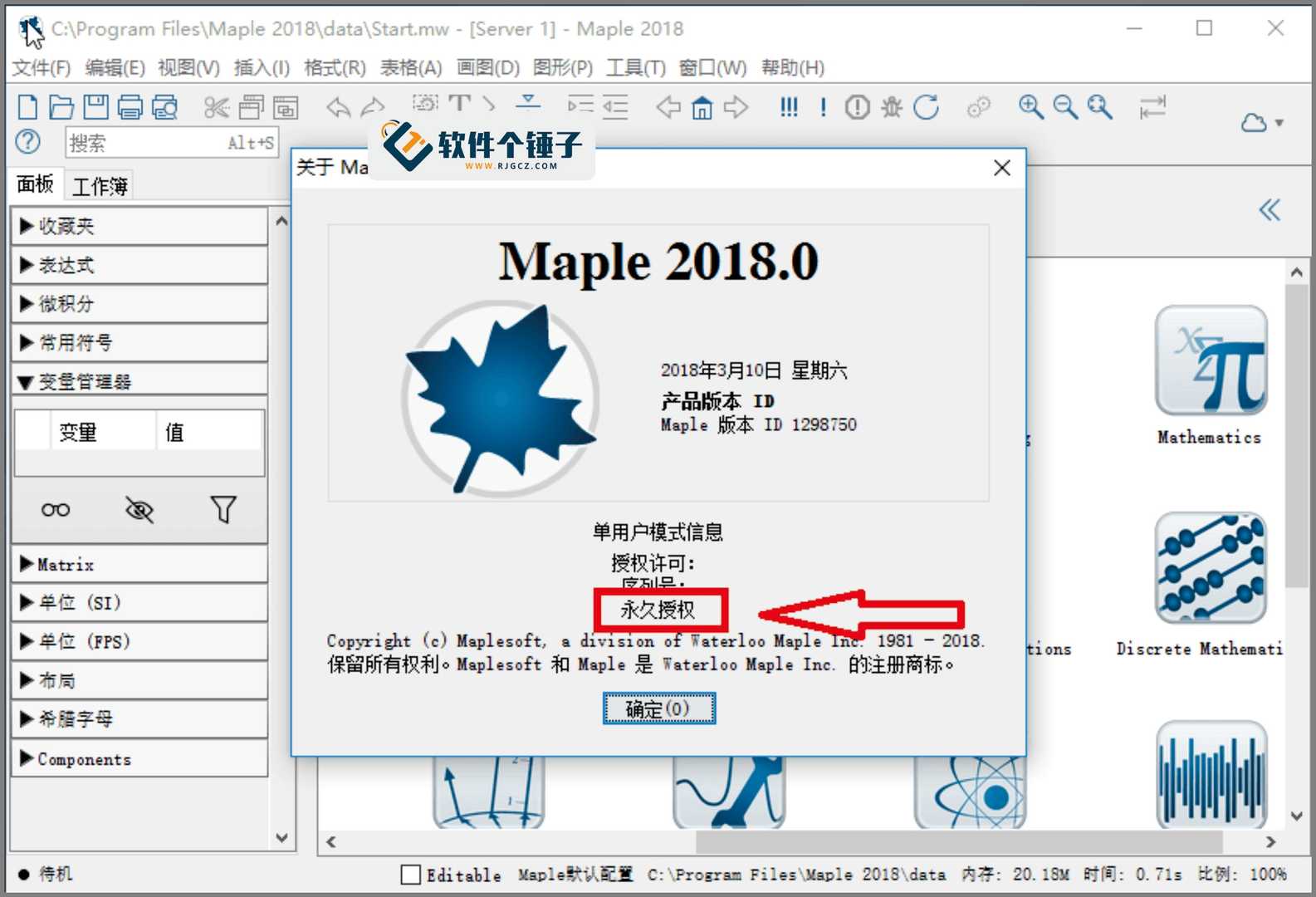
4. Once these steps are done, the software is permanently activated and ready for unlimited use.
Related Courses

WeChat Multi-Instance & Anti-Recall Tool WeChatHooks v1.2-3 Single-File Mac

Apple TNT Mind-Mapping App SimpleMind Pro for Mac v2.3.5 Official Free Edition

Mac WeChat Plugin WeChatHooks v1.2.4 Free - Multi-Account & Anti-Recall

AI Smart Cutout Tool XianYi AI Cutout v3.1 Win/Mac Offline Version Supports Batch Cutout and AI Removal

3D Fashion Design Software Marvelous Designer Win2024.2.113/Mac7.5

Vector Editor / UI-UX Tool Sketch Mac2025.2.1 Free

Sogou Pinyin Input Win16.4.0.3497 / Mac6.18.1.10104

3D Modeling Renderer The Foundry Modo Win17.1v1 / Mac15.1v2

DB Management TablePlus Win26.9.8 / Mac6.4.4

P2P File Seeding Sharing Software FrostWire v3.0.15.769 Win/Mac

