


-
Solo Business Courses
-
 Others
-
Overseas Tutorials
-
Photography & Editing
-
Community & Private Domain
-
Self-Media Writing & Copywriting
-
Side Income Projects
-
E-commerce
-
Short Video & Live Streaming
-
Artificial Intelligence (AI)
-
Software & Tools
-
Operating Systems
-
Plugins & Scripts
-
MacOS Software
-
Android Software
-
Windows Software
PC-to-TV Casting Tool iQIYI Universal Player V6.3.0.5572 Free Edition
-
Game Gold-Farming Money-Making Plan: Earn 1k+ Daily, a Stable 3-Year Project Anyone Can Do in Spare Time [Revealed]
Study material — included with membership Get Membership -
Hot-game fully-automated earning: 500+ a day, no experience, simple operation - the steadiest long-term game-earning side hustle (revealed)
Study material — included with membership Get Membership -
FlyingMouse earns merit this time! Don't panic at Windows format problems — the open-source FlyingMouse format conversion tool helps, a popular GitHub gem
Study material — included with membership Get Membership -
Douyin Product-Selling Coaching Bootcamp: No On-Camera Appearance Needed, Newbies Can Produce Selling Short Videos by Following the Steps
Study material — included with membership Get Membership -
First-release game gold-farming money plan: 1K+ a day, ordinary people in spare time
Study material — included with membership Get Membership






-
FlyingMouse earns merit this time! Don't panic at Windows format problems — the open-source FlyingMouse format conversion tool helps, a popular GitHub gem
Study material — included with membership Get Membership -
LuDaShi v6.1024.4105.1121 Slim Single File
Study material — included with membership Get Membership -
2D Cartoon Animation Software Moho Pro v14.3
Study material — included with membership Get Membership -
Video Editor Aiseesoft Filmai v1.0.18
Study material — included with membership Get Membership -
To-Do Microsoft To Do v2.147 Free
Study material — included with membership Get Membership -
PR/AE/DaVinci/FCPX video Plugin Nobe OmniScope Win1.11.15 / Mac1.10.138
Study material — included with membership Get Membership





In the era of digital media consumption, watching HD video has become part of daily life. With the HDM download tool, downloading videos from the internet becomes extremely easy. Whether it's movies, TV series or educational courses, as long as the video can play on a web page, it can be downloaded locally in one click. Although this way has brought convenience to my entertainment life, watching for a long time on a small computer screen always feels like the visual enjoyment is limited.

To get a better viewing experience, I tried many ways to cast videos to the TV. At first, I tried copying video files to my phone and playing them through the phone's casting function, but this process was often unsatisfactory, and the instability during connection was often frustrating. In addition, I also tried saving video files to a USB drive and playing them through the TV's USB port. Although this was relatively stable, frequently copying files was both time-consuming and troublesome.
Result:

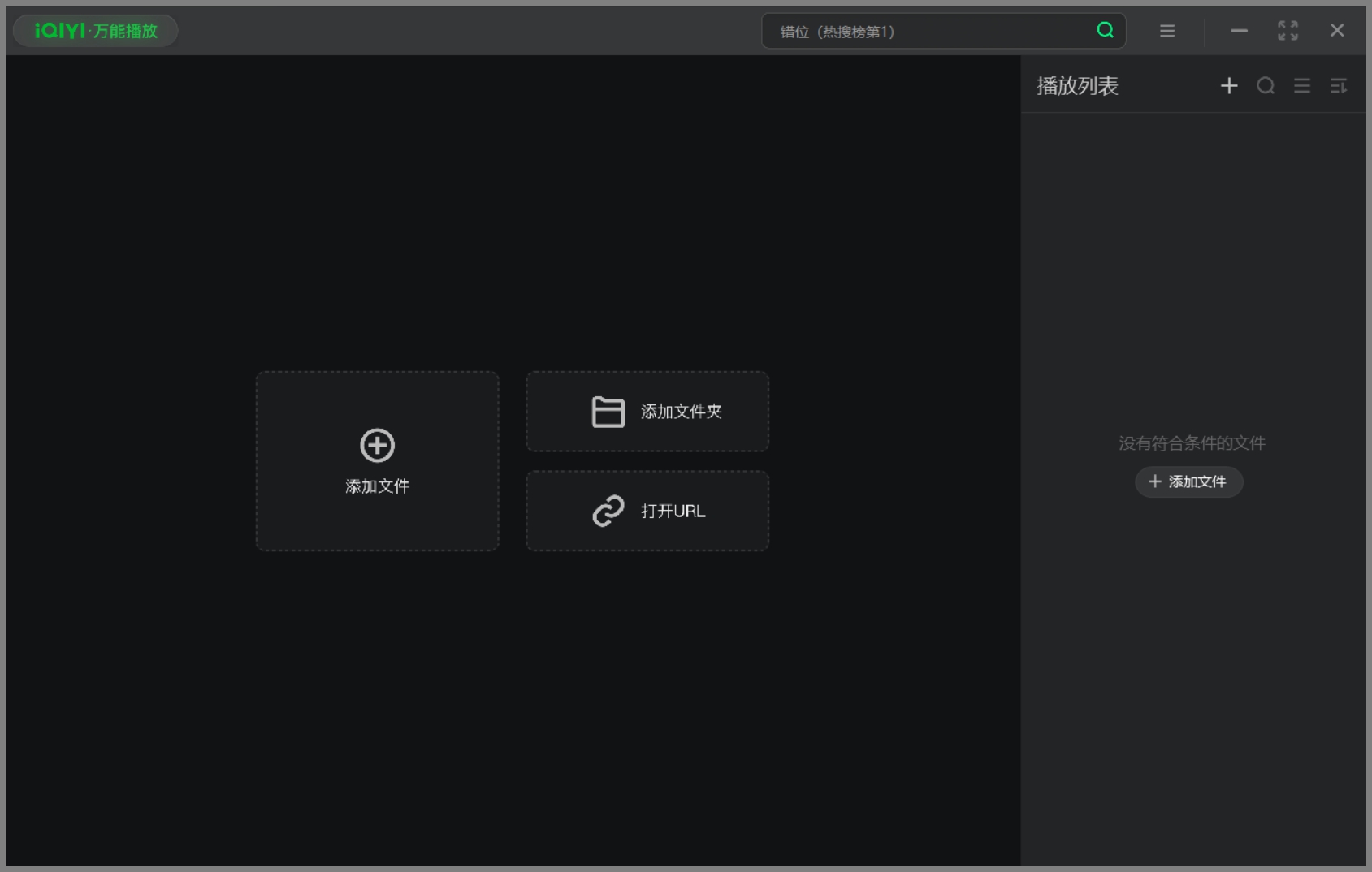
After unremitting searching and trying, I finally found an ideal solution—iQIYI Universal Player V6.3.0.5572 Free Edition. This software not only supports multiple video formats, but more importantly, it provides stable and efficient PC-to-TV casting. After installation, with just a few simple steps, you can easily project the content on your computer screen to the TV in real time, without going through any intermediary devices such as a phone or USB drive, directly via Wi-Fi or wired network connection, greatly improving the convenience of operation and the smoothness of viewing.
Now, whenever I download a new movie or the latest TV episode, I can enjoy a home theater-like viewing experience directly on the big screen in the living room. iQIYI Universal Player not only makes my entertainment life richer and more colorful, but also greatly improves the quality of the good times I share with my family.
Today, I'm sharing this amazing tool with everyone, hoping it can bring you the same convenience and fun. Whether you want to improve your home entertainment experience or simplify daily operations, iQIYI Universal Player will be your best choice.
Playback is not affected even when the computer screen is off.

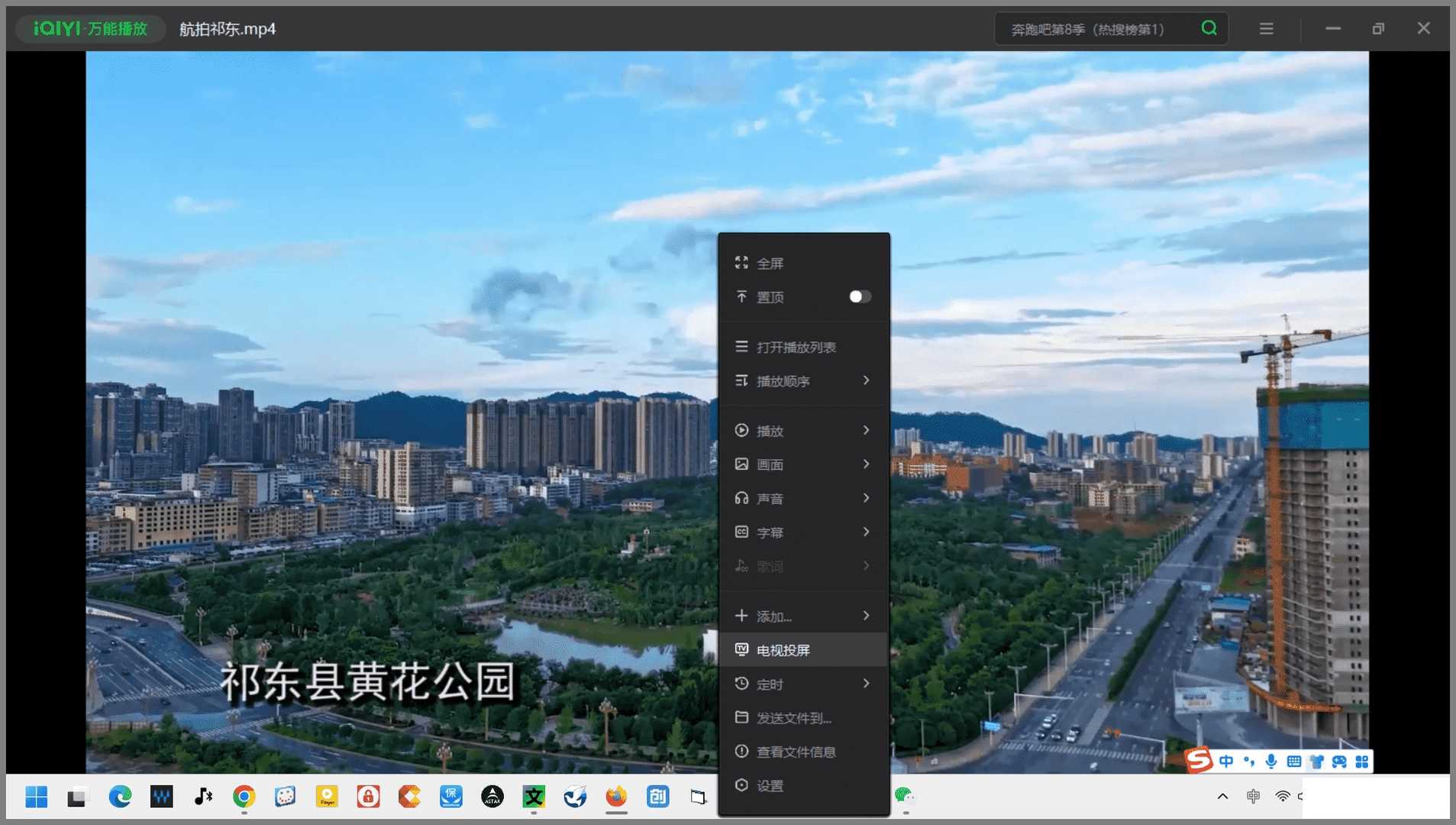
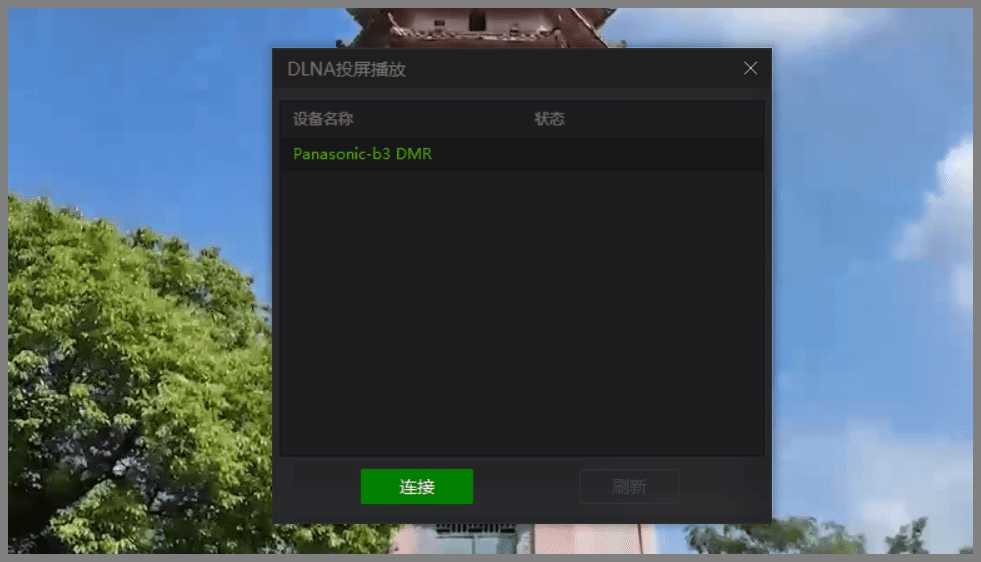
The operation is very simple: right-click on the computer playback interface, a menu pops up, then left-click Cast to TV.

Then the casting options will appear—just click Connect.

Related Courses

Super local toolbox! Built-in screen recording, audio/video cutting & merging, video compression & extraction, forever free - Kedou Video Converter

100% perfect free tool! One-stop multi-function PDF software: PDF convert, compress, edit etc., minimal, no ads, so nice - JOPDF

Open-Source Desktop Remote Tool, Beats Paid Versions! Free for Personal and Commercial Use Unlimited, Cross-Platform, HopToDesk Remote Control

Latest K-12 Textbook Downloader: Whole-Grade Resource Download, Courseware, Video, Audio in One Click

HuyanBao: free blue-light eye-care app with pet break reminders

Windows Can Have a Desktop Dynamic Island Too! A Modern System Control Center — Give Your PC a Black Notch, PyIsland

3D Simulated Comic Drama Production: Seedance2.0 Full-Process Practical Course - From Zero to One High-Quality Comic Drama Creation

Win/Mac Dual Support! Latest Permanent Lifetime Version, Supports Old Photo Restoration, Image Sharpening and Lossless Upscaling Tool, Aiarty Image Enhancer

Online Video Course: Github Open-Source Bilibili Video Download Tool! Supports 8K and Dolby Vision Bilibili Video Batch Download Tool, Easy to Use Bilidown


