
















You've probably been here
You have a paper contract to send, no scanner around, so you snap it with your phone. The shot comes out skewed or unevenly lit—illegible. Or you're sorting business cards, typing contact info from dozens of cards into your contacts—give up halfway. Really you just want something that turns paper into a digital file on the spot, enhances the image, and gives you text you can copy and paste.
Think of it as a pocket "scanner + OCR reader"
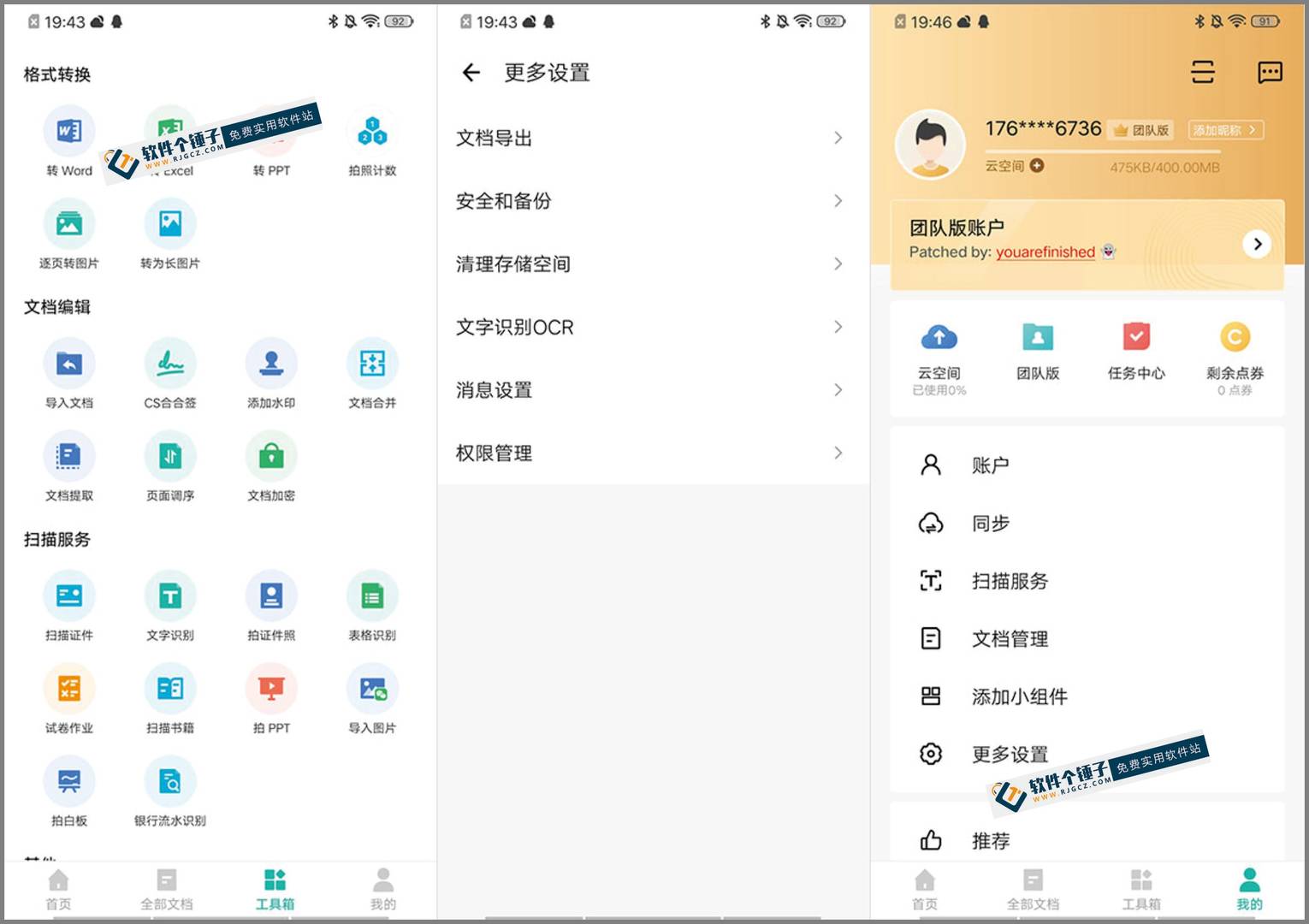
CamScanner uses your phone camera in place of a pro scanner—shoot paper documents, cards, IDs and tables, auto-straighten and brighten them, then recognize the text inside. Export as PDF or image in a tap; recognized text can be exported to Word. It covers nearly every scanning need in work and study.
What can you do with it?
① Turn paper into editable digital files
Shoot a document and it auto-crops the background, adjusts brightness and contrast for clearer text. Save as PDF, or use OCR to extract text and export to Word for direct editing.
② Fast entry of cards and ID info
Snap a business card and name, phone, email and company address are recognized and saved straight to contacts—no manual typing. ID-card scanning supports passports, driver's licenses and more, auto-sized for printing or upload.
③ Recognize tables and handwriting, plus cloud sync
Shoot a table and it reads the row/column structure, extracting data cleanly. Handwritten notes are recognized as text too. Scans auto-sync to the cloud—scan on your phone, then open the same file on your office PC.
Who will find it useful?
Students scanning textbooks and exams for review; office workers handling contracts, cards and meeting materials; or anyone who wants to snap and archive important documents on the go. CamScanner is practical in daily work and study—recognition is accurate, scan modes are many, covering most everyday situations.
Version Notes
This is the Android package with full features unlocked. Local OCR extracts text without a network. Download and install on your phone to use.
In short
If you often need to turn paper documents digital, or quickly enter info from cards and IDs, CamScanner saves you a lot of hassle. Accurate recognition, many scenarios, install and go—very convenient.










