
















Sound Familiar?
You download a full album, excitedly import it, only to find garbled artist names, albums showing as “Unknown,” and no cover art at all. Editing dozens of songs one by one would take forever. Or you move music between phone and PC, only to find some files missing titles and covers, playlists a mess. The problem is the file tags—messy tags defeat even the best player.
What Does It Actually Do?
Mp3tag is essentially an “information butler” for audio files—it batch-edits tags: artist, album, track number, cover art. Select a batch of files and one tap fills in the right info, auto-matching album covers and song details from the web. No more manual one-by-one editing—your music library stays tidy.
What Can You Do With It?
① Give a whole album a batch makeover
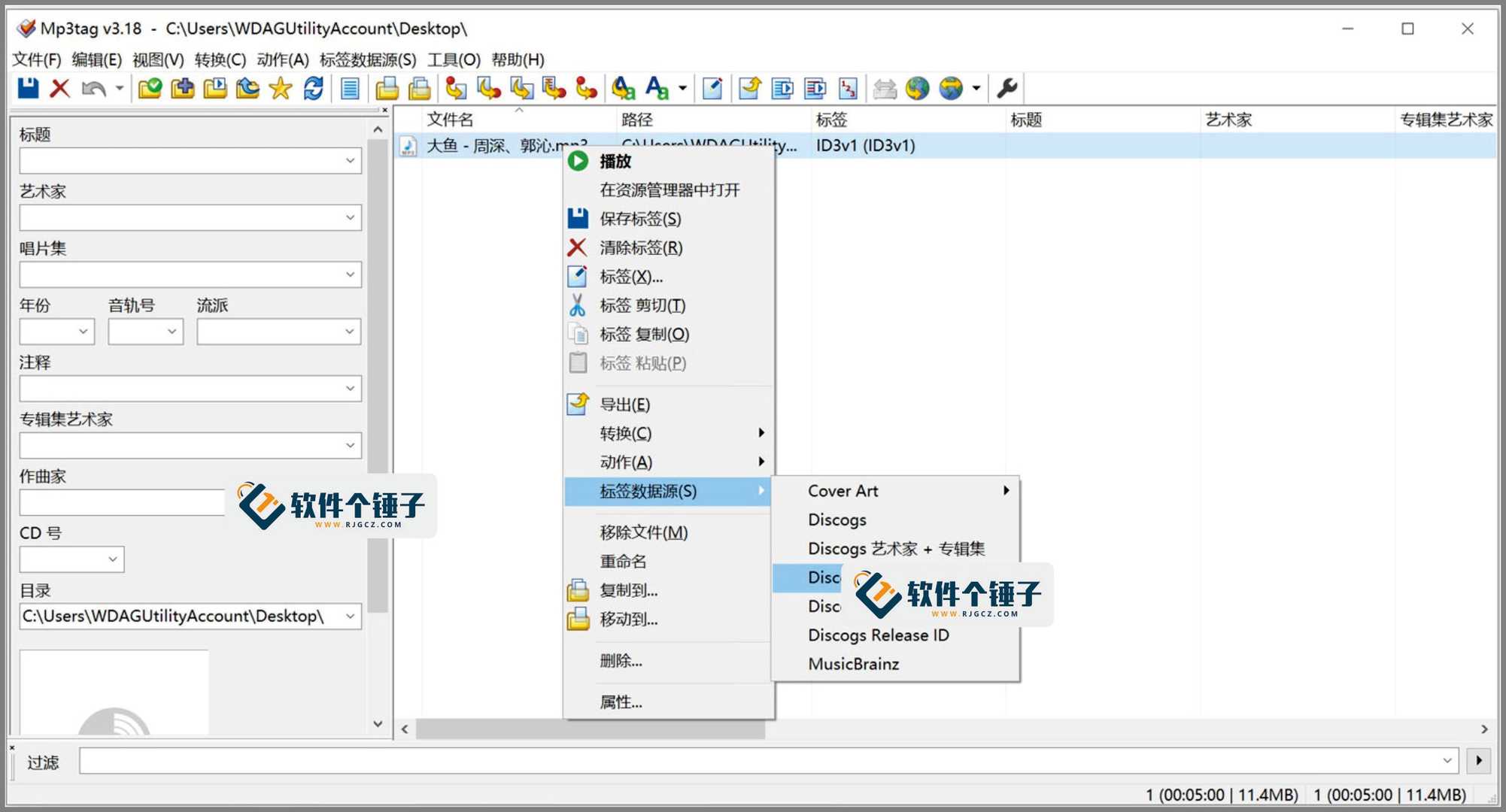
Select dozens of files and unify artist, album, year and genre in one go. Auto-fetch matching tags and covers from online databases like Discogs and MusicBrainz—no manual lookup. Afterwards, every file looks tidy in your player.
② Auto-rename files by tag
Filenames like “01.mp3” or “track02.mp3” tell you nothing. After editing tags, let Mp3tag batch-rename files as “Artist – Song”—instantly recognizable names, much easier to find.
③ Supports nearly every audio format
ID3v1.1, ID3v2.3, ID3v2.4, MP4, WMA, APEv2—basically every common tag format. Simple too: select, edit, save, three steps, no learning curve.
Who Is It For?
Music collectors with large local libraries; lossless-music fans who want tidy tags and covers; anyone migrating libraries between players and devices. It also suits small stations or podcasters who need consistent metadata.
In Short
Mp3tag is a sharp tool for cleaning up music tags—fast batch operations plus auto-matched covers and song details. If your library needs a deep clean, this saves a lot of effort.










