


-
Solo Business Courses
-
 Others
-
Overseas Tutorials
-
Photography & Editing
-
Community & Private Domain
-
Self-Media Writing & Copywriting
-
Side Income Projects
-
E-commerce
-
Short Video & Live Streaming
-
Artificial Intelligence (AI)
-
Software & Tools
-
Operating Systems
-
Plugins & Scripts
-
MacOS Software
-
Android Software
-
Windows Software


DxO ViewPoint Win 5.16.0.36 / Mac 4.15.0.294 — Image Geometry Correction
-
Game Gold-Farming Money-Making Plan: Earn 1k+ Daily, a Stable 3-Year Project Anyone Can Do in Spare Time [Revealed]
Study material — included with membership Get Membership -
Hot-game fully-automated earning: 500+ a day, no experience, simple operation - the steadiest long-term game-earning side hustle (revealed)
Study material — included with membership Get Membership -
FlyingMouse earns merit this time! Don't panic at Windows format problems — the open-source FlyingMouse format conversion tool helps, a popular GitHub gem
Study material — included with membership Get Membership -
Douyin Product-Selling Coaching Bootcamp: No On-Camera Appearance Needed, Newbies Can Produce Selling Short Videos by Following the Steps
Study material — included with membership Get Membership -
First-release game gold-farming money plan: 1K+ a day, ordinary people in spare time
Study material — included with membership Get Membership






-
FlyingMouse earns merit this time! Don't panic at Windows format problems — the open-source FlyingMouse format conversion tool helps, a popular GitHub gem
Study material — included with membership Get Membership -
LuDaShi v6.1024.4105.1121 Slim Single File
Study material — included with membership Get Membership -
2D Cartoon Animation Software Moho Pro v14.3
Study material — included with membership Get Membership -
Video Editor Aiseesoft Filmai v1.0.18
Study material — included with membership Get Membership -
To-Do Microsoft To Do v2.147 Free
Study material — included with membership Get Membership -
PR/AE/DaVinci/FCPX video Plugin Nobe OmniScope Win1.11.15 / Mac1.10.138
Study material — included with membership Get Membership





 \
Powerful yet easy
\The built-in ReShape tool gives you pixel-level control, smart-analyzing and naturally repairing flaws. One-click correction fixes distortion — whether it’s misaligned perspective, wide-angle stretching or shape warping, it just works.
\Works where you do
\DxO ViewPoint 4 isn’t only a standalone app — it also runs as a plugin inside DxO PhotoLab, Adobe Photoshop, Lightroom Classic and Photoshop Elements. Setup auto-detects installed Adobe products and integrates for richer features and smoother operation.
\Simple workflow
\Drag an image into DxO ViewPoint 4 and use the distortion grid — drag points to straighten elements. It auto-corrects horizons, ships a manual rotate / crop tool, and adds custom guides for precise control.
\Bottom line
\DxO ViewPoint 4 is built to give you a powerful, intuitive tool for everyday photo work and professional correction alike. Try it and start your efficient image-editing workflow.
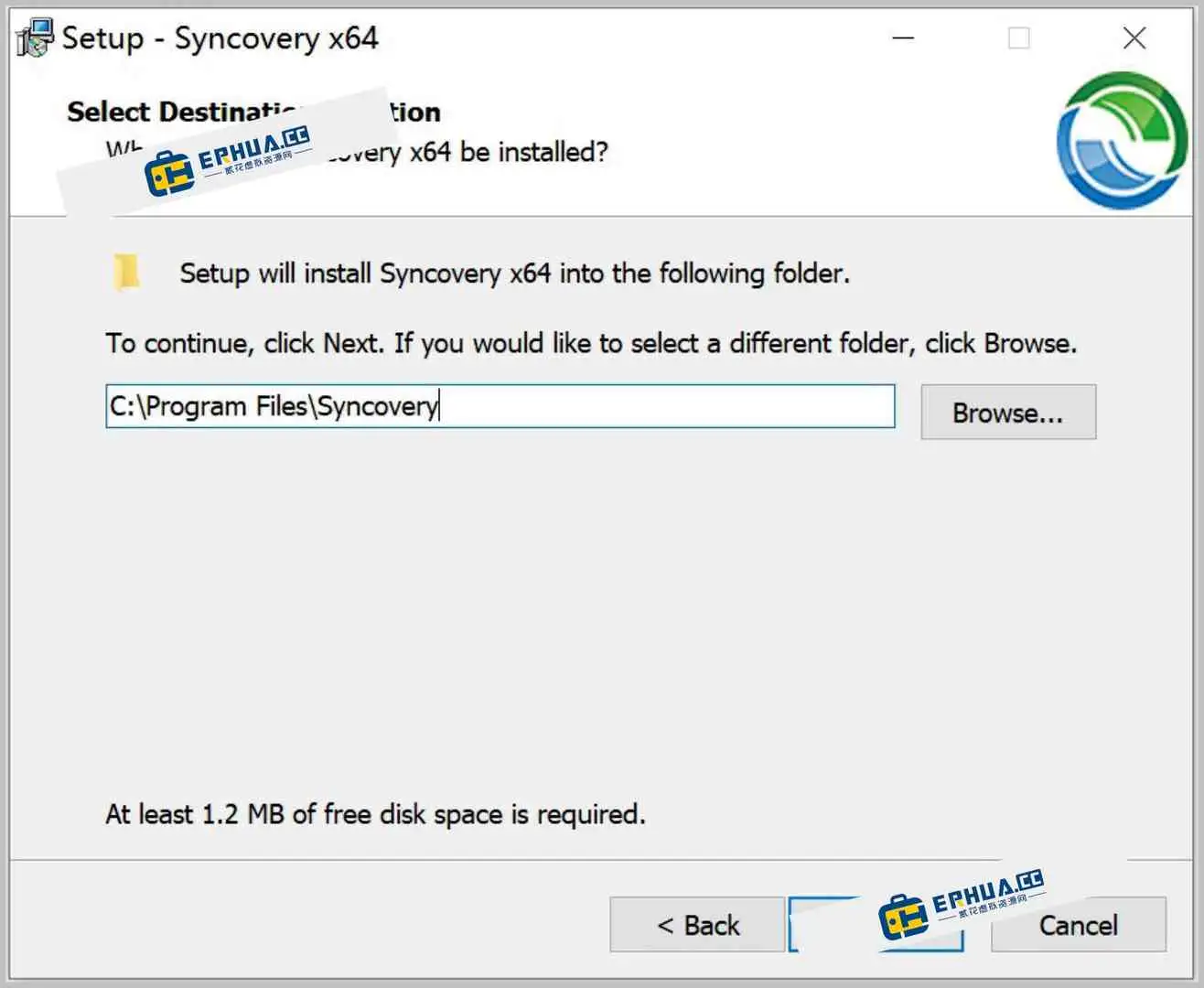
\DxO ViewPoint installation
\01. Run the installer, then close the app;
\

02. Copy dvpv4.exe into the install folder: C:\Program Files\DxO Labs\DxO ViewPoint 4\

03. Copy the license file DxOViewPointV4.lic into: C:\ProgramData\DxO Labs\Licenses\

04. Activation complete;
\
Related Courses

WeChat Multi-Instance & Anti-Recall Tool WeChatHooks v1.2-3 Single-File Mac

Apple TNT Mind-Mapping App SimpleMind Pro for Mac v2.3.5 Official Free Edition

Mac WeChat Plugin WeChatHooks v1.2.4 Free - Multi-Account & Anti-Recall

AI Smart Cutout Tool XianYi AI Cutout v3.1 Win/Mac Offline Version Supports Batch Cutout and AI Removal

3D Fashion Design Software Marvelous Designer Win2024.2.113/Mac7.5

Vector Editor / UI-UX Tool Sketch Mac2025.2.1 Free

Sogou Pinyin Input Win16.4.0.3497 / Mac6.18.1.10104

3D Modeling Renderer The Foundry Modo Win17.1v1 / Mac15.1v2

DB Management TablePlus Win26.9.8 / Mac6.4.4

P2P File Seeding Sharing Software FrostWire v3.0.15.769 Win/Mac

