
















Just bought a new graphics card or a whole new PC — how do you know if it's actually any good?
Right after setting up a new PC or upgrading your GPU, you really want to see its true performance. Do games stutter? Can the cooling keep up? Is it stable after overclocking? Does a used card have hidden faults? Looking only at specs and the pile of numbers in benchmark tools makes it hard to judge intuitively. What you actually need is a tool that simulates real game scenes and stresses the GPU thoroughly — once it's done, you'll know exactly what the card is worth.
What does it actually do?
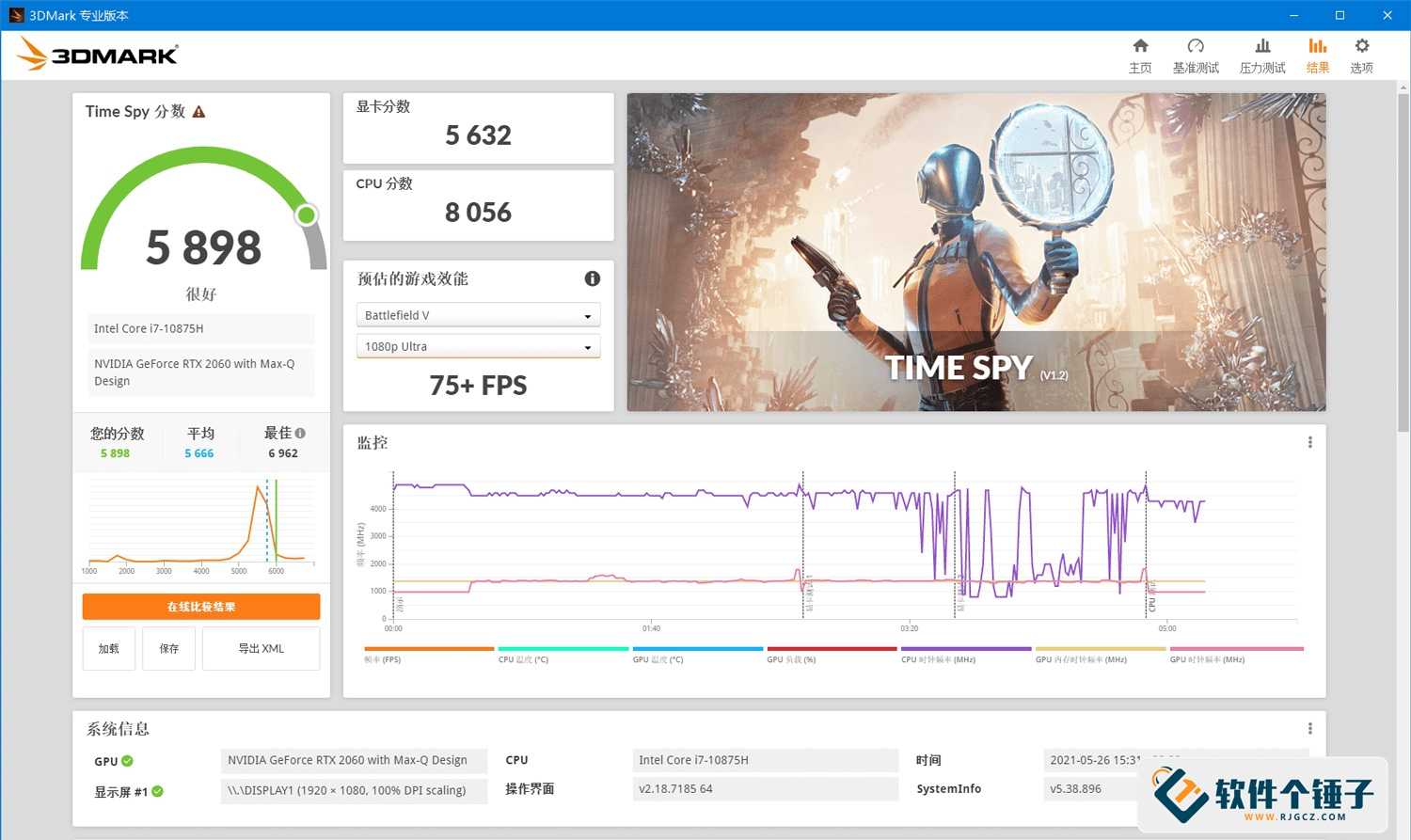
Think of it as a health check-up machine for your graphics card. It runs a series of highly realistic 3D game scenes to test how fast your GPU runs and how smooth the image is, and finally gives you a score together with detailed performance data. It also includes a stress-test mode that runs at full load for a long time, so you can see whether the GPU cooling holds up and whether drivers crash.
What can you do with it?
① Benchmark your GPU and see where it stands among peers
Pick the matching test (for DX11, DX12, or ray tracing), run it, and you get a score. You can compare scores online for the same hardware and tell at a glance whether your GPU is performing as expected.
② Stress-test to expose cooling problems and hidden hardware faults
The stress test keeps the GPU at full load for a long time, simulating a heavy gaming scene. If the cooling is poor, temperatures spike quickly and the card may even downclock; if it's a refurbished used card or has hidden faults, this stage tends to expose them. After one stress-test run, you'll know where you stand.
③ Frame rate and temperature logged throughout, data at a glance
During the run it plots real-time frame-rate and temperature curves, and logs CPU and GPU power draw. After the test you can inspect the minimum frame rate, average frame rate, and peak temperature across the whole session — far more informative than a single score.
Who is this software for?
It's a great fit if you're a DIY PC builder, a gamer, or just bought a new GPU and want to verify its performance. It's also an excellent way to check a secondhand GPU: run a stress test on it first. PC repair technicians and hardware reviewers rely on it too.
In short
3DMark is a professional GPU benchmarking tool that scores your card, stress-tests it, and logs temperature and frame rate, giving you a complete picture of the GPU's real performance. Whether you're inspecting a new card or diagnosing an old one, it's a very useful reference tool.










