




















Key Features
\ \- \
\
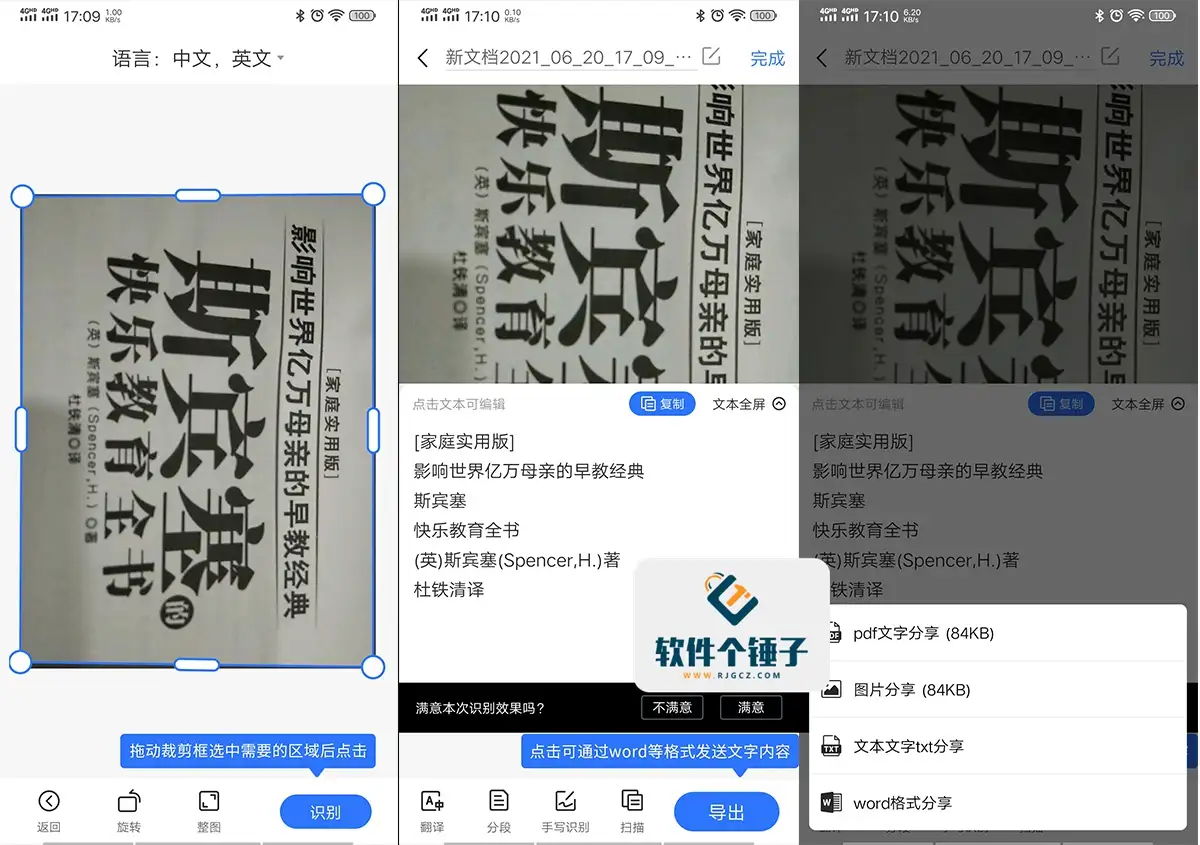
- Photo scanning and document recognition: Photograph with your phone and OCR auto-converts text to editable documents. Its smart OCR is highly accurate, supporting single and multi-shot burst modes. \ \
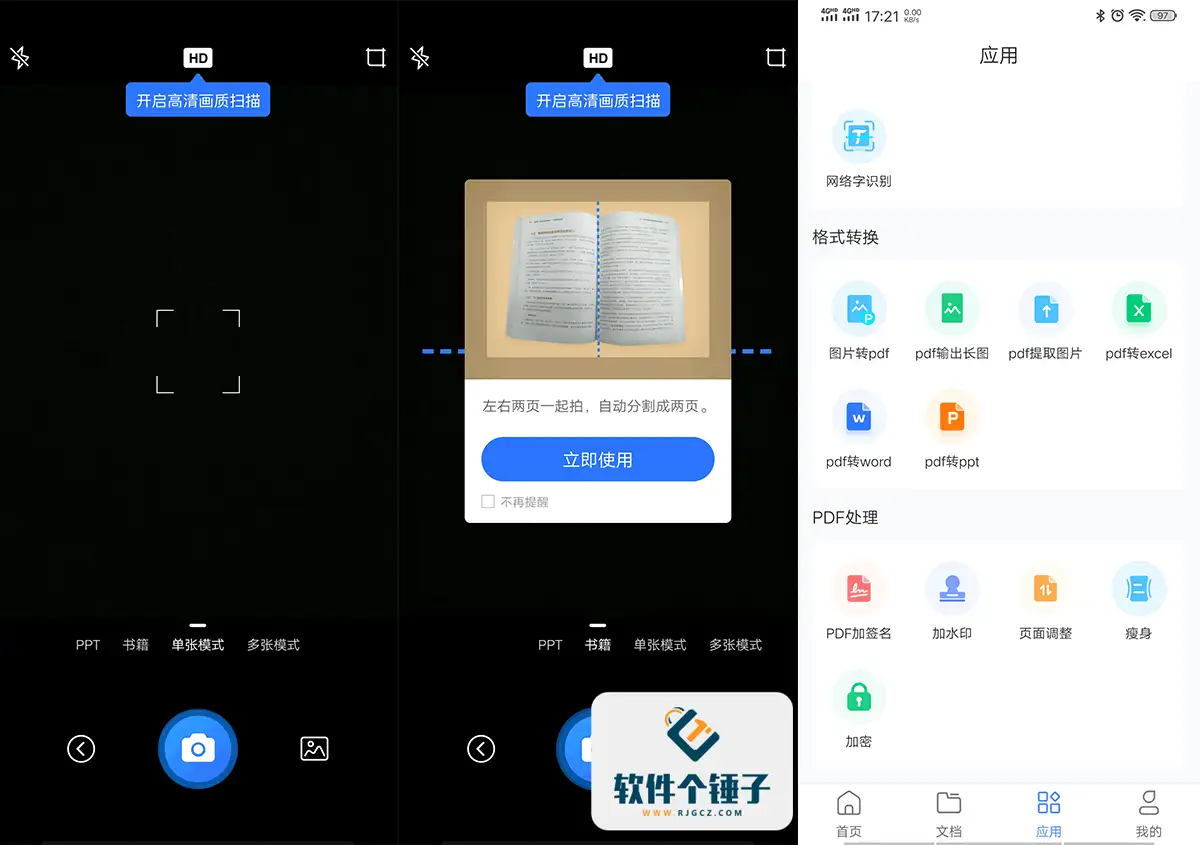
- Book scanning and recognition: Shoot both left and right pages at once, automatically split into two pages — simple to operate and highly efficient. \ \
- Photo translation: It recognizes and auto-translates multi-language photos — Chinese, English, Japanese, Korean, French, German, Spanish and more. \ \
- ID photo shooting and production: Provides multiple ID photo templates, supporting quick shooting and production of various common ID photos. \ \
- Old photo restoration: Provides HD detail restoration, black-and-white photo colorization, scratch and damage repair, and more — one-tap smart restoration of old photos. \ \
- Photo object recognition: Take a photo to automatically recognize objects, and jump to related encyclopedia pages to learn more. \ \
- Printed/handwritten/web text recognition: Print, handwriting or web fonts — SaoMiaoJun recognizes accurately, removes black shadows, and makes printable B&W images. \ \
- Photo search for questions: Take a photo of a question to quickly find the corresponding question type and detailed answer explanations — a great study helper. \ \
- Format conversion: It converts among many formats — images to PDF, PDF to Word/Excel/PPT — easily handling file needs. \ \
- PDF attachment features: Provides PDF signature, watermark, page adjustment, encryption, compression and many other practical features. \ \
Related optimizations
\ \- \
\
- Perfect permissions — all features are free to use. \ \
- No login required — ready to use instantly, fast and convenient. \ \










