
















1堆photopiecefilenameallis乱code,want tobatchquantityplusordersignalsoget1sheetsheet改?
\ \Ever faced this: exporting photos from a camera or phone with names like _DSC0001, IMG_2025; or a pile of downloaded documents and music with long, messy names you want to rename as 'filename_01, filename_02' — doing it one by one is exhausting. Or you want to batch-delete certain characters from names, or prepend a date — Windows' built-in rename just isn't enough.
\ \itthenvideoa“file改nameflowwaterline”
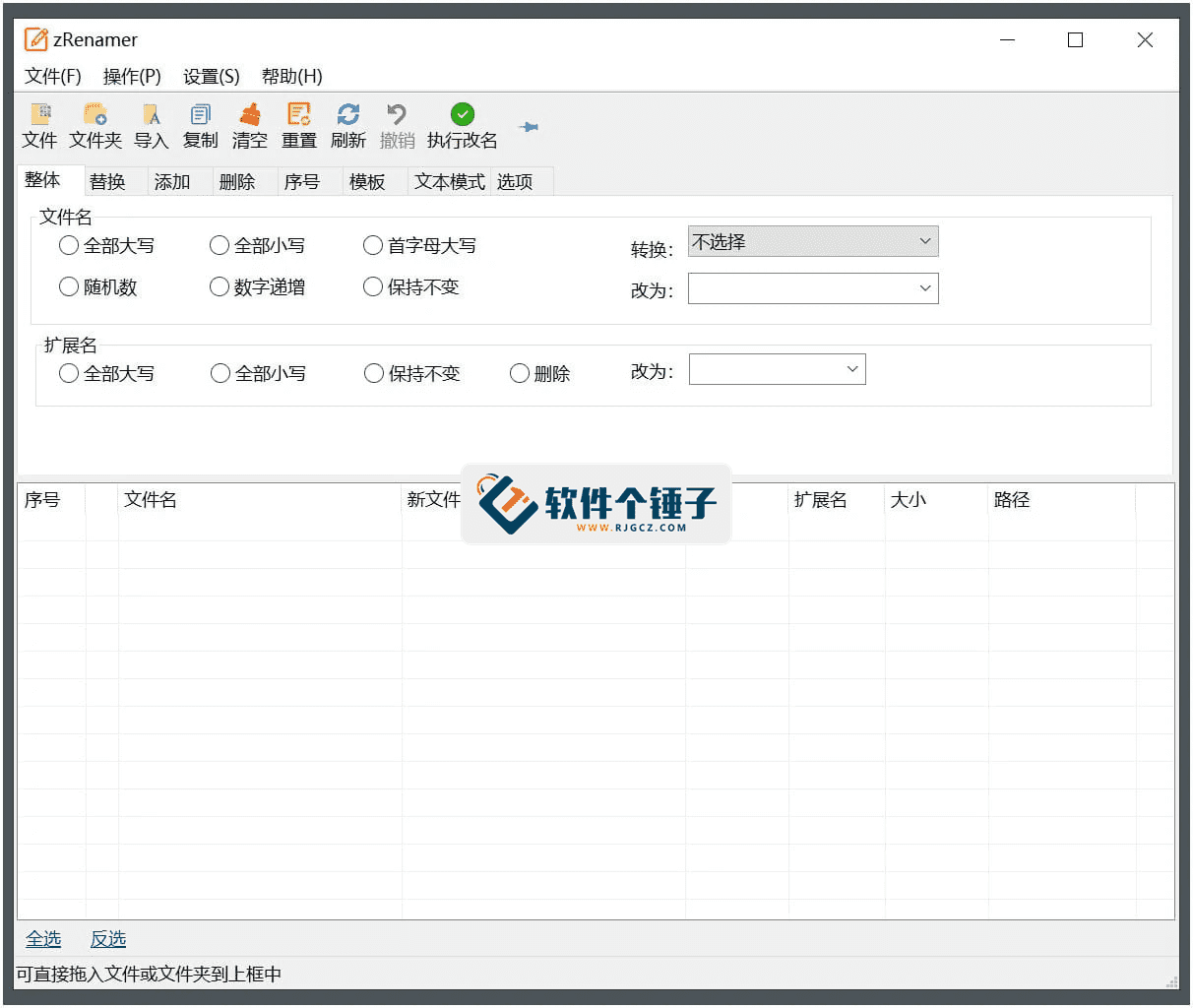
\ \zRenamer is basically a tool for batch renaming. Drag files in, pick your operation — add numbers, delete chars, replace text — and in seconds dozens or hundreds of files are renamed uniformly. The UI is intuitive and operation simple — no complex rules to learn.
\ \useit改filename,candowhichthing?
\ \① 9type改namemodel,basecopy覆盖placehasneeds
\ \It has 9 common renaming modes: numbering, insert, delete, replace and templates. Want filenames like 'project_001, project_002'? Pick numbering mode. Want to delete a specific word from filenames? Pick replace mode and replace that word with nothing. Each mode is intuitive, and you instantly preview the renamed result.
\ \② 拖拽operations,alsosupportright键dishorderandjustrule
\ \Drag files/folders right into the window, or right-click a folder and choose 'Send to zRenamer' to launch. If you know a little regex, you can do more precise replacements/deletions — e.g., batch-remove all digits from filenames, or keep only Chinese characters.
\ \③ lightskillthen携,oldcomputeralsocanflowsmoothtransportline
\ \It's tiny, install-free — just download, unzip and run. Compatible from Windows XP to 11, with light/dark themes for comfortable use.
\ \Who can make use of it?
\ \likeresultyouisphotographydivision、designdivision、Video editingdivision,classicnormalneedhandlebigquantityassetsfile,giveitplural统1fatenamedirectionthenmanagement,thistoolsverysoliduse。alsosuitable forthatsome喜happywholemanagecomputerfiletargetpeople—such asholddownloadtargetsoundjoybatchquantity改become”songhand-songsongname”targetformat,or-erhold1堆theorytextfile改become统1targetfatenamerulemodel。peacefultimeworklearnmidneedbatchquantity改filenametargetsceneclose,useitallcanprovincenotfewtimebetween。
\ \In summary
\ \\ \ \ \Drag in, pick the operation, click rename — zRenamer tidies a pile of messy filenames.










